

Online Payment: Match the Request to the Correct Order
Use the 55printing Online Payment page with the order email and order number available. Read the invoice or payment message, match it to the intended job, confirm the open balance with the displayed payment path, and use support when the reference does not match. Never send full card details by email or pay a duplicate request while the job identity is unresolved.
An order number identifies the print job, while an invoice or payment message may contain another reference used by the billing workflow. The current 55printing Online Payment page asks for the order email and offers an optional order-number confirmation before the customer chooses a displayed payment method. Match the references before payment and keep the proof status separate from the payment record.
What should you identify before opening payment?
Find the order confirmation email, the invoice or payment message, the order number, and the email address used for the job. Compare the product or job description and the balance context. If the message names a PR reference, treat that as a reference to reconcile with the order rather than assuming what the prefix means.
| Item | Question | Stop when |
|---|---|---|
| Order email | Is it the email used on the job? | The message goes to an unrelated inbox. |
| Order number | Does it identify the intended print job? | The job or product is unclear. |
| Invoice or request | Does it describe the balance or change? | The reference cannot be matched. |
| Payment page | Does the displayed path match the job? | The link is expired or unexpected. |
How should a PR reference and order number be compared?
Write the references side by side and compare the order email, job description, amount or balance shown by the trusted payment path, and the reason for the request. A PR prefix can be meaningful inside a particular billing message, but the public payment page evidence does not define every internal reference. Do not turn an unfamiliar label into a payment decision by guesswork.
- Locate the original order confirmation.
- Match the order number and email.
- Read the request or invoice description.
- Open the trusted payment route without editing references into a new message.
- Pause when identity or balance is inconsistent.
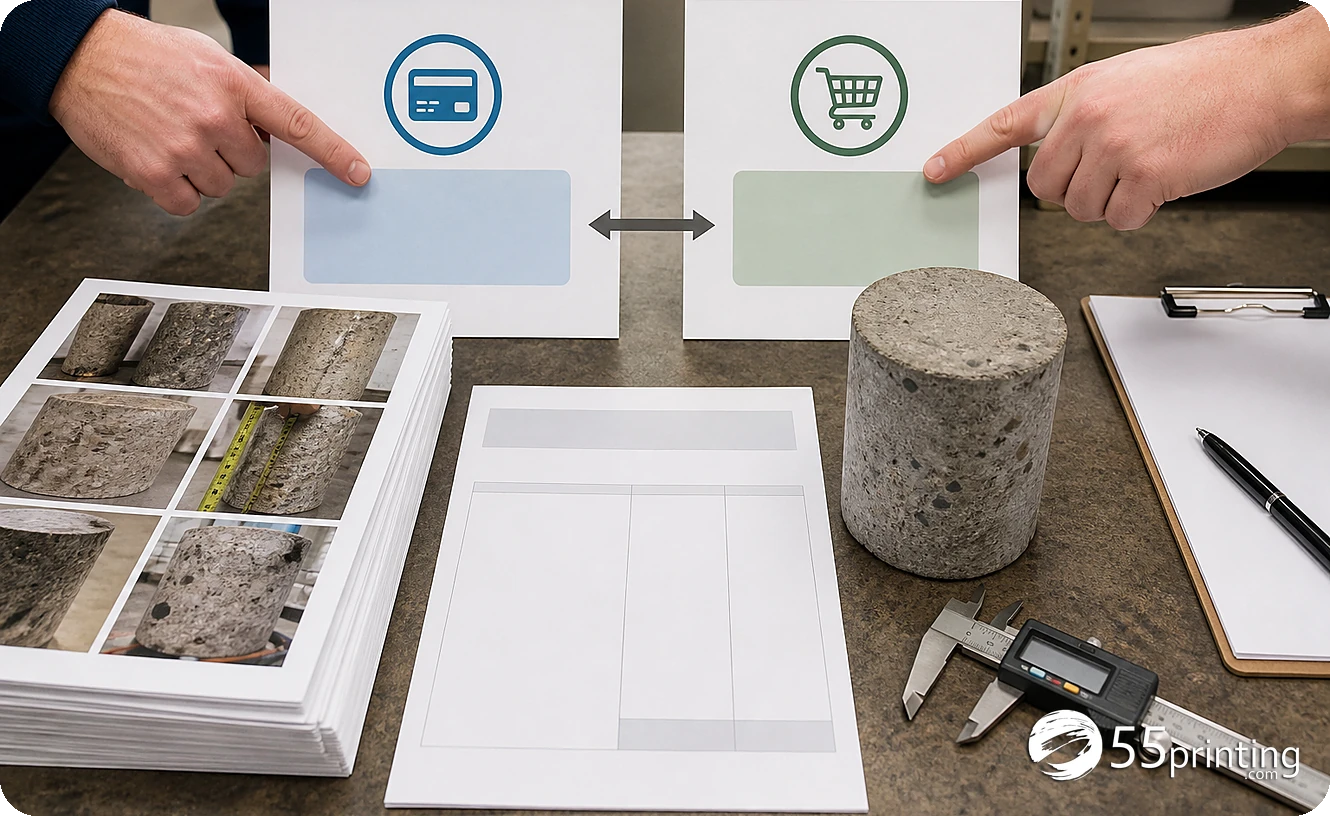
What does the current Online Payment page ask you to do?
The page describes an order-email step, an optional order-number confirmation, and a choice among the payment methods currently displayed there. Use the same email associated with the order. Keep the order number available because it helps connect the payment to the correct job, but do not paste full card numbers into an email, note, or support message.
For Pay Later work, the current page describes proof approval before the balance is sent. Review the free PDF proof and use the File Uploader for artwork context as needed. A proof decision, an upload note, and a payment record are different records.
When should you pause and contact support?
Pause when the order number does not match the message, the balance is unexpected, a payment link has expired, the job is not yours, or a previous payment may cover the same request. The current page directs customers to support with the order number for a resent link or billing help. Use the contact path named on the official site and share the minimum reference needed for matching.
Which payment situations need extra care?
Proof approved, balance due
Match the order email and number, confirm the balance displayed by the official route, and keep the proof version with the order record.
Payment link expired
Do not create a substitute link from an old message. Use the official support path with the order number to request the current route.
Unexpected change request
Compare the request description with the job and ask support to reconcile the reference before payment. Keep the order number and invoice message, but omit full card data.
Questions customers ask
What is an order number used for?
An order number identifies the print job and helps the payment page or support team connect a balance to the correct record. Compare it with the order email and job description before choosing a payment path. Keep the same number in your private job notes.
What should I do with a PR reference?
Read the message that contains it and compare the reference with the order number, email, job description, and balance context. The public payment page does not define every internal prefix, so pause and ask support when the meaning or match is unclear.
Can I pay a request without the order number?
The current page describes order-number confirmation as optional, but the number helps connect payment to the correct job. Keep it available and pause when the email, job, or balance cannot be matched with confidence. This reduces the chance of attaching payment to another order.
How do I avoid paying twice?
Compare the request with the original order and payment history, then use the official payment path for the open balance. If a previous payment may cover the same request, stop and ask support to reconcile the records before sending another payment.
What if the payment link expired?
Do not rely on an old or altered link. The current Online Payment page says to contact support with the order number so a payment link can be resent or the balance can be matched. Use the official site rather than an unrelated message.
Can a proof replace the payment confirmation?
No. A proof records a proposed artwork review, while payment records a billing action. For Pay Later work, review the approved proof first, then keep the order number and payment confirmation with the job record. Neither record replaces the other.
Which card details should I email?
Do not email full card numbers or similar sensitive payment data. The current payment page says secure checkout providers handle payments and directs billing questions to support. Share the order reference needed for matching, not card credentials. Use the secure page for payment entry.
What should I ask support?
Name the order number, order email, message reference, and the reason the balance or link is unclear. Ask support to confirm the correct secure payment path. Keep the request focused and leave full card details out of the message. Mention whether a proof was approved.
Keep the order email and number ready, compare the request, and pause when the balance or link does not match.