

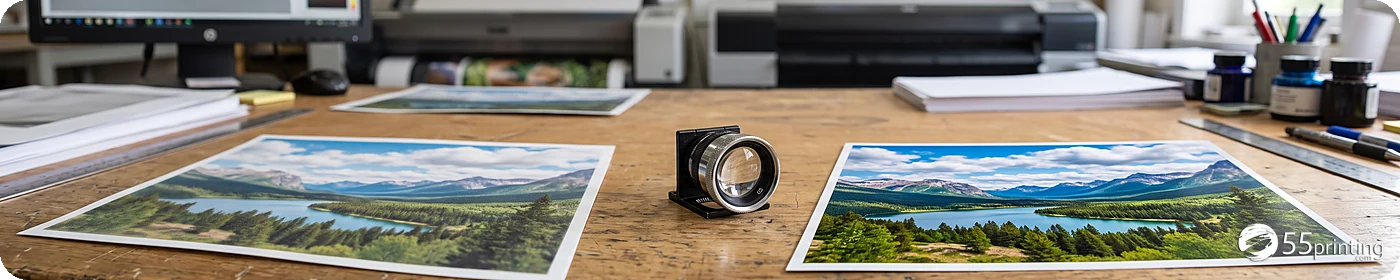
What this print quality tool can improve
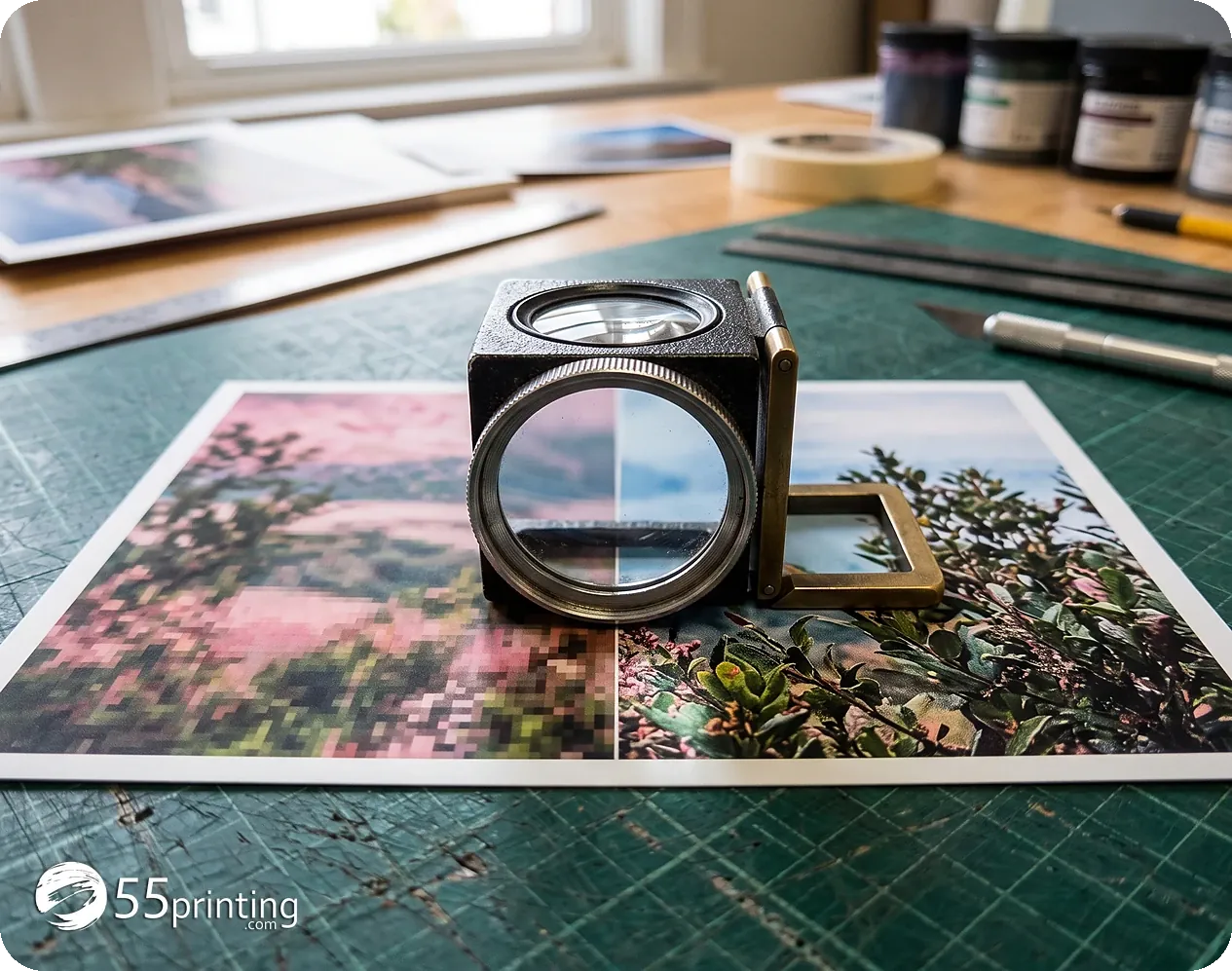
A large file is not automatically a sharp file. A JPG may contain millions of pixels while its letters still look soft because it was compressed, enlarged earlier, exported at low quality, or flattened from a screenshot. This tool inspects the actual artwork instead of trusting the file size or a DPI label. It measures useful resolution, edge strength, blur, compression artifacts, contrast, page dimensions, and whether a PDF still contains real vector text.
Vector content stays vector
If a PDF already contains clean fonts, lines, and shapes, the worker protects those objects. It does not flatten a good PDF just to claim a higher DPI number.
Raster artwork gets careful restoration
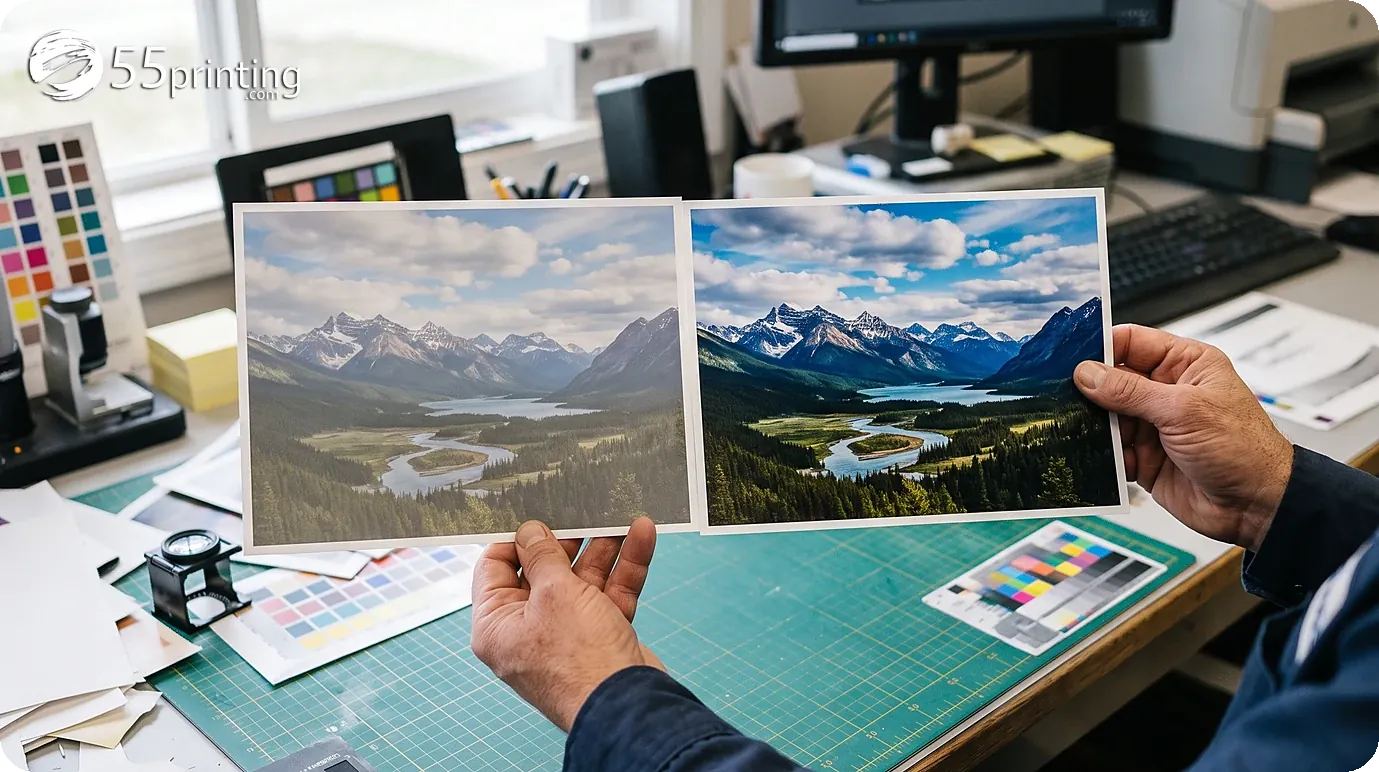
Photos and flattened designs can receive controlled denoising, deblocking, edge-preserving enlargement, contrast correction, and sharpening. The process avoids bright halos and exaggerated outlines that can make printed artwork look worse.
Blurry text gets a safer rescue path
Text Rescue uses offline OCR on the private 55printing worker. You confirm uncertain words, then the worker wipes the soft letter boxes and redraws crisp TrueType text into the download file. No external AI image service receives the file.
Honest limits protect your artwork
No software can recover a missing letter with certainty when the original pixels no longer contain enough information. For that reason, the enhancer reports what it changed, flags uncertain text, and keeps the source dimensions truthful. It will not quietly invent a phone number, price, URL, name, or promotion. For extremely damaged artwork, the safest next step may still be obtaining the original design file or having a prepress specialist rebuild it.
When to enhance and when to ask for the original
| The file | Try | Do not expect |
|---|---|---|
| A JPG soft from compression | Safe Enhance | New letters that were not in the pixels |
| Blurry type you can still read | Text Rescue, then confirm every word | An invented phone number or price |
| A PDF with real fonts | Leave the vectors alone | A higher DPI number from flattening the file |
Questions before you enhance a file
Does this send my file to an outside AI?
No. Safe Enhance and Text Rescue run on the private 55printing worker. No outside image service receives the file. The job uses a random id and is removed after the short download window. Do not upload medical papers or payment data. If the file is confidential in another way, ask the team to review it through File Uploader instead of leaving it in an email thread.
Is a large file already sharp?
No. A JPG can hold millions of pixels and still look soft because it was compressed, enlarged earlier, exported at low quality, or flattened from a screenshot. This step looks at the art, not the DPI label or the file weight. It measures useful resolution, edge strength, blur, compression blocks, contrast, and whether a PDF still contains real vector text.
Does Safe Enhance change the words?
It does not rewrite the type. It reduces compression damage, restores edges, and improves clarity without moving the words somewhere else. It cannot create a letter that is no longer in the pixels. If a phone number or a price looks doubtful, do not treat it as corrected. Ask for the original design file, or use Text Rescue and confirm every word yourself.
What does Text Rescue do?
It reads the file with OCR on the private worker, shows you the uncertain words, and when you continue it wipes those soft boxes and draws crisp TrueType text into the download. You confirm the words before they are redrawn. The software does not invent a price, a phone number, an address, or a name. If a word is still wrong after your correction, do not use that download on an order.
Should I choose 600 DPI?
Choose 600 DPI only when the art is soft or low resolution. A PDF that already has clean fonts and lines should not be flattened to claim a higher number. The native-pixel choice tags 300 DPI without softening a file that is already sharp. The page size stays honest. A higher DPI number does not turn a screenshot into press art.
Which format should I download?
Choose the print-ready PDF when the file is going on an order or a proof. Choose the source format when you only want to compare sharpness with the file you uploaded. PNG and TIFF help when you need a picture without JPG compression. The PDF is still the file to send to press when the job has several pages or must keep its page size.
Is there a use limit?
Public use is one file per minute, up to 15 MB. That keeps the worker available for other customers. If the file is heavier, or if you need a person to rebuild the type, upload it through File Uploader and the team reviews it at no charge. Name the finished size and say whether the words must stay exactly as they are.
Does the download replace my original?
No. You download a new file. The file on your computer is not erased. Open the two together and look at one phone number, one price, and one edge before you replace the file on an order. If the download looks sharper but a word changed, use the original and ask for the design file. This step is not a color proof and it is not a promise that the cutter will hit the mark.