

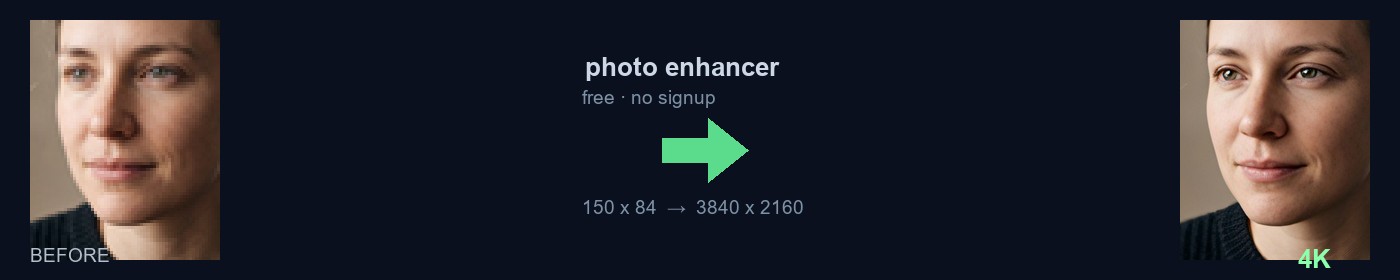
What this photo enhancer does
The only decent photo of your grandmother is a 120 pixel crop from an old WhatsApp thread, and the memorial print is due Friday. Or your realtor sent a listing where the living room looks grainy and soft. Those are the real jobs that reach this free photo enhancer: a small image that has to survive a large print, not a perfect photo that needs retouching.
A small photo does not have the pixels to stay sharp when it is enlarged. This photo enhancer passes your image through a chain of models that enlarge the picture, rebuild fine detail, and focus the final frame up to a 4K size. When a person is in the photo, a dedicated face model rebuilds the detected faces: eyes, lashes, skin, and hair read like a real photograph again instead of a soft block.
The job runs on the private 55printing worker, the same machine our prepress team uses every day. Your photo is not sent to an outside AI service and the temporary files delete themselves after the download. The original on your phone or computer is never touched, and the download carries no 55printing watermark.
How the private worker rebuilds a small photo
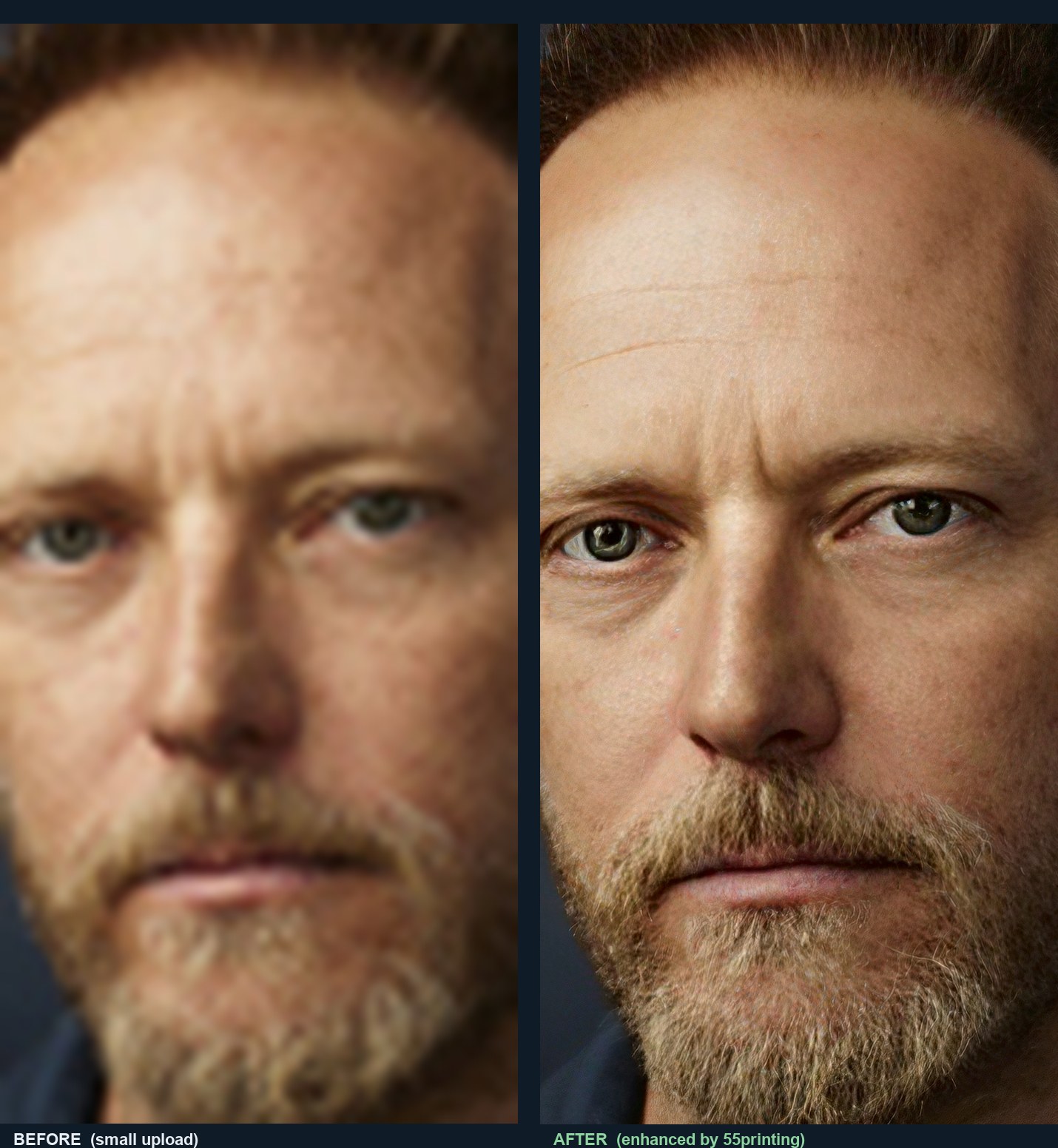
It is not a single sharpen button. The photo passes through a chain of stages in order: first an enlargement model multiplies the resolution, then a detail model recovers fine texture, then a face specialist model rebuilds every detected face working only inside the face region, and a final mathematical focus pass cleans the blur that resizing leaves behind. Your file color and aspect are preserved through the whole run; only the amount of visible detail changes.
The human eye judges a face by the eyes first. That is why the face model was trained on real portraits: irises, lashes, and brows read again like real hair and skin, not glossy smudges. On a very small photo the model has to infer part of that detail, so the result is a very close reconstruction, not a new photograph. That honest difference matters when the face goes on an ID card, a memorial, or a license.
What it enhances and what it cannot invent
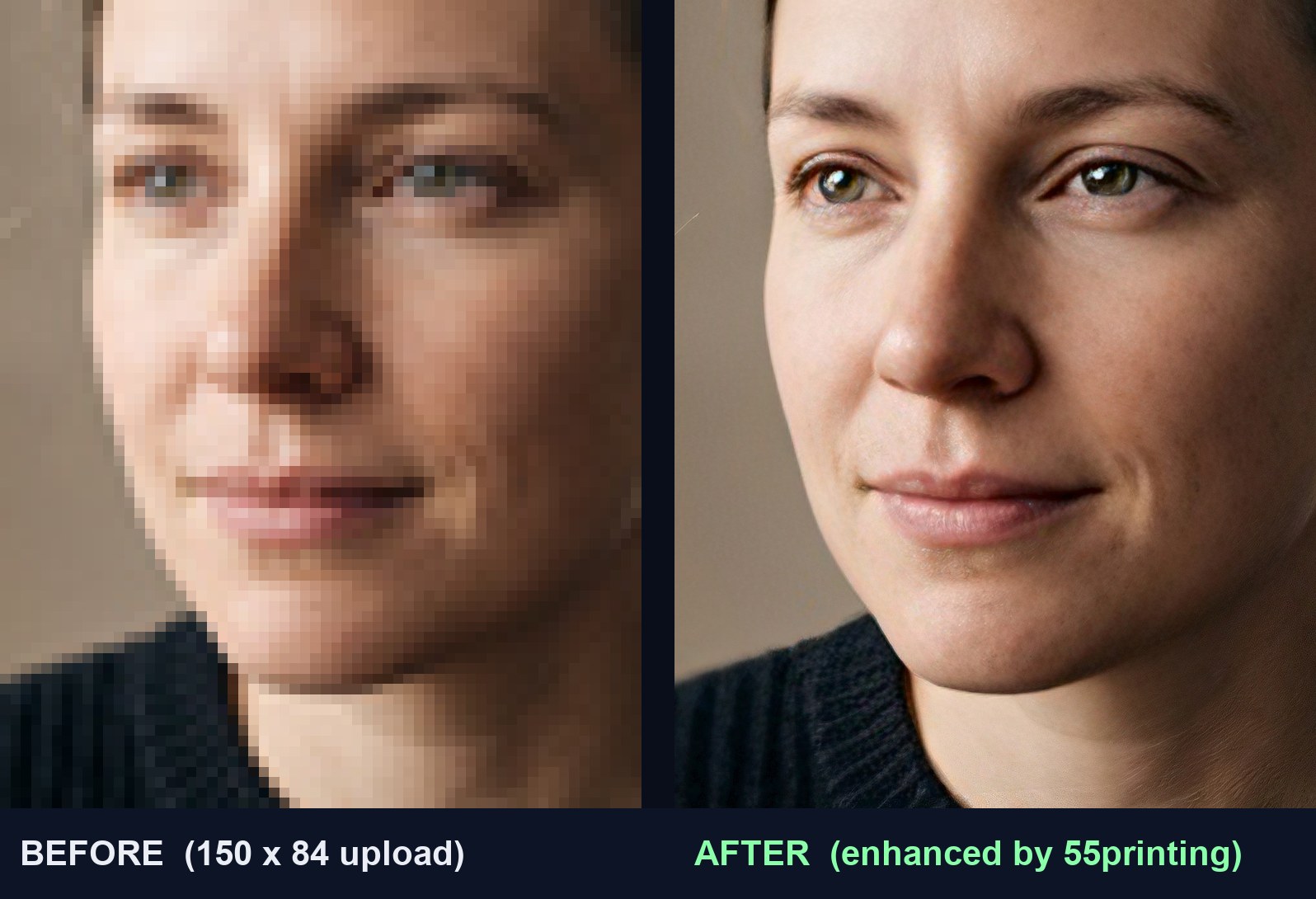
The honest rule: the enhancer enlarges and focuses what sits in the pixels, and the face model rebuilds a plausible face where there were only blocks. Neither knows anything the photo does not contain. This table separates real work from promises no serious tool should make.
| It enhances | It does not promise |
|---|---|
| Small faces: eyes, skin, hair, and teeth rebuilt by the face model. | It does not promise the rebuilt person is identical to the original. Compare it before printing. |
| Fine texture: beard, fabric, grass, pet fur, wood grain. | It does not recover text that already disappeared; use the Text Recovery tool for lettering. |
| Old phone photos, screenshots, pictures saved from WhatsApp or social media. | It does not fix a photo with severe motion blur or a completely black scene. |
| Enlarges up to a 4K frame while keeping the original shape and color. | It is not a color proof and not a promise the cutter will hit the mark. For that see the color profile check. |
The honest limit is the source: if the photo is a 30 pixel smudge or a shadow with no light in it, the result will be a larger picture of that smudge, not the photo you hoped for. When the source is too poor to trust the rebuilt face, upload the file through the File Uploader and a prepress person will tell you the truth before you pay for a print.
How to enhance photo quality
The whole run takes under two minutes for a typical photo and asks for no account or signup. These are the exact steps the form above performs.
- Drop or paste the JPG, PNG, WebP, or TIFF photo. Up to 15 MB on public use.
- Press Enhance This Photo. The file travels encrypted to the worker, which queues the job.
- Wait for the bar to reach 100. The worker enlarges, rebuilds faces, and focuses the frame.
- Download the 4K file and open it beside the original. Look at the eyes and texture at real size before sending it to print.
Enhance photo quality on iPhone, Android, or a work computer
There is no app to install and nothing to pay. On an iPhone open this page in Safari, tap the drop zone, and pick the photo from your library; on Android it works the same from Chrome. The processing runs on our worker, not your phone, so a photo from an old handset gets the same 4K pass as one from a new desktop. The download lands in the phone files folder, ready to send to print or share.
From a computer you can drag the file straight in, or use the Paste photo button when the image sits on the clipboard from an email or a screenshot. The same rules apply on every device: one photo per minute on public use, 15 MB per file.
This free enhancer vs Photoshop, Canva, and one-click AI sites
People search how to enhance photo quality in Photoshop or Canva because those are the tools they already know. They are fine options if you already pay for the license and know the workflow. The difference here is cost, privacy, and zero learning curve: the whole chain runs on our machine with the settings our prepress bench already chose.
| Option | Cost and signup | Where your photo goes |
|---|---|---|
| This 55printing enhancer | Free, no account, no watermark. | Private 55printing worker; automatic deletion. |
| Photoshop (Super Resolution / Camera Raw) | Monthly subscription; requires learning the tool. | Stays on your computer (local processing). |
| Canva / phone apps | Real enhancement usually sits behind a paid plan or caps. | Provider servers under their terms. |
| One-click AI sites | Free with watermark or low resolution; paid for 4K. | Outside AI services, sometimes used for training. |
When the prepress team should do it for you
Use the We will do it for you option on this form, or the File Uploader, when the face must stay exactly the same, when the photo goes on a paid large print, or when there are many photos. The team runs the same chain with human review and sends back a press-ready file at no extra charge. When you want it printed afterward, the file drops straight into posters, canvas prints, business cards, or flyers, and the free digital proof shows the result before anything prints.
More free tools from the same workbench
The same worker feeds the rest of the free-tool bench: the Artwork Quality Enhancer for whole print files and PDFs, the Text Recovery tool for blurry lettering, the CMYK or RGB color check, the AI Uncrop for extending the canvas, the QR Code Scanner, the Grammar Check, PDF to JPG, Merge to PDF, Word to PDF, and the official Guideline Templates for every product.
Frequently asked questions
Does this send my photo to an outside AI?
Not for the public. The whole job runs on the private 55printing worker: the enlargement and face models live on that machine, not on a third-party service. Your photo is stored in a protected temporary folder, processed, and deleted by itself after the download. Only signed-in staff may choose a cloud engine, and even then the local recipe finishes the job if the provider fails.
Is it really free with no signup and no watermark?
Yes. Public use is free and asks for no account, email, or card, and the download carries no 55printing watermark and no resolution cut. The limit is fair use: one photo per minute, up to 15 MB, with a daily cap so the worker stays free for everyone. The sample pictures on this page do carry our mark so they cannot be reused as stock; your job file does not.
Will the enhanced person look identical to the original?
The enhancement rebuilds eyes, skin, and features so they read sharp at large size. With a very small source the model infers part of the detail, so a very close likeness is normal but not guaranteed. Open the download beside the original and compare the eyes and teeth before using it on an order, an ID card, or a memorial print. If the face is not convincing, use the original.
How small can the photo be?
The best starting point is a photo where the face is at least about 40 pixels tall. Below that the model has to invent more detail and the result can start to look painted. Photos around 100 to 500 pixels gain the most: they already carry the real shape and color and only lack sharpness. If the image is a screenshot of a screenshot, the noise gets enlarged too.
How do I enhance photo quality on my iPhone?
Open this page in Safari, tap the drop zone, and pick the photo from your library or files. There is no app to install. The processing runs on our worker, so the iPhone only uploads the photo and receives the 4K download in the files folder. On Android it works the same from Chrome. Have the original file handy, not a screenshot of the photo.
Can AI really enhance photo quality, or is it just a filter?
A filter only stretches contrast or unsharp-masks what already exists. This chain does use trained models that rebuild detail: the enlarger infers missing texture and the face model redraws eyes and skin that were blocks in the source. The honest part is that rebuilt detail is a very good inference, not recovered information: that is why we ask you to compare the download before using it on anything important.
Can I fix blurry text with this tool?
It can help when the lettering is still readable, since the focus pass cleans the edges. But once letters have dissolved into smudges no model knows what they said. For that case use the free Low-Res Text Recovery tool: it reads the file, shows you the uncertain words, and draws crisp text after you confirm each word.
Which formats does it accept and download?
It accepts JPG, PNG, WebP, and TIFF up to 15 MB on public use. The download is a 4K JPG (the longest side reaches about 3840 pixels), which is the right file for an enhanced photo. If the file is a multi-page PDF or must keep its page size for press, use the Artwork Quality Enhancer, which returns a print-ready PDF.
Does it change the color or shape of the photo?
No. The chain works on the luminance of the image and leaves the original file color untouched, and the frame keeps your photo aspect: a portrait stays portrait, a landscape stays landscape. What changes is the amount of visible detail at large size. The enhanced photo is not stretched, cropped, or reframed.
Can the enhanced photo be used for a poster or large print?
That is exactly the case it was built for. A download with a 3840 pixel long side gives about 12 to 13 inches at 300 DPI, and more when the poster is viewed from a distance, which is how posters are viewed. Before paying for a large print, run the file through the print preflight tool or upload it through the File Uploader so a person can review it free.
Is there a use limit?
Public use is one photo per minute, up to 15 MB, with a daily cap so the worker stays available for other customers. Heavier photos, batches, or jobs where a person should review the face are handled through the File Uploader at no charge: upload the photo, name the finished size, and say whether the face must stay exactly the same.
Does the download replace my original photo?
No. You download a new file and the original on your device is not deleted or modified. Keep both and compare at real size before replacing the file on an order or a large print. This step improves sharpness; it is not a color proof and it does not guarantee the cutter will hit the margin.