Use this print resolution checker to measure the detail left at your actual print size. Choose one JPG, PNG, WebP or PDF, enter the finished dimensions, and read effective PPI, size fit and color signals. You get 3 free checks per network each day. Your file is not changed or retained. Bleed, safe zones, source blur and final press approval still need review.
Method: pixel and placement measurements, with 55printing prepress guidance. Updated October 4, 2026.
ONE FILE · NO SIGNUP
Check at the size you will actually print
3 free checks per network per UTC day.
Why do pixels matter more than the DPI label?
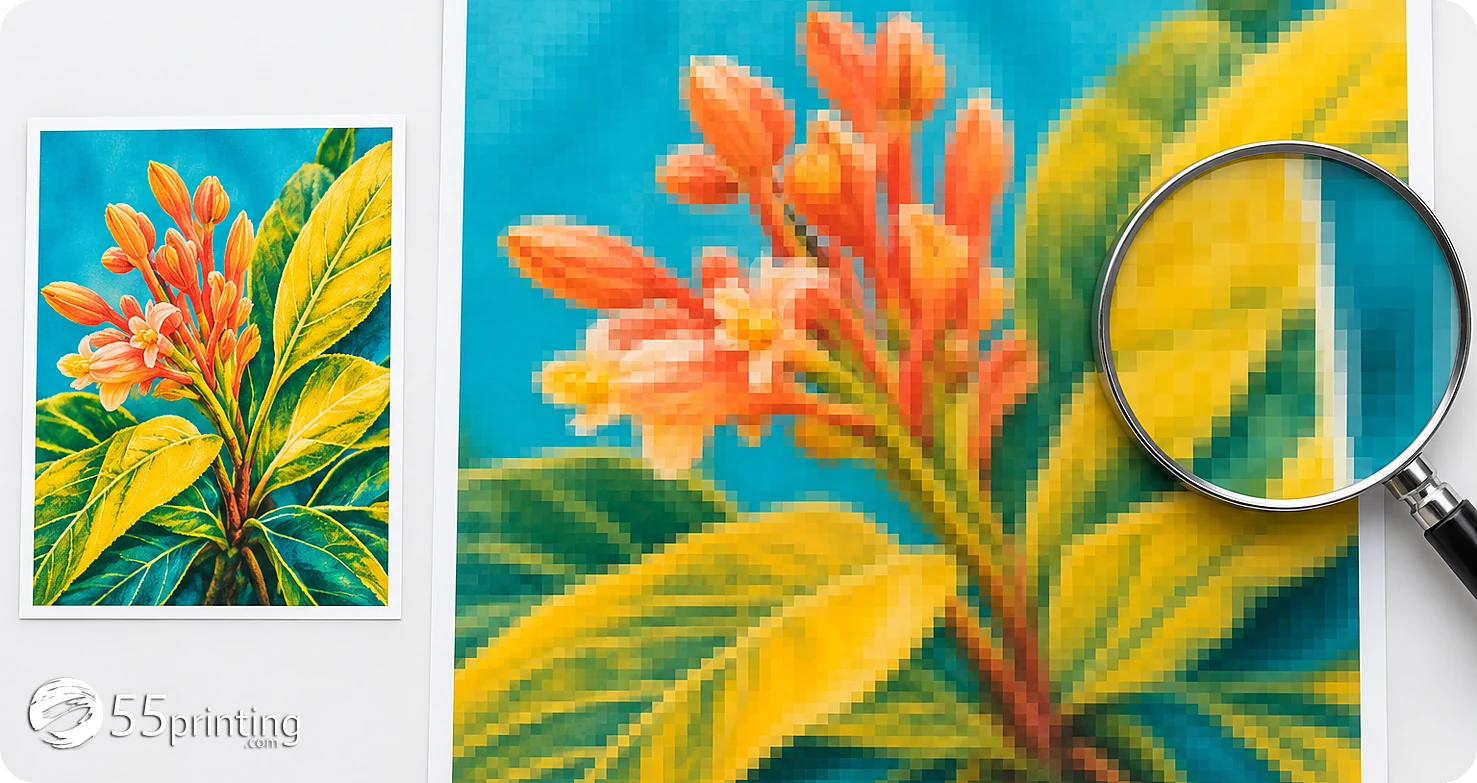
Same source, larger print: every pixel covers more paper. The scene illustrates the trade-off, not a tested customer print.
A 6" × 4" postcard and a 12" × 8" poster can use the same image. The larger piece needs 4 times the image pixels to preserve the same detail in both directions. Doubling width halves PPI. Doubling height halves it again along that axis, but the PPI itself is 150, not 75, when a 300-PPI image doubles in both directions.
The print resolution checker uses this relationship: image pixels divided by the inches occupied on paper. It preserves the source proportions. With Fit, the short side can leave an empty margin. With Fill, the image extends past the canvas and loses edge content. A safe resolution figure cannot make a cropped phone number acceptable. Read the size-fit finding before choosing a fix.
Calculated examples, no bleed or cropping
Source pixels
Print size
PPI
Decision
1800 × 1200
6" × 4"
300
Meets 300-PPI pixel target
1800 × 1200
12" × 8"
150
More suitable for distance viewing
600 × 400
6" × 4"
100
Find a sharper original
2550 × 3300
8.5" × 11"
300
Letter-size pixel target met
PPI means pixels per inch in the artwork. Printer DPI describes dots the output device makes. They are not interchangeable specifications. Adobe explains the relationship between pixels, print dimensions and resolution in its image size and resolution reference.
What does the print resolution checker actually measure?
Raster images: actual pixel dimensions
JPG, PNG and WebP files are decoded to their pixel dimensions. The server corroborates the image format and dimensions before counting a completed check. Camera orientation can swap width and height. Choose the orientation you intend to print, then compare the preview with the source. Transparencies and browser color rendering are not press proofs.
PDFs: image pixels at their placed size
A PDF page has physical dimensions, but its photos may be placed at very different scales. The checker follows standard image-placement transforms, including rotations and nested form transforms. It adjusts for the selected final canvas. It never assigns 72 DPI to a vector page or measures a screenshot as if it were the original photo.
PDF masks, optimized repeating image groups, unusual image objects and damaged documents can prevent complete measurement. Those findings stay marked for manual review. No raster images measured means exactly that, not proof that every mark is vector. Live text is reported as a PDF feature, not as confirmation that every font is embedded. Files needing an opening password must be exported unlocked.
The color reading comes from the existing byte inspector, not from the preview colors. Its signals can identify RGB, CMYK, mixed content and embedded ICC profiles when the file exposes them. A PDF signal is not a complete object-by-object audit. Digital color copies at 55printing stay RGB. Offset files need the verified GRACoL2006_Coated1v2 profile. This tool neither converts nor retags the file.
How do you turn a warning into the right file fix?
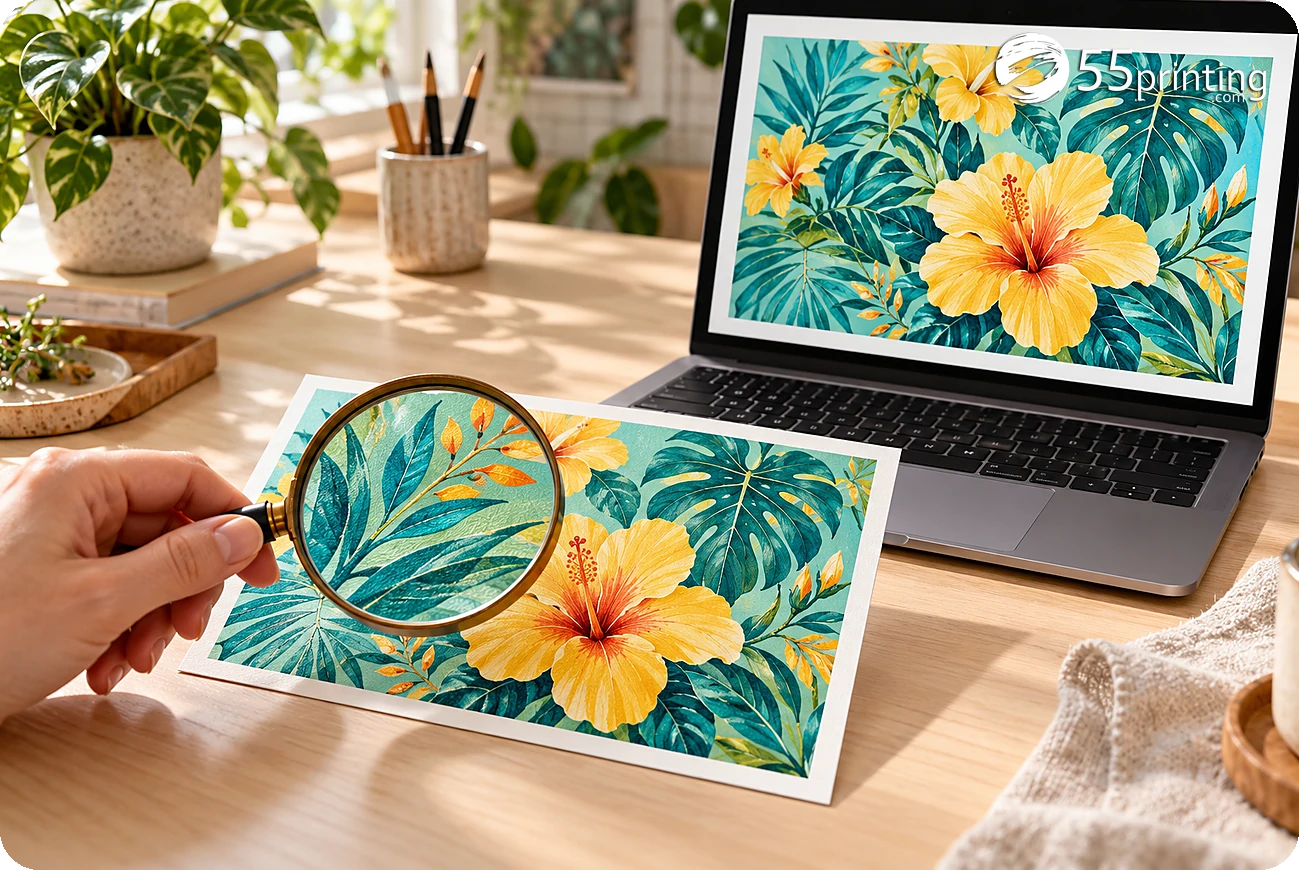
Review the original and the finished dimensions together. This illustrative scene is not an official production template.
Low PPI: recover the source first. Ask for the original camera file, vector logo or full-size design export. A screenshot often discards detail before you even choose a print size. If no better source exists, reduce the physical size or request a reviewed rebuild.
Size mismatch: choose the intended crop. Do not stretch faces or logos to force a fit. Compare Fit and Fill calculations. Move essential content inward in the original design if a crop is intended, then export and check the new file.
Bleed or safe-zone doubt: open the official template. The exact product, dimensions, orientation and finishing decide the guide. This tool does not draw a substitute. A background reaching an image edge is not evidence that it covers the correct bleed area.
Color or PDF uncertainty: request prepress review. Keep the untouched original. Tell the team the print process and finished size. A profile name alone does not settle ink coverage, overprint, font embedding or a visual color match.
A practical comparison: a photo with 1800 × 1200 real pixels passes the 300-PPI target at 6" × 4" without bleed. Adding 0.125" on each edge makes the canvas 6.25" × 4.25". With Fill, it now measures about 282 PPI and crops a little from the width. The file did not get worse; the requested coverage got larger.
Keep a checklist beside the report
Download the printable checklist for size, original detail, official guidelines and final human review. It is a worksheet, not a drawn bleed template or a certificate. It includes both English and Spanish.
Start with the pixels and the intended finished size. A 1800 × 1200 image placed at 6" × 4" provides 300 PPI before bleed. The same file at 12" × 8" provides 150 PPI. Check the original at that size too: motion blur, compression, soft focus and damaged letters can remain even when the pixel count meets the target.
Is a 300 DPI label enough for good printing?
No. A resolution label describes a requested relationship between pixels and inches. It does not create detail. A 600 × 400 image still has 600 × 400 pixels after someone changes its label to 300 DPI without resampling. At 6" × 4", it supplies only 100 PPI. Find a larger original, use a smaller piece, or rebuild the design.
Does a PDF have one DPI value for the whole document?
Usually not. A PDF can hold live text, vector paths, and several images placed at different sizes. Each raster placement has its own effective resolution. Print Clear measures standard image placements on up to 20 pages and reports the lowest measured PPI per page. Unmeasured masks or grouped images trigger a partial-scan warning. A rendered preview is never used as the source DPI.
Can I use 150 PPI for a banner?
150 PPI is a planning target for large artwork viewed farther away, not a universal acceptance rule. Fine text, small QR codes, close viewing and the actual press can require more detail. A 72" × 36" image needs 10800 × 5400 pixels for 150 PPI without bleed. That exceeds this tool's 40-megapixel image limit, so use a PDF or request team review.
Does this checker add bleed or certify the safe zone?
No. The bleed amount you enter expands the canvas used for the resolution calculation. It does not add pixels, inspect PDF TrimBox or BleedBox, or decide whether a name sits too close to the cut. Open the exact official guideline for the product and size. Confirm background coverage, trim, safe area, folds and finishing against that file before approving a proof.
Will AI enlargement make my file print-ready?
Not by itself. Enlargement can create plausible edges without recovering the original information. It can change a digit, logo, face, texture or QR pattern. Check the result at the real print size and compare it with the original. Prefer a vector logo or a fresh export when available. Use our separate enhancement tool only when that trade-off fits the artwork.
Are my files kept, changed or sent to an AI service?
The checker does not retain or alter artwork and does not call an AI service. Your browser reads resolution and creates the preview locally. One file is sent over HTTPS to 55printing for a byte-level color read, using temporary upload storage that is deleted during the request. Only a hashed network key and daily count remain for the limit. Downloaded reports stay with you.
How do the three free daily uses work?
The public limit is 3 completed checks per network each UTC day. It resets at 00:00 UTC, not midnight in every local timezone. People sharing an office or home connection share that allowance. Reloading the page does not reset it. Invalid files rejected before the report do not consume a check. Administrators have a verified testing bypass; public visitors do not.
Should I choose Fit or Fill for my print size?
Choose Fit to preserve all of the image, accepting uncovered margins when the shapes differ. Choose Fill only when edge cropping is intended. A square photo cannot fill a 6" × 4" rectangle without cropping or distortion. Print Clear preserves proportions in both calculations, reports the uncovered or cropped area, and never applies either operation to your file.
Can a green resolution result replace a human proof?
No. A green measurement means the measured raster detail meets the selected planning target. It says nothing about correct spelling, meaningful QR destinations, missing fonts, overprint, folded-panel order, source blur or safe-zone placement. Choose Human Manual Digital Proofing when ordering if you want that review path. Keep the final product guideline beside the proof and check the actual text before approving.
Take the finding to the right next step
Choose a sharper source before running another check. When the original is ready, match its product and exact template. Use a human proof for the checks this tool cannot settle. A measured result is useful because it shows the decision, not because it claims to replace the print team.
The same pixels change their answer when the print size changes
A 1800 × 1200 photograph supplies 300 PPI at 6 × 4 inches, but only 150 PPI at 12 × 8 inches. That is the file-intake question Print Clear is built to answer. It measures the original pixel count and the size you request; it does not sharpen the design, invent missing letters or approve a production proof.
Keep the original beside the result. A PDF may mix text, vectors and several raster placements, so each image can have a different resolution. A partial scan remains a warning, not a green approval. We will improve the checker through verified file cases rather than promise that one number catches every print problem.
Does Print Clear replace the 55printing prepress review?
No. It supplies pixel and placement measurements for an early file decision. The actual job still needs the correct product guideline, finished dimensions, color process, readable text and a human proof where requested. A green resolution result does not certify bleed, fonts, QR destinations, overprint or visual sharpness.
Use the right bench for the warning you receive
Print Clear answers size and detail. Color Profile Check reads ICC and color signals. QR Scanner tests whether the actual code decodes. Official Guideline Templates establish the product-specific bleed and safe zones. Take an uncertain result to the File Uploader for human review instead of treating an automatic measurement as final permission to print.
Create & Design
Online Designer - Free browser design studio for cards, flyers, and more