PDF pages
An unlocked PDF is read locally with pdf-lib. Every page receives the selected quarter-turn; text, vector paths, placed images, page size and page order stay intact. The source bytes are never sent to the server.


ROTATE FILES · 55PRINTING
Turn a sideways page or image 90°, 180° or 270° in your browser, then download a new copy. PDF pages keep their vector content; JPG and PNG files are rendered locally. Your original stays on your device.
LOCAL · NO SIGNUP
Nothing is uploaded.
An unlocked PDF is read locally with pdf-lib. Every page receives the selected quarter-turn; text, vector paths, placed images, page size and page order stay intact. The source bytes are never sent to the server.
The browser creates a new canvas with swapped dimensions for a quarter-turn, draws the original without stretching and downloads a new file in the same format. Large or damaged images may exceed browser memory; the original remains untouched.
Rotation changes orientation only. It does not prove print resolution, bleed, trim, safe zones, fonts, overprint, color or visual sharpness. Open the new copy, then run Print Clear when its final print size is known.
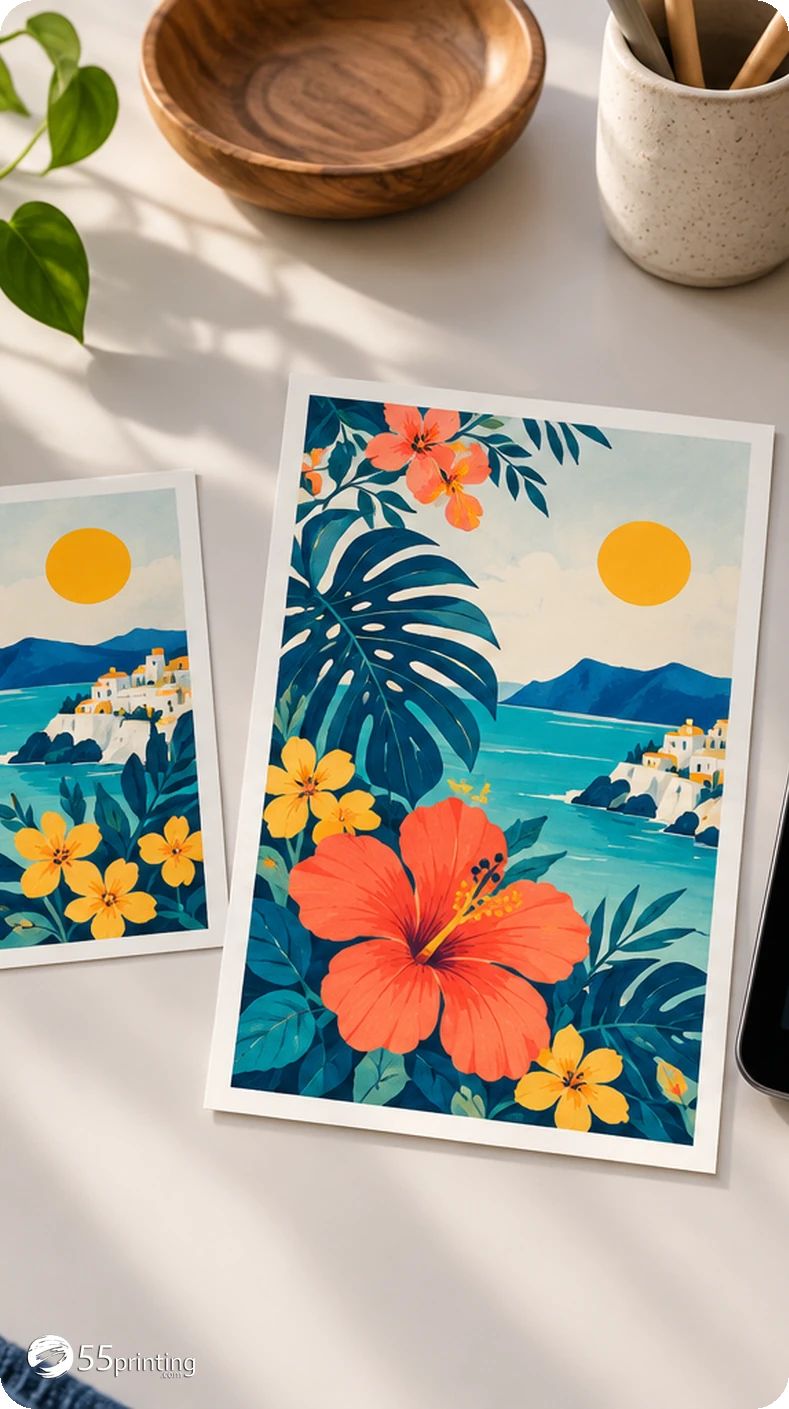
The illustration shows orientation, not a production proof or a guarantee of print quality.
For a standard, unlocked PDF, this tool changes each page rotation value and keeps existing PDF objects. It does not rasterize the page, redraw text or recompress photographs. Encrypted, damaged or unusual files may need Acrobat or prepress review.
Yes. The browser decodes the selected image locally, paints a new canvas at the chosen angle and starts a download. The original File object is not sent to 55printing. Keep the downloaded copy separate from your original until you inspect it.
Choose 90° clockwise, 180° or 270° clockwise. A 90° or 270° turn swaps pixel width and height. The PDF option rotates every page by the same amount so a mixed document stays consistent.
It can create the right viewing orientation, but it does not fix blur, low resolution, compression, cropping or an incorrect design. Open the result at its real print size and compare it with the source before replacing anything.
Yes. The PDF download applies the selected quarter-turn to every page and preserves page dimensions and vector content. It does not reorder pages or inspect bleed, fonts, trim boxes, overprint or safe zones. Use Print Clear and the official guideline for those checks.
No. Rotate Files is browser-only and does not call an AI service. Your source remains on your device. The new image or PDF is assembled in your browser and downloaded to your normal download location.
Use Print Clear to measure effective PPI at the finished size. Keep the exact official product guideline beside the rotated file for bleed and safe-zone decisions.
Open Print ClearA page that looks sideways in a proof does not need a new design; it may need a quarter-turn. Rotate Files keeps that small correction in the browser. PDFs keep their page objects and image files become a new local download. The original stays untouched, so a customer can compare before using the rotated copy.
Rotation is deliberately narrow. It does not sharpen a soft photo, add bleed, fix a cropped phone number or decide whether a PDF is ready for a press. After the orientation is right, Print Clear measures effective PPI and the official product guideline settles trim and safe zones.
No. The image canvas and PDF page rotation run in the browser. The original is not uploaded, stored, changed or sent to an AI service. The customer downloads a new copy and should compare it with the untouched original before placing an order or requesting a proof.
Use Print Clear for pixels at the finished size, Color Profile Check for byte-level color signals, and the official guideline templates for product-specific setup. A browser download is a useful file step, not a final production approval.