

USPS EDDM · FACT CHECK
EDDM mailpiece & indicia checker
Check the facts that most often stop an Every Door Direct Mail piece: finished size, thickness, route audience, and whether an indicia is planned. A 4 by 6 card is a letter, not an EDDM flat. The house postcard is 6.5 by 9 inches. This page does not buy postage or pick a route.
Complimentary prepress service
Send us your files - we'll handle EDDM mailpiece check
Use our File Uploader to send artwork and notes. Our team will complete this task and email you back completely free of charge.
- Upload the source files you want converted or combined
- Describe your desired output format and settings
- Mention page order or naming preferences if relevant
We’ve enhanced this tool with a quicker way to start and examples for common jobs.
Example jobs
Check a proposed oversized postcard using its finished dimensions and stock thickness. Review the flags before asking for a mailing quote.
Compare two sizes for a neighborhood campaign. Run each size separately and check the indicia and address-side plan before choosing a layout.
FREE · BROWSER-BASED
Make the next print decision with evidence
Free account · artwork not stored
USPS facts first, price second
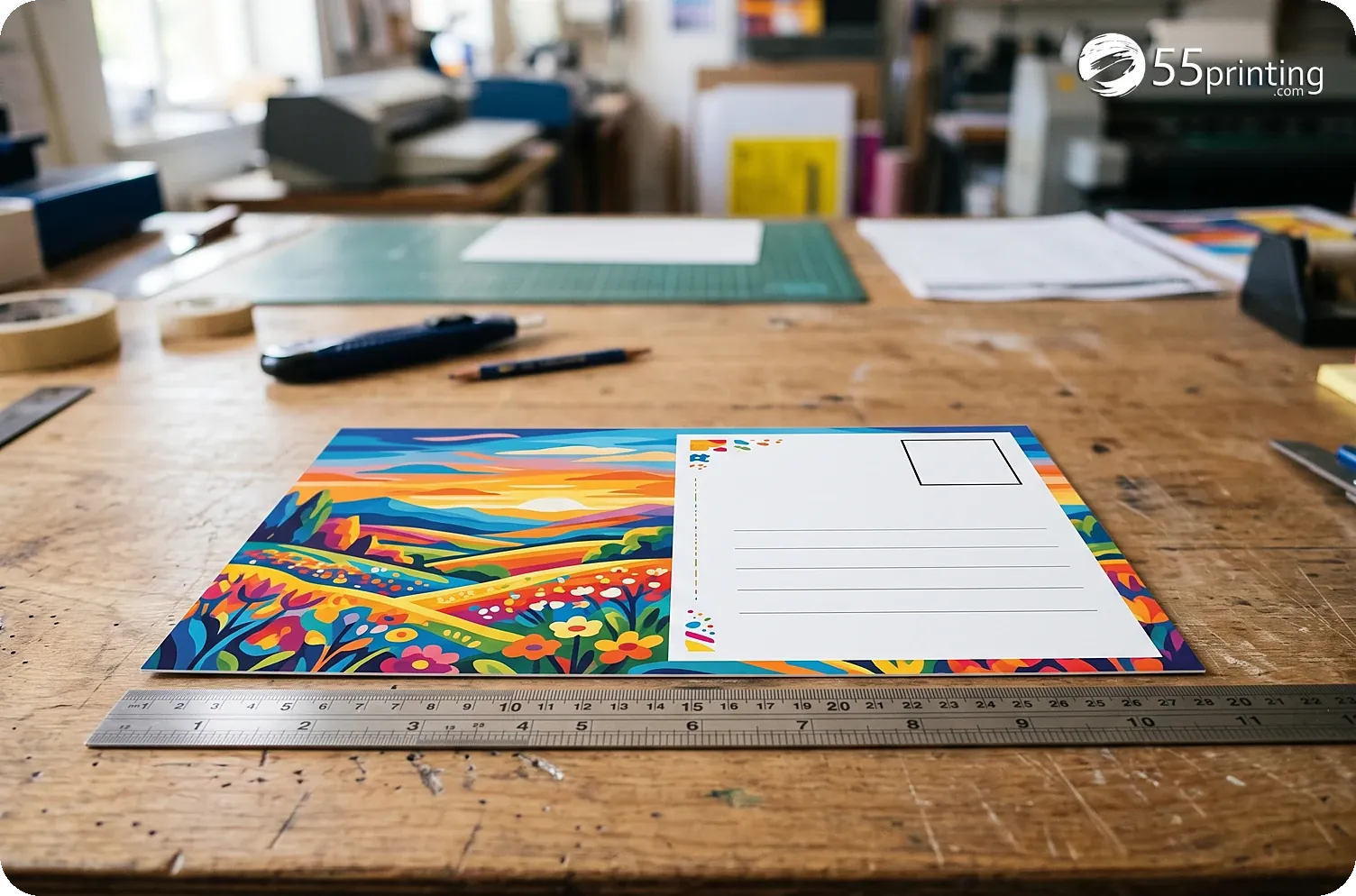
This is a planning checker, not a postage purchase or route picker. EDDM Retail uses Marketing Mail flats: a 4 × 6 piece is a letter, not an eligible EDDM flat. The house default is 6.5 × 9 inches. Businesses-only delivery is not an EDDM audience; choose routes with homes or all addresses through USPS.
- Enter the finished size and the assumptions that are actually true for this job.
- Read each warning, not only the headline color. A warning is a next action.
- Confirm the exact official template, then request a proof when the detail matters.
What this tool cannot certify
No browser calculator can see every production decision. It cannot approve a complex PDF’s fonts, overprint, fold order, variable data, spelling, legal copy, official template fit or a final printed QR scan. Those checks remain part of the official guideline and proof process.
| Fact | Pass | Fail |
|---|---|---|
| Finished size | Above letter size, at most 15 by 12 | 4 by 6, which is a letter |
| Audience | Homes or all addresses | Businesses only |
| Indicia | Planned, then placed on the art | A pale label left in the corner |
Questions customers ask before printing
Is 4 × 6 eligible for EDDM?
No. 4 × 6 is a letter. EDDM Retail flats must exceed the letter limits and stay within USPS maximum dimensions and thickness. Do not solve this by changing only the artwork pixels: the physical finished piece, stock and preparation must be eligible for the service you select.
Can I target businesses only?
No. EDDM is built for carrier routes covering homes or all addresses. For a business-only list, use a regular addressed-mail workflow with your own list and request a quote. That workflow has different addressing, postage and list requirements, so do not label it EDDM in the artwork or order notes.
Does this include postage?
No. Postage is not included in this check or in the 55printing cart. USPS rates can change; confirm current rates with USPS before mailing. Treat any calculator result as a planning scenario, and confirm the current rate, deposit preparation and route paperwork with USPS before committing a campaign.
What size should I start with?
Start at 6.5 by 9 inches, which is the house EDDM postcard. A 4 by 6 piece is a letter, so it fails this check on purpose. Flats must be larger than a letter and no larger than 15 by 12 inches, with thickness from 0.007 inch up to 0.75 inch. Type the finished piece, not the file-canvas size, and include only the size USPS will measure.
Why does businesses only fail?
EDDM Retail walks carrier routes that include homes, or every address on the route. It is not a list of businesses you picked. Choosing businesses only is a different mailed product with its own list, addressing, and postage. Do not label that job EDDM on the art or on the order. Use addressed mail and request a quote for that list.
Does this checker place the indicia?
No. It asks whether you have planned an indicia and an addressing area. It does not stamp the postage box onto the file. When the art is ready, use Place EDDM Indicia to preview up to two official marks and download a PDF that keeps the original color. The postage mark stays 0.857 inch wide and never wider than 0.90 inch.
What thickness should I enter?
Enter the finished piece, not one sheet of text-weight paper unless that is really what you will mail. A typical postcard stock is near 0.007 inch or thicker. EDDM flats cannot be thinner than 0.007 inch or thicker than 0.75 inch. If you are unsure of the stock, check the product page before you treat a pass on size as a pass on thickness.
Is 6 by 9 the same plan as 6.5 by 9?
No. 6.5 by 9 is the house default because it clears the letter-size limits with room to spare. A 6 by 9 piece can be close to the letter boundary depending on how it is prepared. Measure the finished piece, not the design bleed, and confirm the current USPS flat rules before you print a quantity. This form will not round a borderline piece up to a pass.
The mailer was designed before anyone checked the flat size or the indicia
An EDDM postcard file was finished art at the wrong size for a USPS flat, with no plan for the indicia and no note about thickness. It would have been designed twice. We built the mailpiece checker so size, thickness, audience, and the indicia plan are reviewed before the art is treated as mailable.
Check your own piece here for free. Send the file and we compare it with the flat rules at no charge. Pretty mailers that cannot be mailed are why this checker is public.
Does 55printing check EDDM pieces with this tool before printing?
Yes. We built it after a finished postcard was the wrong size for a USPS flat and had no indicia plan and no thickness note. Anyone can check a piece here for free. Send the file and we compare it with the flat rules at no charge. Art that looks done is not the same as a piece the postal service can accept.
A mailpiece check still needs the ROI model and the proof
After the piece can be mailed, the direct mail calculator writes down response and break-even, and the free PDF proof shows the art on the template. Those steps sit beside this checker. When the plan is right, Place EDDM Indicia puts the official mark on the mail side and downloads a PDF that keeps your color.
Create & Design
- Online Designer - Free browser design studio for cards, flyers, and more
- Guideline Templates - Bleed and safe-zone files for popular print sizes
- Paper Types Gallery - See which products use each stock, plus similar-paper picks
- AI Design Help - Staff-assisted AI help for logos and artwork
- All languages - Design, print, chat, and email in any language
- QR Code Generator - Create a free custom QR code for print
- QR Code Scanner - Test if a printed or file QR is readable and what it opens
- Free Sample Kit -
Files & Proofs
- Print Clear: Print Resolution Checker - Check effective PPI, print size fit and color signals before printing
- Real Resolution Checker - Check if image pixels hold real detail or were stretched from a smaller file
- Rotate Files: PDF, JPG & PNG - Turn a file 90°, 180° or 270° in your browser without uploading it
- True Size Letter PDF - Center pages on Letter at true 1:1 size without scaling
- Mixed Page Landscape Fit - Preserve landscape pages and turn mismatched portrait pages left
- PDF Punch Clearance Guide - Plan an adjustable binding-side band and three-hole guide
- PDF Bleed Box and Edge Ink - Inspect PDF boxes and rendered ink near every edge
- PDF Duplex Readiness - Inspect page count, orientation, blank backs and duplex flags
- PDF to Real DeviceGray - Rasterize selected or all pages to true 8-bit DeviceGray
- PDF Duplex Metadata - Set long-edge or short-edge preference without changing pages
- Print Ready Preflight Check - Check dimensions, bleed planning and effective PPI before printing
- Business Card Print-Safe Check - Check the 3.5 × 2 inch card plan, bleed and image detail
- Place EDDM Indicia - Place, size, and preview an EDDM indicia, then export PDF, PNG, or JPG
- QR Print Readiness Checker - Decode a QR and check printed size, contrast and quiet zone
- File Uploader - Upload artwork or request a free file review
- Artwork Quality Enhancer - Restore blurry text, weak edges, and low-resolution print files
- Photo Enhancer - Sharpen small or blurry photos up to 4K, faces rebuilt
- PDF 2-Up Impose - Lay two PDF pages per sheet in pairs, stack, or booklet order
- Low-Res Text Recovery - Recover blurry text on photos, foil, and any background
- Color Profile Check - Check if a PDF is CMYK or RGB, plus the ICC profile and output intent
- Word to PDF - Convert DOC and DOCX to high-fidelity print PDF
- PDF to JPG - Export PDF pages as JPG or PNG at print DPI
- Images to PDF - Merge JPG, PNG, WebP, and PDF into one file
- Grammar Check - AI spelling and clarity check for print copy
- AI Uncrop Image - Free local image uncrop; AI extend by request
- Free PDF Proof - Get a digital proof before you place an order
- PowerPoint to JPG/PDF - Turn slides into print pages and proof images.
Plan & Budget
- Print Cost Per Piece Calculator - Model transparent setup, materials, finishing, mailing and postage assumptions
- Direct Mail ROI Calculator - Model response, conversion, CPA and break-even before a mail drop
Order & Pay
- Online Payment - Pay an invoice with card, PayPal, or wallets
- Pay Later - Order now and pay after you approve the proof
- Price Match - Ask us to review a lower competitor price
Samples & Support
- Custom Quotes - Get a written quote for special sizes, finishes, and large runs
- Custom Orders - Special sizes, finishes, or design requests
- Contact - Reach our print specialists by phone or form