

LAST UPDATE: 10 / 22 / 2026
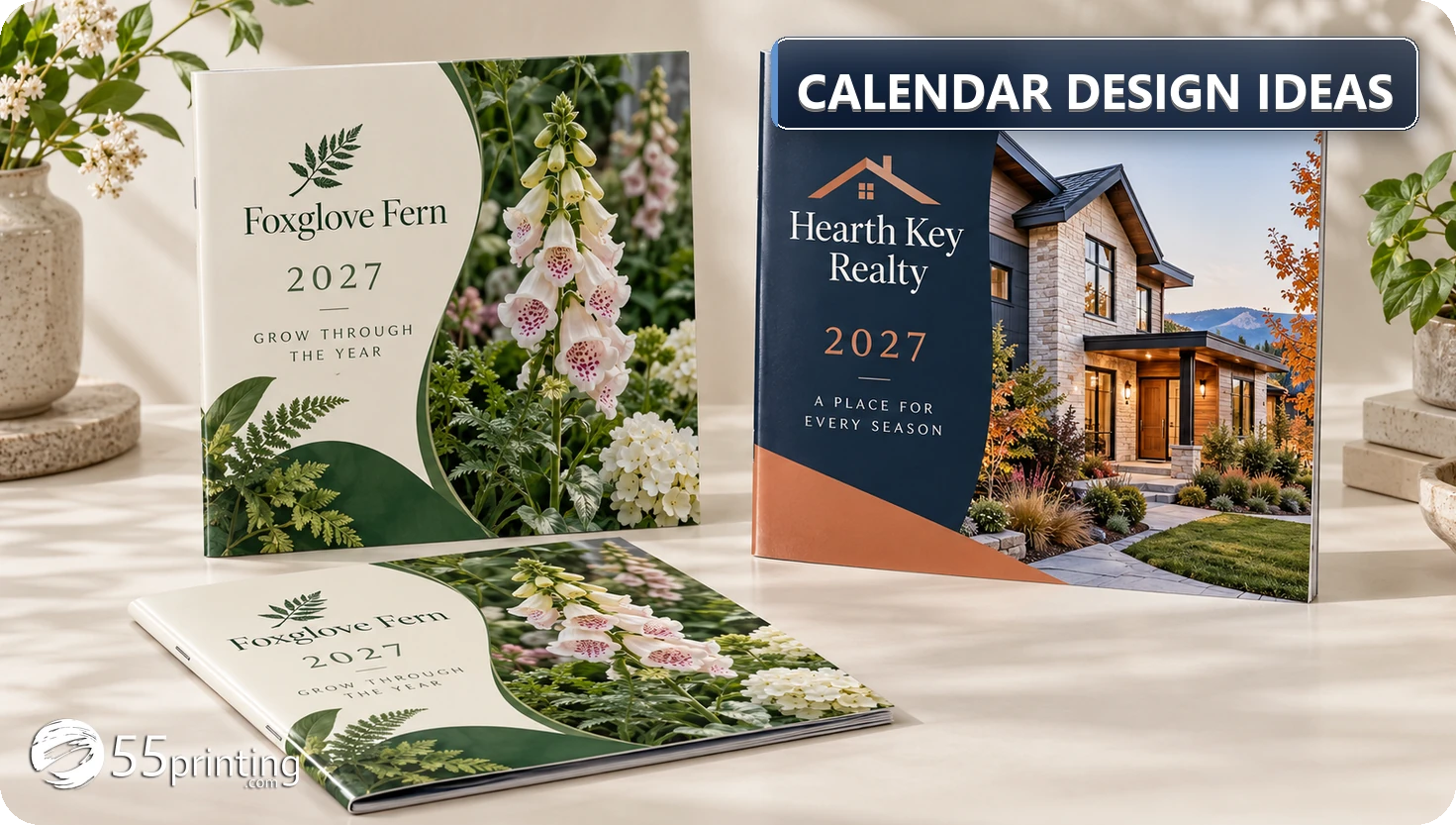
Start calendar design ideas with the recipient and the calendar's job: useful appointment space, a local business reminder, a photo gift, or a fundraiser. Choose a theme that supports twelve strong images, keep the dates easy to read, and test a page at its intended size. A consistent layout helps people use the calendar; theme popularity alone does not establish demand or predict sales.
Useful calendar design ideas connect a clear subject with a practical page. A florist might show seasonal arrangements; a local agent might use neighborhood photography; a school might feature student art. Begin with who will receive the calendar, where it will hang or stand, and whether people need to write appointments on it. Then choose the images, grid, and brand placement together.
Calendar design ideas by audience and purpose
Use the following themes as starting points for a discussion with intended recipients. They are editorial examples, not a ranking of best sellers. Before paying for a print run, show a cover and one month to several people in the intended audience. Ask whether they would use it, where they would keep it, and what would make it more useful. For a calendar you intend to sell, test the proposed price and demand separately.
| Audience | Theme to explore | Useful design detail |
|---|---|---|
| Local business clients | Neighborhood scenes or completed projects | A readable business name and contact method in the same position each month |
| Florist or garden customers | Arrangements, plants, and seasonal color | A short relevant care tip with space left for appointments |
| School families | Student artwork or school activities | Confirmed school dates and a clear credit for each selected artwork |
| Animal rescue supporters | Pet portraits and short adoption stories | One clear cause message, with current details checked before printing |
| Photography buyers | A coherent local, travel, or nature collection | Consistent image treatment and a grid that remains useful |
| Service customers | Seasonal maintenance or planning reminders | Brief, accurate reminders that do not crowd the day cells |
A theme is easier to sustain when you already have enough suitable material. Lay out twelve candidate images before committing to the cover. If several months rely on weak crops or unrelated photographs, narrow the concept, commission the missing material, or choose another direction. The theme picker below helps record that decision; its scores are subjective planning inputs.
Build a month layout people can read and use
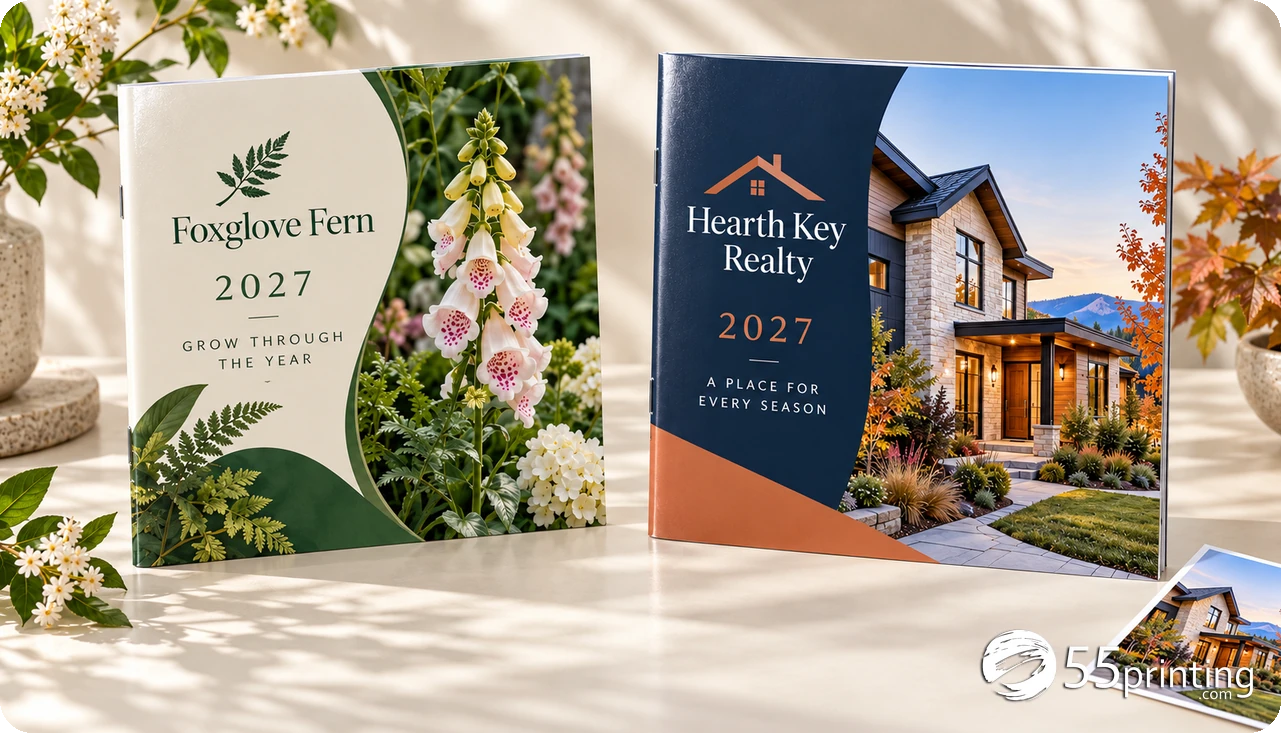
Decide how much writing space the recipient needs before allocating space to photography. A wall calendar used for family appointments needs different cells from a small reference calendar on a counter. Print a sample at the actual finished size and write a realistic appointment in one cell. If the date, event, and notes compete for the same space, reduce decoration or shorten the notes.
Give the month name, weekday headings, dates, and optional business strip a consistent reading order. One large photograph is a simple starting point, but a well-organized collage can also work. Keep the grid in a predictable position even when the image arrangement changes. Use contrast and spacing to separate information before adding more colors, borders, or typefaces.
Check a short and a long month before applying the layout to the year. In a Monday-first 2027 calendar, February fits four week rows, while May and August need six. January 1 is Friday. A decorative month page is still wrong if a date is missing or under the wrong weekday. Confirm any holidays, school dates, and business events separately; copying a previous year’s layout does not update them.
Plan twelve photos with a consistent style
Start with a contact sheet of all twelve images. Compare subject scale, lighting, crop, and color treatment. A deliberate change between seasons can look coherent; an accidental mix of low-resolution phone crops and unrelated stock photographs is harder to bring together. The twelve-month photo planner provides space to assign a subject to each month before laying out pages.
Use your own photography, commissioned artwork, or material whose permissions cover the planned use. Record the source and permission details with the project. Check the printer’s image requirements at the final placed size: a file’s nominal resolution setting alone does not establish usable detail. Enlarging a small image does not recreate detail, and cropping removes pixels that might be needed for a large printed area.
Leave room for the real shape of each photograph. A face, roof, or flower at the edge of the crop may be lost when you adapt it to a different page ratio. Keep important details away from trim and the binding area. Review the crop on the printed sample rather than relying only on a zoomed-in screen view.
Monthly calendar design ideas for a full year
Use these optional prompts to plan a varied collection. They assume a typical northern-hemisphere seasonal sequence; adapt them to the location, climate, audience, and actual business calendar. They are creative suggestions, not required holidays or claims about when a service should be performed.
| Month | Photo or artwork direction | Design check |
|---|---|---|
| January | A fresh start, a team portrait, or a quiet local scene | Use the opening month to establish the visual system |
| February | Warm colors, detailed work, or a community connection | Keep a short month spacious without changing date placement |
| March | New growth or preparation for a coming project | Maintain contrast if the palette becomes lighter |
| April | Outdoor details, rain, or work in progress | Check that the crop still makes the subject clear |
| May | Flowers, finished work, or a family activity | Allow six week rows in a Monday-first 2027 grid |
| June | Bright outdoor scenes or a local gathering | Keep busy photographs separate from the date numbers |
| July | Summer recreation or a product in use | Check permissions for identifiable people and supplied photos |
| August | Late-summer gardens or preparation for school | Preserve room for all six Monday-first week rows |
| September | New routines, a classroom artwork, or a local project | Verify supplied school or community dates before adding them |
| October | Autumn color or a seasonal collection | Keep dark or warm backgrounds from reducing text contrast |
| November | Teamwork, customers, or community appreciation | Use short captions that leave the date grid clear |
| December | A year-end collection or an appropriate celebration | Check final dates and the transition into the following year |
Choose readable fonts, color, and brand placement
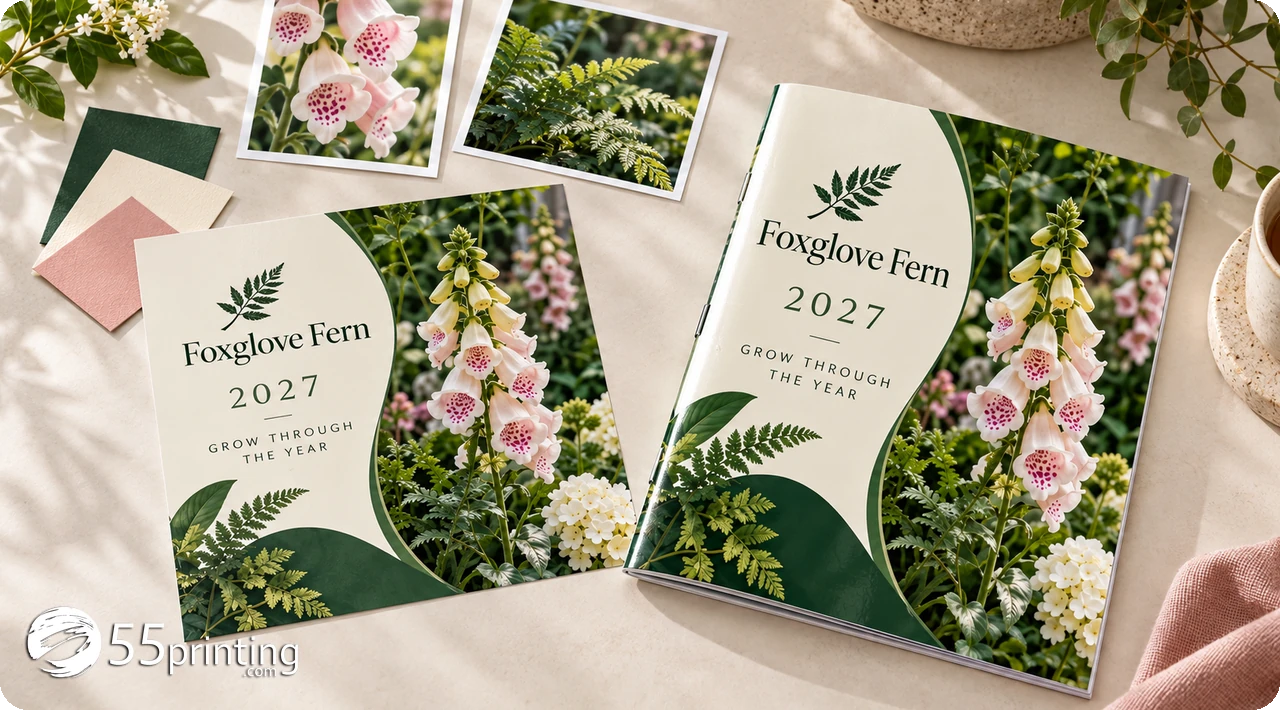
Begin with one family for the date grid and, if useful, a second for headings. Two families are a manageable starting point, not a rule that makes a design professional automatically. Use size and weight to distinguish headings, dates, notes, and business details. Test the printed sample from the distance at which people will read it.
A limited palette makes the twelve pages easier to coordinate. Choose dark text on a light grid or another combination with a clear difference in tone. Do not rely on red and green alone to distinguish important events. If text sits over photography, give it a consistent clear area or a solid panel rather than hoping every image provides enough contrast.
Place the business name, cause, or sponsor where it remains readable without dominating the month. One dependable contact method is often more useful than a strip of tiny icons. Check spelling, contact details, and any QR destination before exporting the proof. The moodboard worksheet helps document these choices for everyone working on the calendar.
Turn the concept into a checked print file
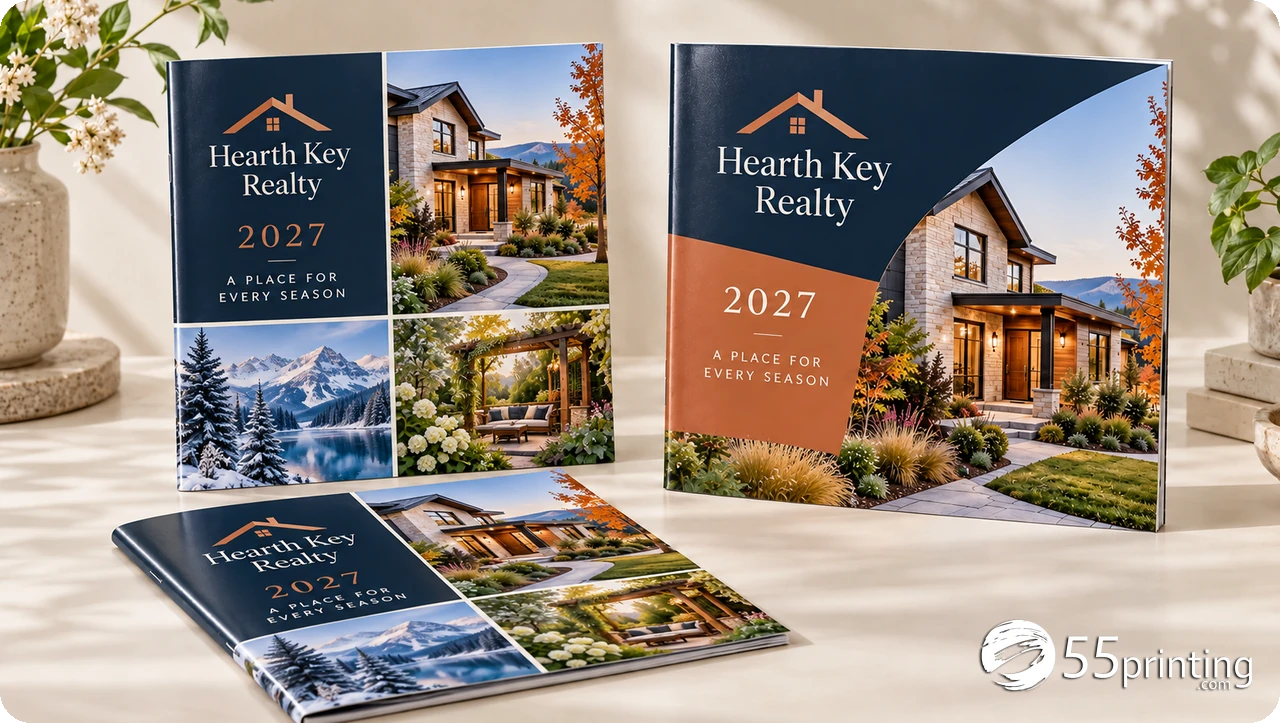
Word, PowerPoint, Canva, and page-layout programs can all be part of the process. Choose the tool you can edit reliably, then check its output against the specific calendar product. Microsoft’s PDF guidance includes a Standard publishing and printing option. Canva’s print setup guidance covers PDF Print and bleed settings. Those options are useful, but they do not replace checking the chosen printer’s requirements.
Confirm finished size, safe area, bleed, page count, binding, and image quality before ordering. Add crop marks only when the printer requests them. For a saddle-stitched booklet, twelve monthly pages plus four cover pages make sixteen pages; decide where each cover and month belongs. Check the current calendar product specifications before finalizing the file. Use the editable 2027 Word calendar as a starting point for the month grids.
Open the exported PDF separately, count its pages, and read every date and caption. Check the sample at actual size and review the printer’s proof before production. A proof review does not imply that missing artwork, low-resolution photographs, or a new layout will be rebuilt automatically. Confirm any design work and its scope before depending on it.
Downloads for the design phase
 PDF, 1 pageTheme Picker ChecklistSix subjective planning questions to compare audience fit, image supply, and room for the brand. No sales forecast.Download PDF
 PDF, 1 pageCalendar Moodboard SheetPalette, type pairing, photo style, brand elements, season sketches, and the reject list in six boxes.Download PDF
Calendar design ideas: common questions
What is a good theme for a calendar?
Choose a subject the intended recipient wants to see throughout the year and that you can support with twelve suitable images. Local scenes, botanical photography, student art, pet portraits, and completed projects are possible directions. Show a sample to the intended audience before committing to a print run. A theme’s appeal still needs separate testing if you plan to sell the calendar.
What makes a calendar design look professional?
Start with accurate dates, a clear reading order, consistent spacing, and images that suit the finished size. Keep the month heading, weekday labels, numbers, and notes easy to find across all twelve pages. Print a sample at actual size and check a six-week month. Attractive artwork does not compensate for missing dates, unreadable text, or an unsuitable file.
How many fonts should a calendar use?
One or two font families are a practical starting point because they make the year easier to coordinate. Use size, weight, and spacing to separate information before adding another typeface. There is no universal font count that guarantees quality. Check the date numbers, longer month names, small contact details, and printed legibility at the expected reading distance.
Where do I get twelve photos for a calendar?
Begin with your own photographs, commissioned work, or a licensed collection suitable for the planned printed use. Make a contact sheet and compare all twelve images for subject, crop, lighting, and detail at final size. Record source and permission information with the project. If a month needs a weak substitute, revise the plan before spending time on the finished layout.
What are good calendar design ideas for a company?
Consider completed projects, local scenes, a coherent product collection, or useful seasonal reminders related to the business. Keep the company name and a dependable contact method readable in a consistent position. Ask customers what would make the calendar useful to them. Avoid filling appointment cells with promotions that leave too little space to use the dates.
What are creative calendar ideas for August and September?
For a northern-hemisphere audience, August might use late-summer gardens, outdoor activities, or school preparation; September might show new routines, community projects, or student artwork. Adapt the idea to the actual location and audience. In a Monday-first 2027 layout, August needs six week rows. Leave room for those dates before adding a larger photograph or seasonal caption.
How do I design a calendar for school or a fundraiser?
Choose a clear cause and a manageable artwork theme, then assign responsibility for collecting images, permissions, names, and dates. Keep student credits readable and verify school events with the organizer. Show a sample before ordering and plan the quantity separately from the design. The school fundraiser guide covers the broader project, including how the artwork fits the campaign.
Can I design a calendar in Word or Canva?
Yes. Both can be used to create printable layouts and export PDFs, but you must check the result against the selected product’s specifications. Confirm size, bleed, safe area, image detail, page count, and every date. Use the printer’s proof process before production. The editable 2027 Word calendar has twelve dated grids. Check the page size, bleed, and covers separately for a commercial booklet.
Check the calendar size, covers, total page count, quantity, and delivery destination in the current order form. Review the file proof and estimate before approving production.