

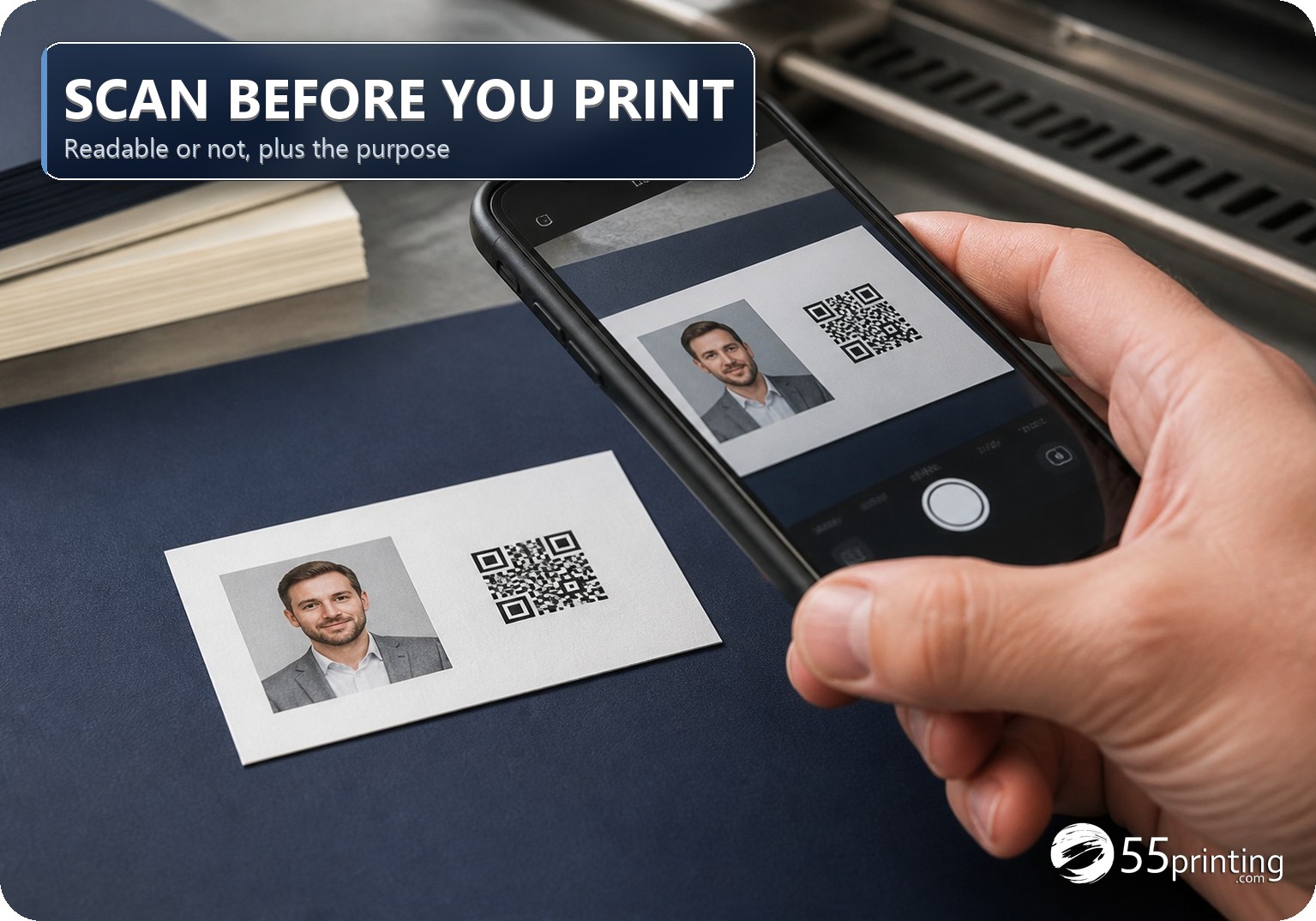
QR · PRINT READINESS
QR print readiness checker
Decode the QR image, then check physical size, contrast and quiet-zone planning before the code goes on a card, flyer, menu or sign.
FREE · BROWSER-BASED
Make the next print decision with evidence
No signup · no stored artwork
Readable is not the same as ready
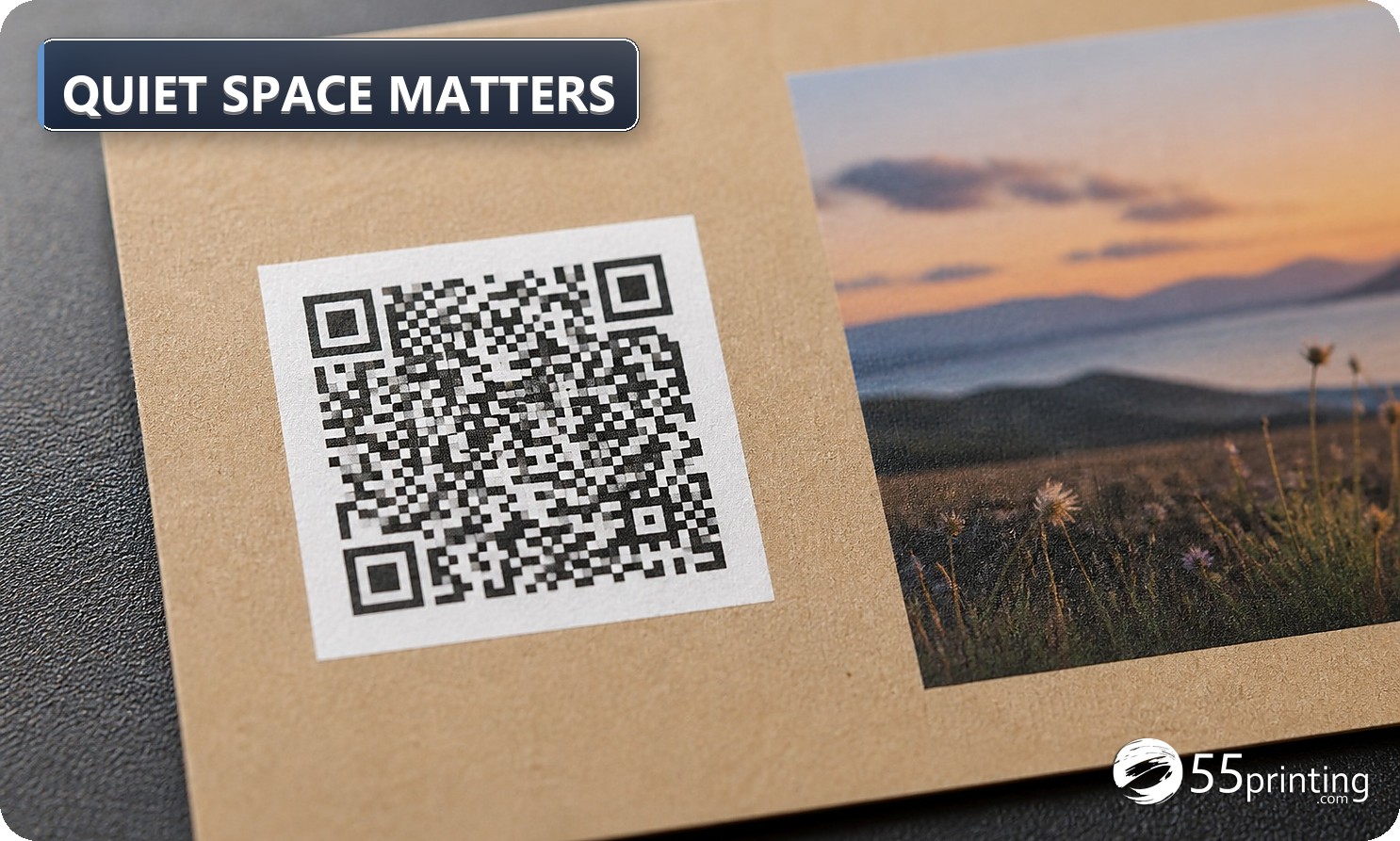
A code can decode on a large monitor and fail after it is shrunk, surrounded by a low-contrast background or stripped of its quiet zone. Use the result as a conservative planning screen, then test the final proof at the physical size and viewing distance your customer will use.
- Enter the finished size and the assumptions that are actually true for this job.
- Read each warning, not only the headline color. A warning is a next action.
- Confirm the exact official template, then request a proof when the detail matters.
What this tool cannot certify
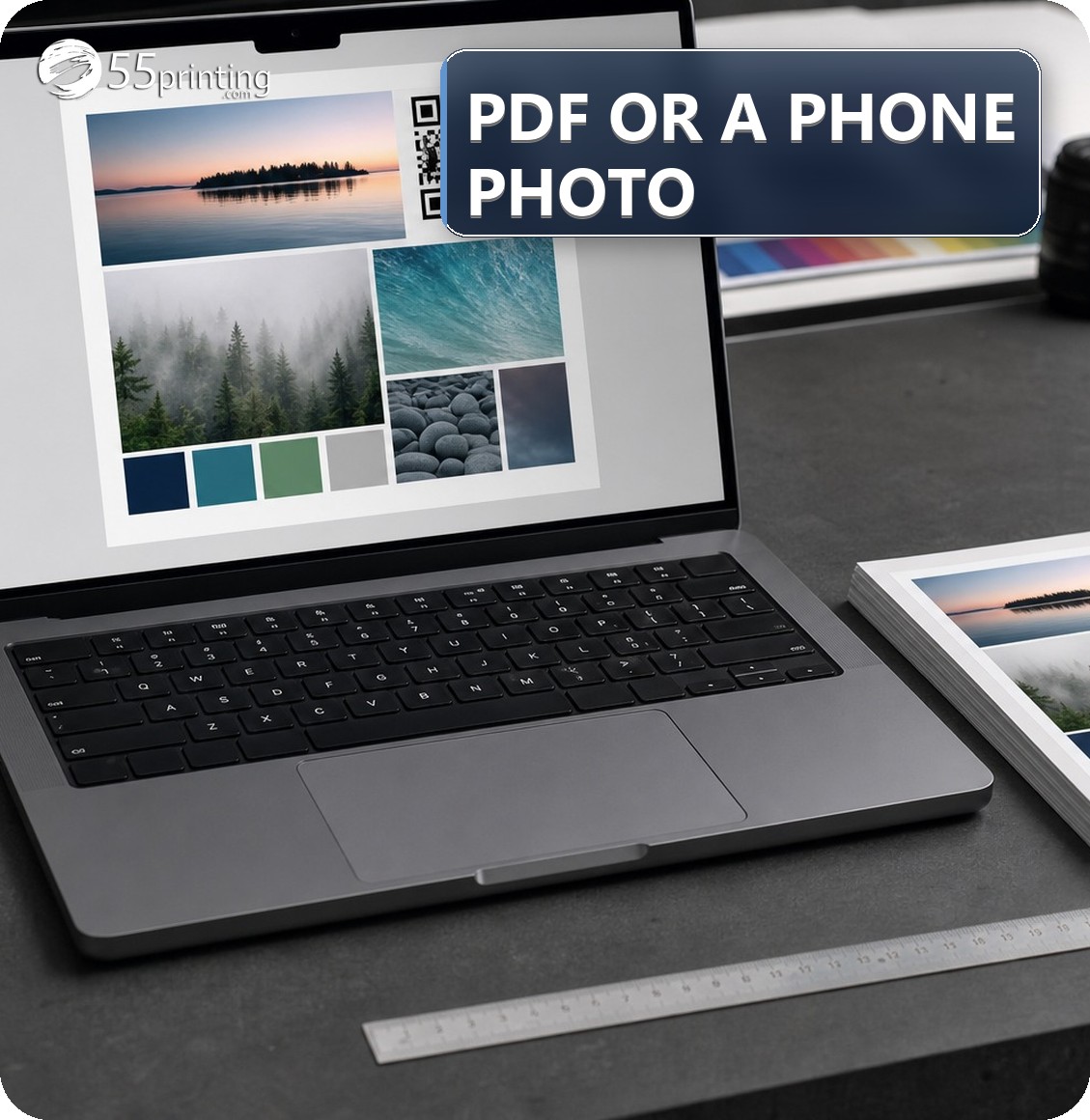
No browser calculator can see every production decision. It cannot approve a complex PDF’s fonts, overprint, fold order, variable data, spelling, legal copy, official template fit or a final printed QR scan. Those checks remain part of the official guideline and proof process.
| If you need… | Open… |
|---|---|
| Effective PPI and color signals | Print Clear |
| PDF, JPG or PNG orientation | Rotate Files |
| Final human review | File Uploader |
Questions customers ask before printing
What is the quiet zone?
It is the clear margin around every side of the QR symbol. Keep it free of text, borders, photos and color changes; follow the QR generator and official product template guidance. A reader needs that separation to find the symbol reliably, especially when the finished piece has texture, glare, folds or nearby artwork.
What size should a printed QR be?
There is no single universal size. Start with at least 1 inch for close-view pieces, then test the actual final proof. Dense data and longer scanning distance need more physical size. Also consider the camera, lighting and the amount of quiet zone preserved after trimming or folding.
Does a successful decode guarantee every phone will scan?
No. Test the final print in realistic light, at the intended distance and with more than one current phone camera. A browser decoder cannot predict glare, ink spread, paper texture, viewing angle or the customer’s camera settings, so keep a physical proof and test the real call to action.