

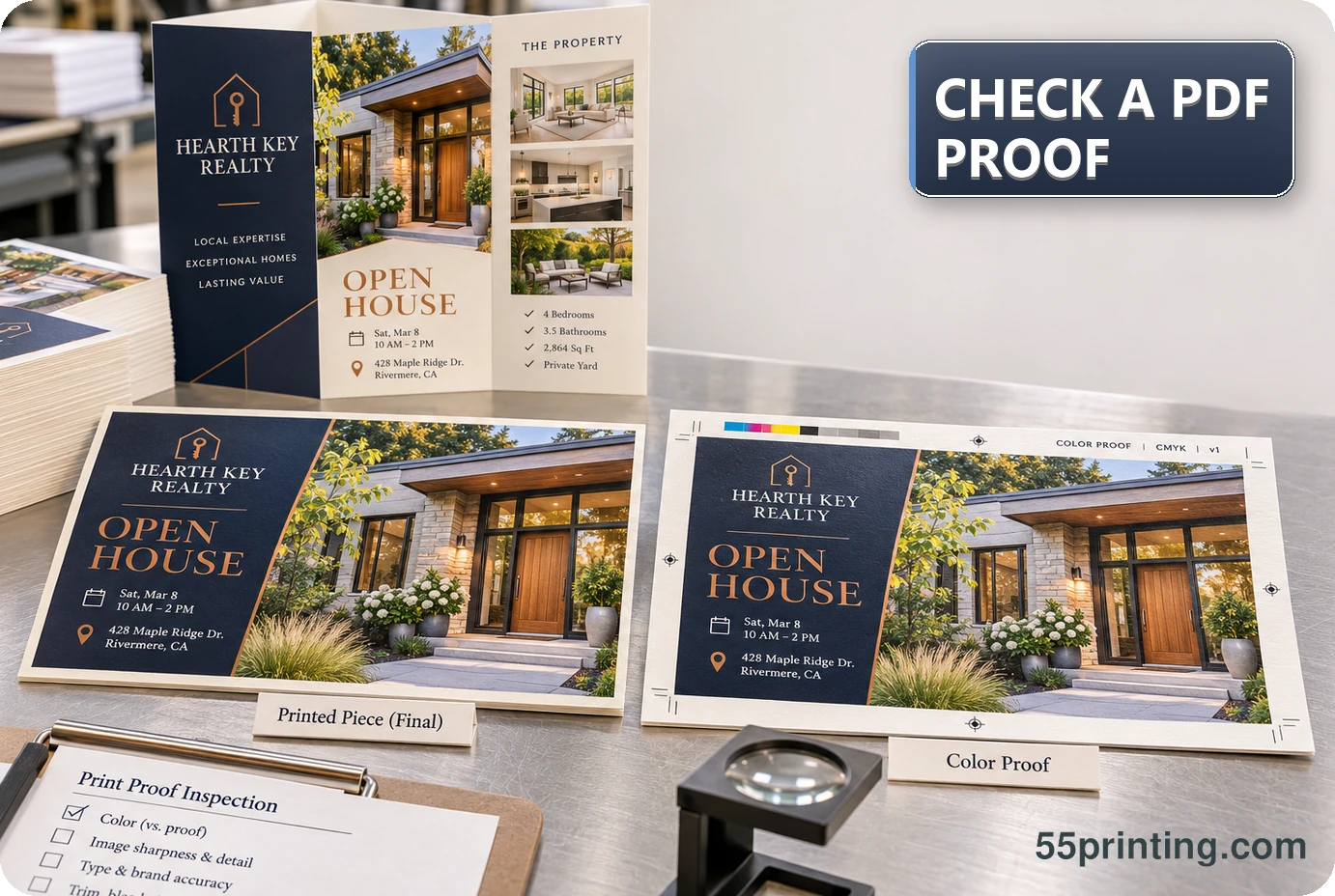
A PDF proof is a review checkpoint, not a substitute for an approved source. Compare exact copy, image choice and crop, placement, page order, product size, bleed, safe zone, and the requested change. Use the current Free Design Proof path, then record corrections or approval against the proof version.
Before you ask whether a proof looks right, measure the file. Print Clear reports effective PPI and size fit. Print preflight covers dimensions and bleed planning. Those numbers do not replace the proof question about placement, crop, and copy.
At 55printing, the value of a PDF proof is specificity. Instead of asking whether a design “looks right,” review the exact file and name the question each page must answer. Check the product context before judging placement, keep source authority separate from the visual proof, and do not treat a screen review as a promise about every later production condition.
What should a Free PDF Proof check?
Start with the decision the proof must support. Check the exact words, names, numbers, URLs, logos, image choice, image crop, page order, and requested change. Then check placement in the current product context: size, orientation, bleed, safe zone, fold or panel behavior when relevant, and whether critical content is exposed to an edge risk.
A proof can make a visible comparison easier, but it does not decide whether a phone number, logo, promotion, or private field is authoritative. Keep the approved source and the proof version connected in the handoff note.
| Area | Question to answer | Evidence to keep |
|---|---|---|
| Content | Does the proof show the approved exact copy? | Named source or correction note |
| Placement | Does the content sit correctly in product geometry? | Current template and page |
| Images | Are image choice, crop, resolution, and order intended? | Source asset and marked page |
| Approval | Which question is resolved, changed, or still open? | Proof version and decision |
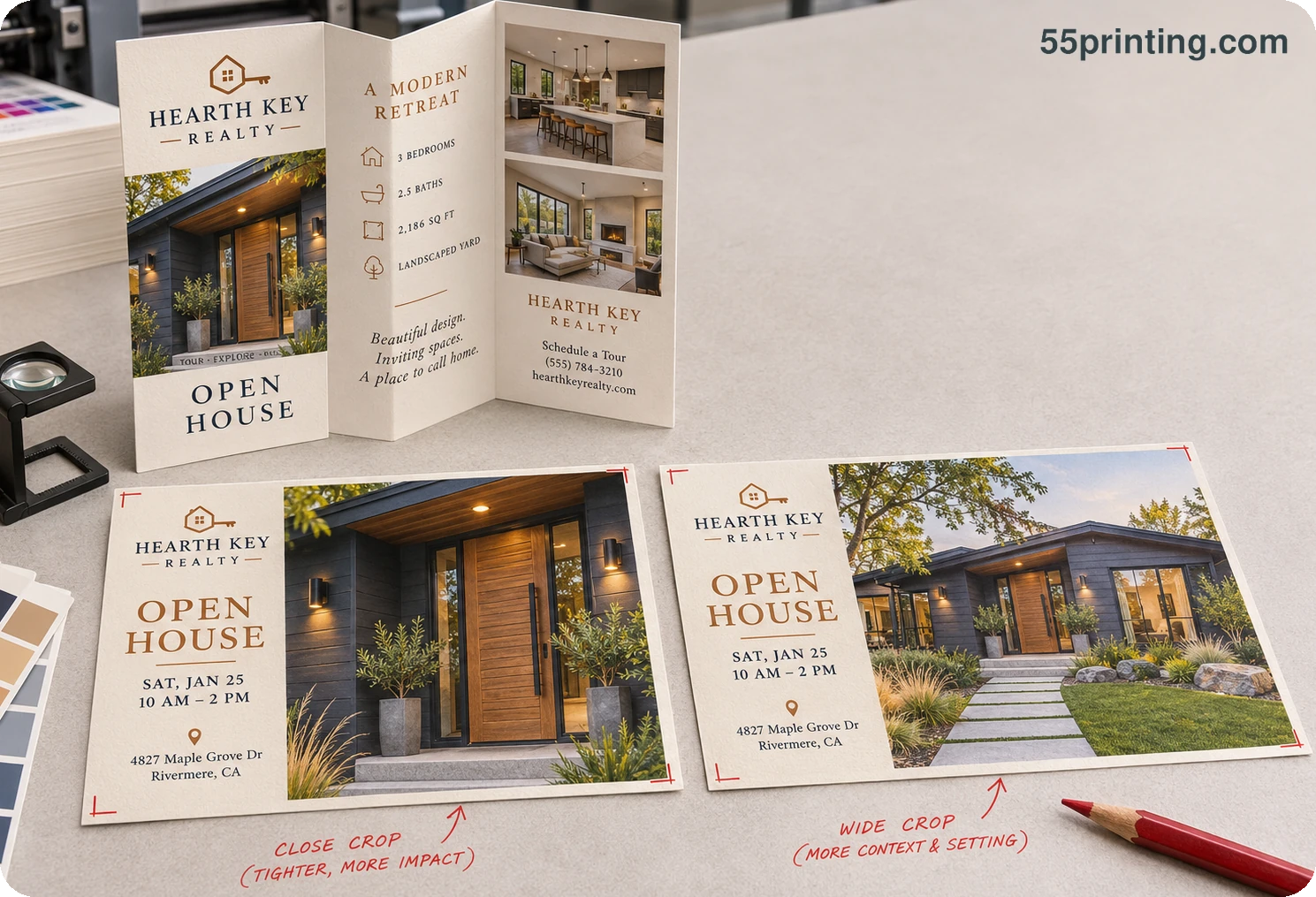
How should the proof workflow start?
First identify the product, current template, source version, and proof question. Then use the current File Uploader handoff path or the Free Design Proof path that matches the active workflow. A route name does not replace the need to confirm which file and product the review concerns.
- Name the authoritative source and requested change.
- Confirm product size, orientation, page order, bleed, and safe-zone questions against the current template path.
- Review exact content, image crop, placement, and visible edge risks in the proof.
- Mark the correction or approval with the proof version; leave unresolved questions open.
When the proof exposes a wrong product, missing asset, or unclear copy, pause the decision and request evidence. A clean-looking page can still be the wrong file or the wrong canvas.
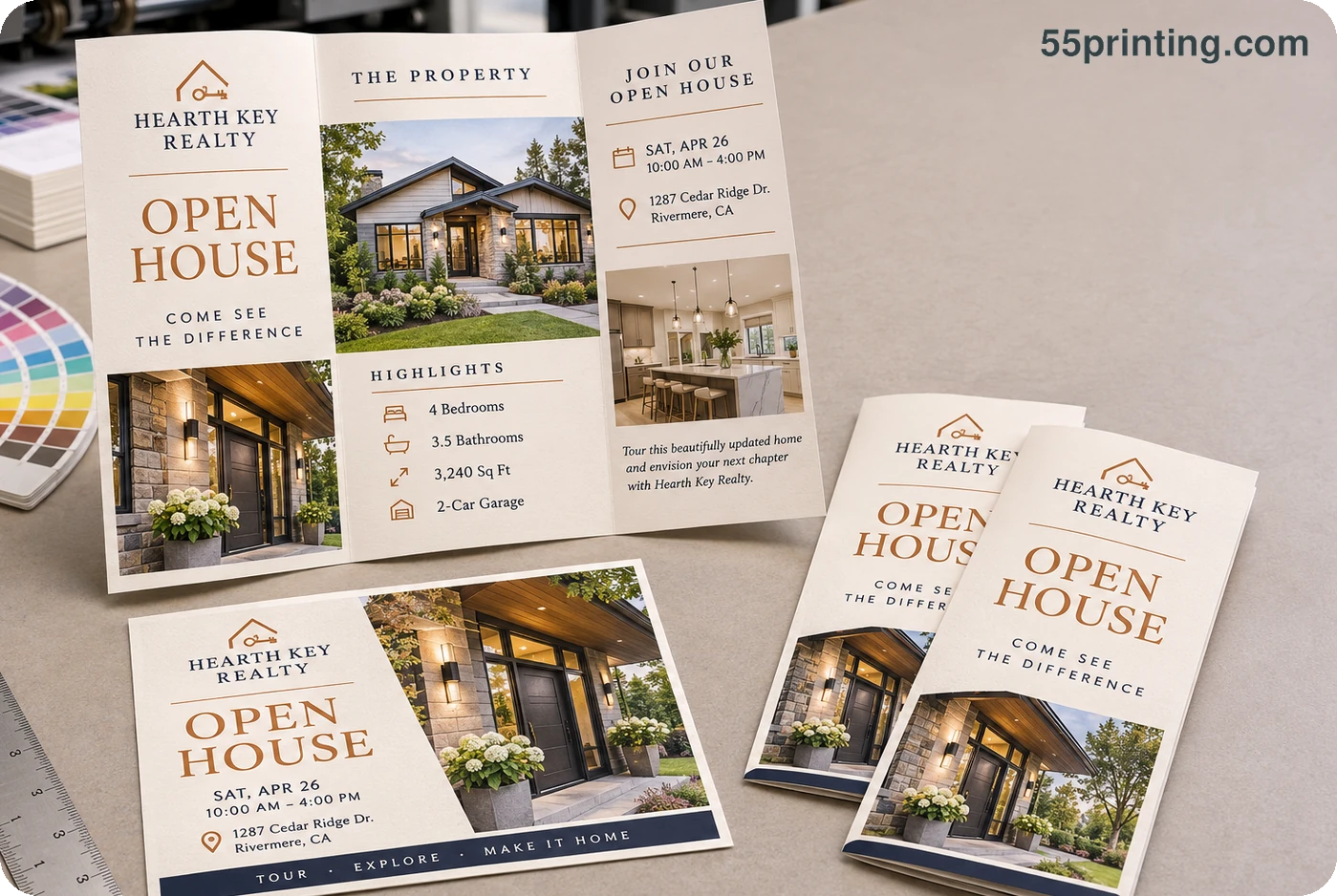
Which checks deserve a second look?
Use the product and the risk to set the review emphasis. Contact details, QR codes, logos, narrow borders, small type, faces, product images, and panel edges deserve named questions. Compare the proof with the source instead of trusting memory or a previous version.
Which proof scenarios need extra care?
Contact block near an edge
Compare the phone number, URL, logo, QR code, safe zone, and crop against the current template. Mark the exact page and element. Do not infer that a screen preview proves safe final placement.
Image crop changed from the source
Identify the source asset, intended subject, crop, and page. If the proof uses a different image or removes an important detail, request the authoritative asset or record a new crop decision.
Wrong size or page order
Pause approval, name the expected product and page sequence, and compare with the current template. Do not approve the visible design simply because the artwork itself looks polished.
Questions customers ask
What is the main purpose of a PDF proof?
A PDF proof gives the reviewer a concrete file to compare for exact content, image choice, crop, placement, page order, product geometry, and the requested change. It supports a decision, but it does not establish missing source authority or guarantee every later production condition.
Should I check content before color?
Check exact content, source authority, product, placement, crop, and edge risk before treating color as the main question. A correct-looking color cannot rescue a wrong phone number, missing image, wrong page order, or incorrect product canvas. This sequence keeps the 55printing proof review focused on the decision that matters first.
What placement questions matter most?
Confirm product size, orientation, bleed, safe zone, panels or folds when relevant, and the distance of critical copy, logos, URLs, and QR codes from risky edges. Use the current template and proof together rather than relying on a screen preview alone.
Can a proof confirm every image is correct?
Only if the review scope includes the images and their source authority. Compare image choice, crop, resolution concern, page, and intended order. A proof sample cannot confirm assets or pages that were not included, named, or compared with the source. On a multi-page PDF, compare the thumbnail sequence with the approved page list. Open each page at a useful zoom to check its logo, crop, and intended orientation.
What if the proof shows a wrong product size?
Pause the approval and name the expected product, template, orientation, and page or panel question. Request the correct source or workflow step before judging the artwork. Do not approve a polished design on the wrong canvas and hope production will infer the correction.
Can I use a screenshot instead of the source?
A screenshot can explain visual intent or a previous state, but it may omit exact text, dimensions, layers, crop, color context, and version identity. Label it as reference and provide the best authoritative source when the proof decision depends on production detail.
What should a proof correction note include?
Include the proof version, page, location, current result, exact replacement or requested action, source authority, protected elements, and the question the next review must answer. This gives the reviewer a repeatable instruction instead of a general reaction that could be interpreted several ways.
Does approval mean the screen will match print?
Approval confirms the stated proof questions for the reviewed file and workflow. It does not promise that a monitor, PDF viewer, paper, lighting, and production output will appear identical. Keep color expectations explicit and send important color questions through the appropriate review path.
Name the source, product, exact content, image questions, placement risks, proof version, and decision before approval.