

CMYK Gamut and Neon RGB: Set Color Expectations for Coated Paper
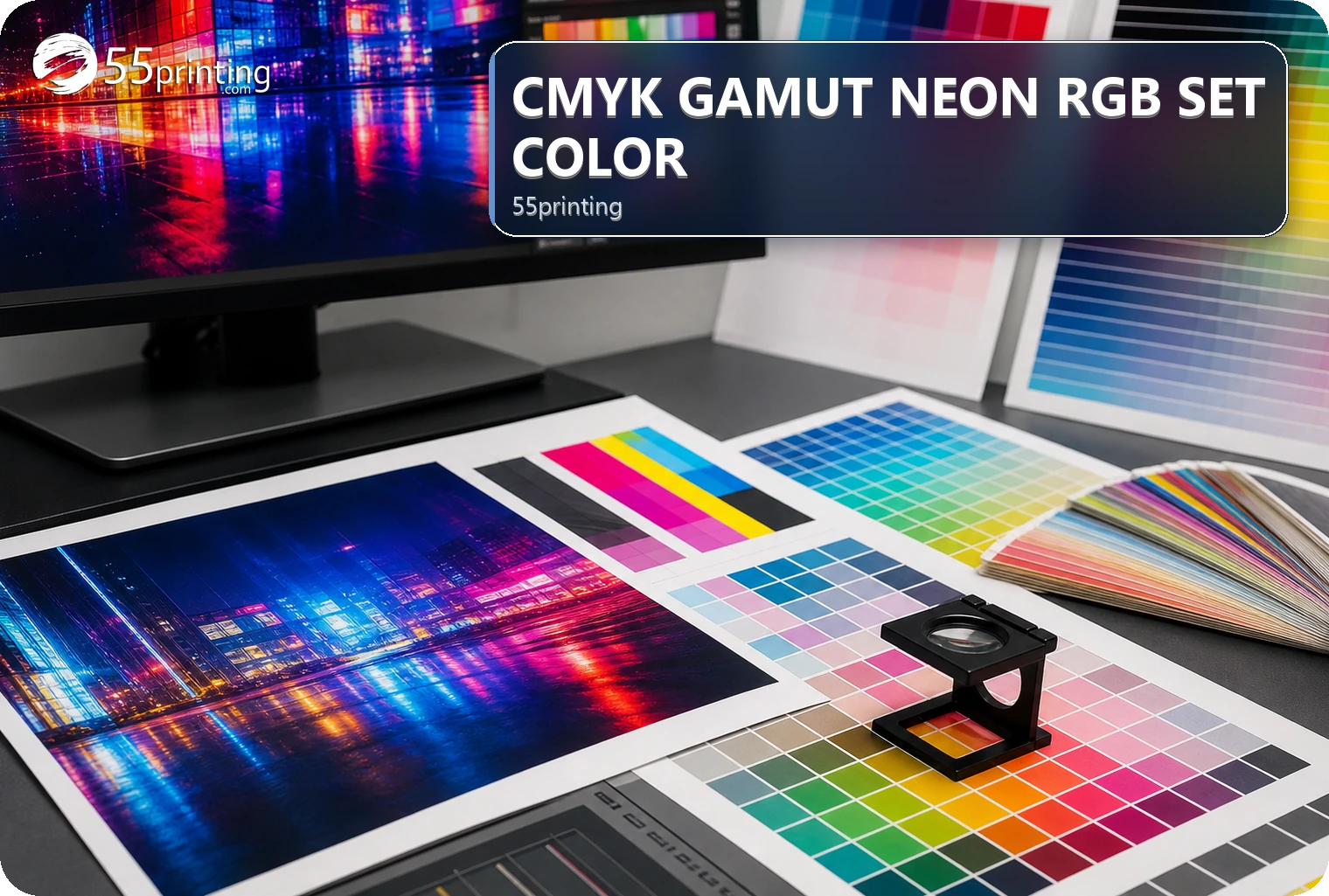
RGB screens can display colors that a print process cannot reproduce in the same way. Conversion and profile choices can change bright neon-like colors, contrast, and saturation, while paper and viewing conditions also affect perception. Keep the source, state the important color concern, and use proof to compare the critical areas without promising an exact screen match.
The free color profile check tells you whether a PDF is CMYK or RGB. It does not predict how a neon screen color will print on coated paper. The free sample kit shows stock and coating in the hand. It is not a proof of that neon on your file.
The 55printing File Uploader is a handoff path for source context and color questions. Use the current template for product geometry and the proof path to compare important areas. A screen preview is useful for intent, but it is not a guarantee of how a bright RGB value will appear on coated paper.
Why can neon RGB colors change in print?
RGB describes light emitted by a display; print uses inks and a physical surface. Some bright screen colors sit outside the reproducible range of a particular print process, so conversion can reduce saturation, alter hue, or change contrast. Coated paper can affect the visual result, and the final appearance also depends on viewing light and comparison conditions.
| Color situation | Question | Safe next action | Risk if assumed |
|---|---|---|---|
| Bright RGB accent | Is the exact screen color critical? | State the priority and review proof | Printed color appears less vivid. |
| Brand color | Which approved source or reference applies? | Name the brand authority and compare | Color shifts without a decision. |
| Coated-paper expectation | Which product and paper context apply? | Review in the intended product context | Screen and print are compared unfairly. |
| Color-sensitive image | Which areas must stay recognizable? | Mark faces, logos, skin, or key accents | Important color change is missed. |
How should a color-sensitive file be prepared?
Keep the original source, identify the product and paper context, name approved brand colors or references, and mark the areas that matter most. State whether the screen color is a visual reference, an exact brand requirement, or a general direction. Do not relabel a file or make a conversion assumption the source does not support.
- Identify product and paper context.
- Preserve the source and version.
- Name brand-color authority.
- Mark critical accents and images.
- State screen-reference expectations.
- Compare the proof before approval.
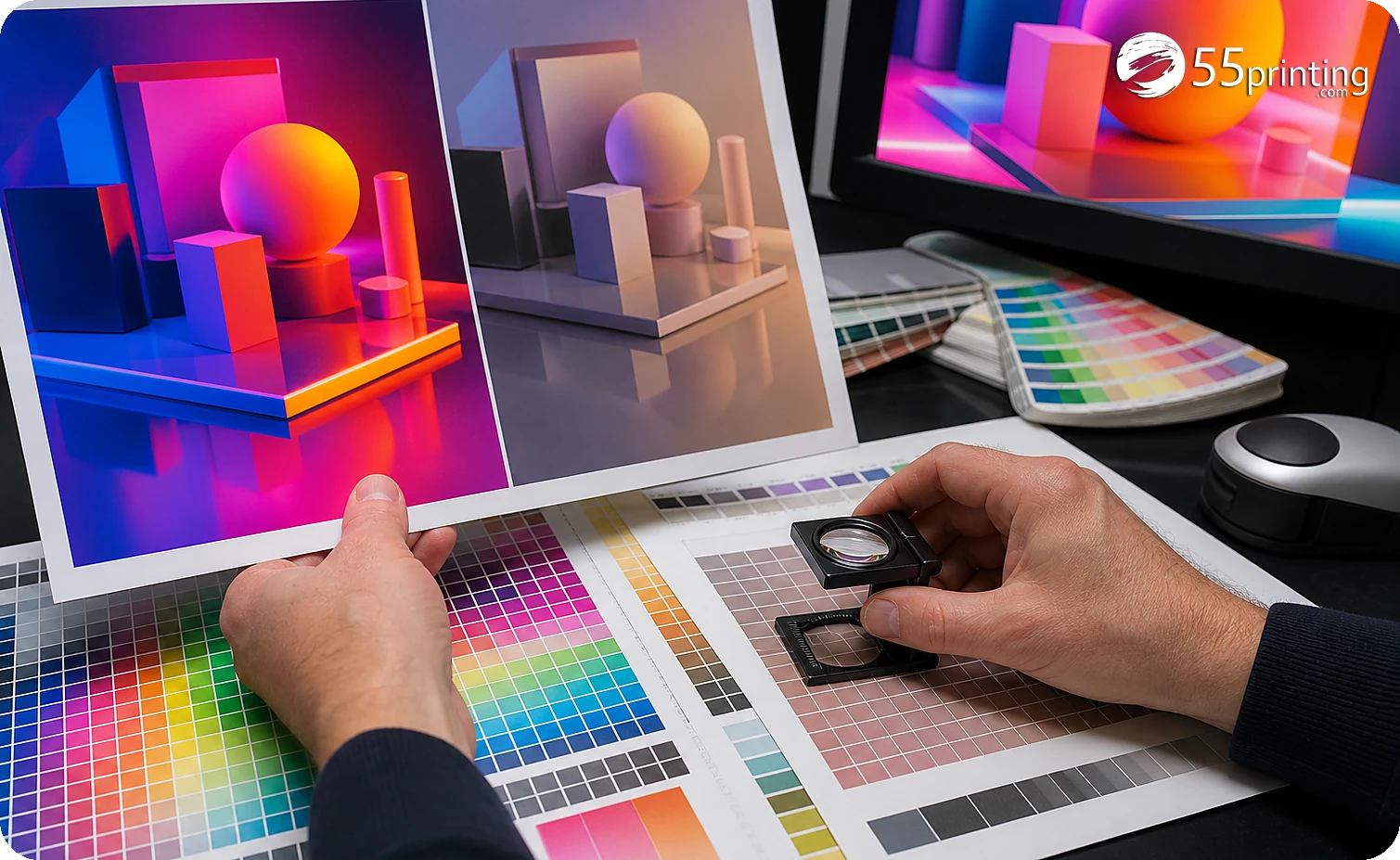
What should the color handoff note say?
Name the source version, product, paper context, color authority, critical accents, important image areas, screen reference, requested action, and proof question. State whether the goal is brand consistency, visual direction, or a comparison of a known reference. Keep the note specific enough to distinguish a color concern from a general preference.
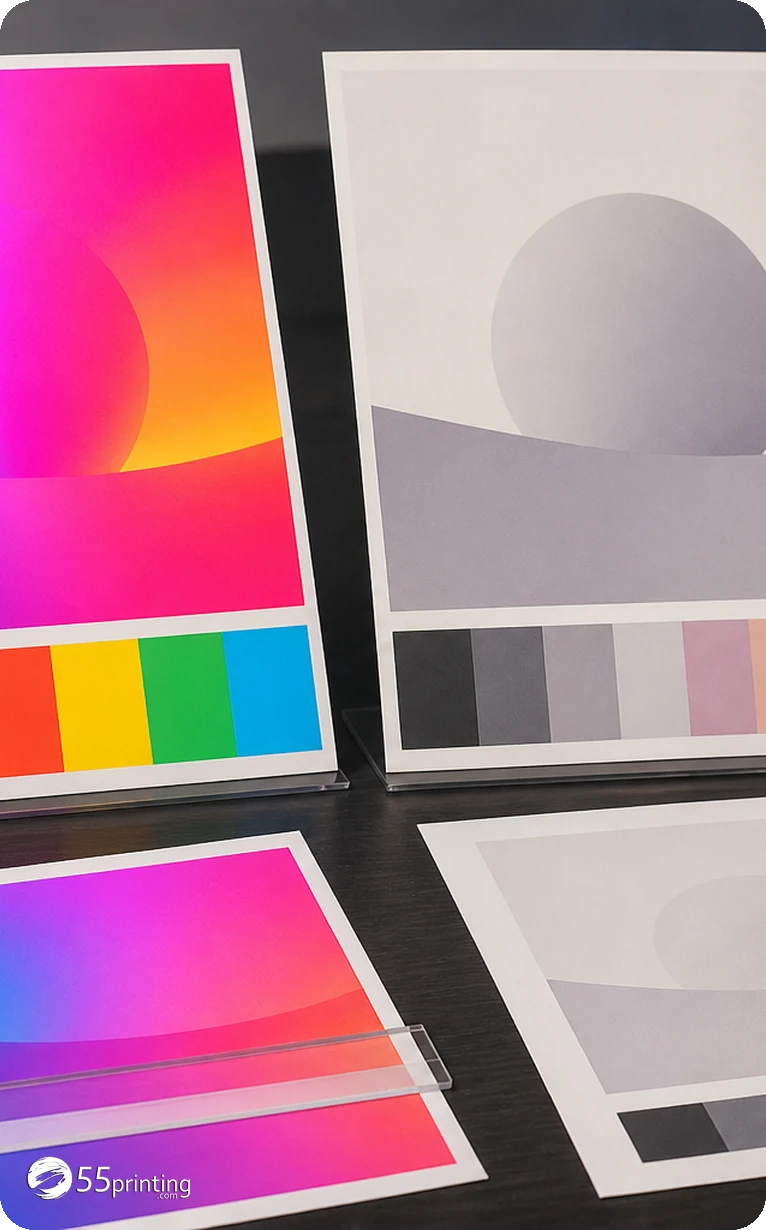
How should a color proof be reviewed?
Compare critical brand colors, bright accents, skin tones or key images, contrast, readability, crop, product context, and the stated reference. Review the proof under reasonable viewing conditions and record whether a difference is accepted, corrected, or needs a source decision. A proof can guide expectation; it cannot turn a screen into a physical print sample.
Which color situations need extra care?
Neon RGB campaign accent
Mark the accent as a screen reference, state whether it is brand-critical, and compare its printed appearance in proof. Do not promise that the physical ink will match the display glow.
Approved brand color
Supply the authoritative brand reference and identify the product and paper context. Compare the logo and supporting color separately from a generic screen preview.
Color-sensitive photograph
Mark faces, skin tones, product colors, or other critical areas. Review crop, contrast, detail, and color expectation together rather than judging the image by one display alone.
Questions customers ask
Why can RGB look different in print?
RGB displays emit light and can show colors outside the reproducible range of a particular print process. Conversion can reduce saturation, change hue, or alter contrast. Paper and viewing light also affect perception, so compare important areas in the intended product proof.
Will neon RGB print exactly?
Do not promise an exact match between a bright screen color and physical ink. Mark the color as a reference or brand requirement, identify the product and paper context, and use proof to decide whether the printed result is acceptable or needs a source discussion.
Does coated paper preserve screen color?
Coated paper changes the surface and viewing context, but it does not turn a screen into a print display or guarantee an exact color match. Review the important color areas in the product context and record the reference and acceptance decision.
What should be color-critical?
Identify approved logos, brand colors, faces, skin tones, product colors, key accents, and readable contrast. Mark why each area matters and which source is authoritative. Proof can then focus on named decisions instead of treating every screen pixel as equally exact.
Should the source stay RGB?
Keep the original source and describe its color context rather than changing or relabeling it without a documented reason. The appropriate output handling depends on the workflow and product. Name the source version, intended result, and proof question before conversion decisions.
Can a proof show the final color?
A proof can show a review representation and help compare hierarchy, contrast, brand color, accents, and images in context. It cannot reproduce every physical viewing condition or guarantee a screen-to-ink match. Record what the proof can answer and what remains an expectation.
What should the color note include?
Name source and version, product and paper context, brand-color authority, critical accents or images, screen reference, requested action, and proof questions. State whether the color is exact, directional, or subject to review. This prevents a preference from being treated as a technical guarantee.
What if the proof color is unacceptable?
Identify the color area, source authority, product context, comparison condition, and desired correction. Ask whether the issue is brand accuracy, contrast, image rendering, or screen expectation. Do not change the file silently; record the color decision and request a documented next step.
Keep the source, name color authority, mark critical areas, state the screen reference, and review the product-context proof.