

Print Tolerance and Trim Shift: Why Borders Are Risky
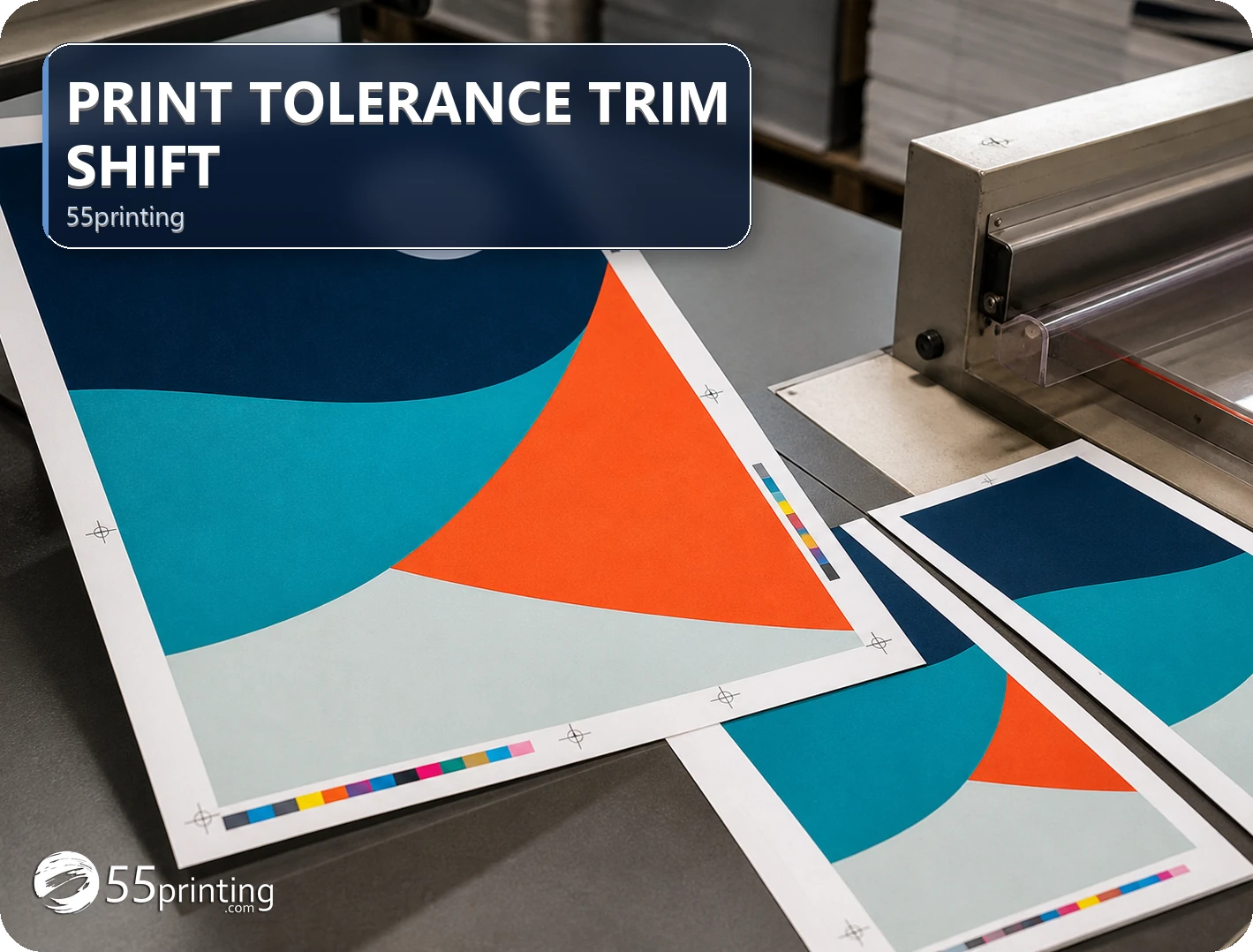
Trimmed products can show small positional variation, and thin borders or equal edge spacing make that variation more visible. Use the current product template for bleed and safe zones, keep critical copy and logos away from risky edges, and use proof to inspect the intended crop. This guide explains border risk without inventing a universal trim measurement.
The free Business Card Print-Safe Check reviews a 3.5 by 2 inch card plan. A border that looks safe on that card can still sit too close to the cut on a flyer or postcard. Print preflight plans dimensions and bleed. It does not promise that a hairline border will survive trim shift.
The 55printing Guideline Templates path provides the current product geometry to review. Use the proof path to inspect crop, bleed, safe zone, border spacing, and critical content. A border can look balanced on screen while becoming visibly uneven if the trimmed edge shifts relative to the design.
Why do borders reveal trim variation?
A full-bleed image can absorb small edge differences because the background continues beyond the cut. A thin border, hairline, or equal inset creates a visual measuring system: a small change at one edge becomes obvious when compared with the opposite edge. The risk depends on product, geometry, border width, surrounding content, and viewing context.
| Design element | Why it is sensitive | Safer review | Risk if ignored |
|---|---|---|---|
| Thin border | Edge spacing becomes visible | Check crop and opposing edges in proof | Border looks uneven after trim. |
| Important copy near edge | Safe-zone loss affects legibility | Map current safe zone | Text feels crowded or is cut. |
| Full-bleed background | Edge variation is less visible | Extend intended art through bleed | White sliver or unintended edge. |
| Centered frame or line | Small shift affects symmetry | Compare frame to product context | Frame appears off-center. |
How should edge-sensitive artwork be prepared?
Choose the current product template, identify bleed and safe zones, extend intended background through the required bleed area, and keep important content inside the safe region. If a border is essential, record that it is an edge-sensitive choice and ask proof to inspect the result rather than relying on a flat screen preview.
- Identify the exact product template.
- Map trim, bleed, and safe zones.
- Keep critical elements clear of risky edges.
- Decide whether a border is essential.
- Record the edge-risk proof question.
- Review the crop before handoff.
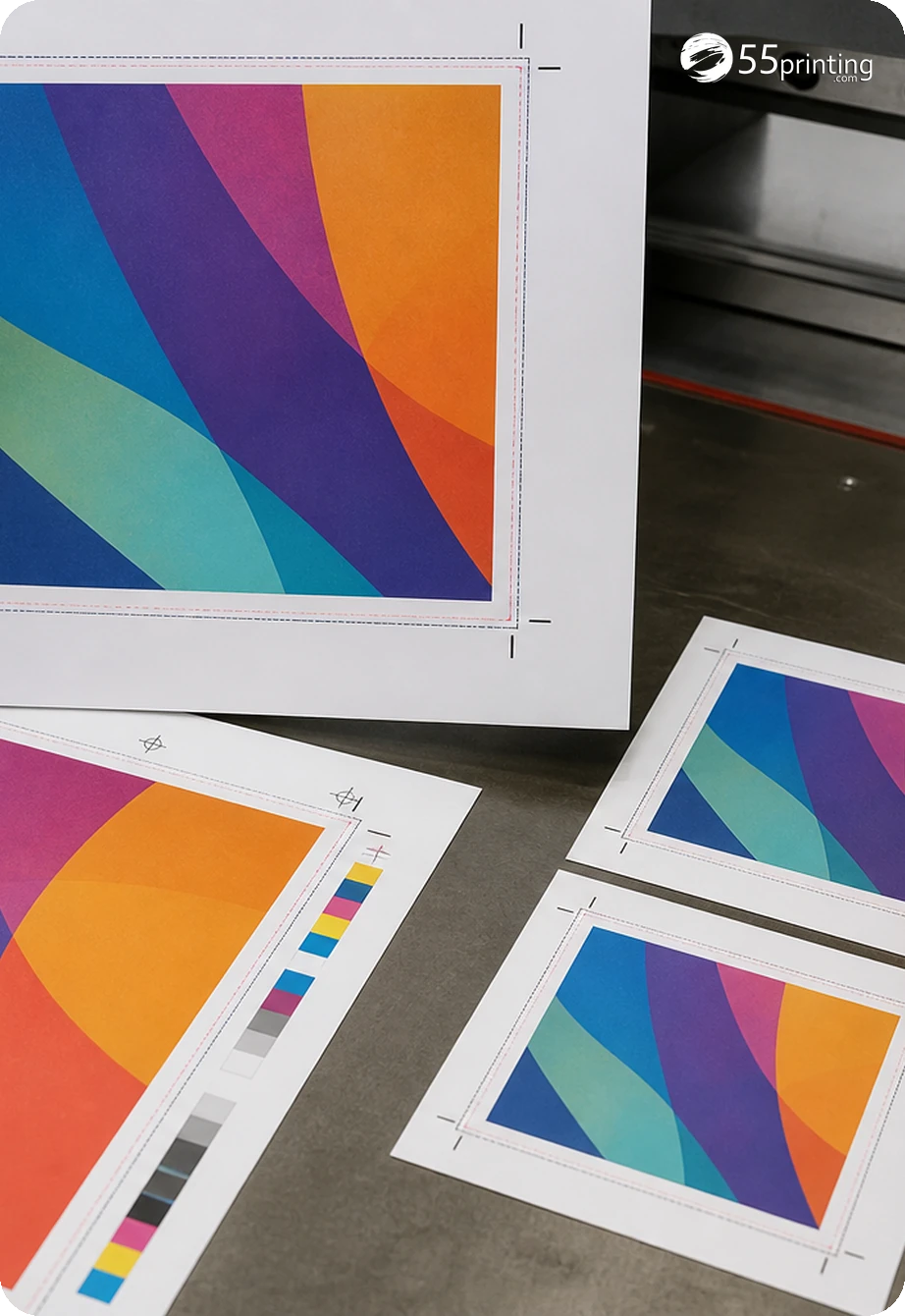
What should the handoff note mention?
Name the product, template, border or frame role, critical content, bleed and safe-zone question, orientation, source version, and proof request. State whether the edge effect is intentional and what variation would require a design change. Use the File Uploader with the source and note when review context is needed.
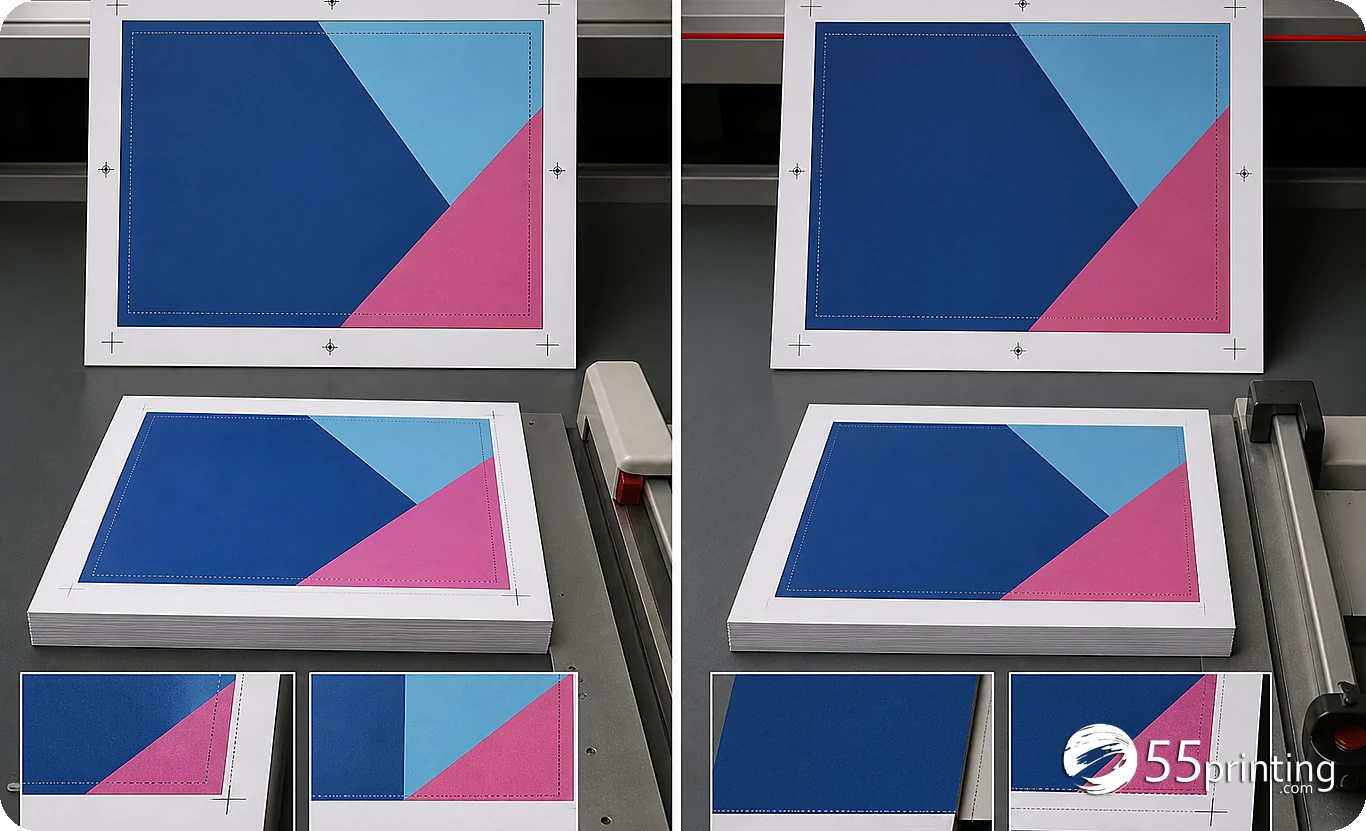
How should the proof be inspected?
Compare intended crop, border or frame spacing, logo and copy distance from the edge, bleed, safe zone, orientation, and product context. Review opposing edges together rather than checking one corner in isolation. If the design depends on exact visual symmetry, record that sensitivity and decide whether the border should be changed.
Which border designs need extra care?
Thin frame around a card
Keep the frame away from unverified edge assumptions, map the product template, and inspect all sides in proof. A balanced screen preview can still reveal variation after crop.
Border around a postcard
Check front or back geometry, bleed, safe areas, and reading context. Do not carry a card frame onto a different canvas without a new proof.
Full-bleed photo with a narrow line
Confirm the photo extends through intended bleed and the line is treated as a deliberate edge-sensitive element. Review crop and line balance in product proof.
Questions customers ask
Why are borders risky in print?
A thin border creates a visible reference between the artwork and the trimmed edge. Small positional variation can make opposing margins look unequal even when the file is mathematically centered. Use the current template, protect safe zones, and review the border in product proof.
Does bleed remove border risk?
Bleed helps extend intended background beyond the cut, but it does not make a thin inset border visually immune to edge variation. Keep critical content safe, map the current product geometry, and ask proof to compare border spacing and crop.
Is there one universal trim tolerance?
Do not publish or rely on one universal measurement for every product and design. Visual sensitivity depends on product geometry, border width, content placement, and viewing context. Use the current template and proof, then document the edge-risk decision for the specific file.
Should important text sit near the edge?
Keep important copy, logos, phone numbers, URLs, and QR codes inside the current safe region. The exact region depends on the product template. A screen preview that appears clear near the edge does not replace a product-context check of crop and safe placement.
Can a full-bleed background hide variation?
A full-bleed background can make edge variation less visible because the design continues beyond the cut, but it still needs correct bleed and crop. Review the image edge, any frame or line, and critical content separately in the current product proof.
How should a border proof be marked?
Name the product, template, source version, border role, opposing edges, critical content, bleed, safe-zone question, and desired review. Ask proof to compare all sides and record what visual variation would require a design change. Record the product template and edge-risk question so the proof review stays specific to the file.
Does centering in the file guarantee centering after trim?
File centering establishes the artwork geometry, but the final visual result also depends on product trim and the sensitivity of the design. Do not promise identical edge spacing. Use proof to inspect the frame, crop, safe zone, and product context.
What if the border looks uneven?
Compare the proof with the current template and source, identify which edge or line is affected, and decide whether to move, widen, remove, or accept the border. Record the decision. Do not infer a production cause or correction without current evidence.
Map the current template, protect critical content, state the border risk, and inspect crop and spacing in proof.