

LAST UPDATE: 10 / 17 / 2026
JPEG XL (.JXL) File Format: Now Accepted for Printing at 55printing
55printing.com now accepts JPEG XL (.jxl) artwork on product order forms and the free File Uploader. JXL is the ISO/IEC 18181 image format that stores lossy and lossless compression in one file. Chrome 155+, Firefox 158+, and Safari 17+ render it natively, and our uploader shows a preview even on browsers that do not.
A customer on hotel Wi-Fi is trying to upload a 120 MB TIFF of a trade show poster. Another is staring at a Photoshop export menu wondering if this new “JPEG XL” option is safe to send to a printer. Both land on the same question: is.jxl a real file format, and does anyone accept it? As of this week the answer here is yes on both counts. JPEG XL is an ISO standard, all three major browsers now decode it, and every 55printing artwork upload path accepts it. Here is what the format actually is, where it wins, where it still has gaps, and how to send one for print.
What JPEG XL is and where it came from
JPEG XL is a still-image format standardized as ISO/IEC 18181. The codestream was finalized first and the container and format parts were published over the two years that followed. It was built by the JPEG committee together with engineers from Google, Cloudinary, and the wider image-codec community, combining two research lines: Pik, a lossy compressor, and FLIF, a lossless compressor. The goal was a single royalty-free format that could replace the original 1992 JPEG without giving anything up.
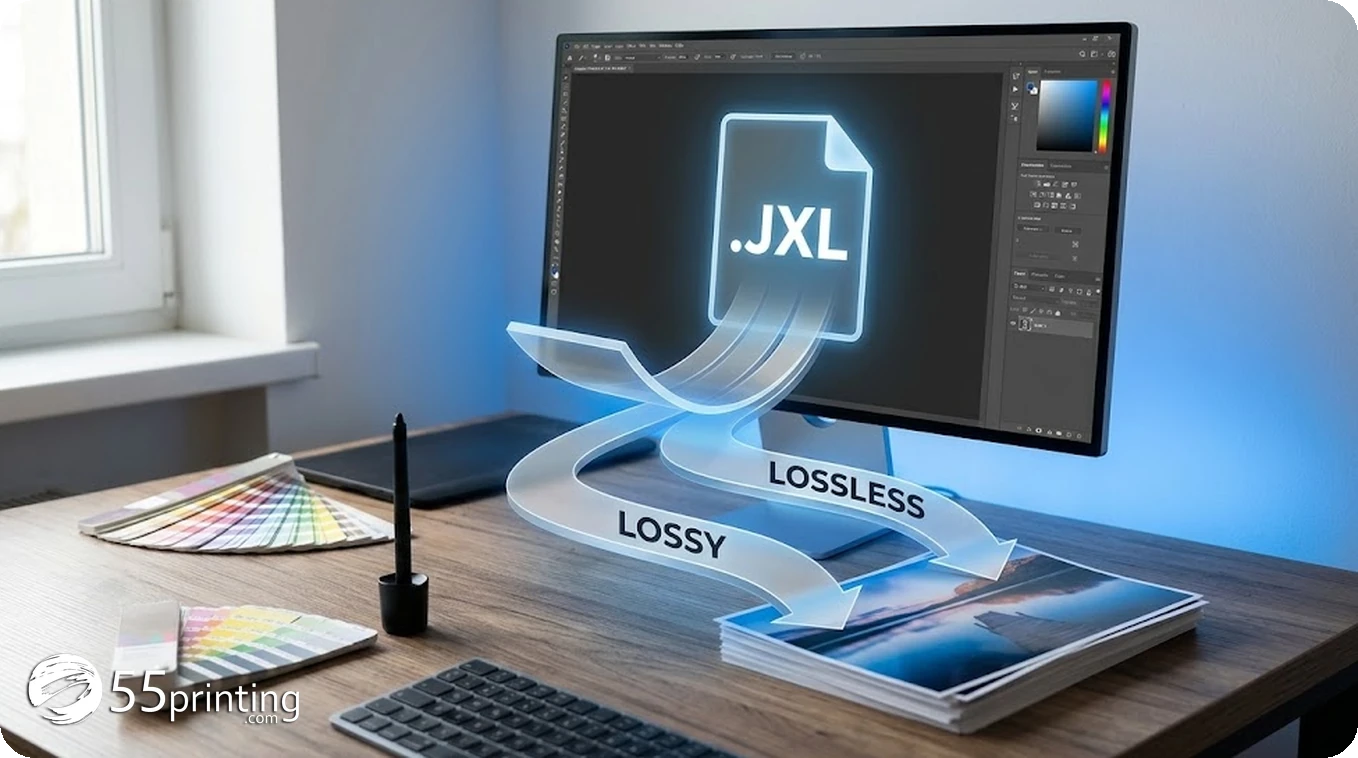
The result is unusual: one codec with two modes. The lossy mode (VarDCT) targets photographic images at far better efficiency than baseline JPEG. The lossless mode (Modular) compresses images bit-exactly, like PNG, usually at a fraction of the PNG size on photos. The same format also covers features JPEG never had: alpha channels, animation, HDR and wide color gamut, up to 32 bits per channel, and progressive decoding that shows a usable preview from the first few kilobytes.
There is one more trick that matters to anyone with an archive. JXL can recompress an existing JPEG file roughly 20 percent smaller in a mathematically reversible way: the original JPEG bitstream can be restored byte for byte. Nothing else mainstream does that.
File size and image quality: honest numbers
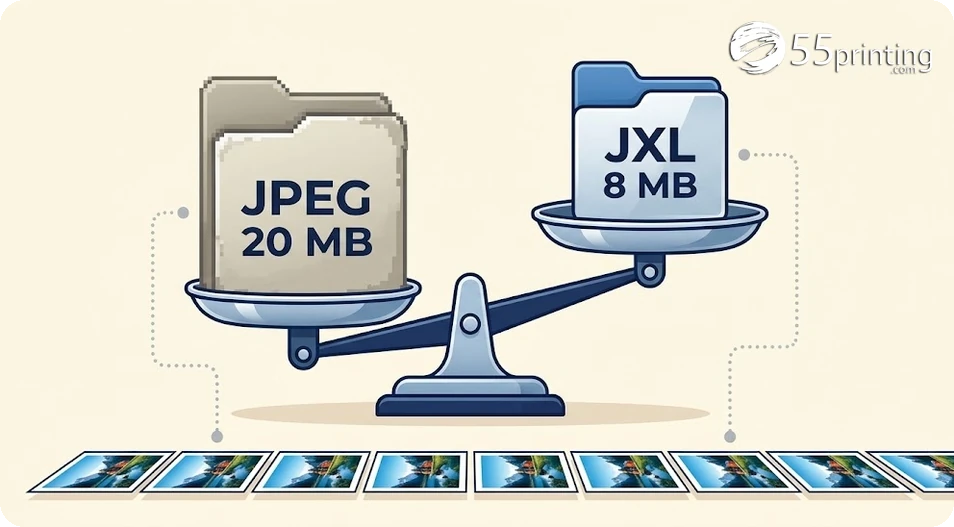
Google’s Chrome team describes JXL as offering 30 to 50 percent better compression than JPEG at comparable visual quality. Independent benchmarks typically land in a wide band because results depend on the source image, the encoder settings, and what you compare against. What we can say plainly:
| Format | Typical size vs JXL | Lossless? | Best print use |
|---|---|---|---|
| JPEG | 20 to 60 percent larger | No | Photos, everyday artwork |
| PNG | Often 2x or more on photos | Yes | Logos, text, transparency |
| TIFF | Often 3x or more | Yes | Legacy press masters |
| WebP | 10 to 30 percent larger | Yes | Web graphics |
| AVIF | Similar, sometimes smaller | Yes | Web delivery, slow encode |
| JPEG XL | Baseline | Yes | Masters and uploads |
For print specifically, the interesting comparison is against TIFF and PNG, the two formats customers currently use when quality cannot be compromised. A lossless JXL of a poster photo can be half to a third the size of the equivalent flattened TIFF. That is the difference between a 120 MB upload and a 45 MB upload on a phone connection, with identical pixels.
Decoding performance, briefly
JXL was designed to decode fast. Its progressive structure means a decoder can show a recognizable image from a small fraction of the file, which is why browser vendors finally warmed to it. Encoding is the slower side, especially at maximum effort, but the default settings of the reference encoder are practical on a normal laptop. For our purposes the decode story matters more: previewing a customer’s.jxl file on screen is quick, and rasterizing it into the print pipeline is routine work for modern tools.
What supports JPEG XL in October 2026
This is the part that changed fast. For three years the honest answer to “is JXL supported” was “mostly no.” That is no longer true.
| Software | Status | Notes |
|---|---|---|
| Chrome 155+ | Native | Decode on by default, Edge follows |
| Firefox 158+ | Native | jxl-rs Rust decoder, full progressive render |
| Safari 17+ | Partial | Decodes, but no progressive render |
| Photoshop 26.8+ | Open and save | Save a copy, then choose JPEG XL |
| GIMP 3.0 | Open and save | Native, no plugin needed |
| Lightroom / Camera Raw | Export | JXL export supported |
| Krita, darktable, XnView MP | Open and save | Free editors already there |
| ImageMagick, cjxl/djxl | Convert | What our own thumbnail path uses |
| Windows Photos | Via codec | Needs a WIC JXL codec installed |
Three things to take from that table. First, the browser story is real now: Chrome 155 and Firefox 158 both ship JXL decoding on by default, which is why 2026 is the year the format stopped being a hobbyist format. Second, creative tools are already there, from Photoshop 26.8 to free editors like GIMP and Krita. Third, gaps remain on older machines, which is exactly why a print shop still has to handle the decode on its side.
How to create a.jxl file
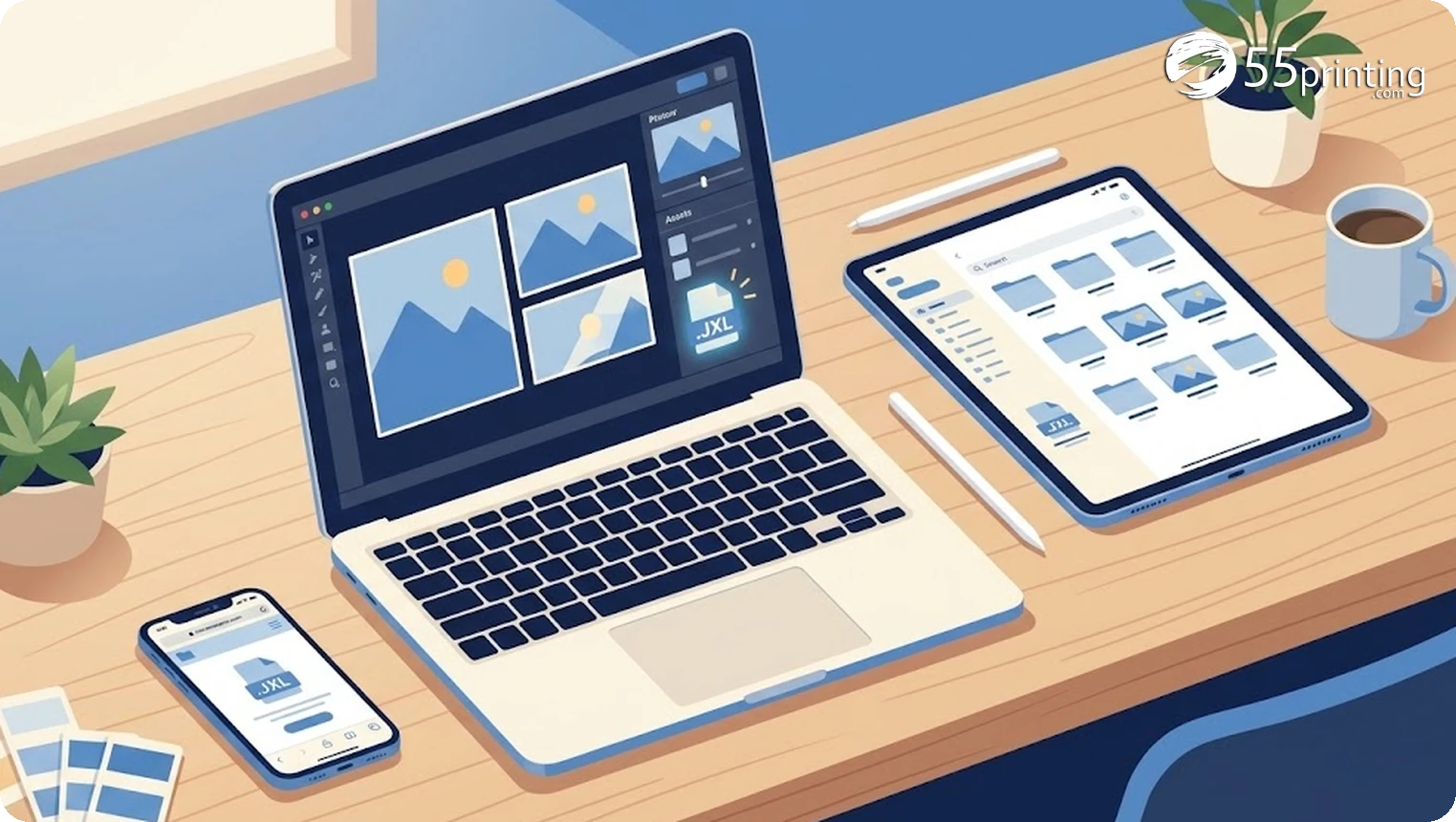
If your tools are current, you already can:
- Photoshop 26.8 or newer: File, Save a copy, choose JPEG XL from the format dropdown, pick lossless or a quality level.
- GIMP 3.0 (free): File, Export As, set the filename to
.jxland choose your quality. - Lightroom Classic: Export dialog, JPEG XL in the file settings.
- Command line: the free reference tools do it in one step.
cjxl poster.png poster.jxl -d 0gives a mathematically lossless file;-d 1is visually lossless for most photos. - ImageMagick:
magick input.tif output.jxlon any build with the libjxl delegate.
Two print-specific recommendations. For logos, text-heavy artwork, and anything with transparency, export lossless. For photos at 300 DPI print size, a quality setting around distance 1.0 (roughly “90” in tools that show a percentage) is visually indistinguishable from the original on press. And embed your ICC color profile if the tool asks, because that profile is what our prepress review reads.
How JXL moves through a 55printing order
Here is what happens when you send a.jxl file to us, end to end:
- Upload anywhere. Product order forms, the free File Uploader for a no-commitment file review, and proof-response uploads all accept
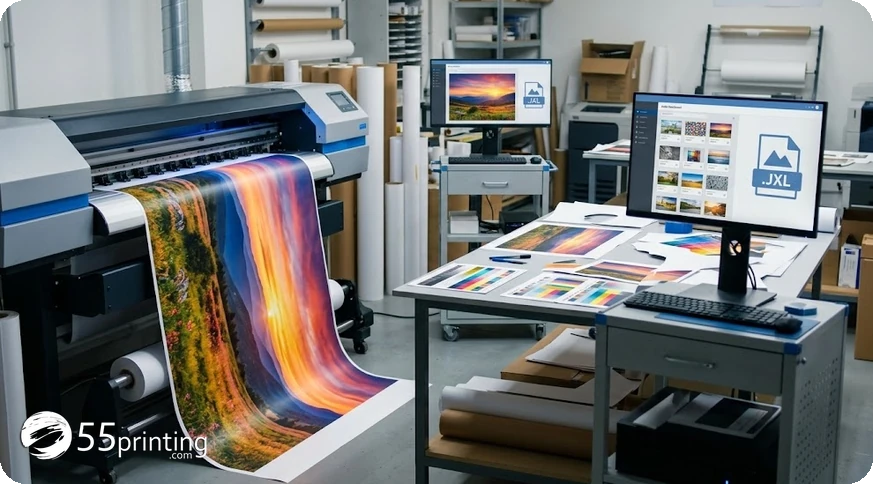
.jxlnow. The validator checks the real file content, not just the extension. - You see a preview anyway. Even on a browser without native JXL support, our uploader decodes the file in your browser and shows a thumbnail, so you can confirm you picked the right art before it ever reaches us.
- Our review still applies. Free artwork review checks resolution, bleed, safe margins, and color mode exactly as it does for PDF, TIFF, or JPEG. If something will print badly, we tell you before you pay, not after.
- Proof before press. Every order still gets a free digital proof. Nothing goes to press until you approve it, regardless of what format you uploaded.
A note on color: JXL files are usually RGB or HDR. Print runs CMYK, so our prepress step converts color space the same way it does for JPEG and PNG uploads. If you want to sanity-check any file before ordering, run it through our free color profile check.
Should you switch to JXL for print files?
Honest guidance, not hype. Use JXL when your file is large and your connection is not, when you want lossless masters without TIFF bulk, or when your editor already exports it natively. Keep using PDF for vector layouts and documents, keep TIFF if your workflow demands it, and keep JPEG for anything small enough that the savings do not matter. The format is a better container for the same pixels. It does not fix low resolution, missing bleed, or the wrong size, and our free review will catch all three no matter what container you send.
Download the JXL cheat sheet

JPEG XL questions, answered
Is JPEG XL better than JPEG for printing?
For the same visual quality, JXL files are typically 20 to 60 percent smaller, and JXL can be fully lossless where JPEG cannot. Once a file meets print resolution and color requirements, the printed result is the same either way. The real benefit is sending a smaller or higher-fidelity file. Our free review checks what matters for press regardless of the container.
Can I upload a.jxl file to 55printing?
Yes. Every artwork upload path accepts.jxl: product order forms, the free File Uploader, and proof-response uploads. You will see a preview thumbnail even if your browser does not natively render JXL, because our uploader decodes it for you.
Why does my browser or Windows not open.jxl files?
Support is new. Chrome added it in version 155 and Firefox in version 158, so older versions still cannot display JXL. Windows Photos needs a third-party JXL codec. Safari 17 and newer on Apple devices decode it. If your desktop cannot open one, upload it to our File Uploader anyway, since the preview happens in our interface, not in your viewer.
Is JXL lossless or lossy?
Both, in one format. You choose at export: lossless keeps every pixel identical to the source, lossy trades a controlled amount of quality for a much smaller file. JXL can even recompress an existing JPEG about 20 percent smaller with a bit-exact path back to the original.
What quality setting should I use for print?
For photos, aim for a distance around 1.0 in cjxl terms or roughly 90 percent quality in GUI exporters, at 300 DPI at the final print size. For logos, text, and transparency, use lossless. If in doubt, export lossless and let our review flag anything that is still too small for your product.
Does JXL keep my color profile?
Yes. JXL carries embedded ICC color profiles and supports wide gamuts and HDR content at up to 32 bits per channel. Our prepress step converts color space to CMYK for press exactly as it does for JPEG and TIFF uploads, so embedding the profile helps rather than hurts. Export with the profile attached whenever your tool offers the option.
Is JPEG XL free to use?
Yes. The format is royalty-free and its reference encoder and decoder, libjxl, are open source. That freedom is a big part of why browsers finally adopted it. Photoshop, GIMP, Krita, darktable, and XnView can all write.jxl files at no extra cost beyond the software you already have, and free command-line tools like cjxl handle conversions on any platform.
JXL vs AVIF vs WebP, which should I send?
For print uploads, JXL and TIFF are the fidelity-first choices, and JXL is the smaller of the two. AVIF and WebP are excellent for websites but weaker as print masters because they target 8-bit web delivery. If you already have a high-quality JPEG, you do not need to convert it; just send that.
Upload it now. Free file review and a digital proof come before any press run.