

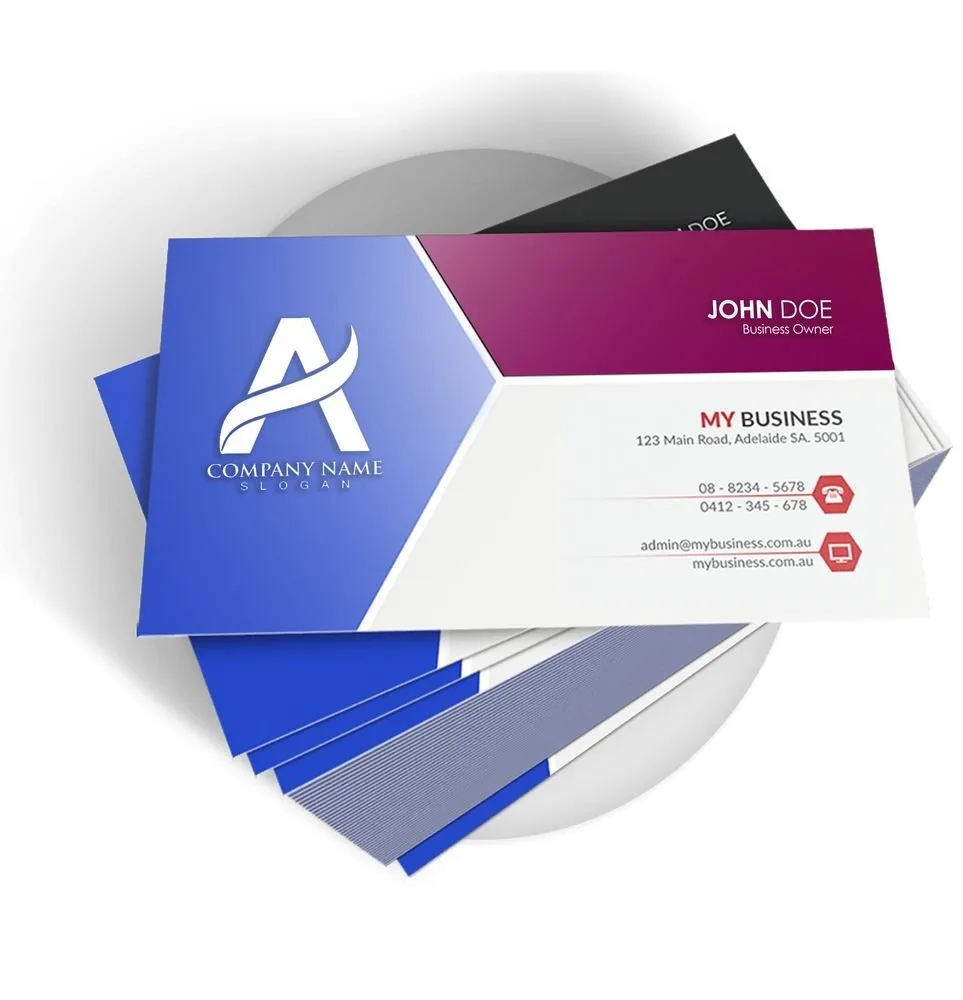
BUSINESS CARD · PRINT SAFE
Business card print-safe check
Check a business-card design at the familiar 3.5 × 2 inch trim, with a planning bleed, safe-area reminder and effective PPI before you send it to print.
FREE · BROWSER-BASED
Make the next print decision with evidence
No signup · no stored artwork

Small format, unforgiving type
The default planning size is 3.5 × 2 inches. This checker measures the file you select against that trim and the bleed you enter. Keep names, phone numbers and QR modules inside the official safe zone; a pixel count cannot rescue text that is cut by the guillotine.
- Enter the finished size and the assumptions that are actually true for this job.
- Read each warning, not only the headline color. A warning is a next action.
- Confirm the exact official template, then request a proof when the detail matters.
What this tool cannot certify
No browser calculator can see every production decision. It cannot approve a complex PDF’s fonts, overprint, fold order, variable data, spelling, legal copy, official template fit or a final printed QR scan. Those checks remain part of the official guideline and proof process.
| If you need… | Open… |
|---|---|
| Effective PPI and color signals | Print Clear |
| PDF, JPG or PNG orientation | Rotate Files |
| Final human review | File Uploader |
Questions customers ask before printing
What pixel size is 300 PPI for a 3.5 × 2 card?
The trim area is 1,050 × 600 pixels at 300 PPI. If your official template adds 0.125 inch bleed on every edge, the planning canvas is 1,125 × 675 pixels. Confirm the exact template before exporting, because a different stock, shape, or finishing option can change the production file.
Can this checker confirm the safe zone?
It gives a planning reminder only. Open the exact official business-card guideline and inspect every logo, name, phone number and QR code against its safe area. Safe zones also depend on the selected shape and finishing, so a passing pixel count cannot replace a visual proof review.
Should I use a PDF or image?
Use the original PDF when possible. A PDF preserves type and vectors; an image can still be measured, but its text is already rasterized. Export with the official bleed and keep a copy of the source so production can review fonts, overprint, linked assets and final dimensions.