Check image resolution: is the detail real or stretched?
Check image resolution the honest way. This free checker reads the strongest area of your JPG, PNG, WebP, GIF, BMP or AVIF, shrinks it and enlarges it back, and measures whether the edges survive as real detail or collapse into a smaller picture that was stretched. You get the estimated detail dimensions, the detail DPI at your print size and a clear verdict. Three free checks per network each day. Your file never uploads.
Method: edge detail measurement after a shrink-and-enlarge round trip, the same test our prepress pipeline runs on customer files. Updated October 22, 2026.
Pick your path
Two ways to get this done - both 100% free
Complimentary prepress service
Send us your files - we'll handle Real Resolution Checker
Use our File Uploader to send artwork and notes. Our team will complete this task and email you back completely free of charge.
Why can a huge image file still be low resolution?
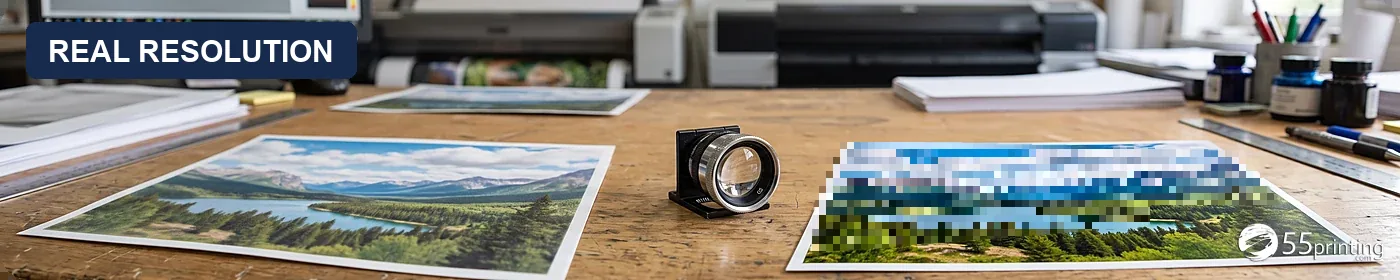
Two files can share the same pixel grid while one holds real edges and the other repeats a smaller picture. Illustrative scene, not a customer file.
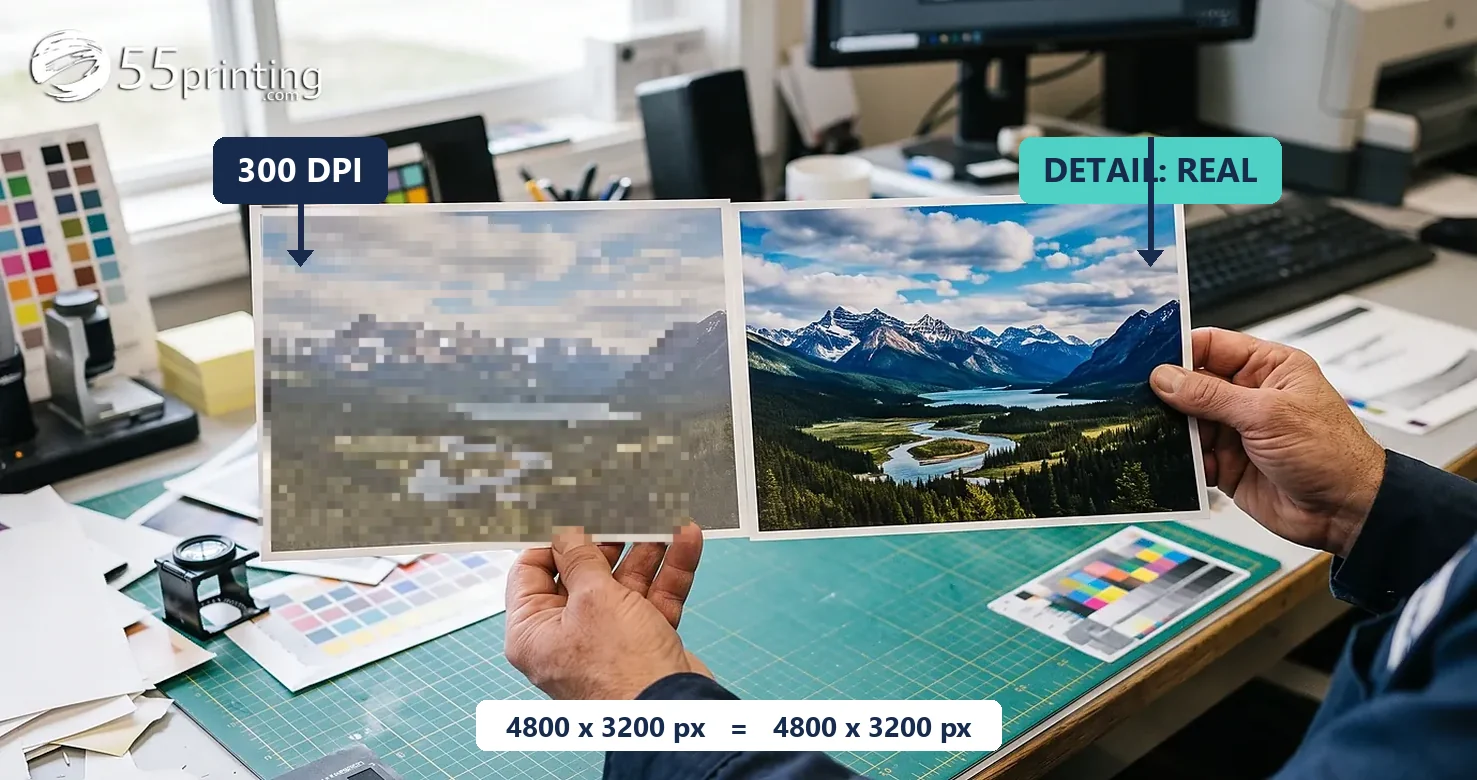
A banner file arrived at our bench as a 18554 × 7600 pixel PNG with a 228 DPI tag inside. Divide pixels by the 10 ft × 4 ft print size and the file appears to offer about 155 DPI, comfortably above the 150 PPI planning target for distance viewing. We ran the detail test anyway: shrink the file to half size, enlarge it back, compare the edges. The round trip matched almost perfectly, error under one gray level. A genuinely sharp graphic of the same crop misses by about 39.
The pixels were real, but the detail was not. The file behaved like a much smaller image enlarged to banner dimensions: the real information measured under 40 DPI at print size. The customer later sent a true 21920 × 8960 export and that file passed the same test at full scale. This checker exists so you can run that same measurement before the file reaches a press, not after.
What the numbers can and cannot say
What you see
What it proves
What it cannot prove
18554 × 7600 pixels
The file stores that grid
Whether the grid holds that much detail
A 300 DPI tag
Someone set that label on export
That 300 lines of detail exist per inch
155 PPI by pixel math
Theoretical coverage at 120" × 48"
That the print will look sharp
Measured detail 38 DPI
Edges survive only at small scale
Nothing about color, bleed or text content
The everyday version of the same trap is the screenshot, the messenger download, or the AI enlargement. Each one inflates the pixel grid while the detail stays behind. The checker reports both numbers side by side so the gap is impossible to miss: file pixels, and the detail those pixels actually carry.
How does the real-resolution test decide?
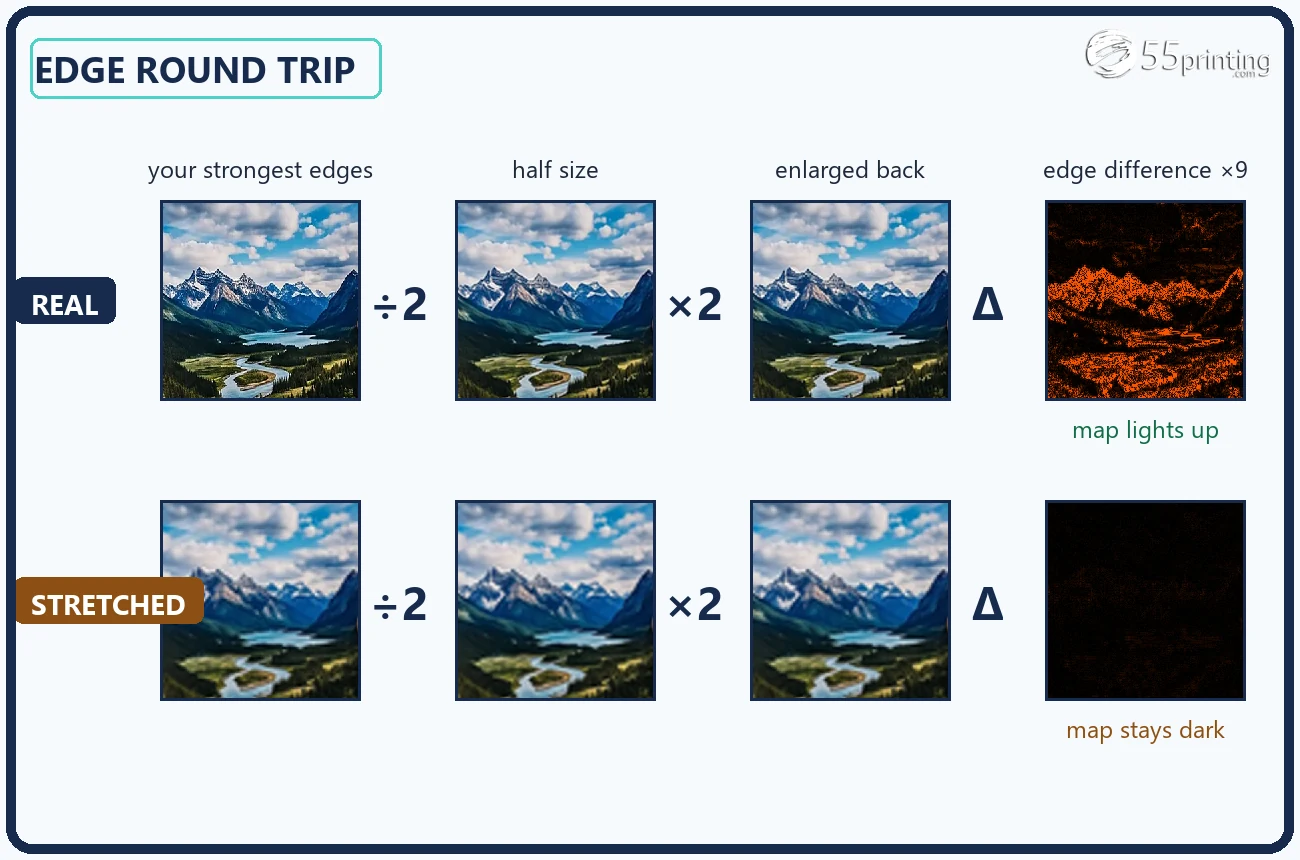
The shrink and enlarge round trip
Your image is searched for its busiest 384-pixel crop, the area with the strongest edges. That crop is scaled down, then enlarged back with the two resampling filters every imaging tool uses. If the pixels held real edge information, the round trip loses it and the error stays high. If the file was already an enlargement, the round trip reproduces it almost exactly and the edge error collapses. A scale under 50% is flagged as stretched.
The block-grid test
A simple enlargement by pixel replication survives the blur test because its hard steps stay sharp. That kind of file leaves a fingerprint: color changes land on an exact grid of N-pixel blocks. The checker measures the gaps between color changes across the strongest rows. When at least 85% of them share one block size of 4 pixels or more, the file is a nearest-neighbor stretch and its real detail is the original divided by that block.
Both tests run on your device with the same math our order-review pipeline applies to customer files before a proof goes out. The page also reads the embedded DPI tag when the format carries one (JPEG JFIF or EXIF, PNG pHYs) and prints it beside the measured detail, because the gap between the label and the measurement is exactly the story a stretched file tells. Neither test changes a single pixel of your file, and neither uploads it.
The round trip in one picture: real edges lose information; stretched edges come back unchanged. Illustrative diagram.
Limits worth knowing: the checker measures luminance edges, so a flat solid-color design has little to measure and reports honestly rather than guessing. Heavily textured artwork reads as rich detail whether or not you like the texture. The verdict covers detail only; it says nothing about color space, bleed, safe zones, fonts, spelling or QR destinations. Those stay with the companion checkers and the human proof.
What do you do with the answer?
Real detail at full scale: keep going. Take the file to Print Clear to confirm effective PPI for your exact product size, read the color profile with the free checker, and open the official product guideline for bleed and safe zones. A clean detail reading is one green light among several, never the whole approval.
Partial detail: shrink the plan. A scale between 50% and 90% means some of the grid is enlargement. Try a smaller finished size, ask for a better export, or order a human proof and let prepress judge whether the softness matters at viewing distance. Posters at arm's length need more than banners across a hall.
Stretched: replace the source, not the tag. Ask for the camera original, the native design export, or the vector version. Retagging to 300 DPI changes nothing under the glass. An AI upscaler can help when no original exists, but it invents plausible surface rather than recovering the lost information, so run the new file through this same check before you trust it.
Unsure or on a deadline: hand it to the bench. The File Uploader reaches the same prepress team that built this test. Send the file with the product and size you have in mind and we measure the real detail at no charge, then tell you honestly what the numbers mean for that print run.
A closing note on honesty: a green "real detail" result means the pixel grid carries the information it claims. It is not a promise that the file prints well, because spelling, color, bleed, folds and finishing live outside the pixels. Use the result to choose the next step with both eyes open, and keep the human proof in the order when the piece matters.
Real image resolution questions
How do I check image resolution before printing?
Start here: drop the JPG, PNG, WebP, GIF, BMP or AVIF in the checker and read the measured detail, then compare it with the size you mean to print. Pixel dimensions alone only give the theoretical PPI at that size. This page goes further and tests whether those pixels carry real edge detail or were stretched up from a smaller picture. For placements inside a PDF, use our companion Print Clear tool, which reads placed image transforms per page.
Is my image high resolution if it has millions of pixels?
Not necessarily. A 40-megapixel file can hold the detail of a thumbnail stretched up by software. Cameras, downloaders, AI upscalers and file converters can all enlarge the grid without adding real edge information. The only honest answer comes from measuring the detail inside the pixels, which is what this checker does on the strongest crop of your file.
Can a 300 DPI image still print blurry?
Yes. The 300 DPI figure inside a file is a metadata tag, not a measurement. Anyone can set it in an export dialog without adding a single pixel of detail. A photograph that was enlarged three times to reach that tag still prints soft. This is why the checker reads the pixel grid itself and reports estimated detail dimensions next to the embedded tag.
What does "stretched" mean in the report?
Stretched means the checker found that at least half of the pixel grid carries no new detail. The file was probably enlarged from a smaller source, so the extra pixels repeat edges the original already had instead of describing finer ones. The report shows the estimated detail dimensions: the size the picture would be if you kept only the information that is actually there.
How does the real-resolution test work?
The checker takes the strongest 384-pixel crop of your image, shrinks it, enlarges it back with two different resampling filters, and compares the edge pixels with the original. Real detail loses a measurable amount in that round trip; an enlargement returns almost unchanged. A second test looks for the exact block grid a nearest-neighbor stretch leaves behind. Both run entirely in your browser.
Does this tool upload or keep my file?
No. The measurement runs in your browser on a canvas element. Your file is never sent to 55printing, never stored, never mailed and never given to an AI service. The only network call reports that one of your three daily checks was used, without the filename or its contents. Closing the tab removes every trace of the image from this page.
How do the three free daily checks work?
The public limit is 3 completed checks per network each UTC day, shared across our free tools, and it resets at 00:00 UTC. A free account is required before the first run, and the limit applies to completed reports, not to files rejected for format or size. Administrators have a verified testing bypass; public visitors do not.
How do I check the resolution of an image inside a PDF?
Use the companion Print Clear tool for PDFs. A PDF can hold many images placed at different scales, so that tool reads each standard image placement and reports the lowest effective PPI per page instead of one document number. This page measures the real detail of a single image file. Between the two you know both the placed size math and whether the pixels are genuine.
Why is my printed image blurry when the file looked big?
Because file size and pixel count describe the container, not the detail inside it. A stretched or heavily compressed file reaches the press with far less real information than its dimensions promise, and the print looks soft. Check the measured detail at your exact print size here before ordering, and plan a smaller piece or a better source when the detail falls short.
What should I do when the checker says my file is stretched?
Get the true original first: the camera file, the design export at native size, or a vector logo. If none exists, reduce the physical print size until the measured detail fits the target, or ask our team about a rebuild. AI upscalers can create a plausible surface but can also change small text, faces and QR patterns, so treat an AI enlargement as a new file that needs this check again.
Take the measured detail to the right next step
A detail number is a decision tool: pass it to the size checker, match it against the product guideline, or hand the file to a person. What it should never do is sit next to a 300 DPI tag and pretend the two numbers agree.
A 141-megapixel banner file that carried a 100-pixel secret
A 10 by 4 foot trailhead banner reached us as a 18554 by 7600 pixel PNG tagged 228 DPI. Pixel math said about 155 DPI at print size, but the file read soft under the loupe. We shrank it to half and enlarged it back: the edges came back nearly untouched, which means the extra pixels were an enlargement, not detail. Real information measured under 40 DPI. We built this checker for that moment.
Run your own image here for free and read the real detail inside the pixel grid. Send the file instead and we run the same measurement at no charge, then tell you what the numbers mean for the product you want. The next stretched file still teaches this bench.
Does Real Resolution Checker upload or change my file?
No. The detail measurement runs in your browser on a canvas: the image is shrunk, enlarged back, and compared edge by edge. The file is never uploaded, stored, mailed, or sent to an AI service, and the downloaded report is generated on your device. Only a daily-use count is recorded on our side, with no filename or contents.
Detail is one reading. The rest of the bench reads the rest
Real Resolution Checker answers whether the pixels are genuine. Print Clear measures effective PPI at the finished size. Color Profile Check reads ICC and color signals. QR Scanner tests whether the actual code decodes. Official Guideline Templates give the product bleed and safe zones. Take an uncertain result to the File Uploader for human review instead of treating one measurement as final permission.
Create & Design
Online Designer - Free browser design studio for cards, flyers, and more