

Artwork Quality Enhancer: When Missing Detail Needs a New Source
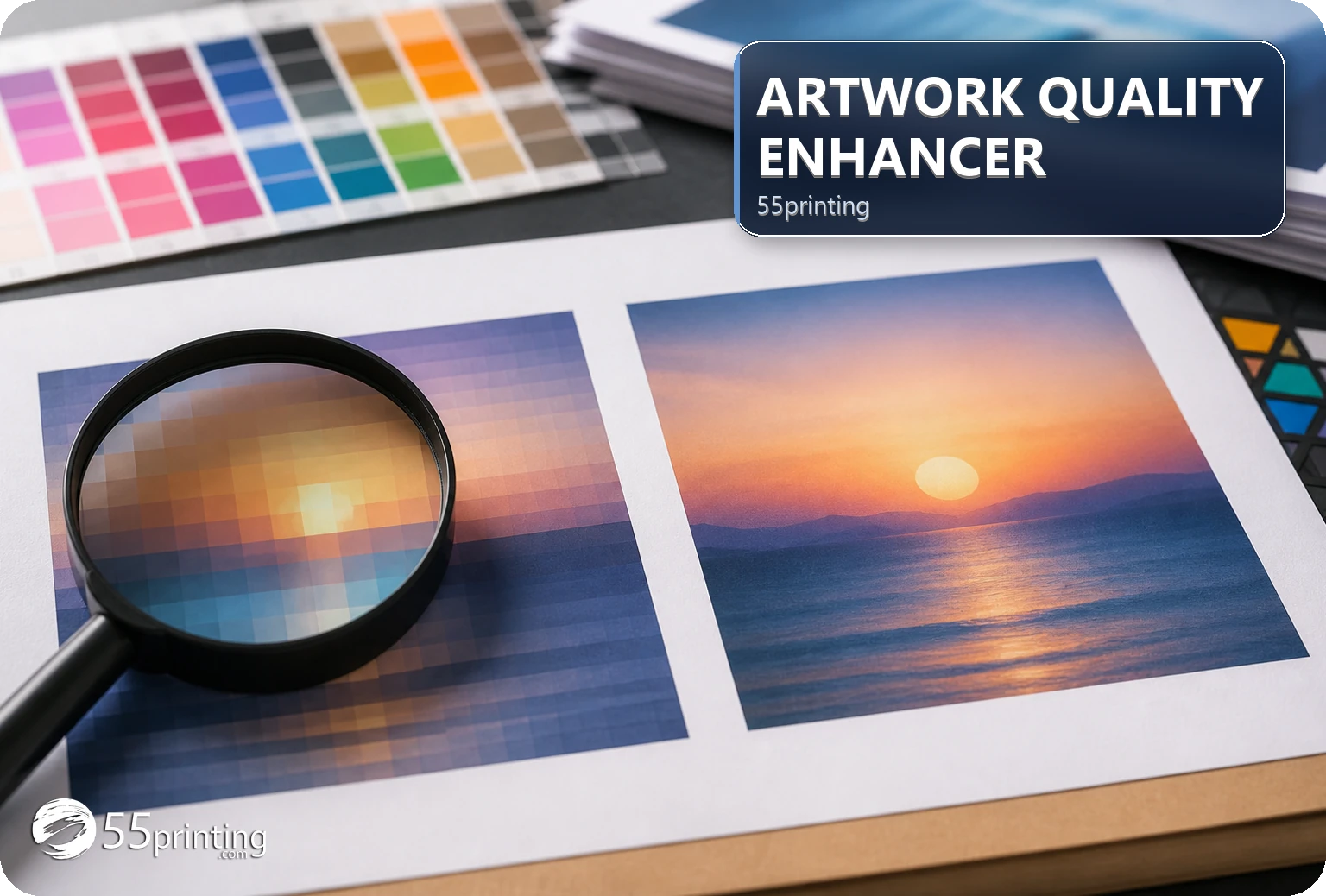
Use the 55printing Artwork Quality Enhancer to inspect soft edges, compression, and weak text, but do not ask it to invent missing pixels, phone numbers, prices, URLs, names, or promotions. Compare the output with the source, keep dimensions truthful, request a better asset or redraw when detail is absent, and review the named file in proof.
A large file can still contain soft letters, missing pixels, an incorrect logo, or a screenshot of an older design. The current enhancer route describes local processing and says it keeps source dimensions truthful and flags uncertain text. That boundary is useful: restoration can improve a file condition, but it cannot establish facts that the source does not contain.
How do you tell restoration from missing detail?
Compare the source with the approved copy and asset. Look for compression blocks, weak edges, enlargement softness, screenshot artifacts, missing letters, wrong phone digits, or an incorrect logo. Separate a visible quality defect from a factual or identity defect before choosing a tool.
| Problem | First response | Stop when |
|---|---|---|
| Compression or soft edge | Run a named enhancement test | Compare output with source. |
| Missing pixel detail | Request a better source | Output remains uncertain. |
| Wrong text or phone | Correct from approved copy | Tool suggestion conflicts with source. |
| Wrong logo identity | Find approved asset or redraw | Enhancement would polish the wrong mark. |
How should you run a bounded enhancement test?
Keep the original file, record product and version, and test one representative file. Check accepted formats and current route limits before a new job. Compare useful text edges, logo shape, colors, image subject, source dimensions, and any uncertain-word review. Save the result with a new name.
- Keep the approved source.
- Record the exact defect.
- Run one named test.
- Compare output and source.
- Review flagged text.
- Choose restoration, new source, or redraw.
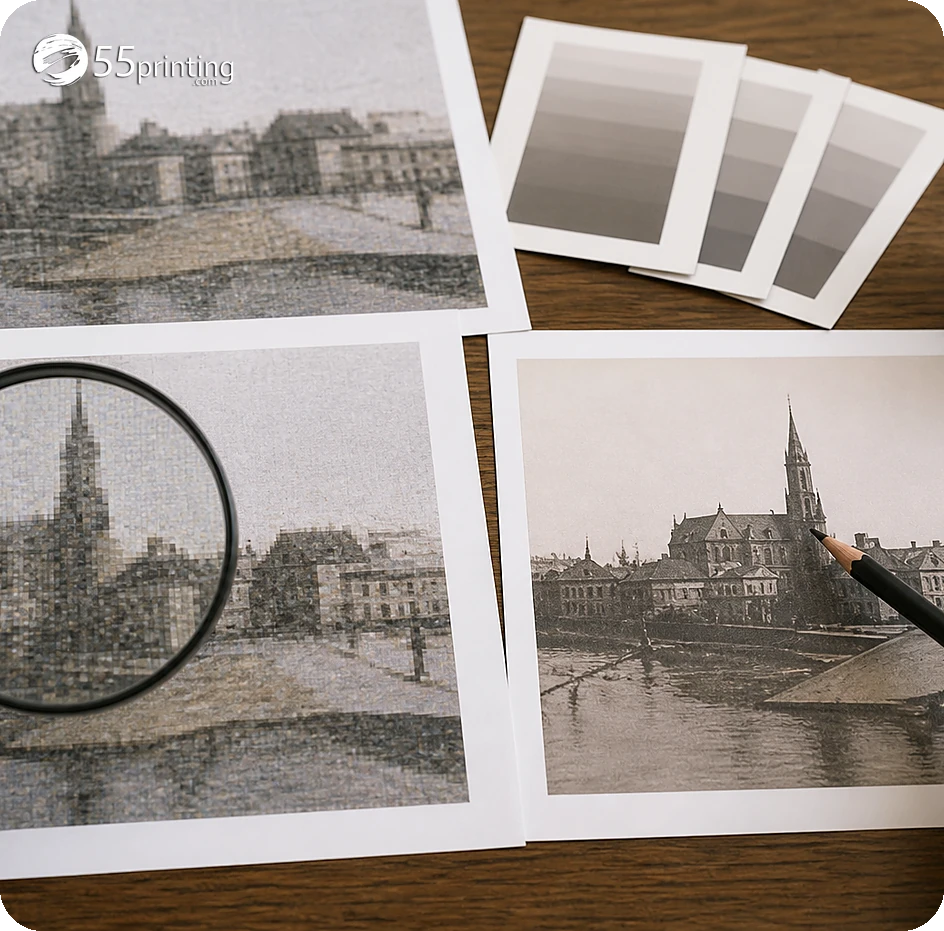
When should you request a new asset or redraw?
Ask for a new source when a phone number, URL, name, price, promotion, logo detail, face, or critical object is not present or cannot be verified in the original. Choose a redraw when the brand mark or composition is wrong. Do not let a sharper-looking preview hide a missing fact.
Use the current tool for a quality question and a design or source path for identity and content questions. Keep the decision in the handoff note.
How do template and proof complete the decision?
Use the matching template to check product size, bleed, safe zone, and placement. Use the free PDF proof to compare the named output with the product role. Keep the source, enhancement result, new asset request, or redraw decision in the File Uploader note when requested.
Which missing-detail jobs need extra care?
Screenshot-only logo
Find the original logo asset or request a redraw. A screenshot can carry scaling and missing-detail risk.
Blurry phone line
Compare every digit with the approved source. Do not accept a guessed or uncertain character because it looks plausible.
Low-resolution face
Check whether the subject remains trustworthy at the product role. Request a better image when the source cannot support the intended detail.
Questions customers ask
Can enhancement restore missing pixels?
It can improve visible softness or compression in a supported source, but missing pixels remain a source limitation. Compare the output with the approved asset and request a better file or redraw when the important detail is not reliable. Compare the approved source beside the output and record the decision before anyone treats the result as final.
Can it invent a phone number?
No. The current route says it will not quietly invent a phone number, price, URL, name, or promotion. Compare every exact detail with the approved source and correct the artwork from an authoritative file. Compare the approved source beside the output and record the decision before anyone treats the result as final.
How do I recognize a wrong logo?
Compare shape, lettering, colors, proportions, and approved brand source. If the identity is wrong, stop the enhancement and locate the correct asset or redraw. Sharpening the wrong mark produces a clearer wrong result. Compare the approved source beside the output and record the decision before anyone treats the result as final.
Should I use a larger DPI label?
A DPI label does not restore missing source detail. Review useful pixels, edges, exact text, and product role, then choose a new source or design decision when the original cannot support the requirement. Compare the approved source beside the output and record the decision before anyone treats the result as final.
What should I do when text is uncertain?
Compare the uncertain word with approved copy and the original source. Leave it unchanged when correct, or apply a documented correction after review. Do not accept a tool suggestion that conflicts with the authoritative text. Compare the approved source beside the output and record the decision before anyone treats the result as final.
Can a proof fix missing detail?
A proof can reveal whether a file is suitable in its product context, but it cannot create absent source information. Use the proof to confirm the new source, redraw, or restoration decision and keep the comparison record. Compare the approved source beside the output and record the decision before anyone treats the result as final.
When is a redraw better?
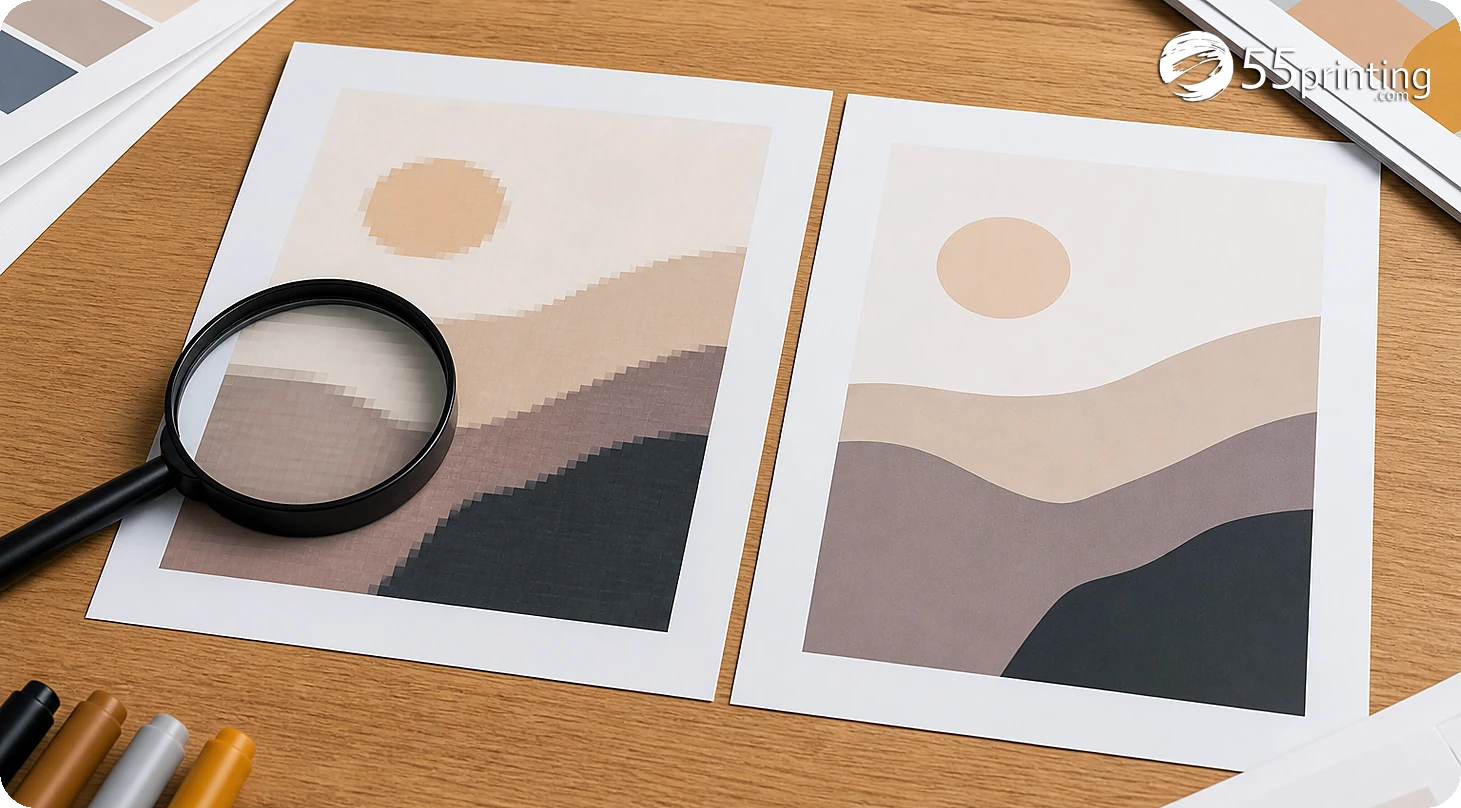
Choose a redraw when identity, composition, missing detail, or exact content cannot be recovered from the source. Restoration fits a quality defect; a redraw addresses a design or asset problem. Compare the approved source beside the output and record the decision before anyone treats the result as final.
What should the handoff note say?
Name source and output versions, defect, text review, asset identity, product, template, proof question, and whether a new source or redraw is needed. Keep the decision traceable for the reviewer. Compare the approved source beside the output and record the decision before anyone treats the result as final.
Test visible quality, protect exact facts, and request a better asset or redraw when detail is missing.