

LAST UPDATE: 10 / 22 / 2026
To make a calendar in Word, use a calendar template or insert a seven-column table with a weekday header and four to six week rows. Add the month, dates, and events, then inspect an exported PDF. The free editable 2027 Word and PowerPoint starters below include all twelve months. For commercial printing, confirm the finished size, bleed, page count, and proof before ordering.
A Word calendar is useful when you want to type events directly into an editable monthly grid. You can build one without a template, use Microsoft’s template gallery, or start with the twelve dated pages below. Choose the layout for the job first: a home planner needs writing space, while a customer calendar also needs a clear brand, accurate dates, and a file that matches the printer’s specifications.
How to make a calendar in Word from scratch
Create a landscape document, add a month heading, and insert a seven-column table. Use one header row for weekdays plus the number of weeks the month actually needs. A Monday-first January 2027 grid has five week rows; February has four; May and August have six. Do not force every month into the same number of date rows if that would remove dates.
- Set the page before the grid. In desktop Word, open Layout and choose the paper size, margins, and orientation. Our Word starter uses US Letter landscape, 11 x 8.5 inches. Keep room above the table for the month name.
- Insert the table. Choose Insert → Table, then seven columns. Add the weekday header and the required week rows. Write MON through SUN for a Monday-first calendar, or consistently use SUN through SAT.
- Place dates against a checked reference. January 1, 2027 is Friday: column five in a Monday-first grid. Continue through 31, leaving unused cells empty. Check every month individually; changing the heading from 2026 to 2027 does not move the dates.
- Give the cells writing space. Select the date rows and set their minimum height in Table Properties. The supplied Word file uses approximately 0.78-inch date rows. Reduce a large photo or heading if a six-week month spills onto another page; avoid shrinking the dates until they are hard to read.
- Build and inspect all twelve months. Start each month on a new page. Type events into the correct cells, save the editable document, and check Print Preview for split tables, missing rows, or an extra blank page.
If you prefer a prebuilt design, Microsoft’s template instructions explain how to find and customize templates through File → New. Menu names vary between desktop Word and Word for the web. Check the chosen template’s year and week start before adding events.
Should you use Word, PowerPoint, or Excel?
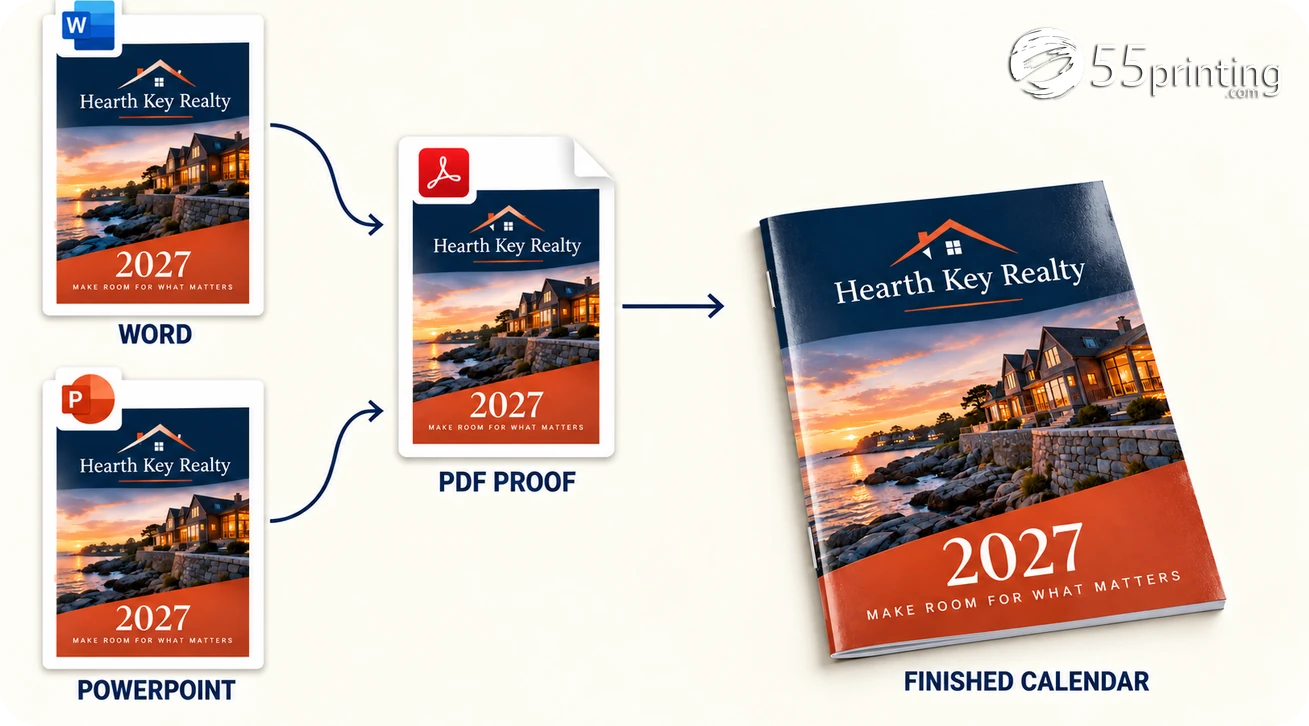
Use Word when most of the work is typing appointments into a page. PowerPoint gives you a separate canvas for each month and convenient positioning of photos and text boxes. Excel is useful when the calendar depends on calculations or changing data. The right choice depends on what you need to edit; none of these programs checks every calendar date for you.
| Program | Useful for | Check before printing |
|---|---|---|
| Word | Monthly planner pages and typed events | Table row height, page breaks, and image wrapping |
| PowerPoint | Positioning photos, headings, and separate month layouts | Slide size, date-grid space, and PDF page dimensions |
| Excel | Date formulas and schedules driven by data | Formula results, print area, and scaling |
Our calendar template for PowerPoint has twelve editable slides, each approximately 13.33 x 7.5 inches. The weekday band and date grid remain native table cells. Add a photo only where it leaves dates legible. If you change the slide size, review every slide afterward; a widescreen starter is not automatically sized for a 6 x 9.5-inch printed booklet.
Add pictures without breaking the calendar layout
Insert an original image using Insert → Pictures, then position it above or beside the grid. For a simple Word layout, an image placed in line with text is easier to keep attached to the right month. Other wrapping settings offer more freedom but need another page-by-page check after editing. Keep logos, month titles, and dates away from the page edge.
Office can set custom page or slide dimensions, but that alone does not establish the printer’s trim, bleed, safe area, or color requirements. Screen colors can change in print, and enlarging a small photo cannot restore missing detail. Check the exported PDF at its intended physical size. A white margin may be fine for a home planner; a background intended to reach the trimmed edge needs artwork extending into the required bleed.
Export a printable calendar to PDF and check the handoff

Save your editable Office file first, then export a PDF. In desktop Office, choose the standard publishing and printing option when available rather than the minimum-size option. Microsoft’s PDF export guidance describes the available settings. Open the resulting PDF separately: the document looking correct in Word is not proof that the export is correct.
- Count the output pages. These starters should export twelve pages or slides, one per month, unless you deliberately add other pages.
- Read the dates and events. Confirm the chosen week start, first weekday, last date, and any added holidays. The starters do not include a verified holiday schedule.
- Check the physical size. Use Actual Size for home printing when appropriate; review printer margins before assuming an edge-to-edge result. Check PDF page dimensions against the commercial product’s current guideline.
- Inspect the artwork. Look for split tables, clipped pictures, changed fonts, low-resolution photos, and important content near trim or binding.
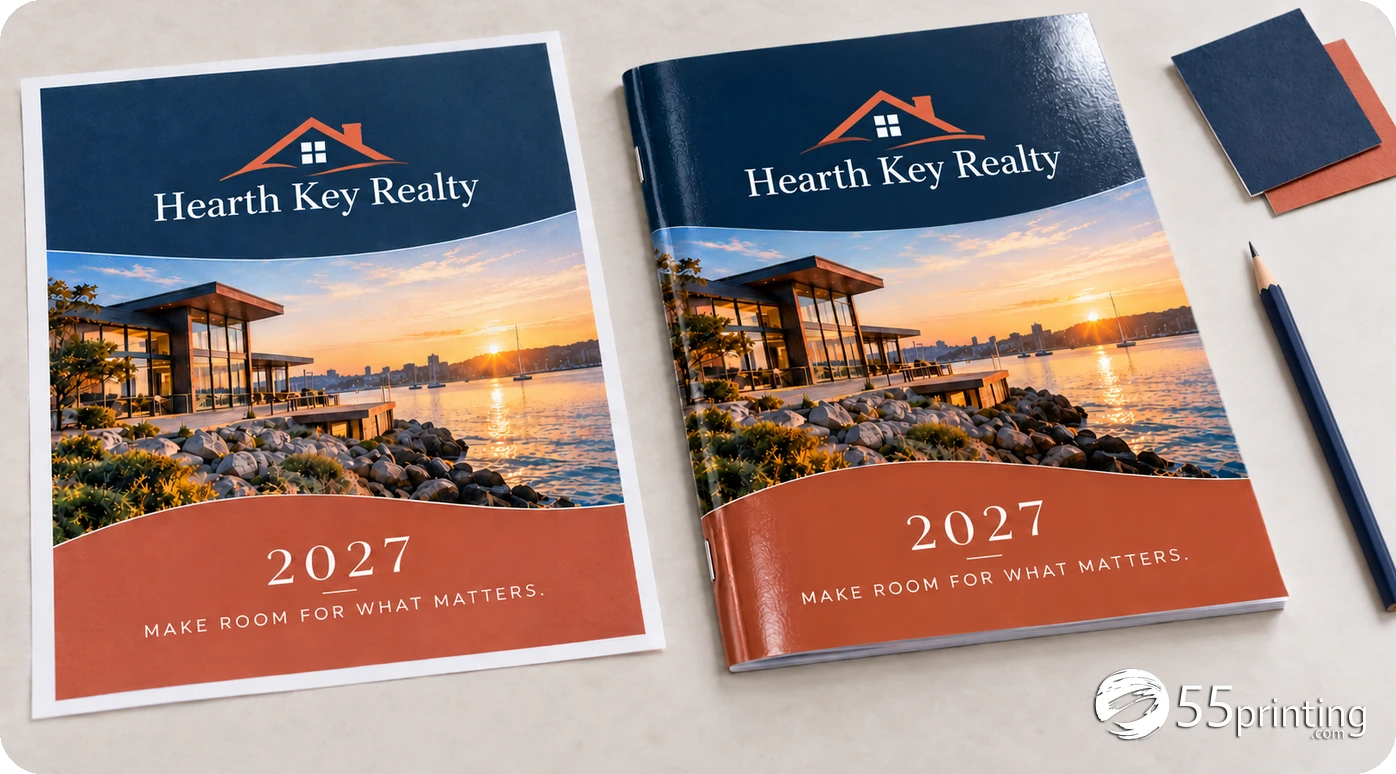
For a saddle-stitched calendar, plan the whole booklet before ordering. Twelve separate month pages plus four cover pages make sixteen pages; the twelve-page starter does not include those covers. Confirm how each month, cover, and binding edge should be arranged with the printer. Do not impose printer spreads or add crop marks unless the current guideline asks for them.
The file upload and proof route lets you submit the PDF for review. A proof can identify file issues, but do not assume missing bleed or low-resolution images will be rebuilt automatically. If you need layout help, review the calendar design request before committing to the production schedule. Detailed production setup belongs in the product’s current print guideline.
| Selected example | Amount |
|---|---|
| 500 copies, 16 pages, 6 x 9.5 inches, gloss build | $841.94 printing |
| Ground shipping to ZIP 33140 | $75.01 |
| Printing plus Ground shipping | $916.95, about $1.83 per copy |
This October 21, 2026 quote example uses Regular production and a digital proof. It excludes tax and other project expenses. It is a planning reference for the page-count decision, not a current offer or an arrival guarantee. Confirm the selected paper, covers, quantity, shipping address, and current total in the order form.
File check, October 22, 2026: The two starters were exported through Microsoft Office and checked as twelve pages or slides each. Their 365 date positions were compared with independently calculated weekdays. Review your own export again after making changes.
Free Word and PowerPoint 2027 starters


Making a calendar in Word: common questions
How do I make a calendar in Word without a template?
Start a document, choose your page size and orientation, and insert a seven-column table. Add a weekday header plus four to six week rows, depending on the month. Put the month heading above it and enter dates against a checked calendar. Set minimum row heights for writing space, then inspect Print Preview before duplicating the layout for other months.
How do I make a monthly calendar in Word for 2027?
Use a checked 2027 template or fill a new monthly table with the correct weekdays. January 1 is Friday, so it goes in column five of a Monday-first grid. Our editable Word download contains all twelve 2027 months. Add appointments without moving the date numbers, and check for table splits or overflow after editing each page.
How do I make a calendar in Word with pictures?
Insert a picture above or beside the month table, size it within the page margins, and check its wrapping setting. In line with text is a simple starting point because the image follows the document flow. Keep enough space for every week row. After adding photos, export a PDF and inspect each page for shifted tables, clipping, and image softness.
How do I create a calendar in Word with multiple months?
Use separate tables for each month. For a three-month overview, arrange smaller tables on a landscape page and reduce extra notes before making dates too small. For a twelve-month planner, put one month on each page, as in our starter. Each grid needs its own correct first weekday and number of days; copying a table does not update them automatically.
Does Word have a calendar template?
Yes. Microsoft’s template gallery includes calendars that you can find through File → New in supported desktop versions; Word for the web also offers templates through its new-document options. Availability and controls vary by version. Check whether the template supports changing the year or requires manually updating dates. Our download is already dated for 2027 and uses editable tables.
Is Word or PowerPoint better for making a calendar?
Word is useful for a planner with typed events in table cells. PowerPoint suits layouts where you want to position photos and headings independently on each month slide. The downloads below provide both formats. Choose the editing method you find easier, then verify the exported PDF’s dimensions and every date. Neither starter becomes press-ready merely by saving it as a PDF.
Can a calendar made in Word be professionally printed?
Yes, if the exported file meets the chosen product’s requirements and passes proof review. Confirm the finished size, bleed, safe area, image quality, page count, and binding before submission. Our Letter-size Word starter is a planning layout, so it may need resizing and cover pages for a booklet order. Ask about any necessary artwork work before assuming it is included.
Will changing the year update the dates automatically?
Changing the heading alone will not update the dates in our Word or PowerPoint starters. Their month grids are ordinary editable tables, not date formulas. For a different year, recalculate the weekdays and month lengths or use a verified template for that year. Save a separate version, then check every month and any holidays before exporting or printing it.
Confirm size, covers, total page count, quantity, and delivery ZIP in the current calendar order form. Review the file proof and delivery estimate before approving production.