

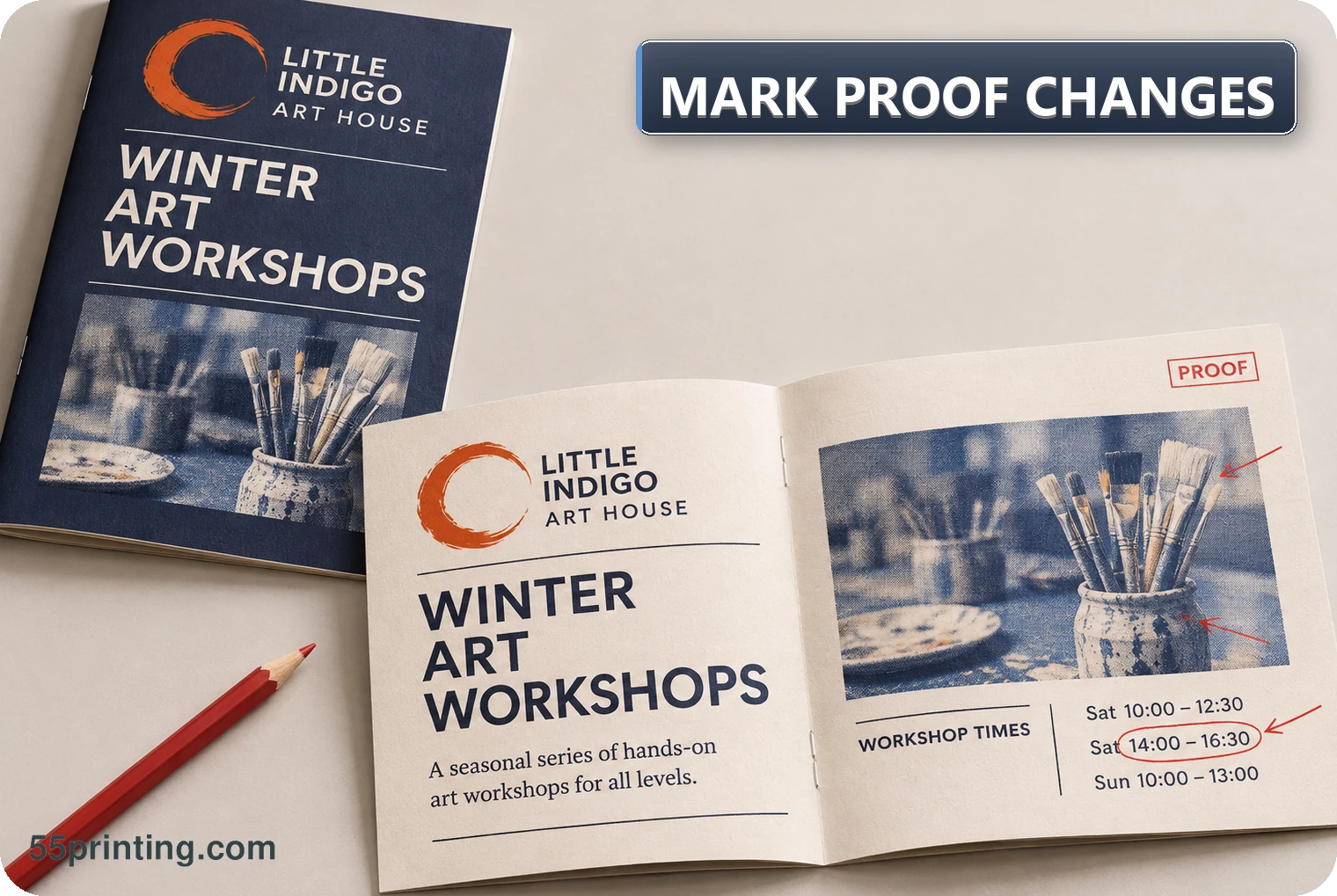
Mark one change at a time with the proof version, page, location, current state, requested replacement or action, source authority, and protected elements. Use the current Free Design Proof and File Uploader paths for the active workflow, then ask the next proof to answer the same named question.
If a proof page is sideways, turn the file with the free rotate tool before you mark the change, so the note points at the element someone can see upright. Grammar check can clean the wording of that note. It does not name the page, the element, or the approved result.
At 55printing, “Please fix this” leaves too much room for interpretation. Production-readable proof feedback makes the requested change visible and limits the chance that a reviewer must guess. The note should identify the exact page and element, explain the intended result, name the source for exact facts, and state what must not change.
What makes a proof mark clear?
A clear mark has a location and a decision. Identify the proof version, page or side, element, current result, requested action, source authority, and protected elements. For text, provide exact replacement copy. For an image, identify the source asset and intended crop. For page order, state the expected sequence. For geometry, name the product and template question.
Use a visible highlight, arrow, box, or other available annotation method, but do not depend on color alone. Pair the visual mark with plain words. If the request is to preserve something, say so. A mark that only says “wrong” identifies a reaction, not the correction.
| Field | Example question | Why it matters |
|---|---|---|
| Location | Which page, side, panel, or element? | Prevents a correct change in the wrong place |
| Current state | What does the proof show now? | Shows the reviewer saw the same issue |
| Requested state | What exact text, crop, move, or order is wanted? | Turns feedback into an action |
| Authority | Which source confirms the exact fact? | Prevents invention or memory-based edits |
Which correction details should be written down?
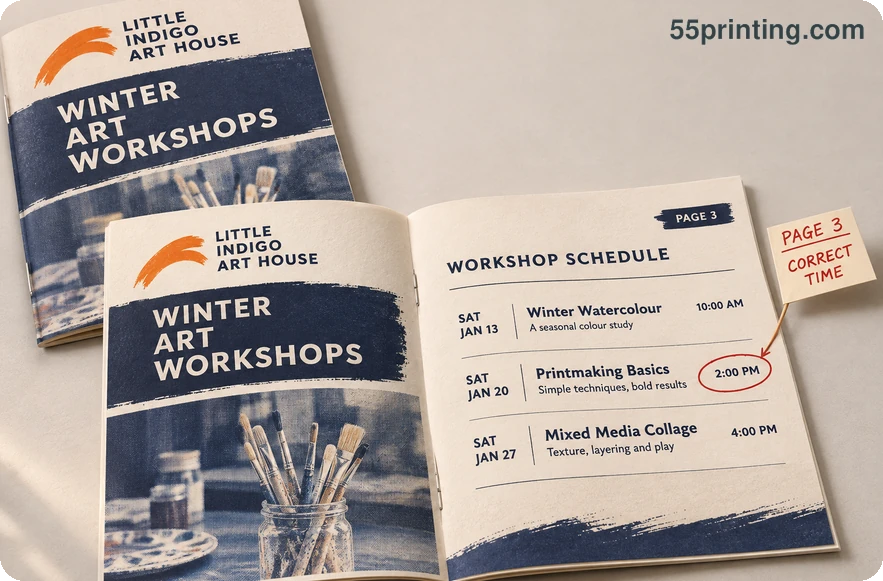
For exact copy, write the full replacement and name the approved source. For a logo, identify the authoritative asset or state that a new redraw decision is required. For an image, name the file, subject, crop, and protected area. For a layout move, state the direction or relationship without inventing a new composition. For page order, list the intended sequence.
Use the Free Design Proof path for the current proof workflow and the File Uploader path for the handoff. Use Guideline Templates when the correction depends on product geometry, and the Tools Hub for current navigation. Route names do not replace the proof version or correction details.
How should a marked proof move to reproof?
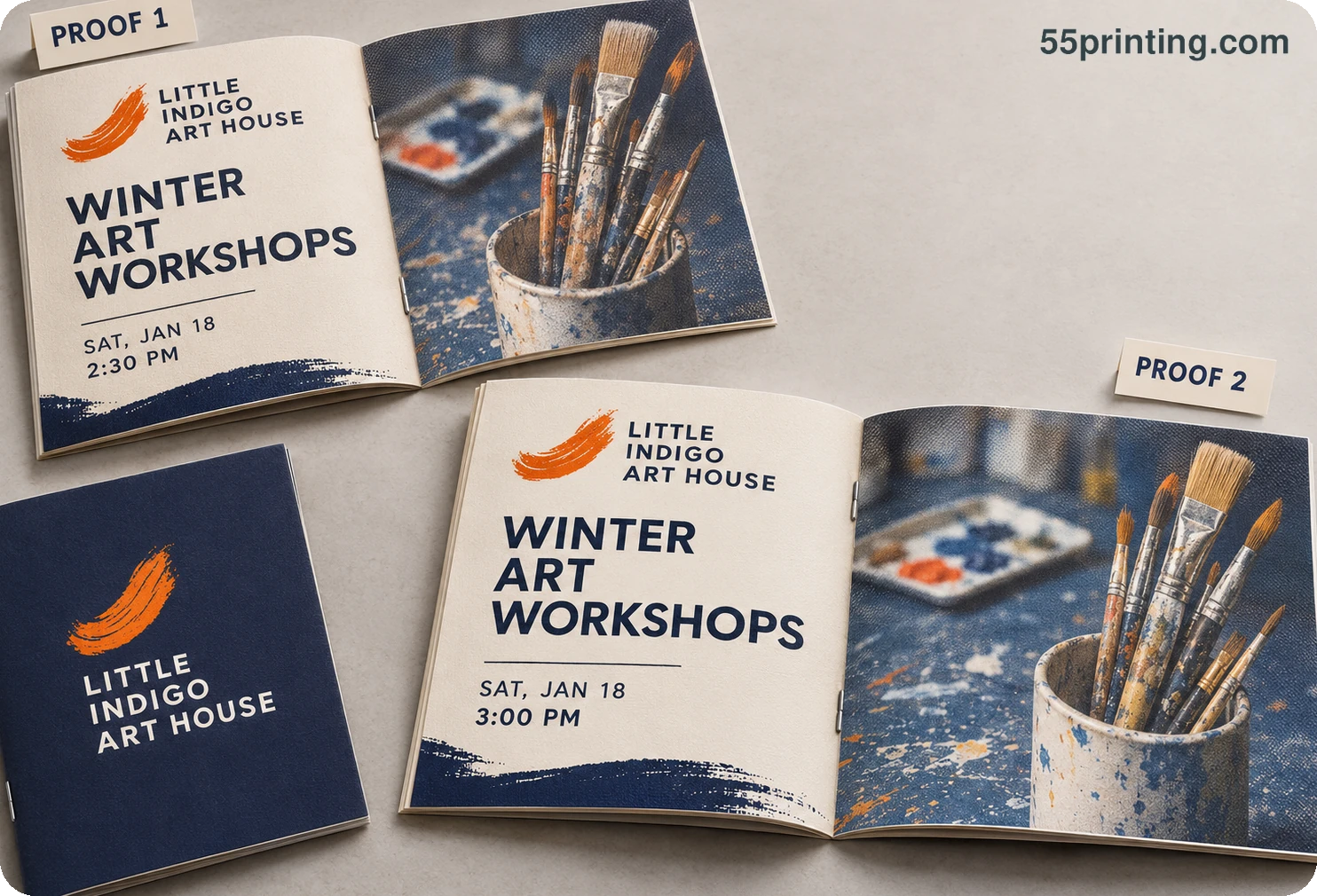
- Save or name the proof version and identify the product and page.
- Mark the location and describe the current result.
- Write the exact replacement, requested action, source authority, and protected elements.
- List the questions the next proof must answer.
- Review the revised proof against the marks and record what remains open.
If the mark requires missing copy, an unknown logo, a new product canvas, or a new layout concept, pause and request a decision. Reproof cannot resolve a source-authority gap that was never named.
Which proof changes need extra care?
Exact text correction
Give the full replacement text, page, location, source authority, and protected formatting. Do not ask production to infer the correction from a fuzzy screenshot or partial phrase.
Image crop or replacement
Name the source asset, desired subject, crop boundary, and protected elements. If the desired asset is unavailable, request it rather than selecting a plausible replacement.
Multi-page order or panel issue
List the intended sequence, product orientation, panel relationship, and proof question. A marked page without order context can produce a correct page in the wrong position.
Questions customers ask
What should every proof correction include?
Include the proof version, product, page or side, exact location, current result, requested action or replacement, source authority, protected elements, and the question the next proof must answer. These fields make the correction repeatable instead of dependent on a reviewer’s guess.
How should I mark a text correction?
Highlight the exact page and text block, then write the complete replacement copy and identify the approved source. State whether formatting, size, line breaks, and surrounding hierarchy should remain unchanged so the correction does not become an unrecorded rewrite. This gives the 55printing reviewer a complete action.
How should I mark an image crop?
Name the source asset, page, current crop, intended subject or boundary, and protected details. If the source asset is missing or the desired crop changes the composition, ask for the asset or a new design decision rather than choosing a plausible substitute.
Should annotations use different colors?
Color can help organize marks, but never make color the only meaning. Pair each mark with page, location, action, and source words so the instruction remains understandable in another viewer, printout, or accessibility context. The written instruction should remain useful to 55printing production reviewers.
What if I am unsure whether a change is needed?
Write the uncertainty as a proof question rather than an instruction to guess. Identify the page, element, current result, source or reference, and the decision needed. A visible open question is safer than an ambiguous correction that silently changes the design. If two versions show different crops, mark the image area on both and ask which crop belongs in the next proof. Include the file names so the reviewer can tell them apart.
How should a page-order correction be written?
List the expected sequence and identify the product orientation, page sides, panels, or fold relationship when relevant. Mark the affected page and state whether content should move, remain fixed, or be reproofed after order changes. Include the 55printing proof version so the correction remains traceable.
Does a revised proof confirm every correction?
Only the named correction questions can be confirmed by a focused review. Compare the revised proof with the original marks and also recheck any dependent geometry, crop, page order, or exact copy. Record unresolved items instead of treating a new version as automatic approval.
What if production cannot act on the mark?
Ask what evidence or instruction is missing, then restate the page, location, current state, requested state, authority, and protected elements. If the request needs a new asset, exact fact, product, or design concept, pause it as a new decision rather than adding assumptions.
Mark the proof version, page, location, exact action, source authority, protected elements, and next proof question.