

Design-File Boundaries: What Must Be Named Before Review
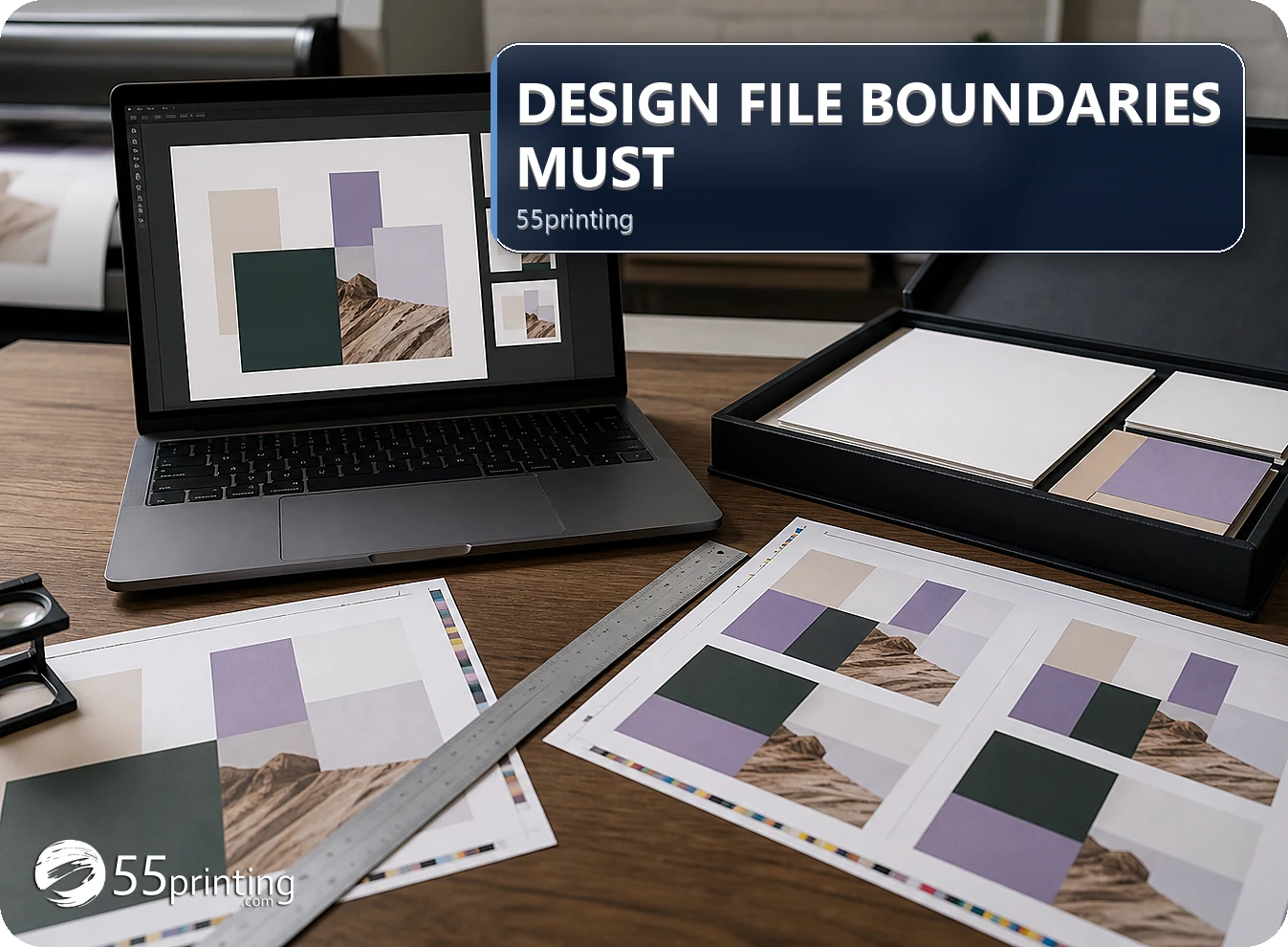
A responsible design-file workflow does not invent exact facts, silently replace a logo, treat a screenshot as the authoritative source, hide a redesign inside cleanup, or approve a file without product and proof checks. Send the source, approved content, current template, and precise request so the next action is explicit and traceable.
The free blurry text worker can sharpen letters that are already in the file. It does not invent a missing phone number, a new headline, or a logo that was never supplied. The Artwork Quality Enhancer has the same boundary: a clearer file is not a new design decision.
The 55printing File Uploader is a handoff path for a source and question, not permission to infer missing facts. Use the current template for geometry and the proof path for comparison. The Artwork Quality Enhancer can be considered for supported source defects, but it cannot create authority for absent content.
Which design-file boundaries should be explicit?
Identify what the source proves, what the request allows to change, what must remain fixed, and what requires a new decision. Exact phone numbers, URLs, names, logos, promotions, product geometry, and private data need authority. A screenshot, old proof, or vague instruction may explain intent, but it does not settle every production question.
| Boundary | Required authority | Safe next action | Risk if crossed |
|---|---|---|---|
| Exact facts | Approved copy or source | Request the authoritative value | Invented information enters artwork. |
| Brand identity | Approved logo or brand source | Place, replace, or redraw by decision | Sharper wrong identity is approved. |
| Product geometry | Current template and product | Map size, bleed, and safe zone | File is aligned to the wrong canvas. |
| Scope | Brief with allowed changes | Separate cleanup from redesign | New concept appears without approval. |
How should a request stay inside its boundary?
Name the product, side, source version, exact change, approved copy or asset, protected elements, current template, proof questions, and open issue. State what the reviewer should leave unchanged. If the request introduces a new identity, composition, product, or source decision, record that as a new scope question instead of burying it in a small edit.
- Identify source authority.
- List exact approved content.
- Mark protected elements.
- Choose the current template.
- State allowed changes.
- Define proof questions and stop point.
What should the handoff note protect?
Name the source and version, product, exact copy, logo and image authority, private-data boundary, current template, requested action, and proof questions. Say which files are reference. Keep credentials and unrelated customer information out. The note should make it possible to decline an unsupported assumption and ask for the missing evidence.
How should the result be reviewed?
Compare exact copy, logo identity, image crop, product size, bleed, safe zone, orientation, page order, private-data handling, and the requested change. Use proof to record a correction or approval. If a result requires a new source, product, or design decision, stop and document it rather than treating the boundary as optional.
Which boundaries need extra care?
Missing phone number or URL
Request approved exact text. Do not read it from a blurred screenshot, infer it from memory, or replace it with a plausible value.
Unknown logo
Request the approved source or make a redraw decision. Do not silently sharpen, replace, or simplify the identity.
New product layout
Use the current product template and write a new hierarchy decision. Do not hide a changed canvas inside a cleanup request.
Questions customers ask
Why state what will not change?
Protected elements make a request auditable. Name the logo, approved copy, image, product, crop, hierarchy, or other elements that must remain fixed. Without that list, a correction can solve one visible problem while silently changing another decision that the source already approved.
Can a reviewer invent missing copy?
Exact phone numbers, URLs, names, prices, promotions, and other factual content need an authoritative source. A reviewer can identify the missing question, but should not invent a plausible value from a screenshot or memory. Provide approved copy or record a new content decision.
Can a screenshot be the source?
A screenshot can explain visual intent, crop, or a prior state, but it may omit dimensions, layers, exact text, color context, and version identity. Label it as reference and send the best original source, named PDF, or approved asset when production detail matters.
Can enhancement fix an unknown logo?
Enhancement may improve a supported source defect, but it cannot establish identity, exact lettering, vector edges, or approved color for an unknown mark. Request the authoritative logo source or a redraw decision, then compare the selected result with the product proof.
What if the request is vague?
Ask for product, source, exact change, approved copy or asset, protected elements, current template, and proof question. Replace “make it better” with a bounded instruction. If the request needs a new identity or composition, record that as a separate design decision.
What does the template protect?
The current template helps establish product size, bleed, safe zone, orientation, panels, or edge behavior. It does not approve copy, logo identity, or a new concept. Use it to identify geometry and then compare the result with proof and source authority.
What should the proof answer?
Proof should answer named questions about exact copy, logo, image crop, product size, bleed, safe zone, orientation, page order, and requested change. It should reveal an unresolved source or scope issue rather than encouraging an unrecorded assumption. Record the template, source version, and proof question so the next reviewer can repeat the check.
What should be refused or paused?
Pause when the request requires invented facts, unknown brand identity, unauthorized private data, missing source authority, wrong product geometry, or a hidden redesign. State the missing evidence and ask for a new decision. A pause protects the file from an untraceable change.
Name the source, approved facts, protected elements, allowed changes, current template, and proof questions before review.