

Prepress Holds: Common Reasons a File Pauses
A file can pause when the source, exact copy, logo or image authority, product geometry, page order, or proof response is unresolved. Name the hold question, preserve the current source, supply missing evidence through the active handoff path, and wait for the next state to be confirmed. Do not guess through a hold or send competing files without authority.
The 55printing File Uploader can carry a source and response to an open question. Three free checks explain different pauses. Print Clear reports effective PPI and size fit when the art looks soft. The color profile check says whether a PDF is CMYK or RGB when color is the open question. Print preflight covers dimensions, bleed planning, and effective PPI when the size or edge is the open question. None of them releases a hold by itself. Use the current template when geometry is unclear and the proof path when content or placement needs comparison. A pause is a signal to find the missing evidence, not an invitation to guess.
What kinds of questions can pause a file?
Classify the hold by source authority, exact content, asset identity, product geometry, page or side order, visible defect, or proof response. A hold can be narrow or connected to several areas. Record the exact question and the file version under review so the response resolves the correct state.
| Hold area | Question to answer | Evidence to supply | Risk if guessed |
|---|---|---|---|
| Source | Which file is authoritative? | Named source and version note | Old or competing file is used. |
| Content | What exact copy is approved? | Current text and change location | Wrong fact enters production. |
| Assets | Which logo, photo, or QR is approved? | Named asset and destination authority | Identity, crop, or link is wrong. |
| Geometry | Which product template applies? | Current template and product choice | Bleed, safe zone, or order is wrong. |
| Proof | What remains open? | Marked proof question and response | Approval is inferred from silence. |
How should a hold be resolved?
Read the question, preserve the held source, collect the exact evidence, and send one clearly labeled response. Do not attach a new file without explaining its authority or relationship to the held version. If the answer changes product geometry or design scope, use the current template and record the new decision before asking for proof.
- Identify the held file and version.
- Copy the exact open question.
- Supply approved text or assets.
- Map changed geometry to the current template.
- State what remains unchanged.
- Request the next proof or status confirmation.
What should the hold response note say?
Name the held source, current source if changed, product, side or page, exact answer, approved asset, template, proof question, and requested next action. Say what remains unchanged. Keep unrelated credentials and customer information out of the note. The goal is to close one question without creating a new unknown.
How should a proof question be closed?
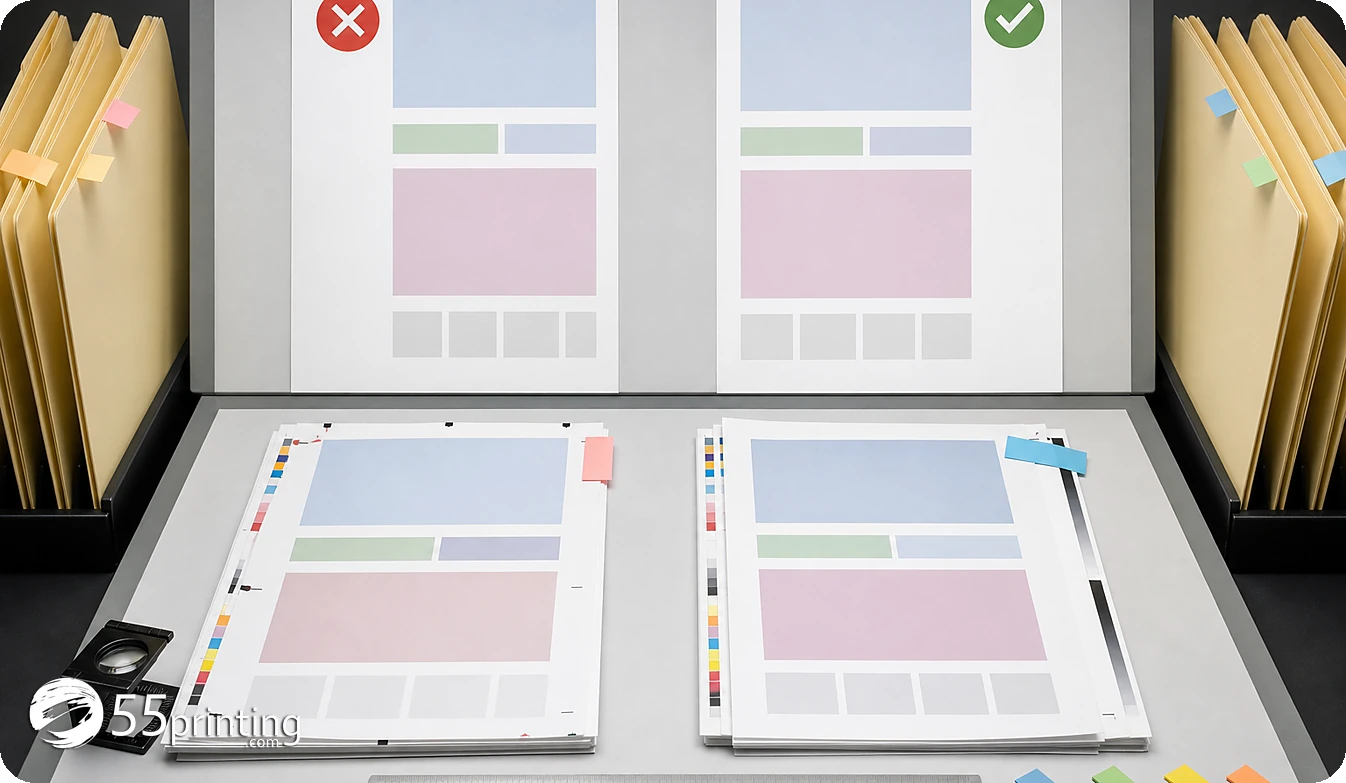
Use the proof path to compare the exact correction, copy, logo, image crop, product size, bleed, safe zone, page order, and protected elements. Respond to the marked question with location and approved result. If proof exposes a new source or product issue, document that issue rather than treating the hold as resolved.
Which holds need extra care?
Unknown logo authority
Supply the approved logo source or make a redraw decision. A sharper screenshot does not answer identity, color, proportion, or transparency questions.
Wrong product template
Identify the current product and use its template to remap size, bleed, safe zones, orientation, or page order. Do not preserve an old canvas because the file looks aligned.
Proof comment with no response
Copy the comment, state the exact correction or approval, and identify the file version. Silence does not answer a proof question or release a held decision.
Questions customers ask
What is a prepress hold?
A prepress hold is a pause while an open file, product, content, asset, geometry, or proof question needs evidence or a decision. The exact reason should be named for the held version. A hold is not proof that the file is wrong in every respect, and it should not be resolved by guessing. Keep the held version and response linked so the reviewer can see which question was answered.
What should I do first?
Copy the exact hold question, identify the held source and version, and preserve that file. Then supply one clearly labeled response with approved text, asset, product, template, or proof evidence. State what remains unchanged and request the next status or proof confirmation. Keep the held version and response linked so the reviewer can see which question was answered.
Can I send a new file?
You can send a new file when the active workflow requests or allows it, but label its relationship to the held source. Name the authority, version, exact change, product, and proof question. An unlabeled attachment can create a second source problem instead of resolving the first. Keep the held version and response linked so the reviewer can see which question was answered.
What if the logo is unclear?
Provide the approved logo source or make a redraw or replacement decision. A screenshot or sharpened preview cannot establish identity, lettering, colors, or transparency. Record the source authority and ask proof to compare the selected mark with the product context. Keep the held version and response linked so the reviewer can see which question was answered.
What if the product template is wrong?
Identify the current product and use its template to remap size, bleed, safe zone, orientation, panels, or page order. Preserve the held file as reference. Do not answer a geometry hold by changing the canvas silently or relying on a similar product file. Keep the held version and response linked so the reviewer can see which question was answered.
Does proof release a hold?
Proof can answer a marked content, crop, placement, size, or image-detail question when the source and product are known. It does not release every workflow state automatically. Respond to the exact comment, record the file version, and wait for the active path to confirm the next state. Keep the held version and response linked so the reviewer can see which question was answered.
What should the hold note include?
Name the held file, current file if different, product, side or page, exact question, approved answer or asset, template, unchanged elements, proof reference, and requested action. Keep unrelated private information out. This gives the reviewer a single traceable question to resolve. Keep the held version and response linked so the reviewer can see which question was answered.
Can silence count as approval?
No. Silence does not answer an exact copy, logo, product, geometry, or proof question. Record the open item, request a clear response through the active workflow, and keep the held source unchanged until the approval or correction is explicit. Keep the held version and response linked so the reviewer can see which question was answered.
Identify the held file, copy the exact open issue, supply approved evidence, and request the next proof or status confirmation.