

Variable Data and Multi-Name Sets: Build a Traceable Handoff
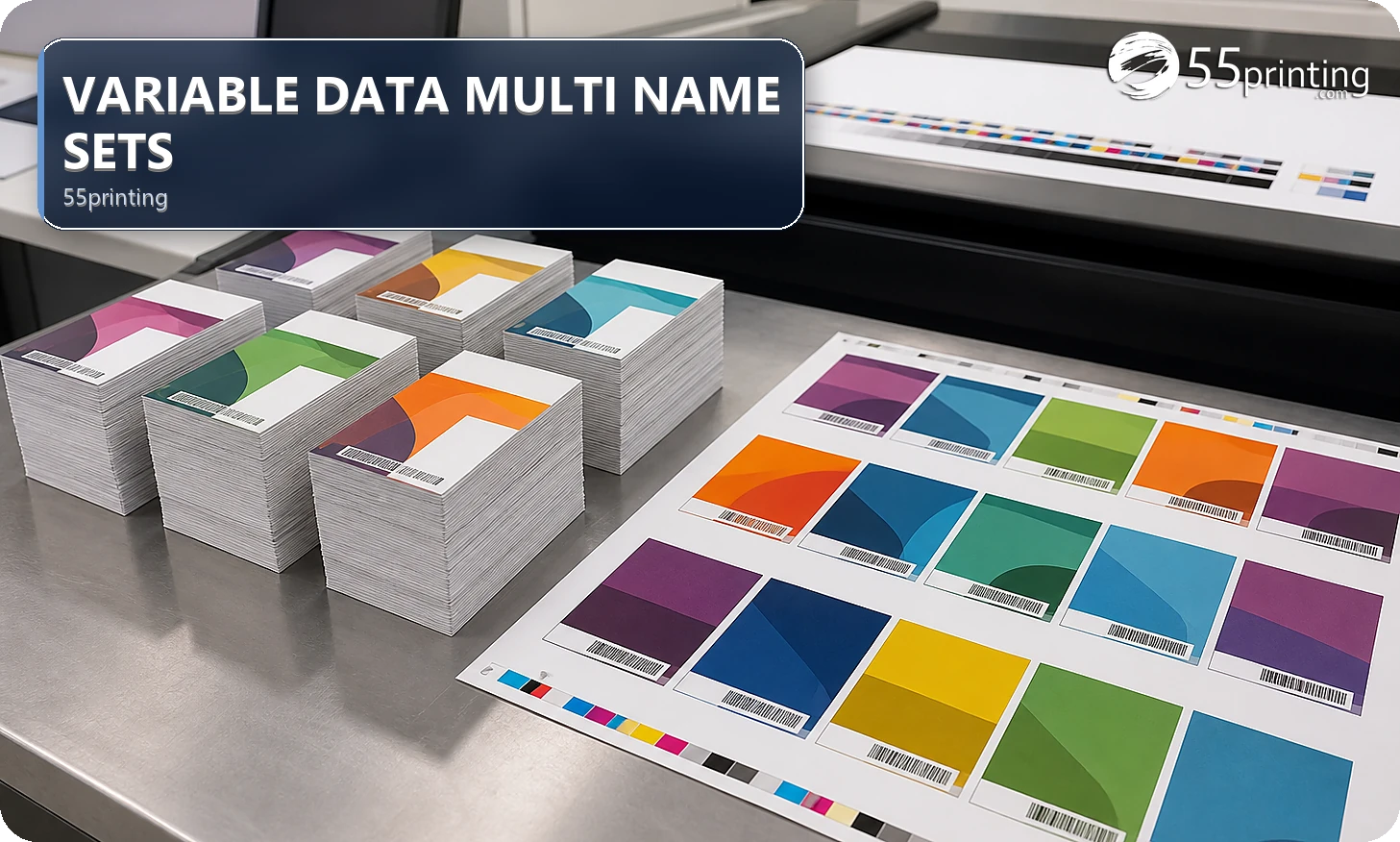
Treat variable-data artwork as two linked sources: the approved design template and the approved data set. Name the columns, row order, exact copy rules, record count, exceptions, and proof sample. Keep private data limited to the necessary handoff, protect the template, and verify representative rows before the full set is treated as ready.
The 55printing File Uploader can carry a variable-data handoff, but the design file cannot answer which names, rows, or fields are approved. The free Images to PDF tool merges JPG, PNG, WebP, and PDF pages into one file. It does not read a spreadsheet and place a different name on each card. Keep the design template and the name list as two files, use the current template for geometry, and use the proof path to inspect representative entries before treating a multi-name set as complete.
What must be separated in a variable-data job?
Identify the design source, data source, field names, row order, exact copy, optional fields, blank-field behavior, and proof sample. State which file is authoritative for the layout and which is authoritative for the names or values. A screenshot or flattened sample can show intent, but it cannot establish the complete data set.
| Area | Authority | Proof question | Risk if unclear |
|---|---|---|---|
| Layout | Named design/template version | Do fields fit the product? | Names collide with edges or design. |
| Data | Approved named data set | Are fields mapped correctly? | Wrong person receives wrong content. |
| Formatting | Field rules and exception list | What happens to long or blank values? | Line breaks and hierarchy change. |
| Proof sample | Representative rows and edge cases | Which rows need review? | One good sample hides a bad row. |
How should a multi-name set be prepared?
Name every field, expected value, row order, duplicate rule, blank behavior, capitalization, punctuation, and exception. Record the design version and the data version separately. Keep only necessary private data in the handoff, and state which rows or fields require extra review. A precise note prevents an invisible mapping decision.
- Name the template and data versions.
- List columns and field rules.
- Record row order and exceptions.
- Identify long, blank, or duplicate values.
- Choose representative proof rows.
- Request current review before full release.
What should the variable-data note say?
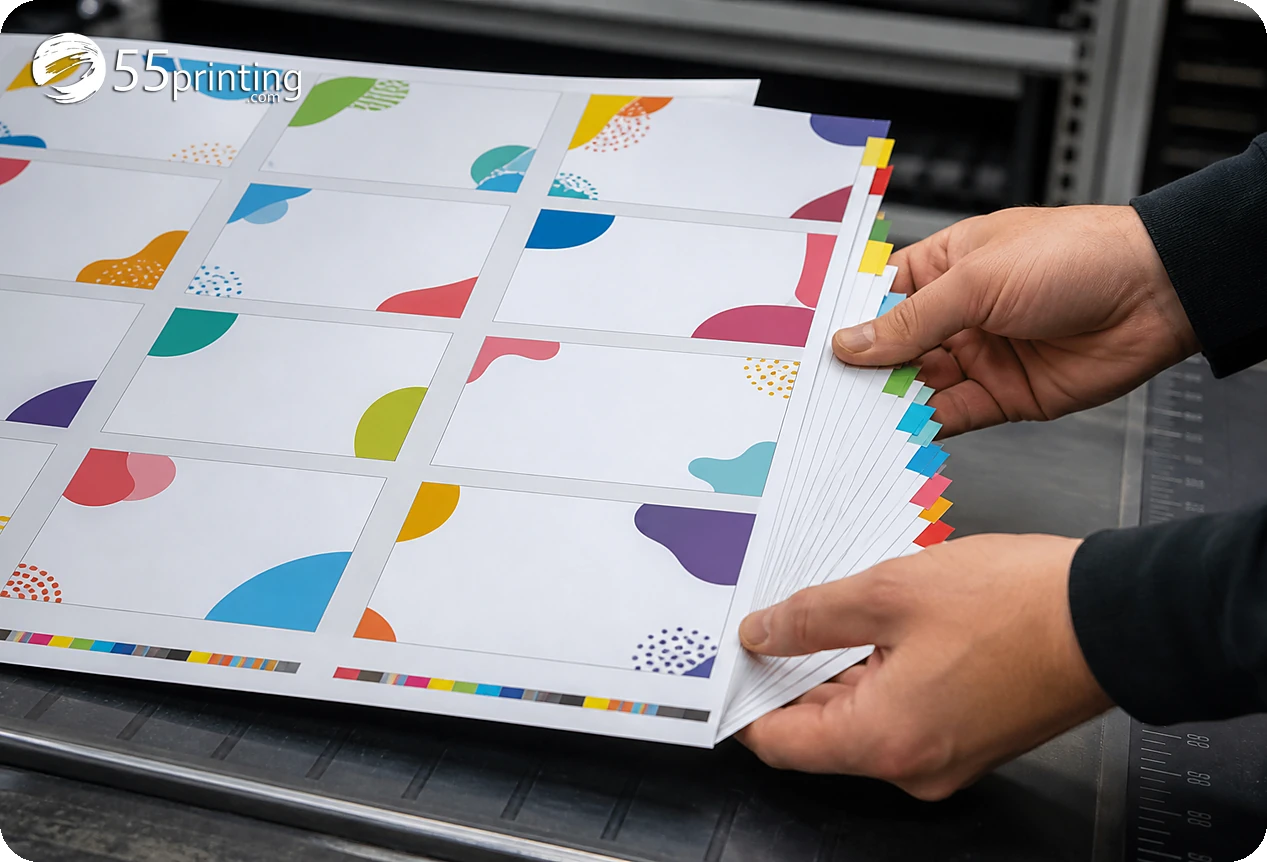
Name the product, template version, data version, columns, row order, exact copy, formatting rules, blank behavior, exceptions, sample rows, private-data boundary, and proof questions. State what must remain fixed in the design. Use the File Uploader for the named handoff when current source context is required.

Which rows should the proof sample include?
Include a typical row, longest value, shortest value, blank optional field, duplicate or special-character row when relevant, and first or last row. Use proof to compare field mapping, line breaks, crop, product size, bleed, safe zone, and protected brand elements. A single attractive sample cannot represent every exception.
Which variable-data jobs need extra care?
Names with different lengths
Sample the longest and shortest values, check line breaks, and define whether type size, wrapping, or a field limit may change.
Optional role or title field
Define blank behavior and confirm that the layout remains balanced when the field is absent. Do not insert a guessed value to fill the space.
Mixed data with private fields
Send only necessary fields, name the authority, and keep private information out of unrelated notes. Review a representative sample with the current template and proof.
Questions customers ask
What is variable-data artwork?
Variable-data artwork combines a fixed design template with changing fields such as names or roles. The template and data set need separate authority, versioning, mapping rules, and proof samples. A screenshot or single example can show intent but cannot establish the complete approved set.
What should be sent with the names?
Send the named template, data-set version, field names, row order, exact copy rules, blank behavior, exceptions, representative sample rows, and proof questions. State which file is authoritative for layout and which is authoritative for values. Keep unrelated private information out of the handoff.
How should long names be checked?
Include the longest expected value in the proof sample and compare line breaks, spacing, hierarchy, crop, and safe placement. Define whether wrapping, type adjustment, or a field exception is allowed. Do not assume a typical short name proves that every record will fit.
What if a field is blank?
Define blank behavior before the set is reviewed: remove the field, preserve spacing, change hierarchy, or flag the row. Do not insert a guessed title or value. Include a blank-field sample in proof so the layout can be compared with the approved rule.
Can a spreadsheet be the authority?
A named approved data set can be the authority for changing fields when its columns, version, row order, and rules are clear. Identify the design source separately and record how the fields map. An unnamed or mixed spreadsheet creates an avoidable source decision.
Should private fields be included?
Include only the fields necessary for the requested artwork and current review. Classify the data, keep unrelated private information out of notes, and identify the approved handoff path. The presence of a variable-data job does not justify sending every available field.
Does proof check every record?
Proof can check the selected sample and named edge cases, but the review scope should be stated. Include typical, longest, shortest, blank, duplicate, or special-character rows when relevant. Do not describe a sample proof as confirmation of records that were never included.
What should remain fixed?
State the approved logo, colors, copy, hierarchy, template, product, crop, and field rules that must remain unchanged. Then list which fields may vary. Explicit fixed elements and variable fields help the reviewer identify a mapping error instead of treating every visual difference as expected.
Name the template, data version, fields, exceptions, private-data boundary, sample rows, and proof questions before handoff.