

Design-to-Print Tool Chain: Choose the Right Order for the File
Start with the product, current template, source file, and required output. Convert when a file container must change, enhance or uncrop only when the source and canvas support that action, merge when page order and size are known, and proof after the last meaningful change. The useful chain is conditional: inspect, choose, change, compare, and document.
A Canva export, Word document, image set, or soft logo can need different actions. Starting with a random converter can hide the real issue: wrong product size, missing bleed, uncertain copy, poor source detail, or incorrect page order. Use the 55printing Tools Hub to select the current utility, and write down what the previous step proved before starting the next.
What should be known before opening a tool?
Record the product, finished size, orientation, page or side order, source version, exact copy, image authority, required output, and proof question. Then open the matching template when geometry matters. A tool can change a file; it cannot decide which product, message, or source is approved.
| Current problem | First question | Next action | Stop condition |
|---|---|---|---|
| Wrong file container | Which format is requested? | Convert and reopen the result | Output no longer matches the source. |
| Unknown product geometry | Which current template applies? | Map size, bleed, and safe zone first | Do not repair pixels on the wrong canvas. |
| Soft or cropped image | Is the source detail sufficient? | Enhance or uncrop only after source review | Request a better source when facts or identity are missing. |
| Multiple pages or images | What order and canvas are approved? | Merge with deliberate order and fit settings | Proof page order and size before handoff. |
What order works for a typical design-to-print job?
Use a conditional sequence rather than running every tool. Inspect the source and template, convert to the requested container, repair only the documented defect, assemble pages or images after order is approved, then compare the final result in proof. Keep a versioned checkpoint after each meaningful change so a later step cannot hide an earlier mistake.
- Identify product, source, and required output.
- Map the current template and geometry.
- Convert only when the format requires it.
- Enhance, uncrop, or merge for a stated reason.
- Reopen and inspect the changed file.
- Use proof for content, crop, size, and order.

How should tool checkpoints be recorded?
Name the source file, tool route, input version, output version, setting or action, observed result, and next question. If the output is worse, stop and return to the prior checkpoint. This small record separates a format conversion from a quality repair and prevents a later merge from concealing a wrong crop or page order.
How does proof close the tool chain?
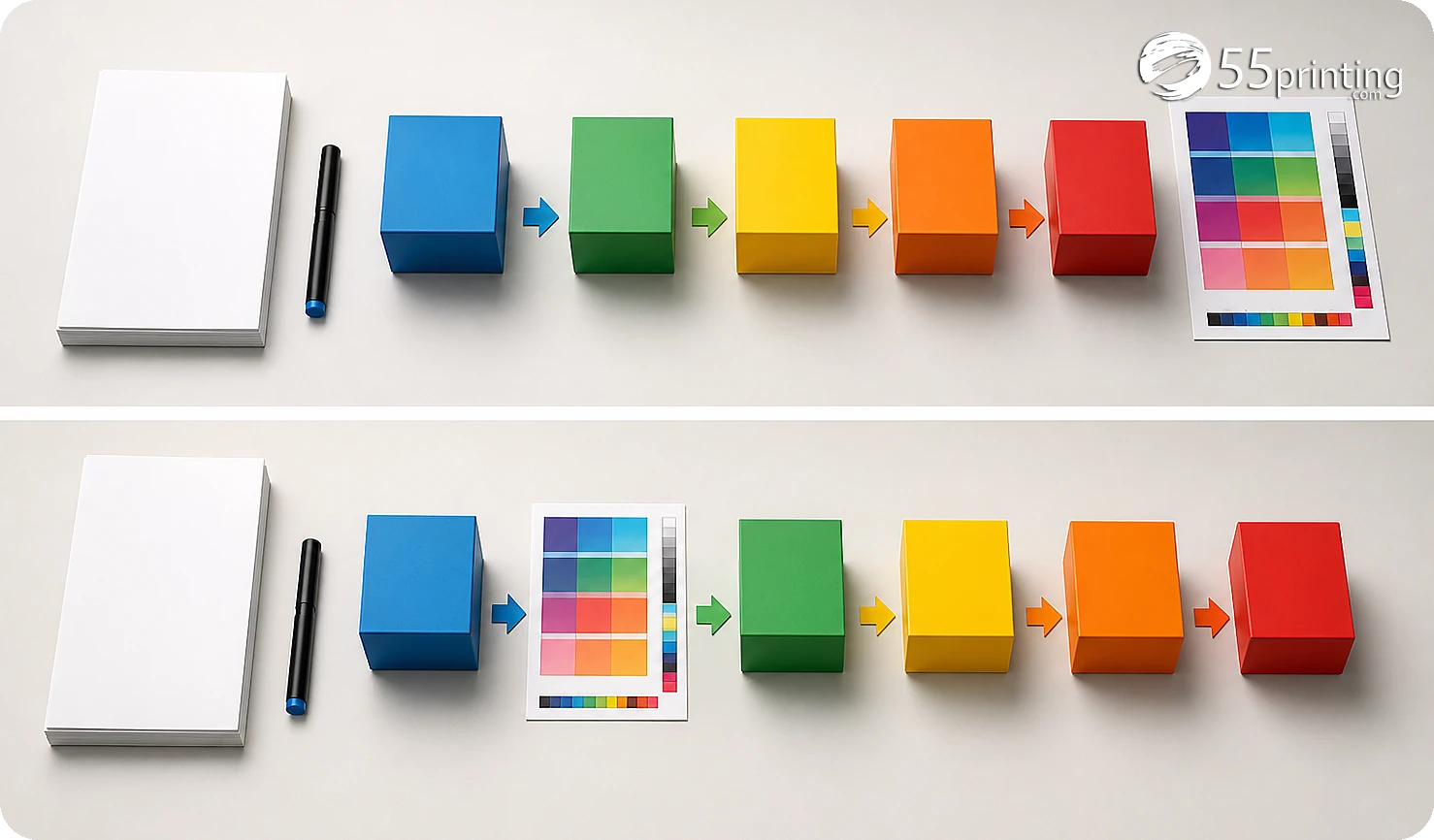
Open the Merge to PDF path when page order, fit, orientation, and canvas are understood. Reopen the result and compare it with the template. Use the free PDF proof to check content, crop, product size, page order, bleed, safe zone, and image detail. If the proof raises a new question, create a new checkpoint instead of piling on another tool.
Which jobs need a different chain?
Word menu to PDF
Convert the document to the requested PDF container, reopen it, and compare text flow, page count, and product template. A conversion step does not approve copy, form behavior, or final size.
Image set to a bound-style PDF
Confirm image order, orientation, fit, and canvas before merging. Use the current merge controls, then proof the resulting page sequence and edges rather than trusting file order alone.
Soft artwork with missing detail
Classify the defect before enhancement. If exact text, logo identity, or important pixels are absent, request a better source or redraw path instead of sharpening the wrong information.
Questions customers ask
Is there one correct tool order?
There is no universal order because a conversion, canvas problem, source defect, and page-order problem are different jobs. Start with the product and source, select the tool that answers the current question, inspect the output, and create a proof checkpoint before the next meaningful change.
Should I convert before enhancing?
Choose the requested output format and inspect the source first. Conversion may be appropriate before a downstream utility, but enhancement should wait until the product canvas, source identity, and defect are understood. Reopen the converted file and compare it with the source before continuing.
When should I use the template?
Use the current product template before geometry-dependent work such as crop, bleed, safe-zone, panel, orientation, or canvas decisions. A template does not approve copy or image quality, but it prevents a later tool from preserving the wrong size or edge behavior.
Can merging repair image quality?
Merging combines files or pages according to available controls; it does not create missing pixels, correct a wrong logo, or approve page content. Inspect each source first, decide order and fit, merge deliberately, reopen the result, and send the final file through proof.
When should I stop using free tools?
Stop when the next decision needs an unavailable control, the source is confidential without a verified handling path, repeated attempts alter the file, or the job needs review that the utility cannot provide. Preserve the last good version and document the unresolved question for the next path.
How do I know which tool changed the file?
Use versioned filenames and record the route, input, output, setting, observed result, and next question. Reopen each output before continuing. That checkpoint makes it possible to return to the last good file when a later conversion, repair, or merge introduces uncertainty.
Does proof replace earlier checks?
Proof is a product-context comparison, not a replacement for source authority, template selection, or conversion inspection. Use it to check content, crop, size, order, bleed, safe zone, and image detail after the last meaningful change, then record any correction before handoff.
What should the tool-chain note say?
Name the product, source version, required output, tools used, settings or actions, checkpoints, unresolved issue, and proof request. Identify which file is authoritative and which is reference. A concise chain lets the reviewer understand the result without guessing what happened between files.
Start with the source and product geometry, then keep a checkpoint after every meaningful file change.