

Guideline Templates for Envelopes: Check Prefold Panels Before Export
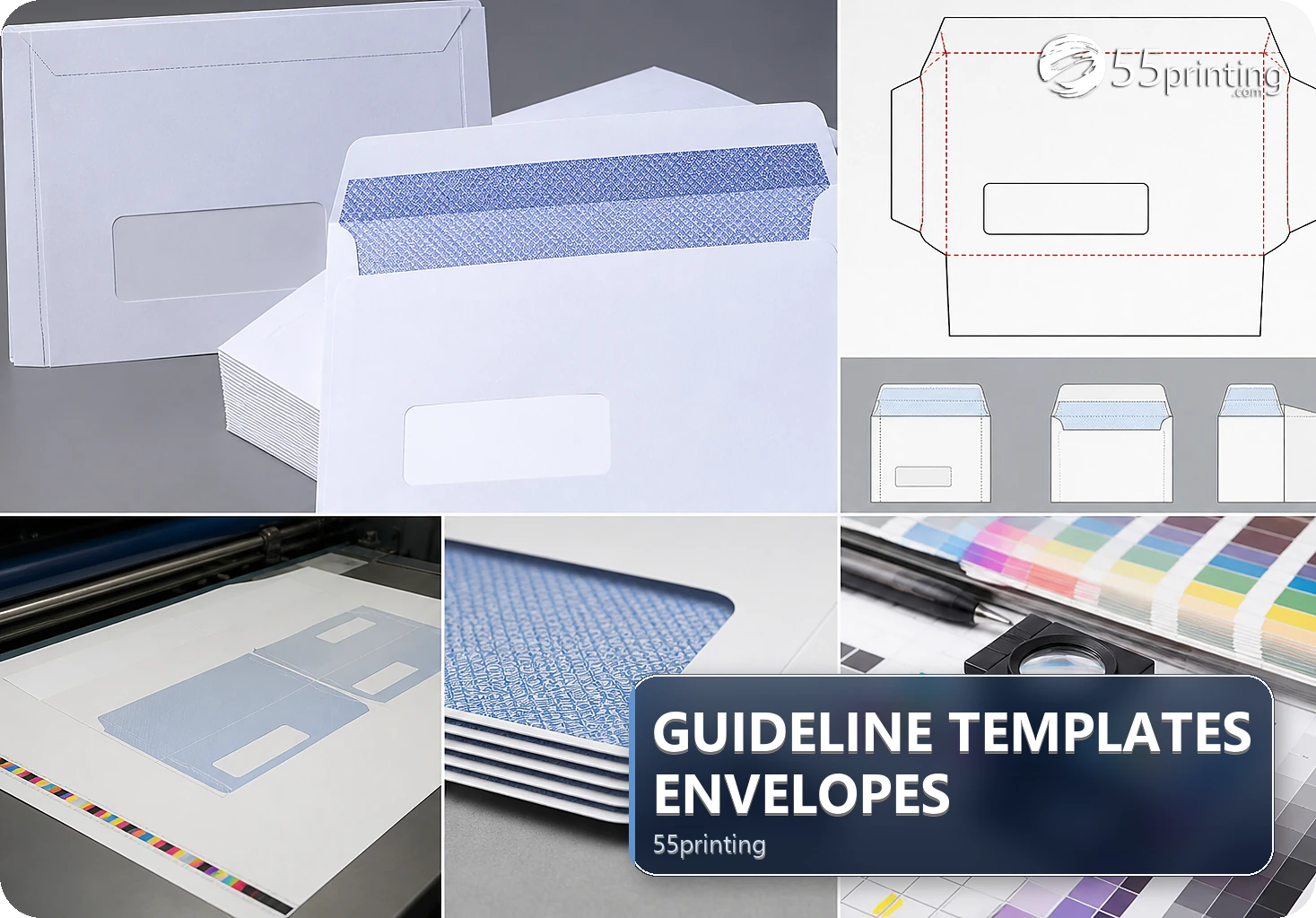
Download the matching 55printing envelope template, identify front/back panels, flap, prefold lines, bleed, and safe zones, then place addresses, logos, and exact copy around those boundaries. Remove guide artwork before export and compare the named envelope file in proof. Use the current template for the specific product.
An envelope is a shaped product, not a flat rectangle. Front, back, flap, prefold lines, trim, bleed, address zones, and closure areas affect where content can live. The current template route is the evidence for the specific product; do not copy panel positions from another envelope.
What should you identify before designing an envelope?
Record product, finished size, orientation, front/back role, flap, prefold lines, trim, bleed, safe zones, recipient address area, return address, logo, and any indicia or required mark. Mark the area that will be hidden, folded, sealed, or read after mailing.
| Area | First check | Risk |
|---|---|---|
| Front | Address and main message | Text enters a trim or window risk. |
| Back | Return address and closure | Flap hides or crowds content. |
| Prefold | Keep important content clear | Fold weakens legibility. |
| Bleed | Extend background art | White edge or cropped logo. |
How should you map panels and the flap?
Keep the template visible in a planning copy and label front, back, flap, and prefold lines. Place the recipient-facing message and address information according to the current product guide. Keep the flap and closure path clear unless the template explicitly supports the content.
- Record template version and product.
- Label every panel and fold.
- Mark address, return, safe, and bleed areas.
- Keep logos and exact text off risky lines.
- Check closure and flap overlap.
- Remove guides before export.
What content needs the most envelope awareness?
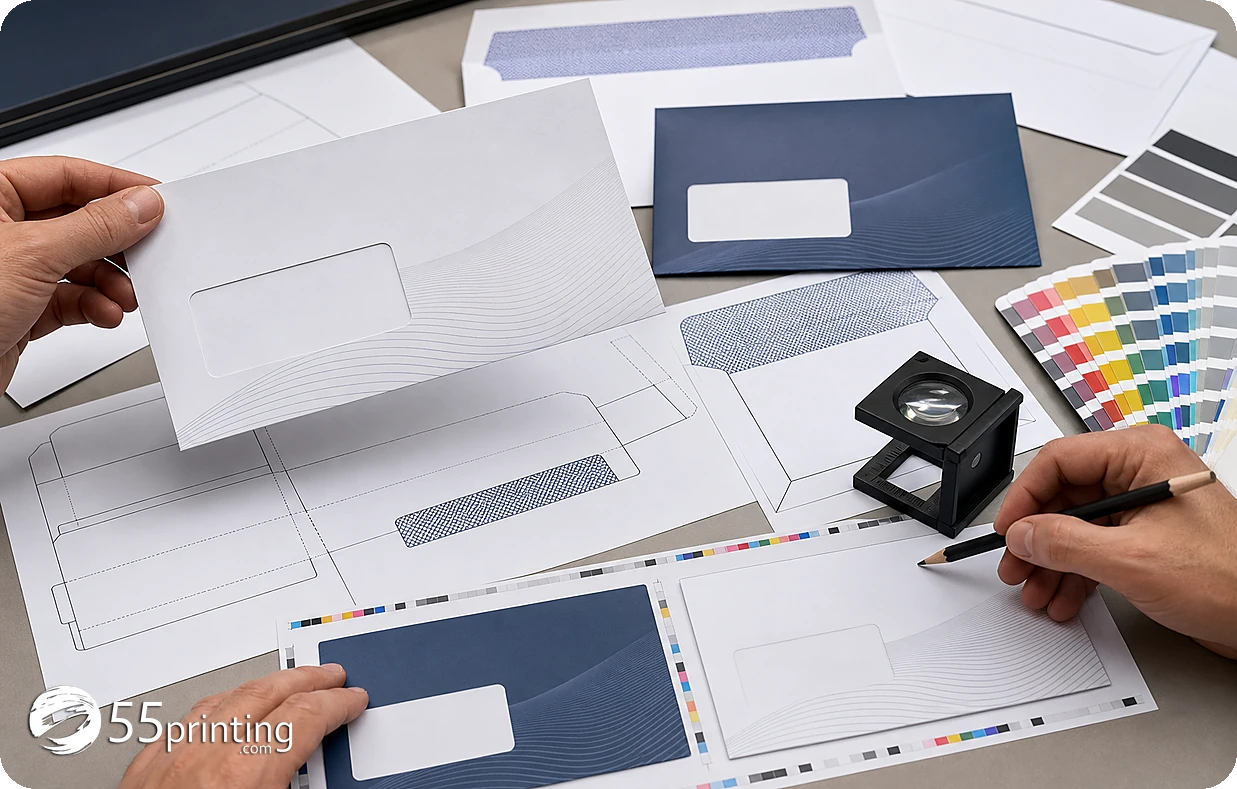
Protect recipient and return addresses, names, phone numbers, URLs, logos, QR codes, and any exact message from trim, prefold, flap, closure, or window risk. Extend background art through bleed while keeping important content in safe areas. Check both flat artwork and the intended folded shape.
How do export and proof complete the envelope?
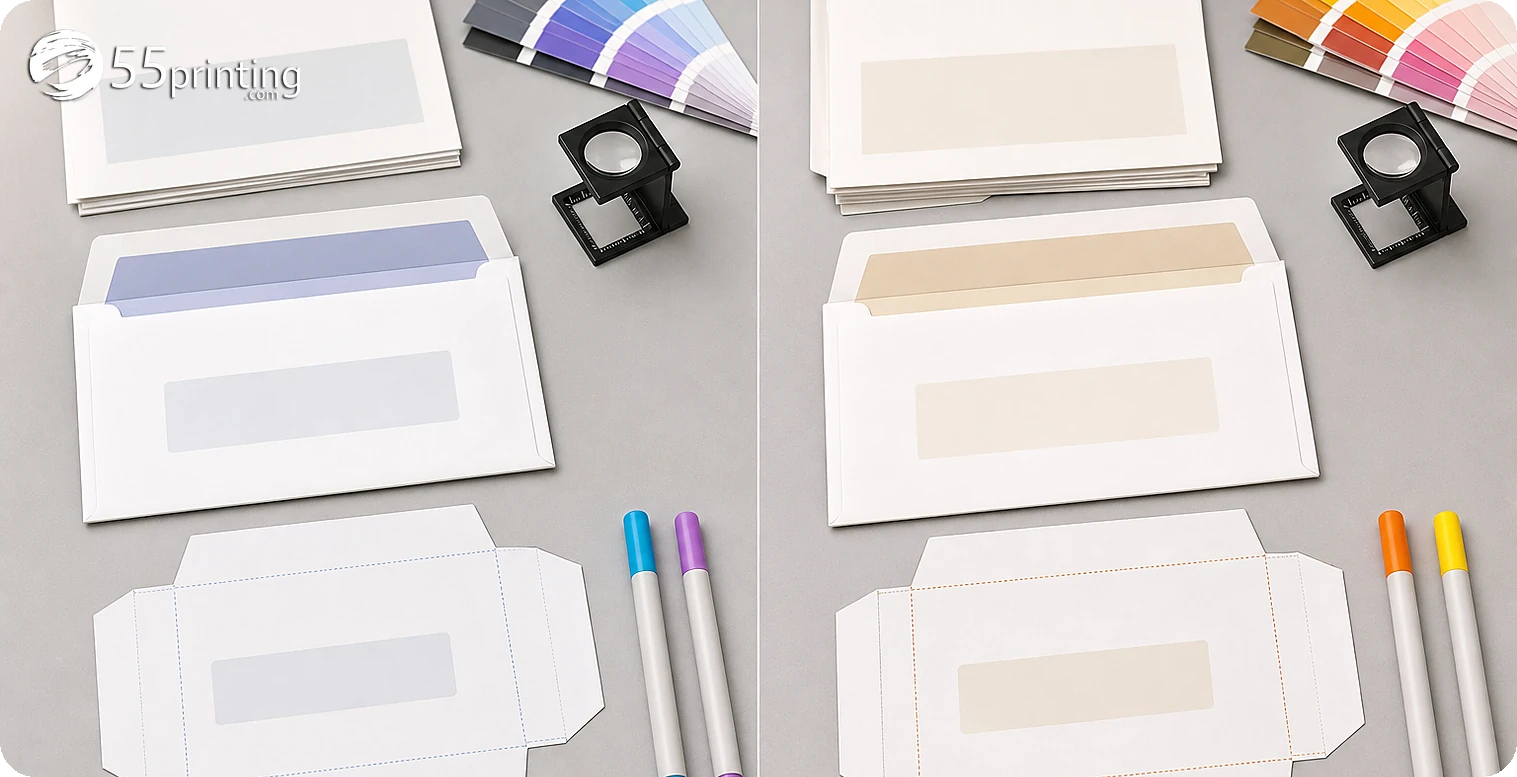
Hide or remove the guide layer as instructed, reopen the PDF, and confirm that template marks are absent. Use the free PDF proof to compare front/back order, address zones, flap, prefold, crop, logo, and exact copy. Put the named source and PDF into the File Uploader when requested.
Which envelope jobs need extra care?
Invitation envelope
Check recipient address, return address, logo, and the reading side. Keep exact names clear of prefold and flap areas.
Branded mailer
Check background bleed, address area, closure, and logo placement. Use the current product template rather than a similar envelope.
QR envelope
Test the destination separately and keep the code and quiet space clear of folds, flap, window, and trim.
Questions customers ask
Why do envelope panels matter?
Front, back, flap, prefold, closure, address, and window areas can change how artwork is read and hidden. Map the current product template before placing exact content, then inspect the flat export and proof. Record the template version, panel order, and proof question so the next reviewer can repeat this check.
Can text cross a prefold?
Keep addresses, names, phone numbers, URLs, logos, and QR codes clear of prefold and closure risk unless the current template deliberately supports the placement. A fold can reduce legibility and change the message. Record the template version, panel order, and proof question so the next reviewer can repeat this check.
Where should the return address go?
Use the current envelope product template and mailing workflow to place it. Do not infer a universal location from another envelope. Record the template version and compare the return address in proof. Record the template version, panel order, and proof question so the next reviewer can repeat this check.
Should guides remain in the PDF?
No, when the production file should contain artwork only. Hide or remove the guide layer as instructed, reopen the PDF, and confirm template marks are absent before proof and handoff. Record the template version, panel order, and proof question so the next reviewer can repeat this check.
How should bleed work on an envelope?
Extend intended background art through the current template’s bleed area while keeping important content inside safe zones. Do not invent measurements or copy settings from a different envelope product. Record the template version, panel order, and proof question so the next reviewer can repeat this check.
Can a QR code sit on a flap?
Keep the code and quiet space on a stable readable area away from flap, fold, closure, window, and trim risk. Test its destination separately and review the code in the product proof. Record the template version, panel order, and proof question so the next reviewer can repeat this check.
Does proof show the folded envelope?
A proof helps compare the proposed file, panels, crop, and content. Read the intended front/back and closure logic against the template and request clarification when the panel behavior is unclear. Record the template version, panel order, and proof question so the next reviewer can repeat this check.
What should the envelope note say?
Name the product, template version, panels, flap, prefold, address zones, guide treatment, source/PDF version, and proof questions. Mention any window, QR, crop, or closure concern. Record the template version, panel order, and proof question so the next reviewer can repeat this check.
Label panels, protect address and logo zones, remove guides, and compare the named envelope file in proof.