

Guideline Templates for Brochures: Make the Fold Part of the Design
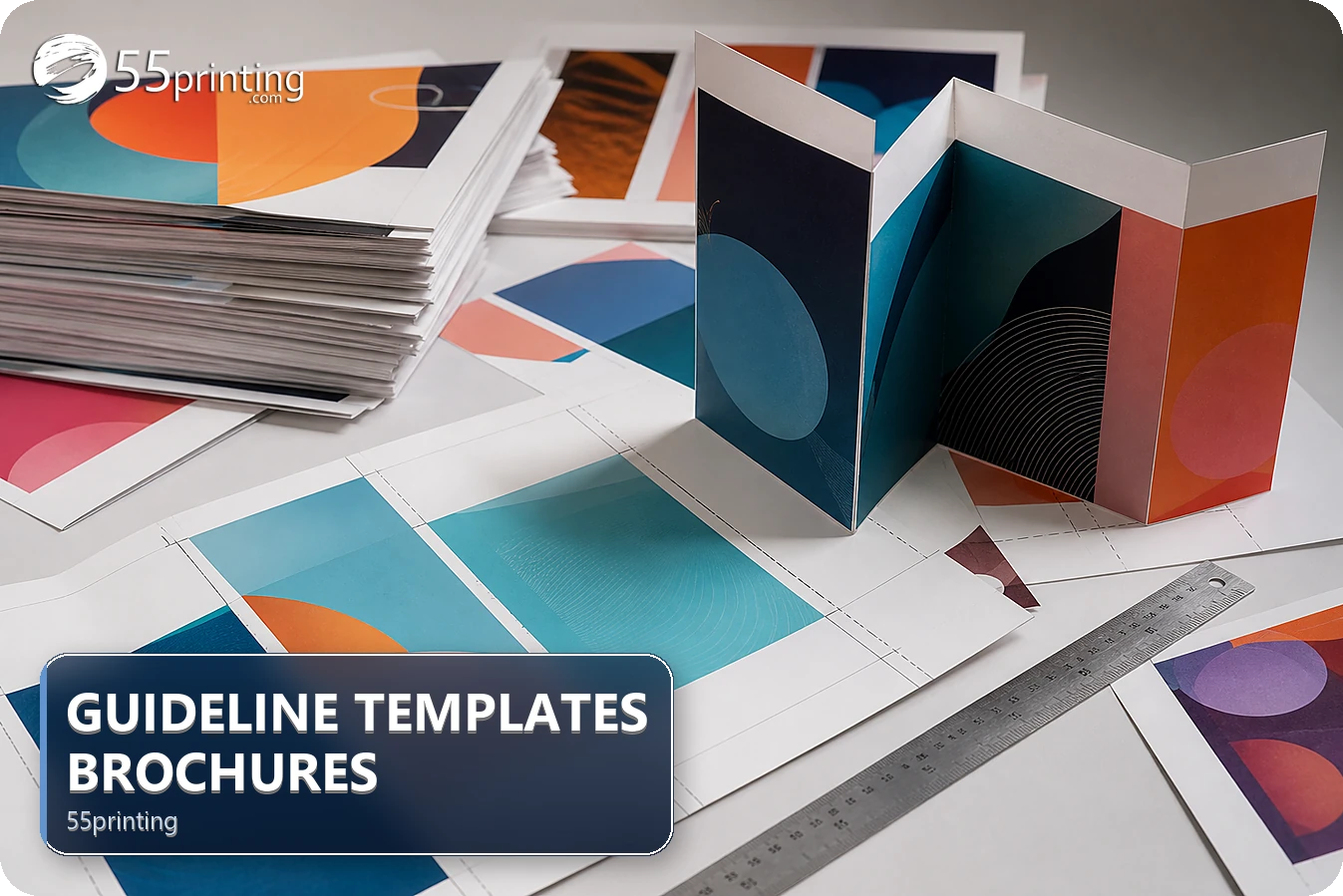
Download the matching 55printing brochure template, identify product, panel order, fold lines, bleed, and safe zones, then place exact content with those boundaries visible. Keep text, faces, logos, and QR codes clear of fold risk, remove guide artwork before export, and compare the named front/back PDF in proof.
A brochure can be visually correct on a flat screen and still read badly after folding when panels, edges, or front/back order were misunderstood. The 55printing Guideline Templates route is the starting point for the product geometry. Use the exact template version and let the fold guide the content hierarchy.
What should you identify before opening a brochure template?
Record product, finished size, panel count, fold style shown by the current template, front/back role, orientation, and reading order. Mark the cover, back panel, inside spread, fold lines, trim, bleed, and safe zone. Do not infer panel order from a generic brochure image.
| Area | First check | Risk |
|---|---|---|
| Cover | Identify the first-reading panel | Message starts on the wrong face. |
| Fold | Keep critical text clear | Words disappear into the crease. |
| Trim/bleed | Extend background and protect copy | Edge crop changes content. |
| Back panel | Place contact and QR details deliberately | Call to action is hard to find. |
How should you map panels and folds?
Keep the template visible while placing content and label each panel in a planning copy. Follow the current template’s panel order instead of applying a remembered fold pattern. Place headline, image, body, contact, and CTA according to how the reader will hold and open the brochure.
- Record template version and product.
- Label front/back and panel order.
- Mark fold, trim, bleed, and safe areas.
- Keep exact text away from fold risk.
- Check QR quiet space and logo edges.
- Hide or remove guides before export.
What content needs the most fold awareness?
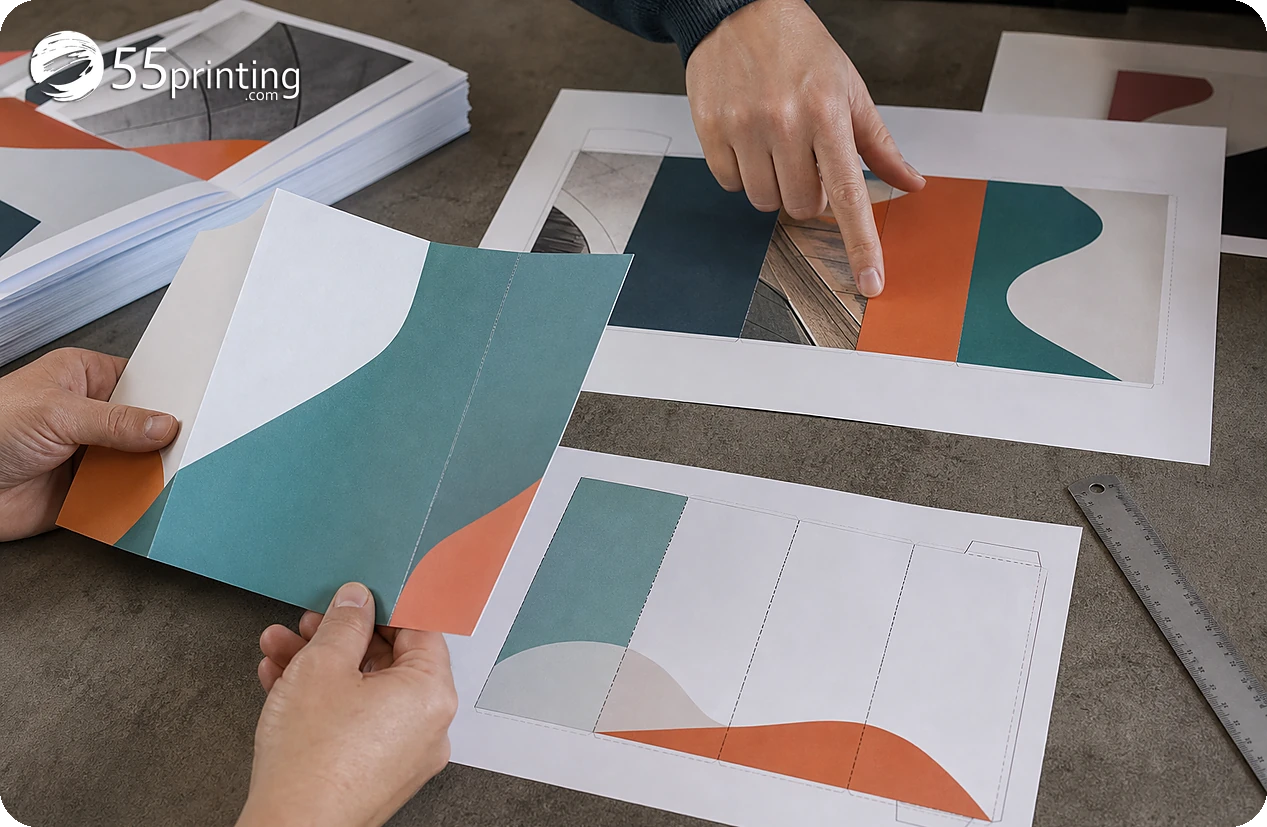
Keep names, phone numbers, URLs, prices, dates, headlines, faces, logos, and QR codes inside the safe area unless the template shows a deliberate placement. Check that a fold does not split a word, hide a face, or separate a CTA from its supporting message. Review the flat artwork and the folded reading logic.
Use background art through bleed while keeping exact content away from trim and fold risk. A guide layer helps placement, but the exported PDF should contain artwork only.
How do export and proof complete the brochure?
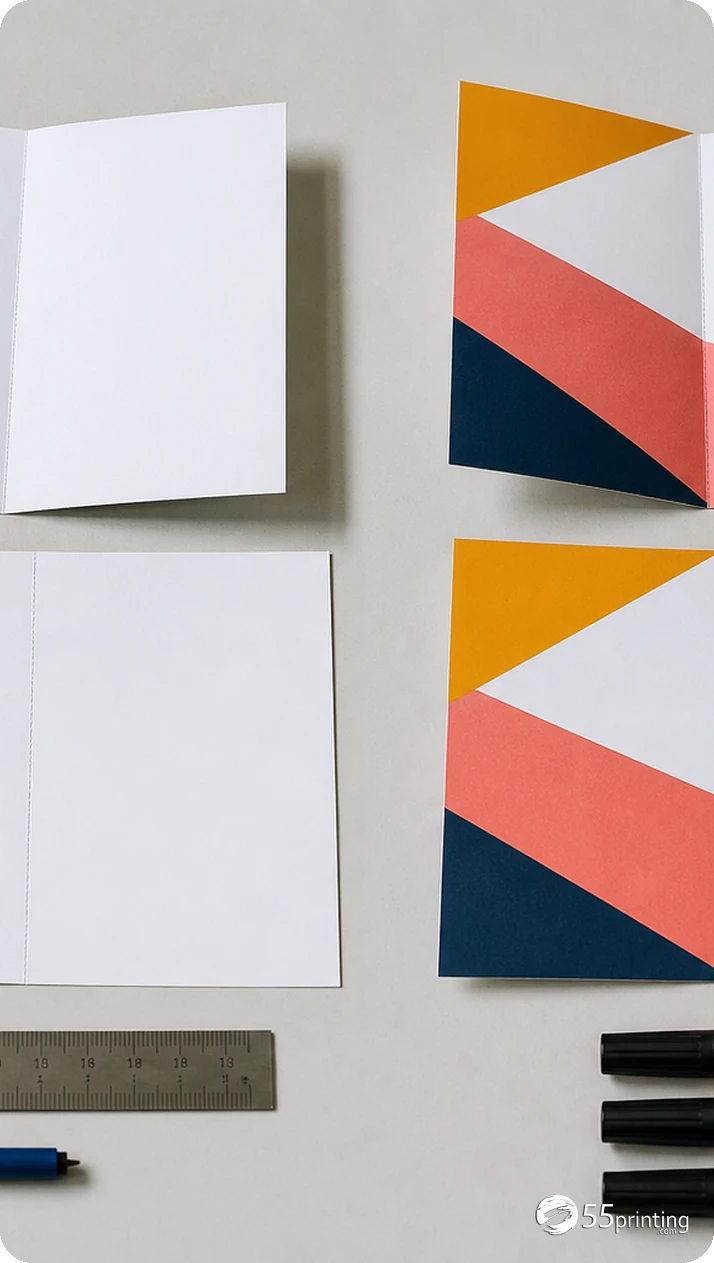
Remove or hide the guide layer as instructed, reopen the PDF, and check that fold lines or template marks are not production artwork. Use the free PDF proof to compare front/back order, panel crop, fold risk, safe zone, logo, QR, and small type. Put the named source and PDF into the File Uploader when requested.
Which brochure jobs need extra care?
Tri-panel service brochure
Label panels and confirm cover/back order with the current template. Keep phone, URL, and CTA away from fold risk.
Photo-led tourism brochure
Check faces, image crops, fold placement, and color-critical content across the spread and panels.
QR brochure
Test the destination separately, protect quiet space, and inspect code placement on the folded product proof.
Questions customers ask
Why does fold-aware design matter?
A flat brochure can hide a fold that separates a word, face, phone number, or call to action after finishing. Map the current template’s panels and folds, keep critical content in the safe area, and check the proof in the intended reading order. Record the panel order and template version for the reviewer.
Which panel is the cover?
Use the current product template and panel order rather than assuming a generic brochure pattern. Label the cover and back in the working file, then compare front/back placement with the named export and proof. Record the panel order and template version for the reviewer.
Can text cross a fold?
Keep exact text, logos, faces, phone lines, URLs, and QR codes clear of fold risk unless the template deliberately supports the placement. A fold can change legibility and meaning even when the flat file looks aligned. Record the panel order and template version for the reviewer.
Should the template lines remain in the PDF?
No, when the production file should contain artwork only. Hide or remove the guide layer as instructed, reopen the exported PDF, and confirm that template marks are absent before proof and handoff. Record the panel order and template version for the reviewer.
How should bleed work on a brochure?
Extend intended background artwork through the current template’s bleed area while keeping important content inside the safe zone. Do not invent measurements from another fold style or assume every brochure uses the same geometry. Record the panel order and template version for the reviewer.
Can a QR code sit near a fold?
Keep the code and quiet space inside a stable panel area away from fold, trim, and crowded artwork. Test its destination separately and inspect the code on the folded product proof. Record the panel order and template version for the reviewer.
Does a proof show folded reading order?
A proof helps compare the proposed pages, panels, crop, and content. Review the flat front/back arrangement against the template and read through the intended fold sequence; ask for a correction when the panel order is unclear. Record the panel order and template version for the reviewer.
What should the brochure note say?
Name the product, template version, panel order, fold checks, guide treatment, source/PDF version, and proof questions. Mention any phone, QR, face, crop, or back-panel concern for the reviewer. Record the panel order and template version for the reviewer.
Map panels, protect safe zones, remove guides from export, and review the front/back PDF in proof.