

Artwork Quality Enhancer for Yard Signs and Banners: Check Before Scaling
Use the 55printing Artwork Quality Enhancer to inspect soft text, weak edges, compression, or low-resolution artwork for a yard sign or banner. Keep source dimensions truthful, compare the message and logo, check the product canvas and intended viewing distance, and use proof to review the named result. A larger file is not automatically sharper.
A yard sign or banner is judged in a product context: finished size, viewing distance, contrast, text length, image detail, and placement. The current 55printing Artwork Quality Enhancer describes local restoration for common artwork formats, but it does not turn missing pixels into reliable detail or replace the product template and proof.
What should you diagnose before enhancing a sign or banner?
Identify whether the source is soft from compression, enlarged from a small image, flattened from a screenshot, or simply the wrong asset. Check the exact headline, phone, URL, logo, and image subject. Separate quality restoration from a decision about whether the source is suitable for the finished product.
| Source condition | Review response | Boundary |
|---|---|---|
| Soft lettering | Run a named restoration test | Compare letterforms with source copy. |
| Small photo enlarged | Check useful detail at product role | Scaling cannot create a reliable subject. |
| Wrong image or logo | Find the approved asset | Quality work cannot choose the correct brand. |
| Correct asset, heavy compression | Compare edge and block improvement | Review output against source dimensions. |
How should you prepare large-format artwork?
Record the product, finished size, side, viewing context, source version, and intended output. Keep the source file and use a representative image or page for the test. The live route displays a public file limit and current input controls; read those controls before preparing a repeated set.
- Record sign or banner size and orientation.
- Identify the smallest important text.
- Keep the original source separate.
- Mark logos, phone lines, URLs, and faces.
- Run one representative enhancement.
- Save the output with a new version.
What should you review after enhancement?
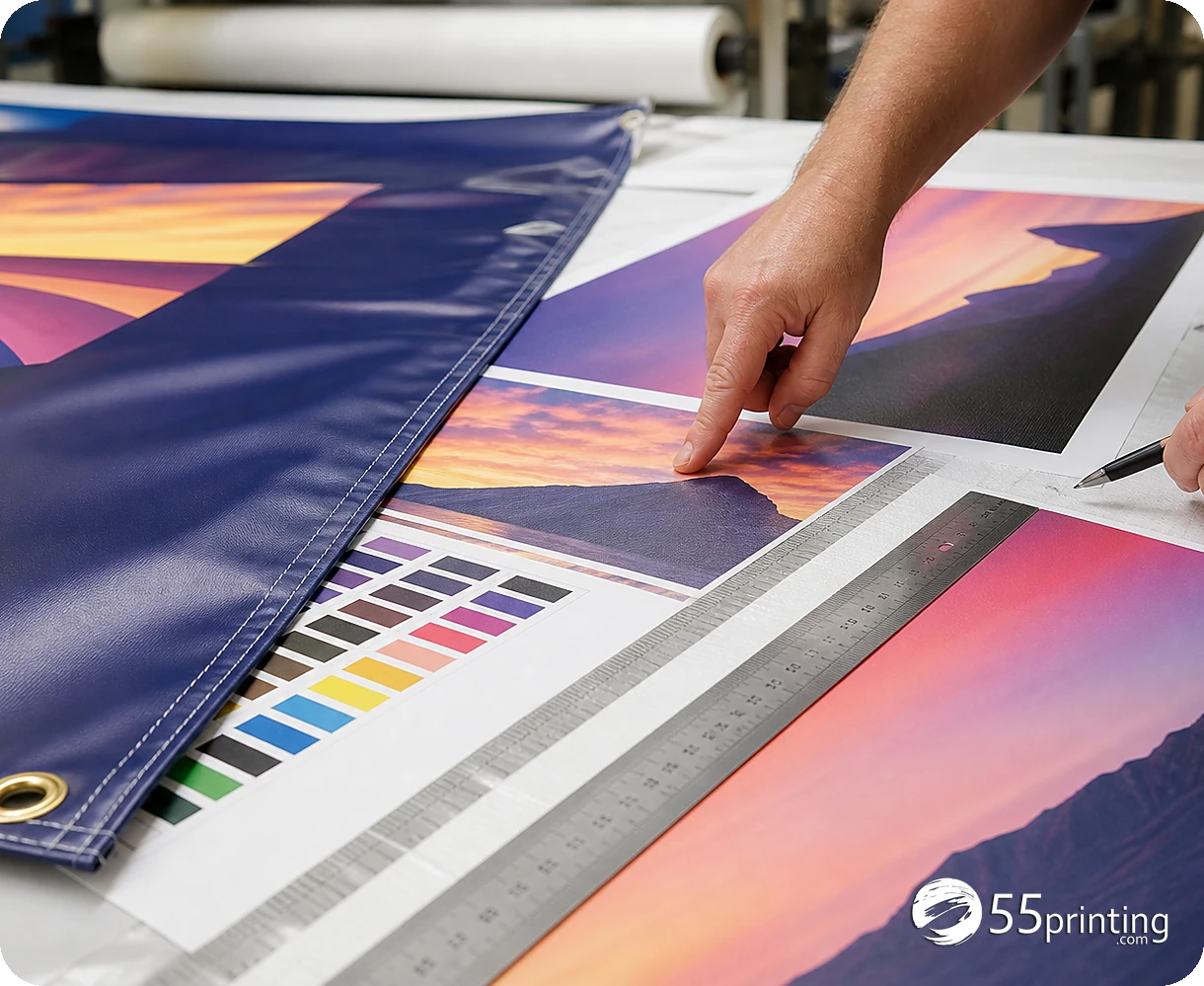
Compare the restored result with the source and approved copy. Read the headline, phone, URL, and call to action. Check logo identity, faces, image subject, background edges, crop, contrast, and the smallest important line. View the file at a scale that reflects the sign or banner review, then inspect the proof version in context.
The route states that a large file is not automatically sharp and that source dimensions remain truthful. Use those boundaries to decide whether the result is a restoration candidate, a new-source request, or a design rebuild.
How do template and proof complete the job?
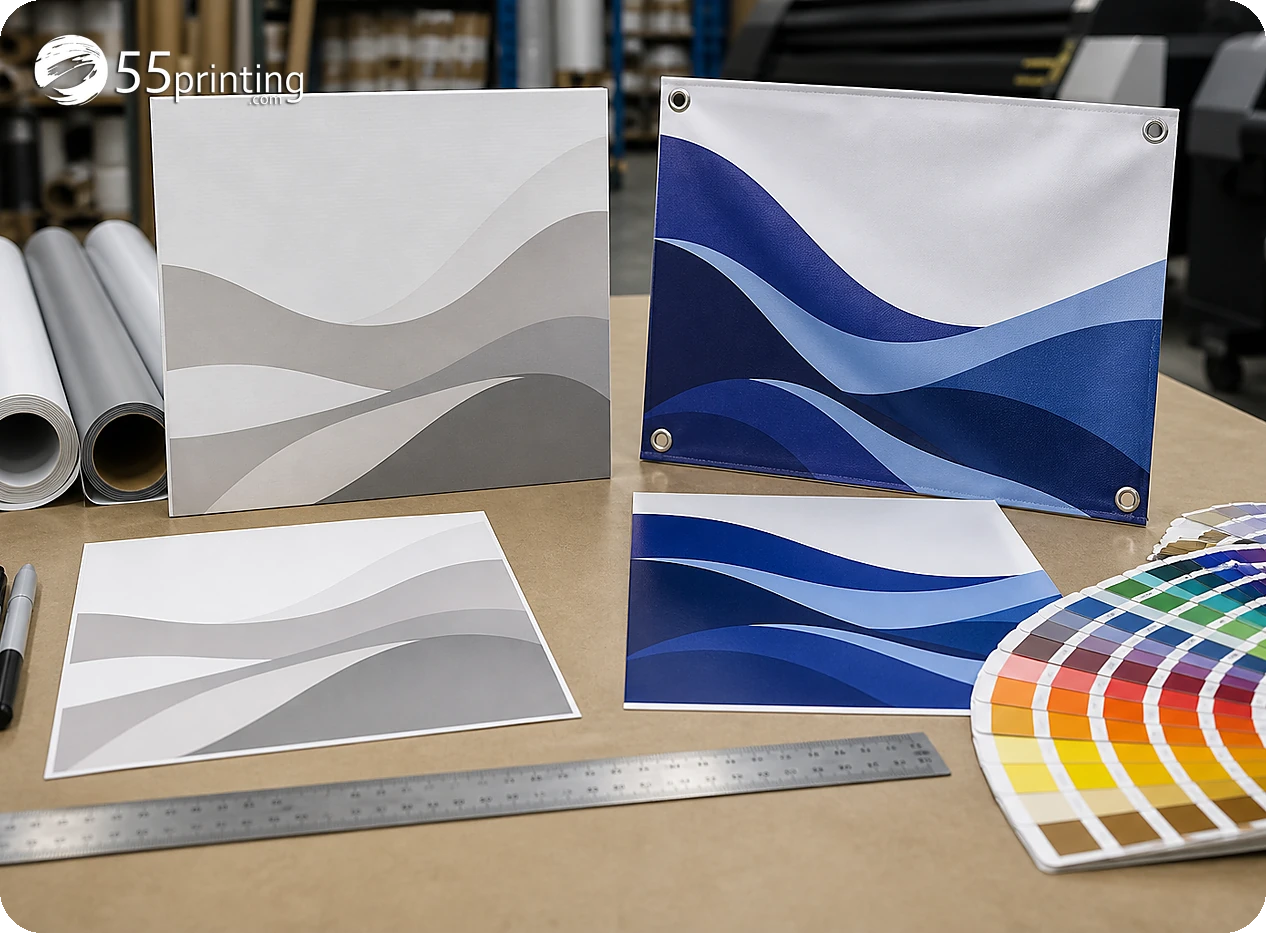
Use the matching guideline template for the sign or banner canvas, bleed, safe zone, and orientation. Put the named source and enhanced result into the File Uploader when requested. Use the free PDF proof to check placement, crop, headline, logo, and image role. A successful enhancement step is not a production approval.
Which large-format jobs need extra care?
Directional yard sign
Check the short message, arrow, contrast, and viewing context. A restored image cannot compensate for a headline that is too small for the intended use.
Event banner
Compare dates, names, logos, sponsor marks, and image crops after restoration. Keep the exact copy source beside the enhanced file.
Small photo enlarged for a banner
Test the subject and edges, then request a higher-quality source or design change when detail remains uncertain. Do not hide the limitation inside a larger export.
Questions customers ask
Can the enhancer make a small photo ready for a banner?
It can improve visible softness or compression in a supported source, but it cannot guarantee detail that the original image does not contain. Compare the subject and edges at the product role and request a new source when the image remains uncertain.
Does a large file mean sharp artwork?
No. A file may contain many pixels while letters or edges remain soft because of compression, enlargement, or a screenshot source. Check useful detail, source dimensions, and the actual product proof instead of relying on file size alone. Record the product scale and source version with the result.
Can it fix the wrong phone number?
No. Compare the result with the approved copy and correct the artwork from an authoritative source. A quality tool can inspect visible file problems, but it should not decide or invent business facts. Record the product scale and source version with the result.
Should I review the sign at screen size?
Use a scale that lets you judge the intended product role, then inspect the proof in the product context. Screen zoom and physical viewing conditions are different, so record the review scale and open question. Record the product scale and source version with the result.
What if the logo is the wrong brand mark?
Stop the restoration and locate the approved logo asset. Sharpening the wrong mark creates a cleaner wrong result. Keep identity approval separate from edge and compression review. Record the product scale and source version with the result. Keep the approved logo file beside the proof record for later comparison.
Can enhancement replace a design rebuild?
No. A rebuild may be needed when the canvas, hierarchy, source image, logo, or message is wrong. Use enhancement for a restoration question and choose a design path when the composition needs correction. Record the product scale and source version with the result.
Does the proof guarantee outdoor readability?
No. A proof helps compare the proposed file, placement, crop, and copy. It does not remove every viewing-distance, material, lighting, or production variable. Keep the intended product context in the review notes. Record the product scale and source version with the result.
What should the handoff note say?
Name the product, source and enhanced versions, method, exact text checked, logo status, crop, and proof question. Mention any image-detail limitation so the reviewer can compare the same file and decide the next step. Record the product scale and source version with the result.
Restore visible quality, compare the exact message, and review the product proof before handoff.