

Artwork Quality Enhancer for Business-Card Logos: What It Can Rescue
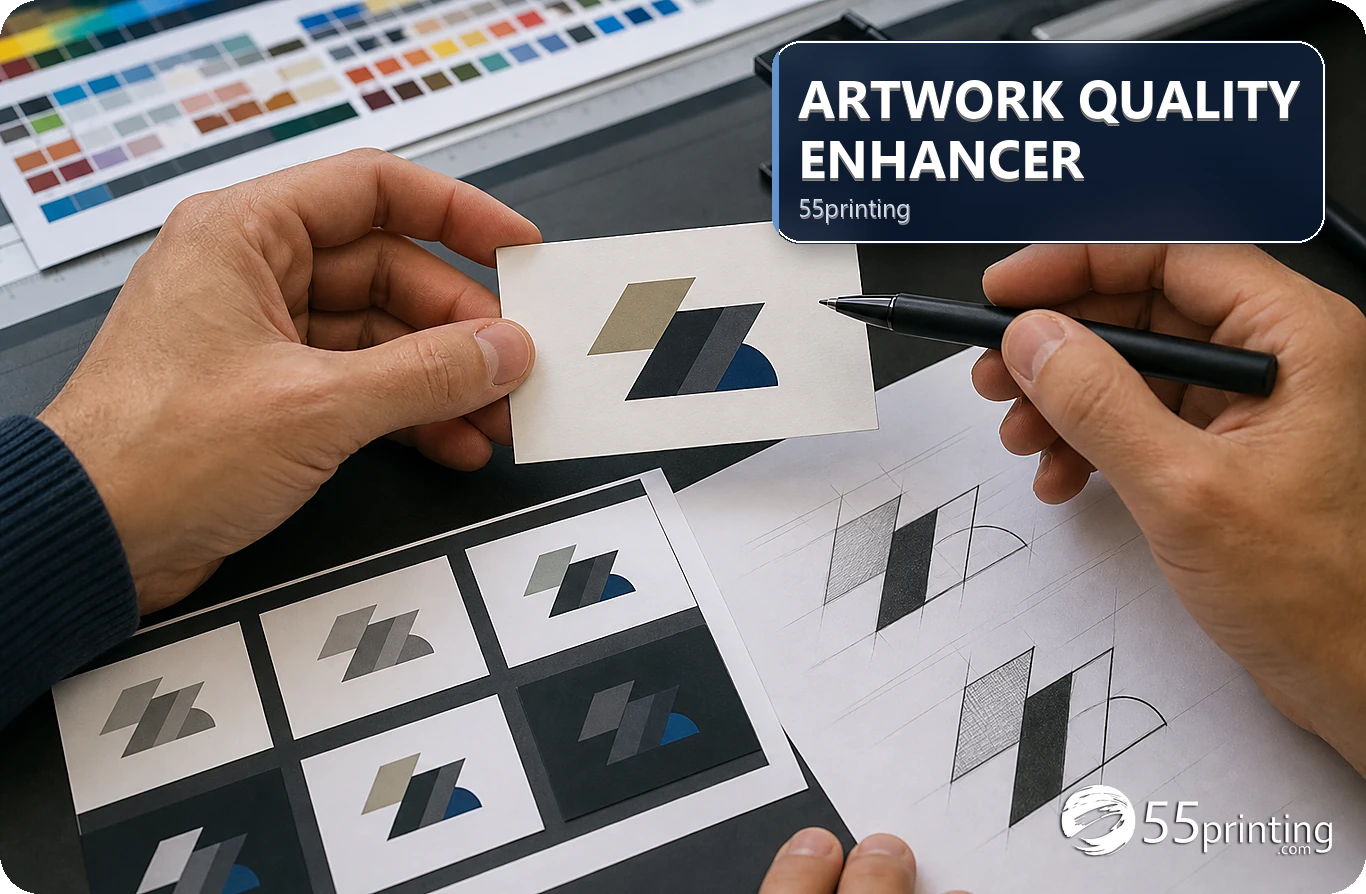
Use the 55printing Artwork Quality Enhancer for soft edges, compression, and low-resolution business-card artwork while keeping source dimensions truthful. Check the original logo, exact text, output format, and product placement. Review uncertain words and the PDF proof before handoff; request a redraw when identity or missing detail is wrong.
A business-card logo can look soft because it was compressed, enlarged, exported at low quality, or flattened from a screenshot. The current 55printing Artwork Quality Enhancer describes local processing for PDF, JPG, PNG, and TIFF, with text review and output choices. The tool can improve visible file problems; it cannot decide whether a logo is the correct brand or invent missing facts.
What can the enhancer check in a business-card logo?
Start with the source and identify the failure: soft lettering, weak edges, compression blocks, a low-resolution raster, or an incorrect logo file. Check whether the original contains the approved name, phone, URL, colors, and mark. Restoration and identity review are separate jobs.
| Source condition | First response | Boundary |
|---|---|---|
| Soft edges or compression | Run a named enhancement test | Compare against the source. |
| Uncertain lettering | Review the text warning | Do not accept an invented word. |
| Wrong logo identity | Find the approved source | Enhancement cannot choose a brand mark. |
| Missing detail | Request a redraw or new asset | Pixels cannot restore absent facts. |
How should you prepare the logo file?
Keep the original file, record the business-card product and version, and use a working copy for the enhancement test. The live route describes a public limit of one file per minute and up to 15 MB, so read the current controls before preparing a larger set. Choose the source with the real logo and text rather than a screenshot of a card.
- Record product, side, and artwork version.
- Keep the original source outside the tool result.
- Choose the current supported file type.
- Mark small text, phone, URL, and logo details.
- Run one representative test.
- Save the output with a new name.
What should you review after enhancement?
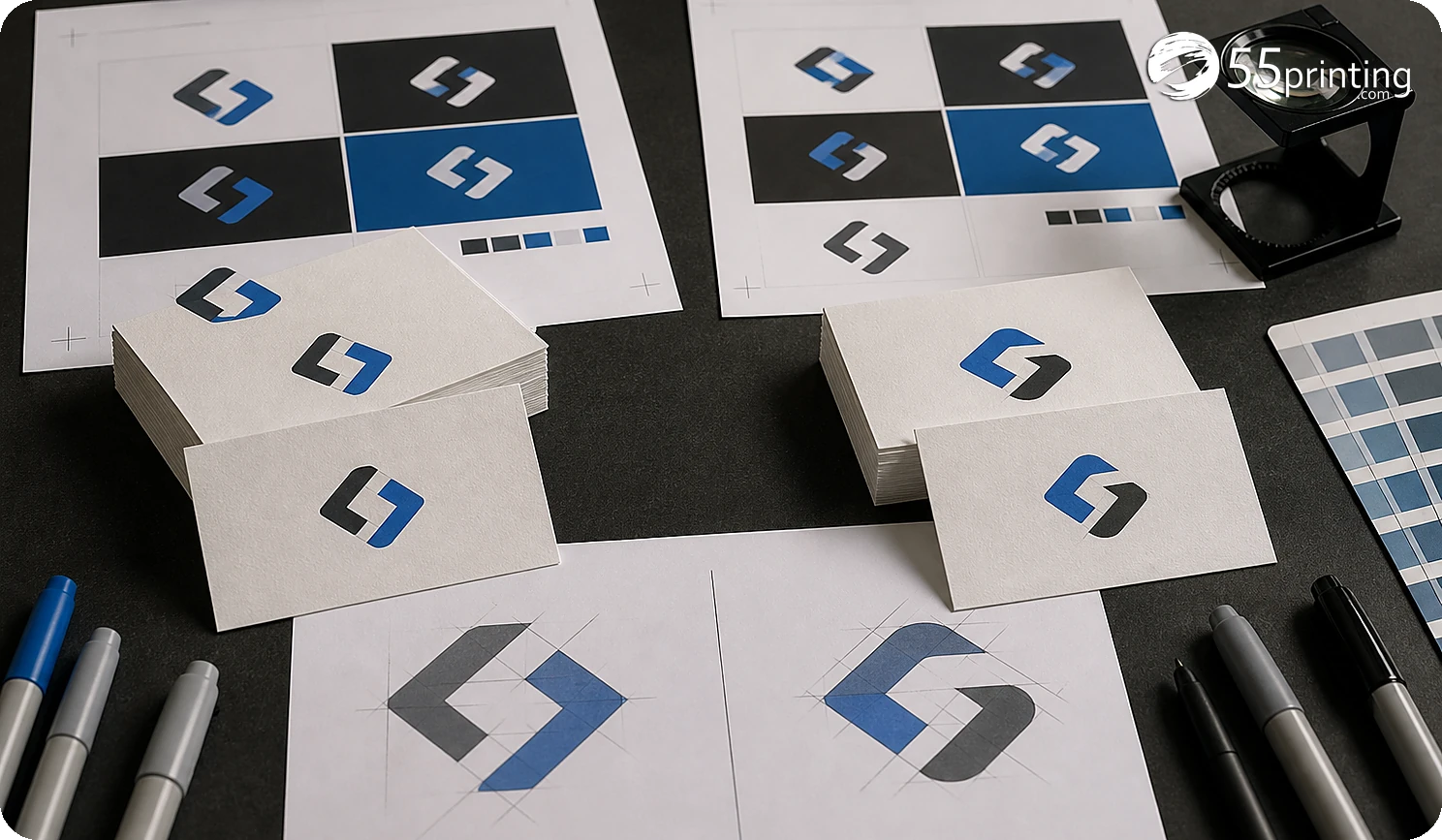
Open the result at the intended business-card size. Compare logo shape, letterforms, color, phone number, email, URL, spacing, and background edges with the source. Read any uncertain-word review and make a correction only when the approved source supports it. Keep the source dimensions and output role clear.
The current route offers output choices and notes that a DPI label does not replace useful resolution. A larger file is not automatically a sharper file. Review the real detail and keep any text correction traceable.
How do template and proof complete the review?
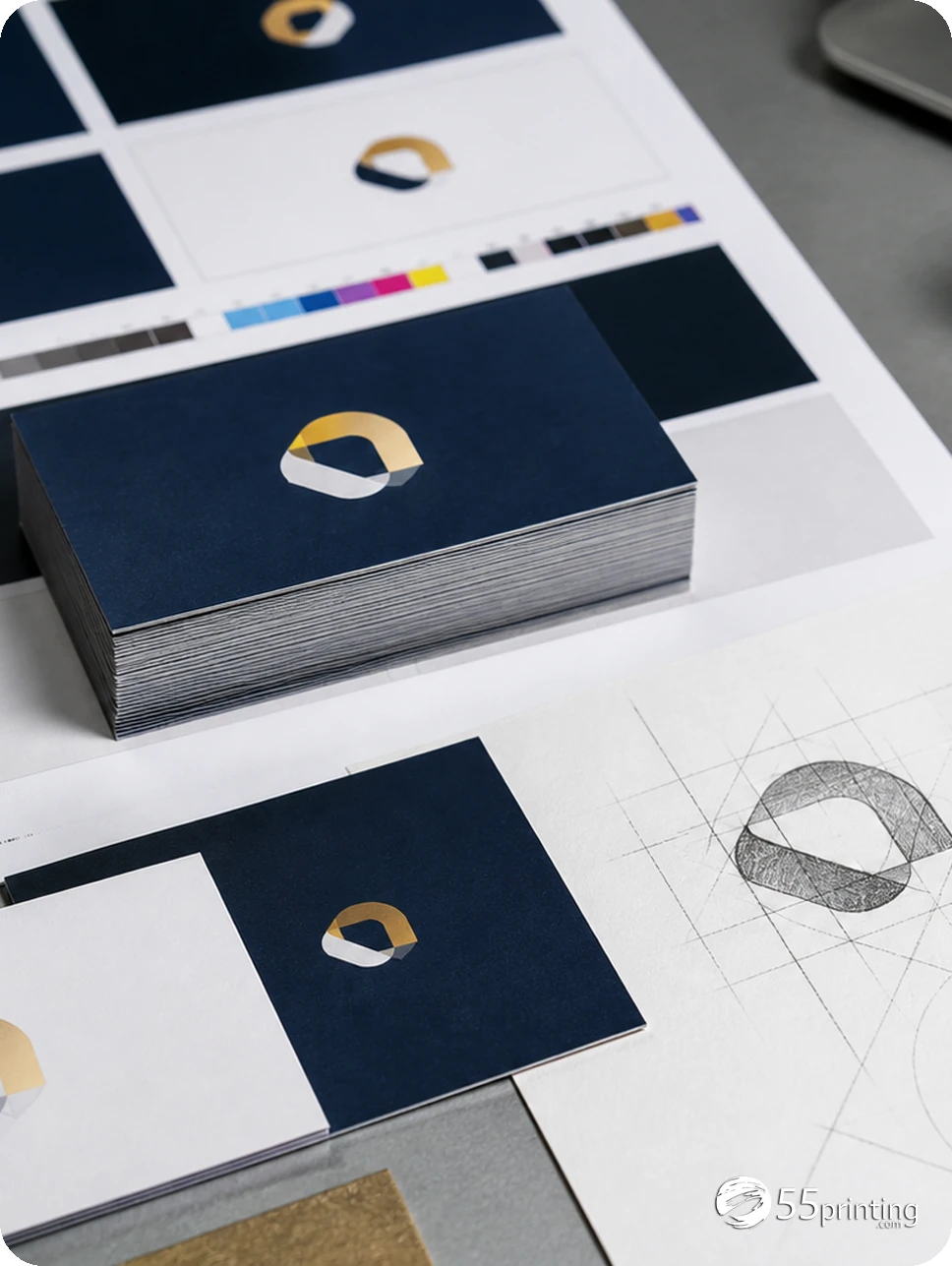
Use the matching guideline template to check business-card size, bleed, safe zone, and placement. Put the named output and source context into the File Uploader when needed. Use the free PDF proof to compare logo scale, crop, small text, and the actual product layout.
Which business-card logo jobs need extra care?
Compressed JPG logo
Test the edge and text improvement, then compare the result with the approved logo. Keep the original JPG and the named enhanced version together.
Screenshot of a card
Look for missing source detail and small contact text. A screenshot may need a new asset or redraw rather than restoration alone.
Wrong logo supplied
Stop the enhancement and locate the approved brand file. Sharpening the wrong mark creates a clearer wrong result.
Questions customers ask
Can the enhancer fix a low-resolution logo?
It can improve visible softness, weak edges, and compression in a supported source, but it cannot guarantee detail that the original pixels do not contain. Compare the result with the approved logo and request a new asset when identity or detail remains uncertain.
Can it correct a wrong phone number?
No. The current route says it will not quietly invent a phone number, price, URL, name, or promotion. Compare the enhanced result with the approved source and correct the artwork from an authoritative file. Record the source and output versions so the reviewer can trace the change.
Which file types can I use?
The current Artwork Quality Enhancer route visibly lists PDF, JPG, PNG, and TIFF. Read the current input controls before a new job because accepted formats, limits, and output options can change. Record the source and output versions so the reviewer can trace the change.
Does a larger file mean sharper art?
No. A file can contain many pixels while its letters remain soft from compression, enlargement, or a screenshot source. Review useful detail, edge quality, and exact text rather than judging by file size or a DPI label alone. Record the source and output versions so the reviewer can trace the change.
Should I use enhancement for a new logo?
Use an approved source or request a redraw when the mark is wrong, incomplete, or missing. Restoration is a quality step for an existing asset; it does not replace brand design or vector artwork reconstruction. Record the source and output versions so the reviewer can trace the change.
What if the text review flags a word?
Compare the word with the approved source and product copy. Leave it unchanged when the source is correct, or apply a documented correction when the responsible reviewer approves it. Check the corrected line again in the product layout. Record the source and output versions so the reviewer can trace the change.
Can the result go straight to print?
Not from enhancement alone. Check the business-card template, source identity, exact contact details, output format, and free PDF proof. Keep the named source and enhanced version so the reviewer can trace the result. Record the source and output versions so the reviewer can trace the change.
What should the handoff note say?
Name the source and enhanced versions, product side, method, text review status, and proof checks. Mention any unresolved logo, crop, or contact-detail question. Keep the note focused on the file and do not include unrelated private data. Record the source and output versions so the reviewer can trace the change.
Restore visible file quality, protect the approved identity, and review the business-card proof.