

Screenshot-Only Artwork: What to Send Instead
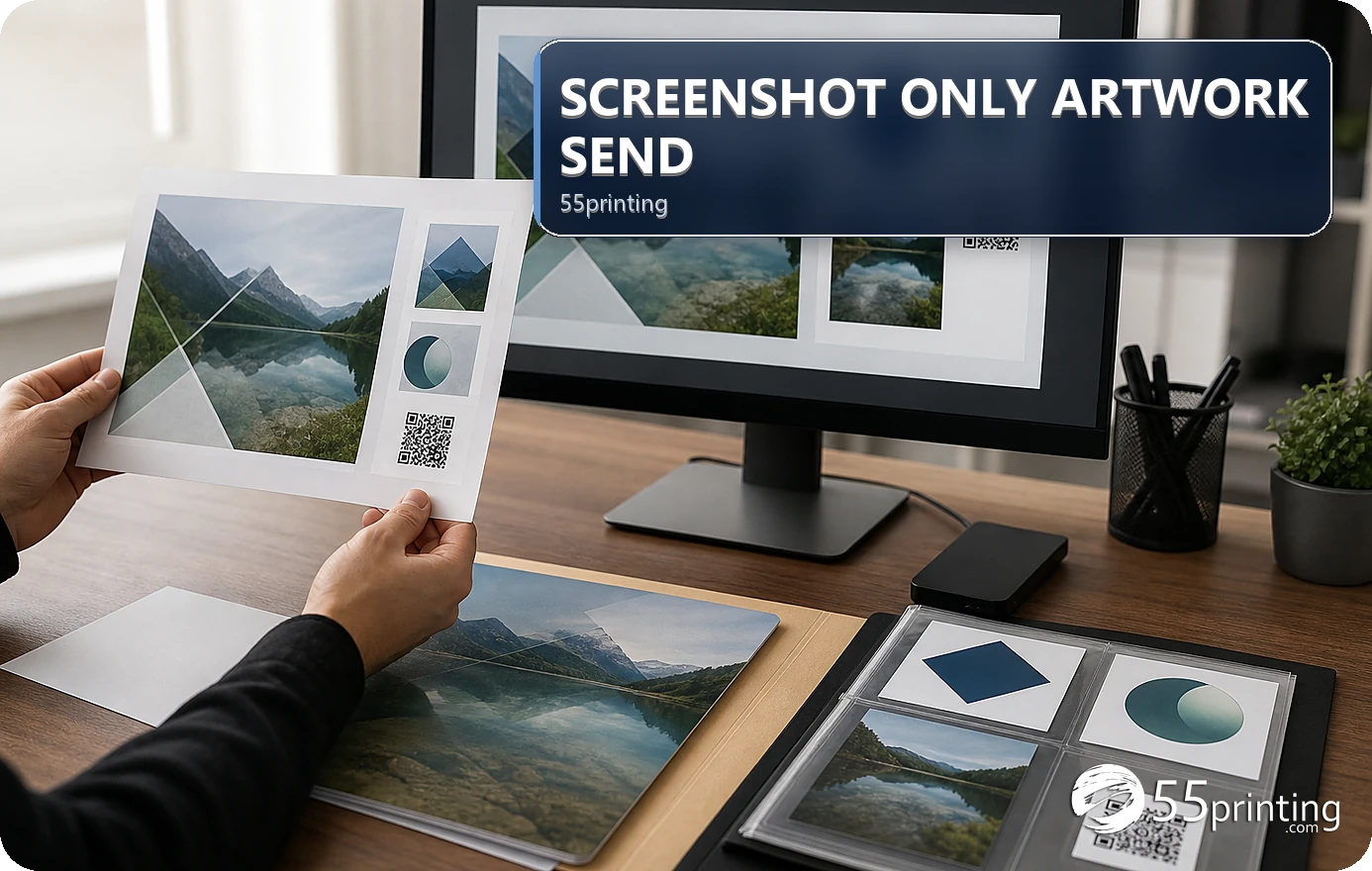
A screenshot can show a visual reference, but it usually does not preserve source dimensions, editable text, exact crop, or production context for a print handoff. Send the best original artwork, editable source, or named PDF instead, explain what changed, and use the template, File Uploader note, and proof to resolve remaining questions.
A screenshot may be the only thing available in a message, but it can hide scaling, compression, crop, font, layer, color, and product-size information. The 55printing File Uploader is a handoff path for artwork context; send the best source available and identify what the screenshot is meant to show.
What does a screenshot fail to preserve?
A screenshot records pixels on a display. It may not preserve the original canvas, editable text, vector logo, bleed, safe zone, exact physical size, output profile, source crop, or hidden layers. It can also include browser controls, zoom, compression, or an older version.
| Need | Send instead | Risk if missing |
|---|---|---|
| Editable text | Original source or editable file | Copy cannot be corrected reliably. |
| Product geometry | Named PDF plus template | Size and bleed are uncertain. |
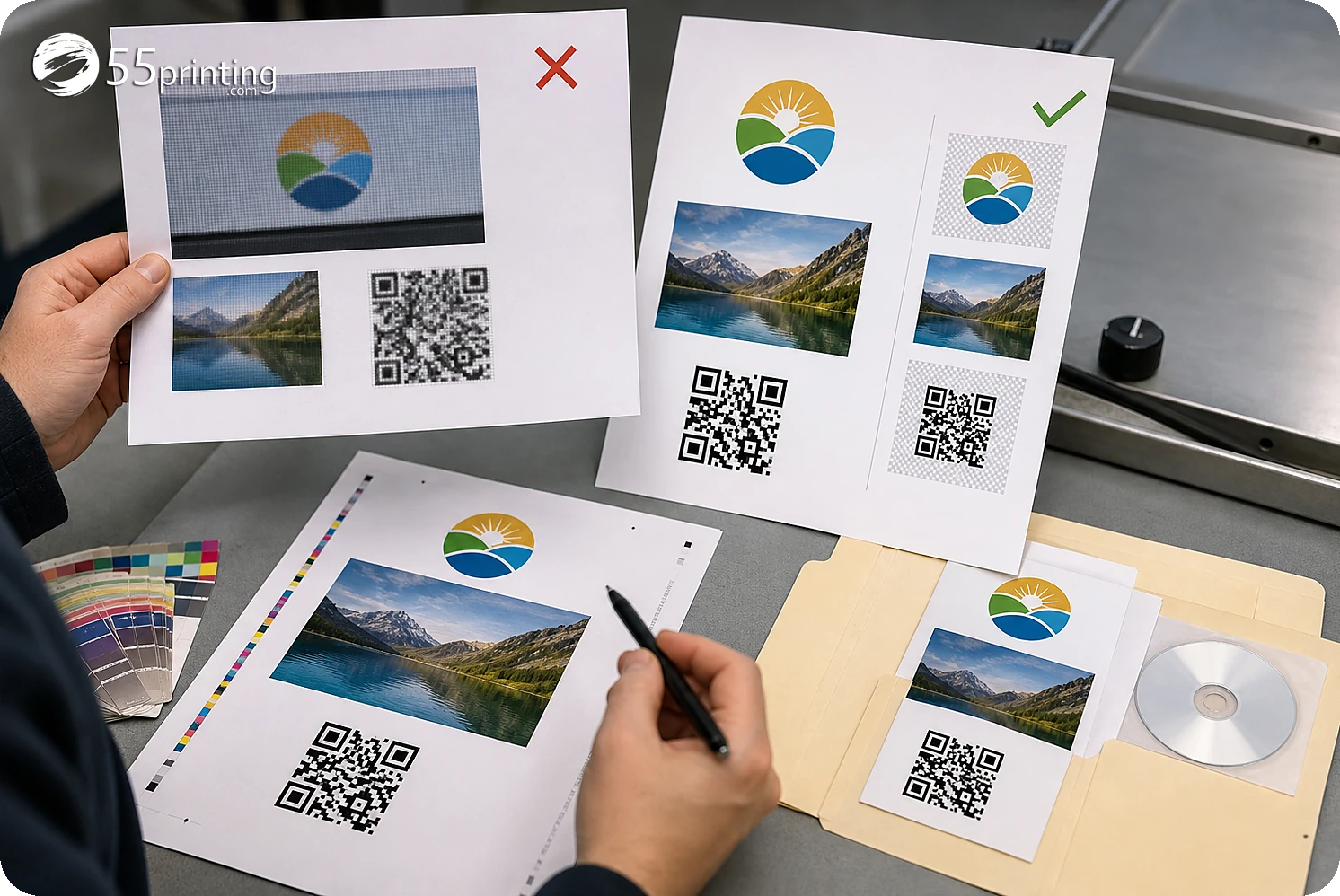
| Logo identity | Approved logo asset | Screenshot can soften or alter edges. |
| Version history | Named source and export | Reviewer cannot identify latest file. |
What should you send instead of a screenshot?
Send the original editable artwork when available, a named PDF when the workflow calls for PDF, and separate logo or image assets when they carry important detail. Keep the screenshot as a reference only and label what it demonstrates: visual direction, crop concern, text question, or prior version.
- Locate the newest source file.
- Keep editable text and vector assets.
- Export a named PDF when requested.
- Match the product template.
- Explain the screenshot’s purpose.
- Record unresolved questions.
What should the upload note explain?
Name the product, side/page, source version, PDF version, screenshot purpose, changes made, requested action, and open question. State whether the screenshot shows an older crop, a visual reference, or a concern that needs proof comparison. Keep credentials and unrelated customer data out of the note.
How do template and proof complete the replacement file?
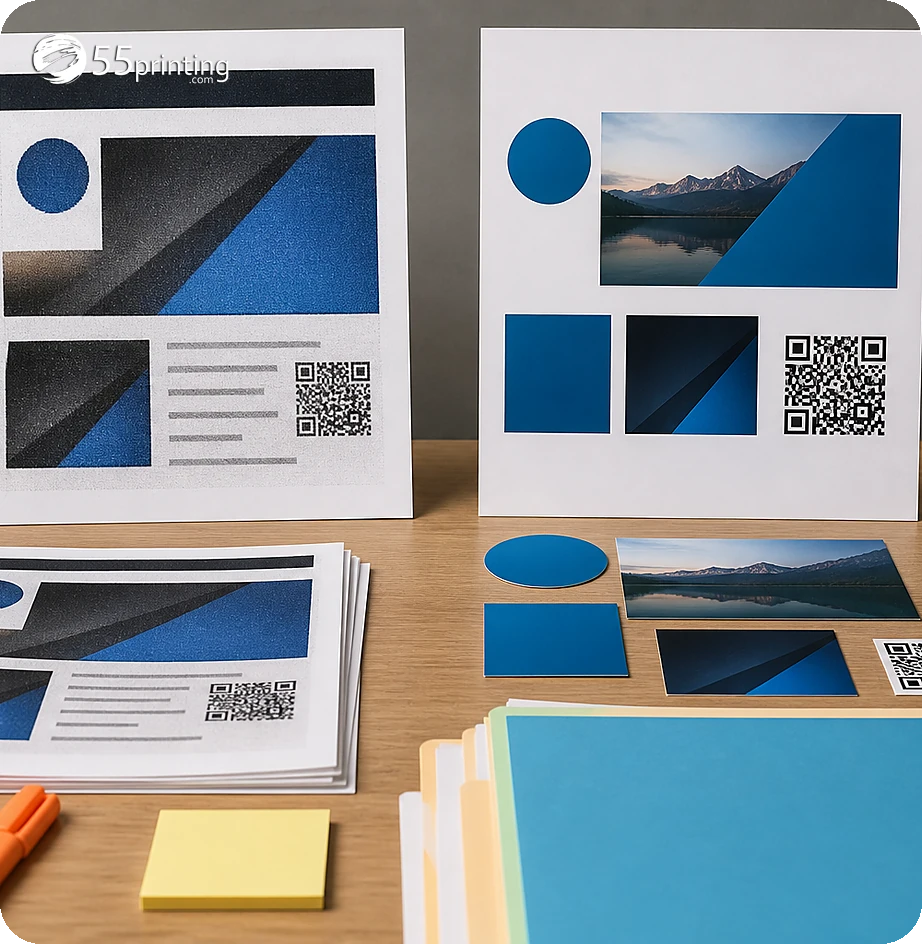
Use the matching template to check size, bleed, safe zone, and orientation. Put the named source and PDF into the File Uploader with the note. Use the free PDF proof to compare content, crop, placement, and image detail in the product context.
Which screenshot-only jobs need extra care?
Logo from a web page
Find the approved logo asset or vector source. A browser screenshot can carry compression, wrong color, and missing transparency.
Screenshot of a prior proof
Label it as a reference and send the current source/PDF. Compare what changed instead of treating the old screenshot as the latest file.
Phone screenshot of a design
Locate the original artwork and record the product size. A phone view cannot prove bleed, safe zone, crop, or physical scale.
Questions customers ask
Why is a screenshot weak print artwork?
A screenshot may lose source dimensions, editable text, vector edges, bleed, safe zone, crop, color context, and version identity. Keep it as a reference and send the original artwork, named PDF, and separate assets when available. Name the authoritative file and the screenshot’s purpose so the reviewer does not reconstruct missing facts.
What file should I send instead?
Send the original editable artwork when available, a named PDF when requested, and approved logo or image assets that carry important detail. Identify which file is authoritative and what the screenshot is meant to show. Name the authoritative file and the screenshot’s purpose so the reviewer does not reconstruct missing facts.
Can a print shop rebuild from a screenshot?
A screenshot can explain visual intent, but rebuilding from it adds uncertainty and may require a new design decision. Send the source or request an assisted path with the product, copy, assets, and exact question. Name the authoritative file and the screenshot’s purpose so the reviewer does not reconstruct missing facts.
Can enhancement fix a screenshot?
Enhancement may improve visible softness or compression, but it cannot reliably recreate missing pixels, editable text, vector identity, or exact facts. Compare with the source and request a better asset or redraw when necessary. Name the authoritative file and the screenshot’s purpose so the reviewer does not reconstruct missing facts.
What should the upload note say?
Name product, side/page, source version, PDF version, screenshot purpose, changes, requested action, and open question. Tell the reviewer which file is authoritative and keep unrelated private data out of the note. Name the authoritative file and the screenshot’s purpose so the reviewer does not reconstruct missing facts.
Should I keep an old screenshot?
Yes, if it explains a reference or change, but label its date and role. Do not call it the latest artwork. Keep the current source and PDF beside the reference for comparison. Name the authoritative file and the screenshot’s purpose so the reviewer does not reconstruct missing facts.
Does a PDF replace editable artwork?
A PDF can be the requested handoff file, but it does not preserve every editable layer or source decision. Keep the editable source when possible and compare the PDF with the template and proof. Name the authoritative file and the screenshot’s purpose so the reviewer does not reconstruct missing facts.
What should proof review check?
Compare content, crop, product size, bleed, safe zone, logo, image detail, line breaks, and the named source/PDF version. Use the screenshot as reference only and record any unresolved reconstruction question. Name the authoritative file and the screenshot’s purpose so the reviewer does not reconstruct missing facts.
Separate reference pixels from authoritative artwork, explain the change, and connect the file to template and proof review.