

Free PDF Proof: Check Content, Placement, and Image Order
Use the 55printing free PDF proof to review the proposed file in a fixed order: content first, placement second, and images/page order third. Check names, numbers, URLs, crop, safe zone, page count, image order, and product context. Mark questions clearly, retain the reviewed version, and approve only the proof you actually compared.
A proof is easier to review when the reader knows what question comes first. The 55printing free PDF proof route provides the review path; the customer still needs to compare the correct product, version, content, placement, and image order.
What order should a PDF proof review follow?
Start with content because a wrong name or number can invalidate the page even when the layout looks polished. Move to placement and product geometry. Finish with images, page order, crop, and visual details. Record the version reviewed so a later correction does not get confused with the approved proof.
| Pass | Check | Stop when |
|---|---|---|
| Content | Names, numbers, URLs, spelling | Copy is wrong or unresolved. |
| Placement | Canvas, bleed, safe zone, crop | Important content is at risk. |
| Images/pages | Image order, page count, quality | Wrong or missing source appears. |
| Decision | Version and notes | Reviewer is comparing another file. |
How do you check content first?
Read every name, number, URL, address, date, price, and legal line. Compare copy with the approved source rather than proofreading from memory. Check line breaks that change meaning and confirm the product side or page. Mark corrections in a note tied to the proof version.
- Read names and phone numbers.
- Check URLs and QR destinations.
- Compare dates and offer language.
- Check spelling and punctuation.
- Confirm front/back or page identity.
- Record corrections before placement review.
How do you check placement second?
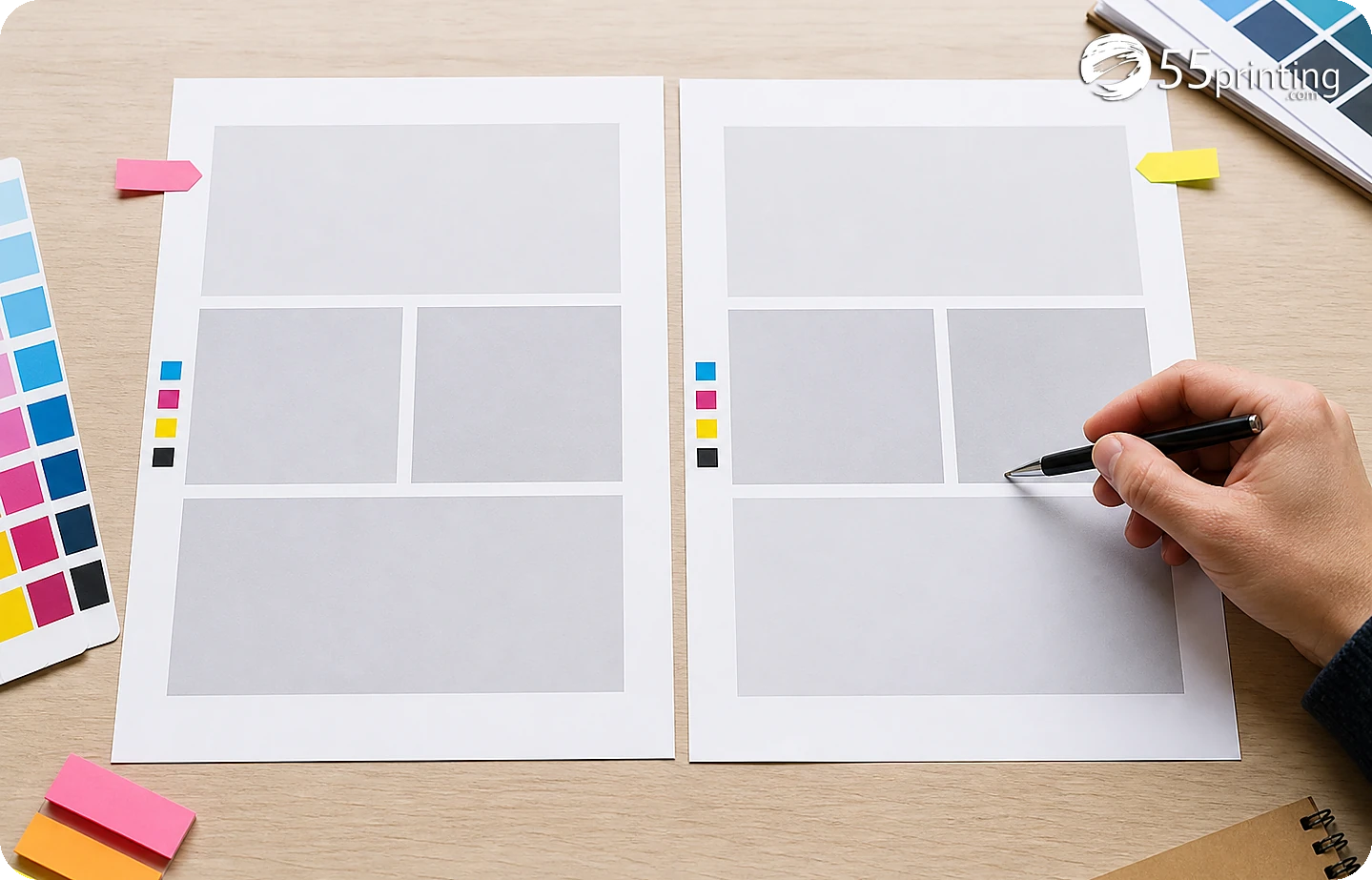
Open the matching guideline template and compare product size, orientation, bleed, safe zone, crop, and fold/panel position where relevant. Check that phone numbers, logos, QR codes, faces, and important copy have room from trim. A proof can display the proposed placement, but it does not erase a wrong template.
How do you check images and page order third?
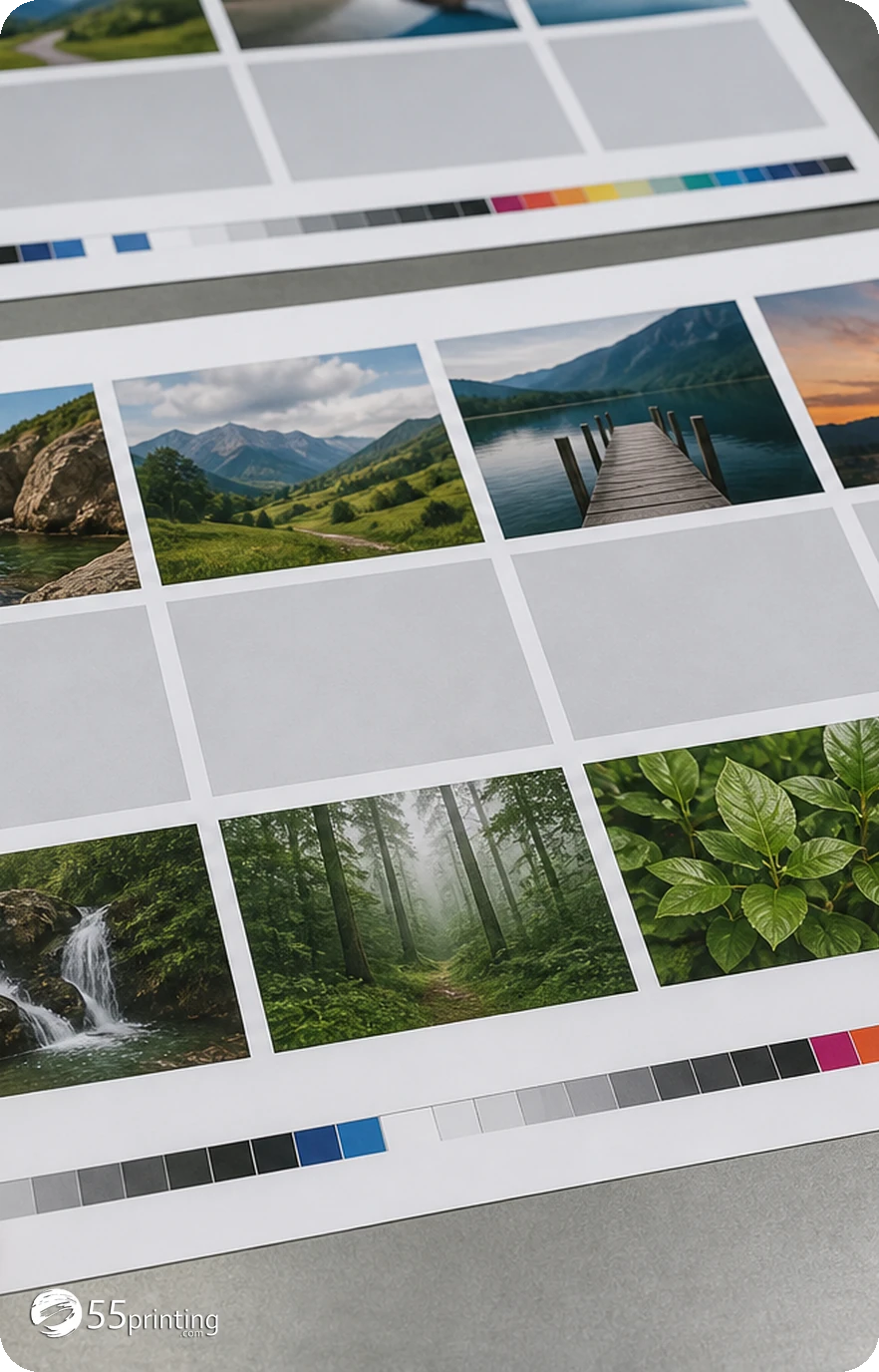
Match every image to the intended page and check the first and last page. Inspect crop, image presence, small details, page order, and front/back pairing. Open the proof at normal reading size and close zoom. Save the version and use the File Uploader note to identify what was reviewed.
Which proof jobs need extra care?
Mail piece with an address block
Read the address content first, then check safe zone, crop, and image placement. A beautiful layout cannot rescue a wrong address.
Multi-page booklet
Check page count, order, spreads, and image pairing. Record which version was reviewed.
Card with a QR code
Check destination and quiet area, then compare the code’s placement and crop in the proof.
Questions customers ask
What should I check first in a proof?
Check content first: names, phone numbers, URLs, dates, addresses, spelling, and approved copy. Compare with the source, not memory. A content error can remain serious even when placement and images look correct, so record corrections against the proof version and source.
Why check placement after content?
Once the words are correct, check product canvas, orientation, bleed, safe zone, crop, and fold/panel position. This order keeps a copy correction from being mistaken for a layout approval and makes the proof note easier to follow. Record any geometry concern.
How do I check image order?
Match every image to its intended page, compare the first and last page, and verify front/back or spread pairing. Check crop and image presence at normal size and close zoom, then record the proof version reviewed for the next handoff.
Does a proof guarantee the printed result?
No. A proof shows the proposed file for review. It does not remove every physical production variable or replace the template and source checks. Use the proof to identify content, placement, crop, and image questions before approval and retain the reviewed version.
Can a proof fix a wrong product template?
No. A proof can reveal that the canvas or crop is wrong, but the artwork must be rebuilt on the matching product template. Confirm size, bleed, safe zone, and orientation before requesting a new proof and keep the old proof marked as superseded.
What if a phone number is cut off?
Mark the proof version, correct the source layout, and request a new comparison. Do not approve because the number is readable in a thumbnail or because the rest of the page looks finished. Exact content needs a safe placement review and a new proof.
Should I test a QR code?
Check its destination and quiet area separately, then inspect size, crop, contrast, and safe-zone placement in the proof. The PDF display does not prove that a code scans in every real context, so record the test separately. Include the result in the note.
What should the proof note say?
Name the product and version, state the checks completed, and list unresolved areas such as content, crop, page order, logo, QR, bleed, or safe zone. Ask the reviewer to compare the same version shown in the proof and note any corrections.
Check content, placement, and images/page order, then record the exact version before approval.