

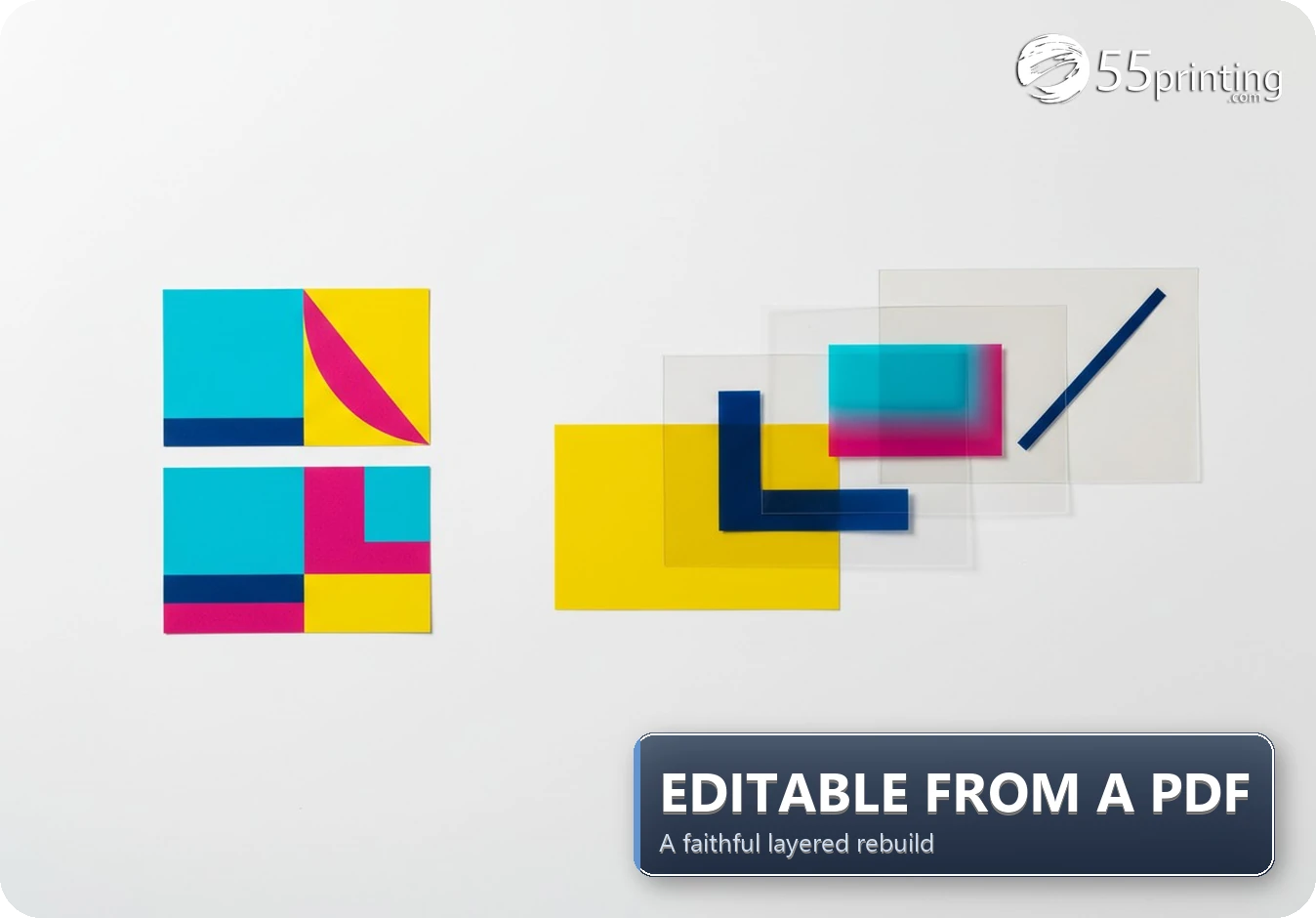
Maya is an alias for a customer who needed a business card and postcard set cleaned up for printing. The supplied PDF showed the intended look, but it behaved like a finished picture. This editable print design from PDF workflow separated text, logos, backgrounds, icons, and contact blocks so they could be corrected one at a time. The 55printing design team preserved the recognizable style, saved the options, and prepared the work for proof review.
What arrived when the customer needed help?
The customer did not need a completely new brand concept. They needed the existing design to become easier to correct and safer to print. The business card and postcard shared a visual direction, but each product still needed its own canvas, proportions, spacing, and proof. Treating them as one stretched image would have made the second format less reliable.
The original PDF was useful because it showed the finished intention. It was not automatically a useful source file. A PDF can contain selectable text and separate vector objects, or it can contain one flattened image. The file extension alone does not reveal which situation you have. That is why the first step was a visual and structural study rather than an automatic conversion.
Why does a printable PDF still need an editable rebuild?
A flat file may print correctly and still be difficult to maintain. If a phone number changes, the service line moves, or a photo needs a safer crop, someone may have to cover part of the image and recreate the missing background. That takes longer than selecting a text layer or moving a logo. It also introduces a new opportunity for spacing, spelling, or alignment errors.
For Maya’s project, the goal was not to make the design look more generic. It was to protect the choices that already made it recognizable. The clean card face stayed clean. The postcard kept its original visual direction. Separate objects were created only where they improved a real future edit or a production check.
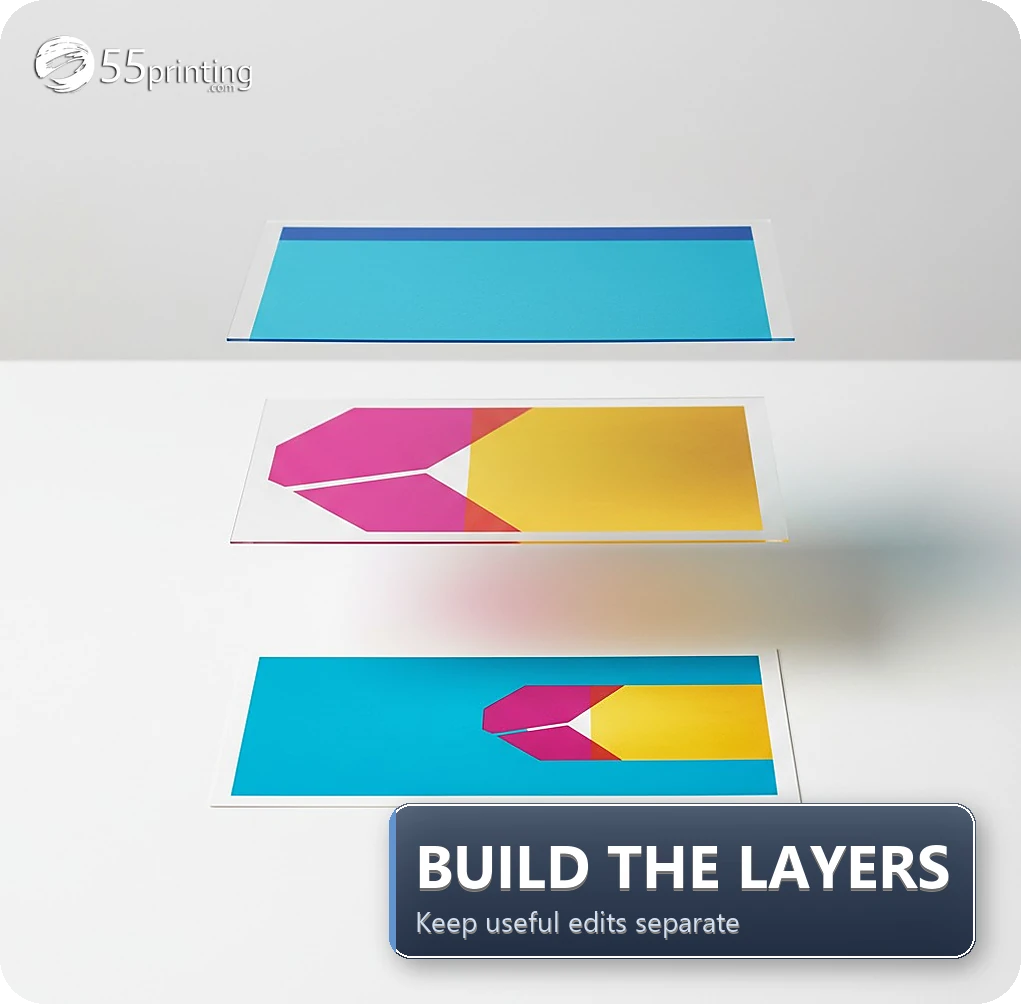
How was the editable print design from PDF rebuilt into useful layers?
The team followed the order a customer will eventually experience: understand the source, rebuild the visible design, reopen the saved result, then proof the final product. This matters because a beautiful first screen is not enough. A design that loses an image after saving or places type outside the safe area is not ready for production.
- Map the composition. Mark the trim, bleed, safe area, focal image, logo zone, headline zone, contact block, and call to action for each product.
- Place the background first. The background fills the intended canvas without being confused with the editor’s protected product sheet or safe margins.
- Rebuild brand marks. Logos and graphic shapes become independent objects when the supplied assets support that treatment. Proportions stay locked, and images are never forced into a stretched shape.
- Recreate text as text. Names, services, phone details, website lines, and other supplied copy can then be corrected without repainting the card.
- Separate supporting elements. Icons, dividers, QR artwork, and decorative shapes stay independent when they can be tested and edited safely.
- Save and reopen. The saved design is opened in a fresh session so a temporary image path or account-only preview does not quietly disappear.
- Prepare the proof. The customer reviews the content, placement, safe margins, image quality, and finished product size before production.
| Supplied situation | Risk in a flat file | Rebuild check |
|---|---|---|
| Logo and brand marks inside finished artwork | A name or mark cannot move without covering the whole area. | Logo stays an independent object with its proportions preserved. |
| Contact information and service lines | A small correction can force a complete image edit. | Text is separate, readable, and inside the safe area. |
| Photo or graphic background | Readability and cropping can change with the product ratio. | Background remains movable and is checked at the final ratio. |
| Business card and postcard versions | One shared shortcut can create the wrong spacing or format. | Each product keeps its own canvas, hierarchy, and proof review. |
What did 55printing check before sending the proof?
The proof stage is where a design rebuild becomes a customer decision instead of an internal guess. The team compared the saved design with the supplied PDF, checked that the major visual relationships were still present, and reviewed the product-specific canvas. A business card has different reading distances and contact priorities than a postcard, even when the colors and logo are related.
- Content: names, phone numbers, URLs, service lines, dates, and required terms were treated as customer-confirmed information.
- Placement: text and logos stayed away from trim risk, and full-bleed backgrounds extended far enough beyond the cut line.
- Image behavior: photos and graphics were checked for crop, resolution, and their behavior after the saved design was reopened.
- Format: the business card and postcard were reviewed as separate products rather than as one resized graphic.
- Approval: production waited for the customer’s proof decision. Editable does not mean approved.
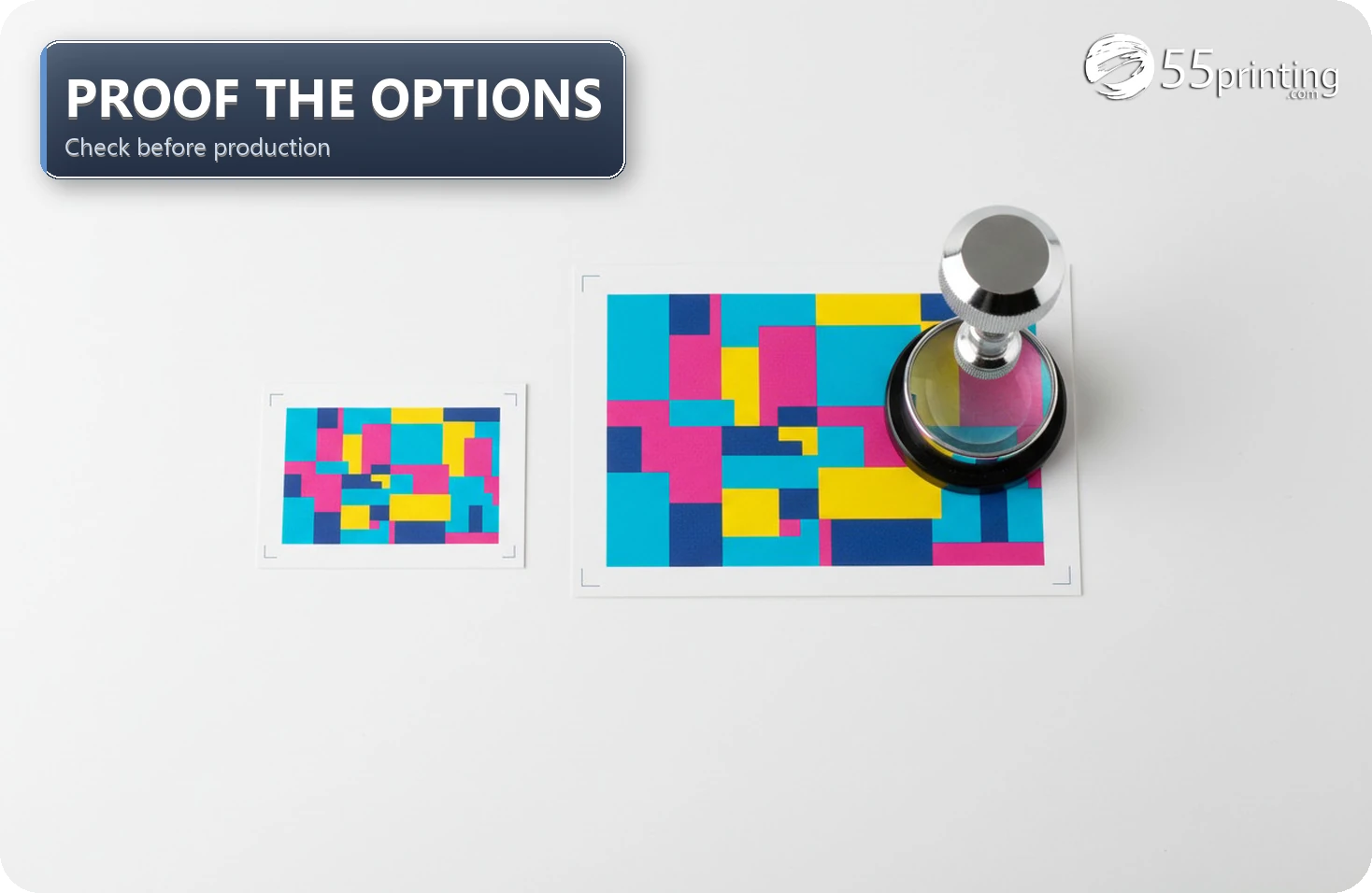
The practical result was more control without replacing the customer’s visual language. The saved options could be reviewed, corrected, and reused for a later order. The customer still owned the final content decision, and the proof remained the last checkpoint before production.
Where does the $0 design-help path end?
The $0 additional design charge applied to the simple, customer-supplied rebuild described in this case. It is not a blanket promise for every request. The boundaries become important when a project needs a new identity, original illustration, extensive retouching, many unrelated concepts, or a complete multi-page brand system.
A $0 design-help path also does not repair missing facts. The customer must verify the phone number, website, offer, QR destination, spelling, and required legal copy. The design team can place those items and flag visible problems, but the customer remains responsible for approving the information in the proof.
If a source logo is a tiny web image, no rebuild can guarantee that it will become sharp at a larger size. If the PDF contains only a flattened photo, the original hidden layers cannot be recovered. In those situations, the best next step may be a new asset, a redraw, or a clearly scoped paid design project.
What should a customer send for a similar request?
Start with the original PDF, even when it looks finished. Then include the separate files that may make the reconstruction more accurate. A short written brief is just as valuable as another screenshot because it tells the design team which choices are intentional and which areas are open to improvement.
- The original PDF at the highest quality available.
- Separate logo, photo, background, icon, and QR files when available.
- Final names, phone numbers, URLs, service lines, dates, and required terms.
- Product, finished size, orientation, printed sides, and needed date.
- A sentence explaining what must stay the same and what may be improved.
“Make it nicer” can mean better spacing, sharper assets, a faithful cleanup, or a completely new concept. Tell the design team which one you mean. Clear boundaries produce a more useful first proof and reduce unnecessary revisions.
Questions customers ask about editable print files
Can a printer make a flat PDF editable?
Sometimes. A flat PDF can be rebuilt when the visible artwork, supplied assets, and intended layout are clear enough to reproduce. The result is a new layered design, not a magic conversion that recovers every hidden font, image, vector path, or QR destination from the original file. The proof still decides whether the result is ready.
What is the difference between a printable PDF and an editable design?
A printable PDF is usually the final appearance, while an editable design keeps useful parts such as text, logos, photos, and background shapes available as separate objects. Some PDFs already contain those objects, but others are flattened. The file must be inspected before anyone can promise that a phone number, crop, or service line can be changed cleanly.
What files help with an editable artwork rebuild?
Send the highest-quality PDF, the original logo, separate photos and backgrounds, icons, QR artwork, final copy, finished product size, printed sides, and the needed date. A screenshot alone hides object boundaries and may reduce small text or fine graphics. Separate assets give the design team a better chance of preserving the original appearance.
Can logos, contact details, and QR codes stay separate layers?
They can when the source material is usable and the rebuild is planned as separate objects. Text, logos, icons, backgrounds, and QR artwork should be placed independently when possible. Always scan the final proof and test the QR destination yourself, because editability does not guarantee that supplied source content or links are correct.
Does a $0 additional design charge apply to every rebuild?
No. The $0 scope described here applied to a straightforward customer-supplied cleanup and rebuild. A request for original branding, illustration, extensive retouching, many concepts, or a larger design system may need a different scope. Ask for the boundary before work begins so a simple production-help request does not become an unclear open-ended project.
What does 55printing check before sending a proof?
The team checks the saved design against the supplied artwork, then reviews the product canvas, trim and bleed, safe margins, image crop, readable contact information, and file behavior after reopening. Business cards and postcards are checked separately. The customer must still confirm spelling, phone numbers, URLs, offers, dates, and QR destinations before production.
Can a rebuilt design be reused for a later order?
A saved editable design can make a later update easier when the customer only needs to change a name, phone number, offer, or image. The new order still needs a fresh proof because the size, stock, finishing, copy, and customer changes can affect the production result. Reuse saves setup time, but it does not replace approval.
What if the original logo or image is low resolution?
A rebuild cannot invent sharp detail that was never present in the source. A tiny web logo may need a redraw, and a flattened photo may need a higher-quality replacement. The team can flag the risk before production and show it in the proof, but the customer must decide whether to replace the asset, accept the limitation, or change the design.
Send the original PDF and the separate assets you still have through the 55printing file uploader. Include the product size and the changes you need so the design team has a fair starting point.