


Expandir imagen con IA
Extensor de sangrado gratis
Extienda sus imágenes de impresión más allá de la línea de corte. El sangrado inteligente local es totalmente gratis en este formulario. ¿Necesita una expansión real con IA? Solicítela y nuestro equipo la hace sin costo.
Elija una opción
Dos maneras de resolverlo, las dos gratis
Servicio de preprensa sin costo
Envíenos sus archivos: nosotros nos encargamos de la expansión de imagen con IA
Use nuestro subidor de archivos e indique que quiere el Expandir imagen con IA / Extensor de sangrado con IA. Nuestro equipo ejecuta la extensión con IA, que continúa de verdad el contenido más allá del borde, y le envía el resultado por correo totalmente gratis.
- Suba la imagen que necesita sangrado adicional (JPG, PNG, WebP o una página PDF)
- Escriba “la expansión de imagen con IA” en sus notas, junto con el tamaño y el borde que necesita
- Indique si necesita PNG, JPG o una prueba montada en PDF
¿Por qué extender el sangrado antes de imprimir?
- La guillotina necesita espacio fuera de la línea de corte, es decir, sangrado.
- Los nombres y los teléfonos deben quedar dentro de la zona segura.
- El sangrado inteligente local extiende solo el borde exterior; el centro original queda intacto.
- La extensión con IA, por solicitud, continúa fondos reales más allá del borde cuando las fotos o los patrones necesitan algo más que un relleno de color.
Más herramientas gratis
Centro de herramientas: pruebas, plantillas, pagos y convertidores.
Plantillas con sangrado: archivos oficiales de sangrado y zona segura.
PDF a JPG: convierta primero una página de prueba en imagen.
Imágenes a PDF: combine archivos antes de subirlos.
Revisión de texto: limpie el texto antes de extender el sangrado.
Subidor de archivos: solicite la expansión con IA o una revisión gratis del archivo.
¿Necesita expandir una imagen más allá de la línea de corte? Use el sangrado inteligente local, gratis en este formulario, para agregar bordes seguros para impresión sin tocar los píxeles de su diseño original. ¿Necesita una expansión real con IA? Solicítela desde el subidor de archivos y nuestro equipo de preprensa la hará sin costo.
Guía revisada y actualizada el 16 de octubre de 2026 por el equipo de preprensa de 55printing.
Generación local gratis en el formulario
Muchos diseños se arman al tamaño final de corte con el texto muy cerca del borde. En una tarjeta o un volante eso se ve bien en pantalla y falla en producción si el corte se desvía apenas un poco. La opción instantánea ejecuta el sangrado inteligente local en su propio navegador: extiende solo el borde exterior tomando muestras del borde y usando expansión en espejo, y después vuelve a colocar sus píxeles originales, de modo que el texto nunca cambia. Este proceso local es totalmente gratis, requiere una cuenta gratis y no consume créditos de IA de pago.
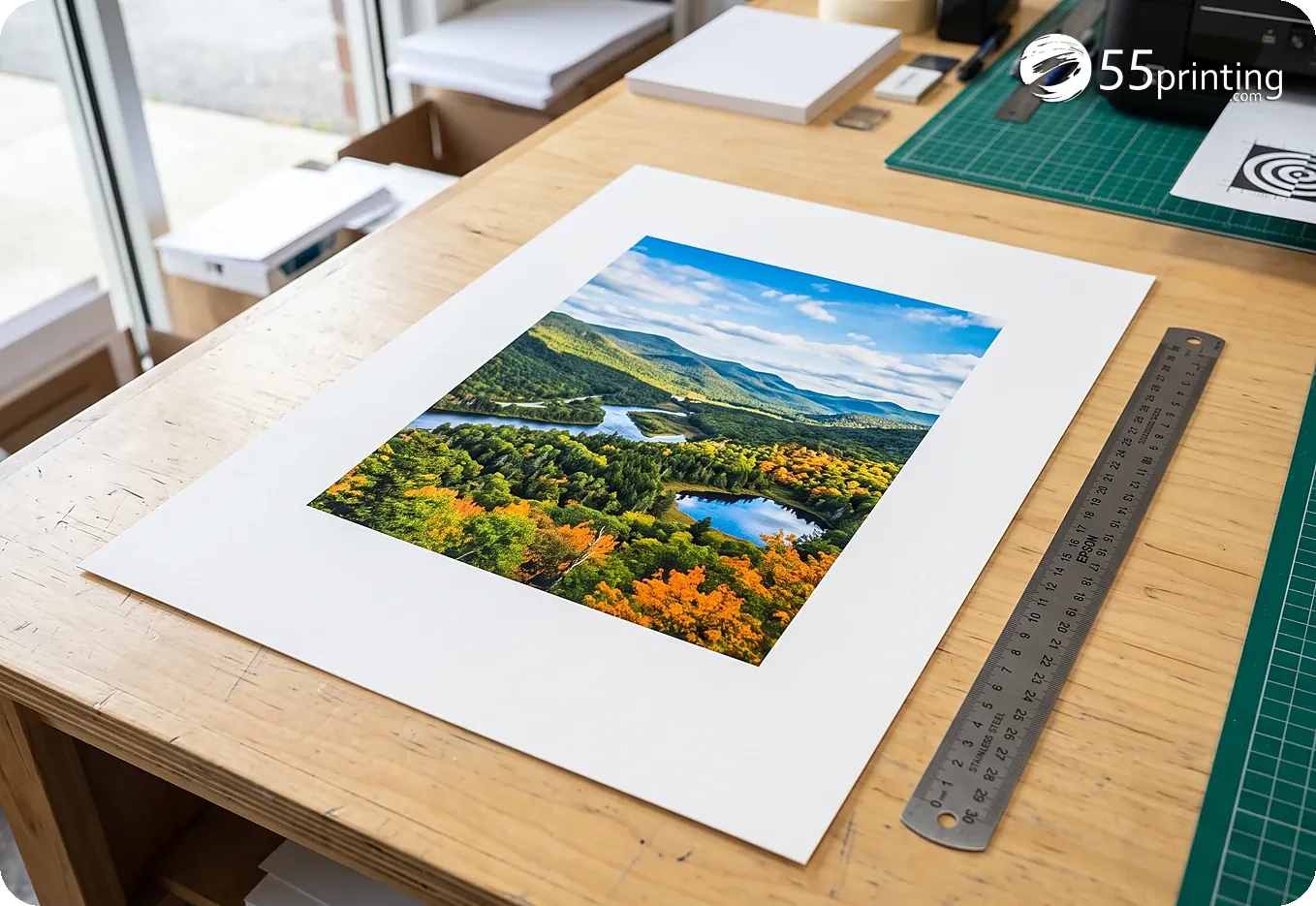
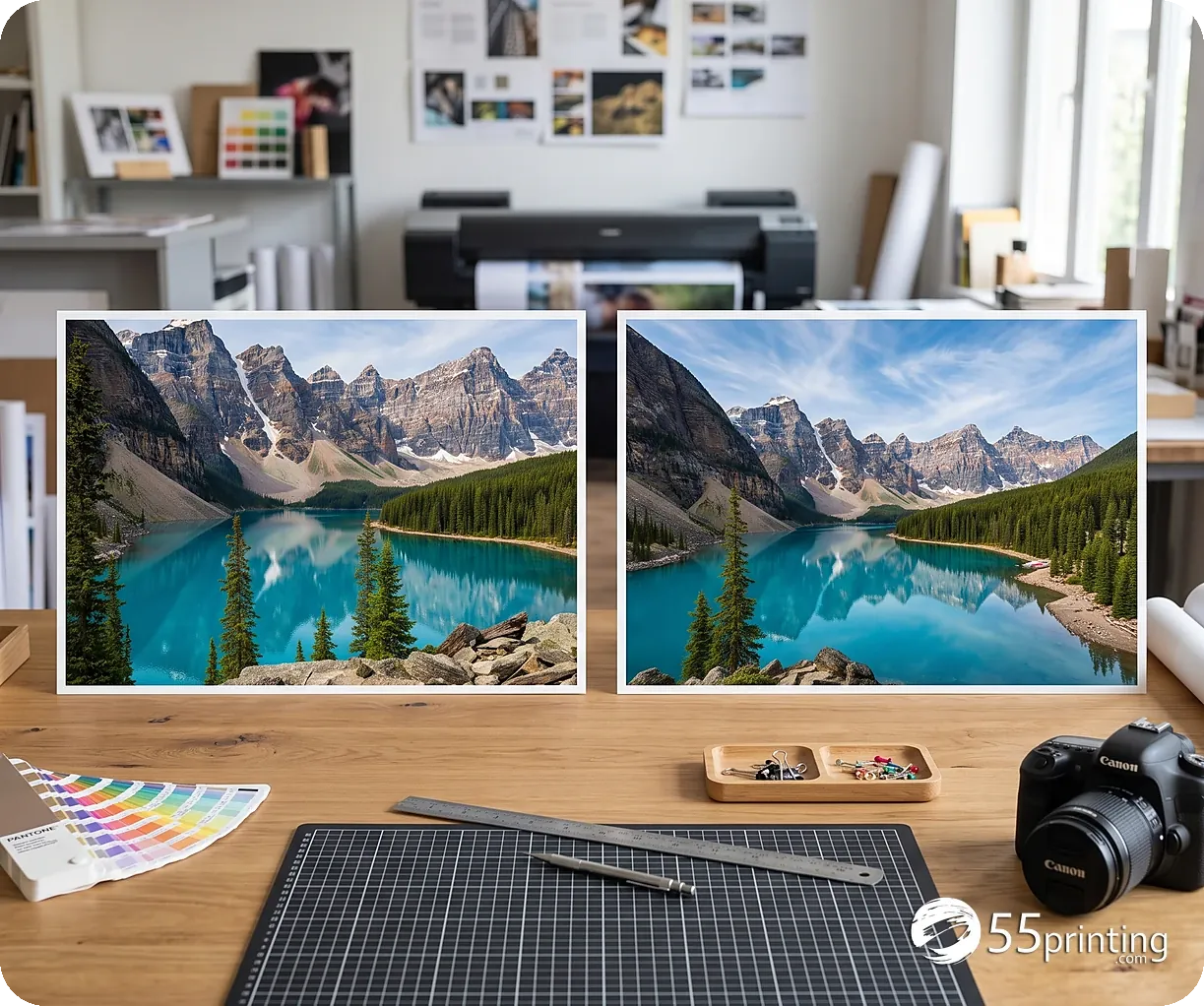
Extensión con IA por solicitud
Cuando el fondo es una fotografía, un degradado o un patrón cargado, un relleno de color local puede no verse natural. Elija Por solicitud, abra el subidor de archivos e indique que quiere el extensor de sangrado con IA. Nuestro equipo ejecuta la extensión para que el arte real continúe más allá de la línea de corte y le devuelve el archivo por correo sin costo. Use esta opción cuando haya logos, rostros o detalles cerca del borde y necesite un margen de producción más limpio.
Geometría del Estudio de Diseño
Los ajustes de sangrado siguen las mismas reglas que nuestro Estudio de Diseño y el proceso de pruebas: elija un DPI asumido (por defecto 300) y agregue el mismo margen en pulgadas en los cuatro lados. El sangrado estándar es de 0.125". Después de descargarlo, coloque el archivo sobre una plantilla con sangrado completo o pida a nuestro equipo que lo monte para una prueba en PDF gratis.
Para obtener el mejor resultado
- Los fondos de color plano o sencillos funcionan muy bien con el sangrado inteligente local gratis.
- Los patrones cargados, los rostros y las manos conviene resolverlos con una solicitud de extensión con IA.
- Revise siempre la vista previa del resultado y el acercamiento de la unión al 100% antes de imprimir.
- Exporte en PNG para gráficos; el JPG está bien para fotografías. El límite por archivo es de 12 MB.
Sangrado local o extensión por pedido
| El borde es | Use | Qué ocurre |
|---|---|---|
| Un color plano | Sangrado local | Continúa el color del borde. El diseño de adentro no se mueve |
| Una foto o un patrón | Pedido de extensión | Una persona continúa la escena. El formulario local no inventa esa foto |
| Texto pegado al corte | Plantilla oficial | Mueva el texto adentro. Este paso no reescribe las palabras |
Preguntas frecuentes sobre el extensor de sangrado
¿El formulario es gratis?
Sí. El sangrado inteligente local de este formulario es totalmente gratis. No hay costo de registro ni cargo por créditos de IA en la opción instantánea. La continuación del borde corre en su navegador con los colores que ya están en el margen, así que un recorte de redes puede ganar el extra que la cortadora necesita antes de enviar el archivo a imprimir.
¿Qué diferencia hay entre el proceso local y la extensión con IA?
El proceso local (sangrado inteligente) toma muestras del borde y continúa esos colores dentro del formulario. La extensión con IA continúa el fondo real y está disponible por solicitud desde el subidor de archivos, sin costo, a cargo de nuestro equipo de preprensa. Use la ruta local cuando el borde es un color plano o una textura simple. Pida la ruta de IA cuando una escena de foto tiene que seguir después del recorte y un manchón plano se notaría.
¿Puedo subir un PDF?
Sí. Suelte un PDF de varias páginas y use el carrusel de vistas previas para elegir la página. Solo se extiende esa página. Su PDF original no se reemplaza. Descargue la página extendida y vuelva a colocarla en el archivo completo si las demás páginas deben quedar exactamente como estaban.
¿Esto cambiará mi texto?
No. Después de generar el borde, volvemos a colocar los píxeles originales en su lugar. Solo se rellena la zona del borde nuevo. Titulares, precios y logos que ya estaban dentro del recorte siguen en los mismos píxeles. Amplíe la costura al 100 por ciento antes de tratar el archivo como listo para la cortadora.
¿Cómo solicito el extensor de sangrado con IA?
Elija Por solicitud arriba, abra el subidor de archivos, suba su arte y escriba el extensor de sangrado con IA en las notas con el tamaño final y el borde que necesita. Le enviamos el resultado por correo sin costo. Indique si el área extra es sangrado que la cortadora va a recortar, o un fondo visible más grande que quiere conservar.
¿Guardan mi archivo?
Procesamos la imagen para devolverle un resultado. Los archivos temporales del trabajo se eliminan de forma automática. No suba aquí documentos médicos ni de pago confidenciales. La ruta local de sangrado inteligente se queda en el navegador. La ruta por solicitud es la que envía un archivo a preprensa para que una persona lo extienda.
¿Qué distancia de sangrado debo elegir?
El valor de taller más común es 0.125 pulgadas en cada lado, a 300 DPI, cuando el producto no dice otra medida. La plantilla oficial de ese producto es el número que manda. Este formulario no lee el pedido ni adivina el tamaño. Si el archivo ya está al corte y el texto toca el borde, añadir margen no mueve ese texto adentro. Compare la descarga con la plantilla antes de reemplazar el archivo de un pedido.
¿Puedo extender un solo lado?
El sangrado local de este formulario añade el mismo margen en los cuatro lados. No deja un lado en cero y estira los otros tres. Si solo falta papel en un borde, pida la extensión por el cargador de archivos y escriba qué lado y cuánto. Una extensión desigual hecha a mano puede torcer una foto. Revise la costura al cien por ciento antes de tratar el archivo como listo para la cortadora.
La foto se detenía en el corte, y el sangrado no tenía dónde vivir
Un retrato para una postal estaba recortado justo en la cara. El corte necesitaba fondo más allá del borde, y no había un original más ancho. Estirar los píxeles habría deformado la cara. Construimos la herramienta de desrecorte para extender ese borde a propósito.
Extienda aquí su propia imagen gratis y juzgue el margen nuevo antes de pedir. Envíe la foto si quiere que preprensa la extienda sin costo y la coloque en la plantilla del producto. Los recortes apretados del teléfono son los archivos que abrieron este banco.
55printing desrecorta fotos de clientes?
Si. Usamos esta herramienta cuando un recorte de redes no deja sangrado ni linea de precio. El desrecorte local queda en el dispositivo. El equipo tambien puede extender por peticion. Seguimos mejorando ambos caminos. Un recorte de red sin margen es el archivo que mas vemos en este banco.
Desrecortar es el inicio. El mejorador, unir y las guias cierran la pieza
Un lienzo mas grande a menudo necesita el mejorador de arte, unir un PDF o una plantilla. Son herramientas del mismo postal. Mantenemos toda la lista viva.
Crear y diseñar
- Diseñador en línea - Estudio de diseño en el navegador para tarjetas, volantes y más
- Plantillas de guía - Archivos de sangrado y zona segura para tamaños populares
- Galería de papeles - Vea qué productos usan cada papel y opciones parecidas
- Ayuda de diseño con IA - Ayuda de IA con el equipo para logos y arte
- Todos los idiomas - Diseño, impresión, chat y correo en cualquier idioma
- Generador de códigos QR - Cree un código QR gratis para impresión
- Escáner de códigos QR - Compruebe si un QR impreso o de archivo es legible y qué abre
- Kit de muestras gratis -
Archivos y pruebas
- Print Clear: Print Resolution Checker - Check effective PPI, print size fit and color signals before printing
- Real Resolution Checker - Check if image pixels hold real detail or were stretched from a smaller file
- Rotate Files: PDF, JPG & PNG - Turn a file 90°, 180° or 270° in your browser without uploading it
- True Size Letter PDF - Center pages on Letter at true 1:1 size without scaling
- Mixed Page Landscape Fit - Preserve landscape pages and turn mismatched portrait pages left
- PDF Punch Clearance Guide - Plan an adjustable binding-side band and three-hole guide
- PDF Bleed Box and Edge Ink - Inspect PDF boxes and rendered ink near every edge
- PDF Duplex Readiness - Inspect page count, orientation, blank backs and duplex flags
- PDF to Real DeviceGray - Rasterize selected or all pages to true 8-bit DeviceGray
- PDF Duplex Metadata - Set long-edge or short-edge preference without changing pages
- Print Ready Preflight Check - Check dimensions, bleed planning and effective PPI before printing
- Business Card Print-Safe Check - Check the 3.5 × 2 inch card plan, bleed and image detail
- EDDM Mailpiece & Indicia Checker - Check USPS flat size, thickness, audience and indicia planning
- Place EDDM Indicia - Place, size, and preview an EDDM indicia, then export PDF, PNG, or JPG
- QR Print Readiness Checker - Decode a QR and check printed size, contrast and quiet zone
- Subidor de archivos - Suba arte o pida una revisión gratis del archivo
- Mejorador de calidad de arte - Restaure texto borroso, bordes débiles y archivos de baja resolución
- Mejorador de fotos - Afine fotos pequeñas o borrosas hasta 4K, con rostros reconstruidos
- Imponer PDF 2 por hoja - Ponga dos páginas de PDF por hoja en pares, apilar u orden de folleto
- Low-Res Text Recovery - Recupere texto borroso sobre fotos, foil y cualquier fondo
- Revisión de perfil de color - Check if a PDF is CMYK or RGB, plus the ICC profile and output intent
- Word a PDF - Convierta DOC y DOCX a PDF de impresión de alta fidelidad
- PDF a JPG - Exporte páginas PDF como JPG o PNG a DPI de impresión
- Imágenes a PDF - Una JPG, PNG, WebP y PDF en un solo archivo
- Revisión de texto - Revisión de ortografía y claridad con IA para texto impreso
- Prueba PDF gratis - Reciba una prueba digital antes de pedir
- PowerPoint a JPG/PDF - Convierta diapositivas en páginas de impresión e imágenes de prueba.
Plan & Budget
- Print Cost Per Piece Calculator - Model transparent setup, materials, finishing, mailing and postage assumptions
- Direct Mail ROI Calculator - Model response, conversion, CPA and break-even before a mail drop
Pedido y pago
- Pago en línea - Pague una factura con tarjeta, PayPal o billeteras
- Pague después - Pida ahora y pague después de aprobar la prueba
- Igualación de precio - Pídanos revisar un precio más bajo de un competidor
Muestras y soporte
- Custom Quotes - Get a written quote for special sizes, finishes, and large runs
- Pedidos a medida - Tamaños, acabados o diseño especiales
- Contacto - Hable con nuestros especialistas por teléfono o formulario