

Online Payment for Invoices and Pay Later Balances: Match the Order First
The current 55printing Online Payment page says it can be used for an existing invoice or Pay Later balance. Match the order email, confirm the order context, use the optional order number when available, and read the active page before choosing a method. Do not invent a PR-* rule, pay an uncertain reference, or assume that a confirmation proves every downstream result.
The current Online Payment path is an existing-balance workflow, not a license to guess from an old reference format. Its visible guide describes payment for an existing invoice or Pay Later balance, asks for the same order email, presents an optional order-number check, lists active payment methods, and mentions confirmation when payment clears. Match the order context first, then let the active page control the payment step.
What is the main job of Online Payment?
The main job is to help a customer address an existing invoice or Pay Later balance through the current payment page. The visible guide says to use the same email associated with the order so the payment can be matched and shows an order number as an optional confirmation step. Those instructions do not establish a universal reference prefix, a duplicate-payment rule, a fee rule, or a particular posting or reversal outcome.
Use Online Payment for the current balance path, Pay Later for the current proof-first payment context, Contact for a mismatch, and the Tools Hub for route discovery. Keep artwork and proof questions in their own current paths.
| Check | What to compare | What it does not prove |
|---|---|---|
| Order email | The email associated with the order and the current page instruction | That every message or link using the email is authentic |
| Order context | Product, proof, balance, invoice, or Pay Later reason you recognize | That one familiar detail validates every payment field |
| Order number | Use the optional field when the current page and order provide it | That optional entry removes the need for the other identity checks |
| Result | Read the visible payment and confirmation message | That posting, balance display, reversal, or production action is complete |
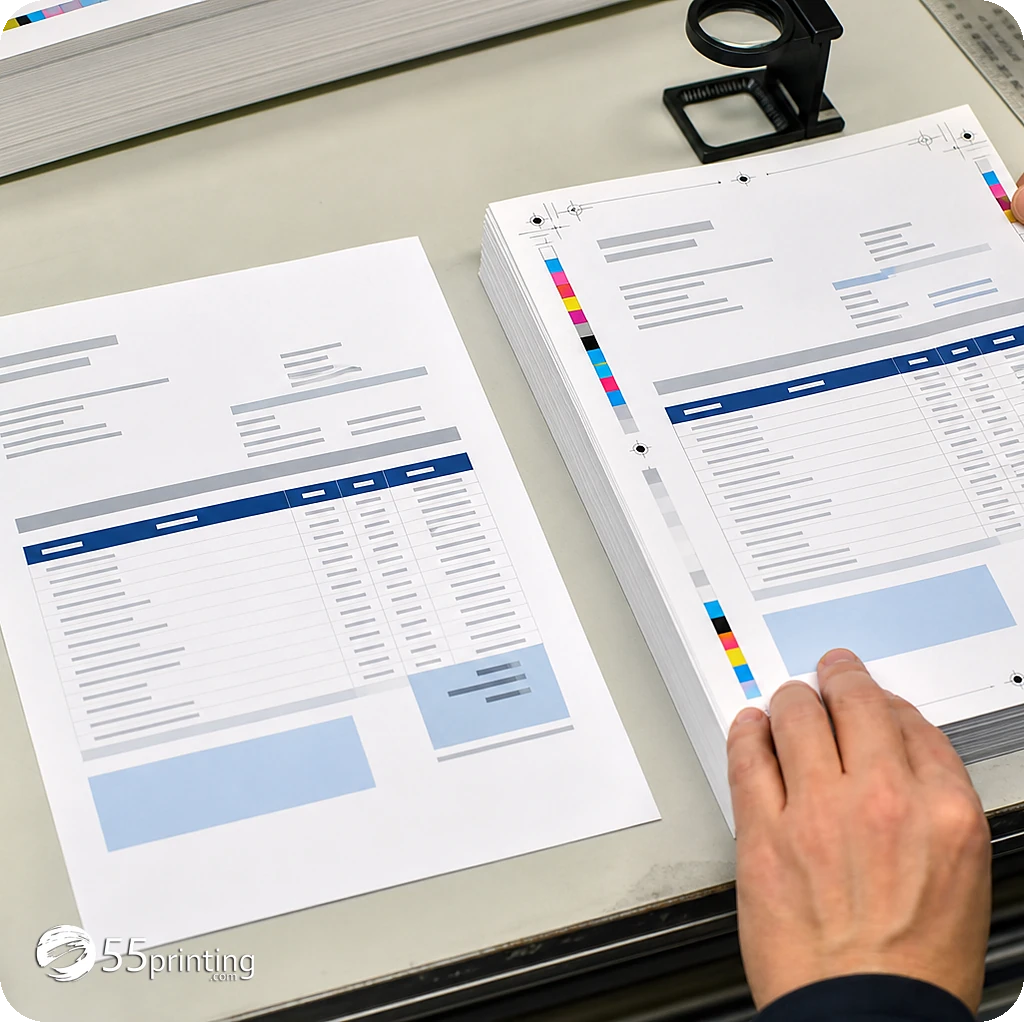
Which payment assumptions should stay separate?
Separate an invoice or balance from the payment result. A visible payment method does not mean every order has the same method. A confirmation message does not prove that every downstream system has updated. A message that contains a reference does not prove that the reference should be used without matching the order context.
- Match: use the order email and available order number to identify the intended job.
- Read: follow the active page’s current fields, methods, and wording.
- Protect: never place passwords, unrelated private data, or an uncertain reference into a payment field.
- Confirm: retain the visible result and ask support about any mismatch or unresolved status.
The current Pay Later page gives proof-first context for the balance path. Do not turn that sequence into a universal production, payment, or timing promise.
How should a customer prepare for an existing-balance payment?
- Open the current 55printing Online Payment route from a trusted site path or relevant order communication.
- Identify the order email associated with the job and the invoice or Pay Later balance context.
- Use the order number as an additional check when the current page or order provides it.
- Compare the product, proof state, balance reason, and payment request with the job you recognize.
- Read the active page’s current methods and instructions before choosing one.
- Do not pay when identity, reference, or balance context is unresolved.
- Keep the visible result or confirmation context and use Contact for a focused mismatch question.
- Keep payment separate from artwork changes, proof revisions, and production assumptions.
No payment, form, order, or customer-data action is required to follow this article. It is a preparation checklist; the active page controls any live transaction.
Which existing-balance scenarios need extra care?
The message uses an unfamiliar reference format
Do not invent a rule about prefixes or assume an old PR-* workflow applies. Match the order email, product, balance, and current page context, then ask support when the reference does not align.
The same order appears to have more than one payment request
Pause instead of choosing the newest or lowest-looking reference. Keep the order context and visible request together, do not submit a duplicate payment, and use the current support path for clarification.
A Pay Later balance follows proof review
Confirm the proof and order context, then follow the current Pay Later or Online Payment instructions. Do not infer that payment automatically starts production or that a confirmation resolves every later status question.
Questions customers ask
What can Online Payment be used for?
The current 55printing page describes payment for an existing invoice or Pay Later balance. Read the active instructions and match the order email and context before proceeding. This article does not establish that every account, balance, method, reference, or result behaves identically. Match the email on the payment page before you pay a balance.
Should I look for a PR-* reference?
Do not rely on that legacy rule. The current public page supports an existing invoice or Pay Later balance workflow with order-email matching and an optional order-number check, but it does not establish a universal PR-* requirement. Use the active page and support path for the current reference. Use the reference the live page shows. Skip any older PR habit that page does not ask for.
Is the order number required?
The current page presents an order-number check as optional, but fields and workflow rules can change. Use it when the relevant order provides one and the active page accepts it. Optional entry does not remove the need to match the order email and balance context. Treat an optional order number as optional until the page marks it required.
Can I pay an invoice with this path?
The current Online Payment page says it can be used for an existing invoice. Match the order email and invoice context, read the active page, and do not assume that an invoice message or reference is valid without comparing it with the order you recognize. A paid balance is the payment page result. This article cannot see your receipt.
Can I pay a Pay Later balance?
The current Online Payment and Pay Later pages provide that context, but the active workflow controls the exact fields and sequence. Confirm proof and order identity, then follow the current page. Do not infer universal eligibility, timing, methods, or production action. A Pay Later balance can use this path when the page shows that balance. Read the amount before you pay.
What if two references appear to describe the same order?
Pause and do not submit another payment just to test a reference. Record the order email, balance reason, visible references, and date without sharing unnecessary private data, then use the current Contact route for a focused clarification. If two references seem to be one order, stop and ask support which one to pay.
Does confirmation mean the balance is cleared?
Do not extend a confirmation beyond what it says. The current page mentions confirmation when payment clears, but posting, balance display, order status, and production questions may still require current verification. Keep the visible result and reference together. A confirmation on the page is the clearance record. Keep that result with the order email.
Which payment methods are available?
Read the methods shown on the active Online Payment page at the time of the task. A visible list is not a promise that every order or session has the same choices. Do not rely on an older article or screenshot instead of the live page. The methods you can use are the ones the payment page lists while you are on it.
Use the current payment page, verify the order context, and pause when the reference or result is unclear.