

Pay Later and Proof Approval: Follow the Current Sequence
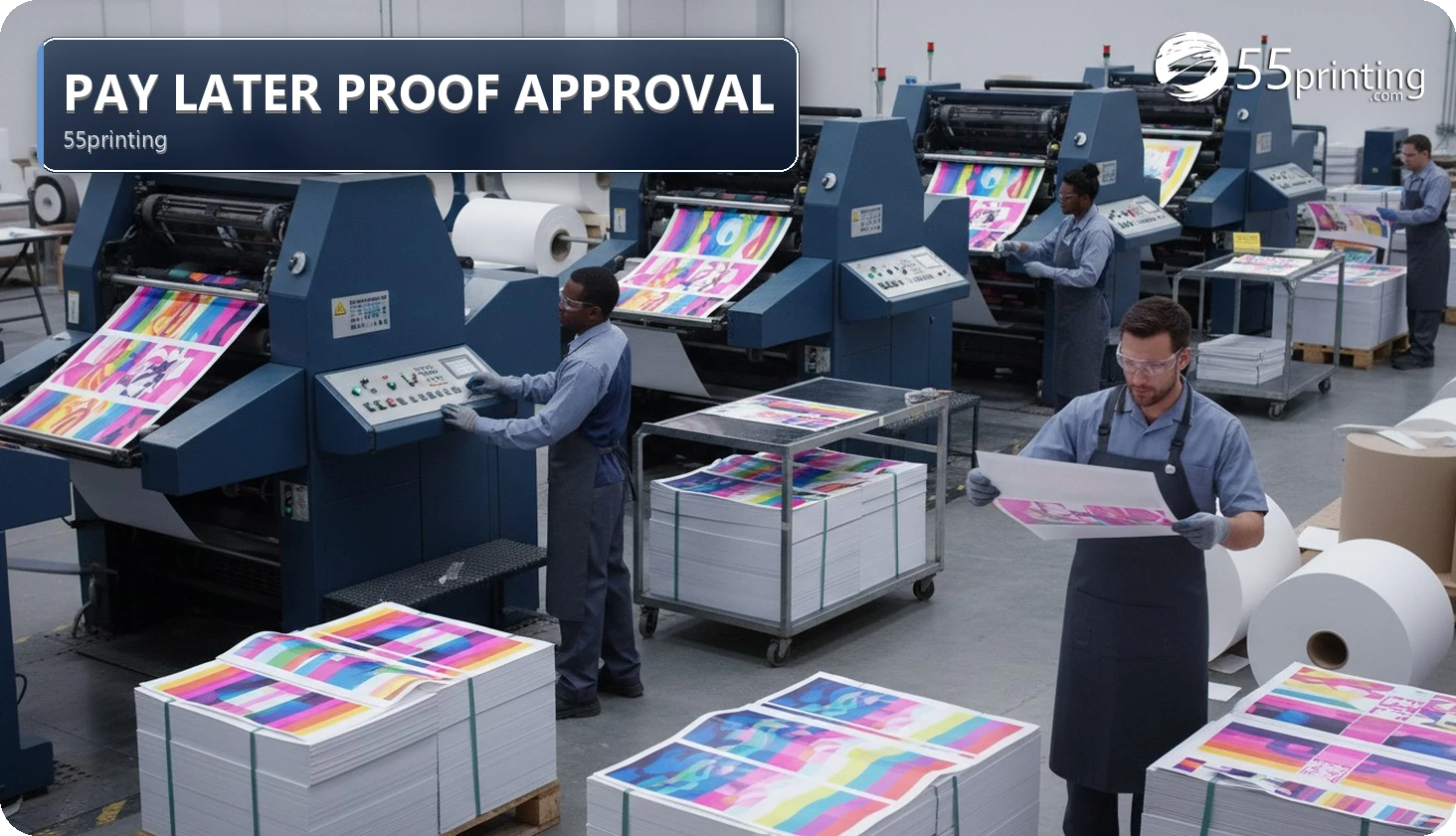
The current 55printing Pay Later page describes a proof-first path: choose Pay Later when available, upload files or request free setup, review the PDF proof and request changes, then pay the balance on the Online Payment page when ready. Production usually starts after payment clears and the proof is approved. The active page controls eligibility and timing.
Pay Later can separate the ordering decision from the final balance-payment step when the active product and workflow offer it. The current public sequence is conditional: choose it when available, provide or prepare files, review the PDF proof, request changes if needed, pay the balance through Online Payment when ready, and let the active workflow determine what happens after payment and approval. Do not turn “proof-first” into a universal eligibility or rush promise.
What is the main job of Pay Later?
The main job is to provide a proof-first path when the current product and order workflow make Pay Later available. The visible page describes choosing Pay Later, uploading files or requesting free setup, reviewing a PDF proof and requesting changes, paying the balance on the Online Payment page when ready, and production usually starting after payment clears and the proof is approved.
Use Pay Later for the active sequence, Online Payment for the current balance context, Free Design Proof for proof review, and File Uploader for the current file handoff. The active pages control eligibility, fields, and timing.
| Stage | Customer question | What it does not prove |
|---|---|---|
| Choose | Is Pay Later currently offered for this product/order? | That every product, account, or project is eligible |
| Prepare | Are files uploaded or is free setup requested? | That the artwork is correct or production-ready |
| Review | Has the PDF proof been read and revised if needed? | That a draft or upload is approved |
| Pay | Is the balance matched and paid through the current Online Payment path? | That payment has cleared, posted, or started production in every system |
Which Pay Later assumptions should stay separate?
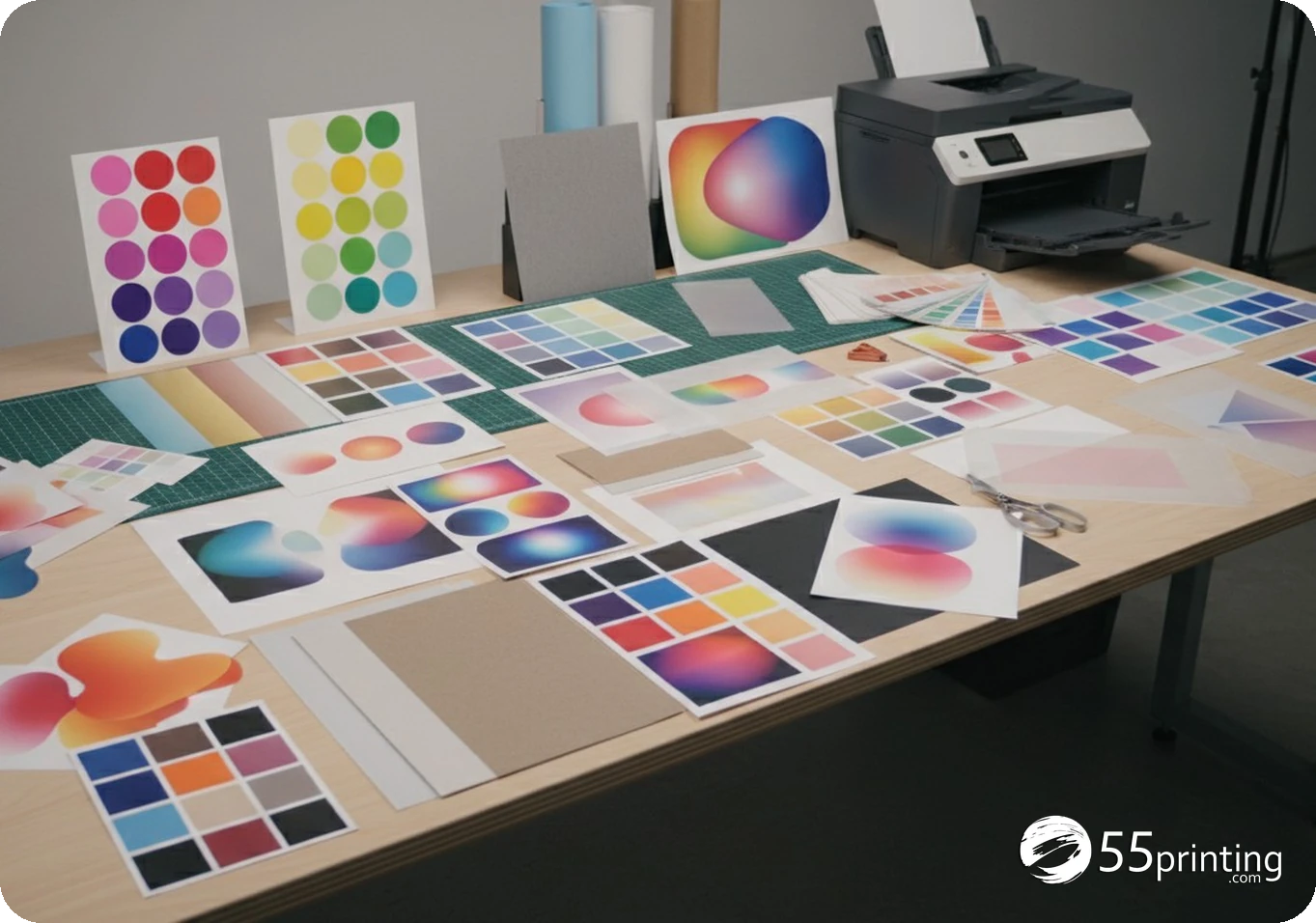
Separate eligibility from ordering, ordering from proof approval, and payment from production. A Pay Later label does not establish that every project can use it. A submitted file does not establish that the proof is correct. A proof approval does not establish that payment has cleared, and a payment result does not establish a universal production start time.
- Eligibility: read the current product and Pay Later page for availability.
- Proof: review text, images, placement, dimensions, and product context before approval.
- Balance: match the order email and balance context on the current Online Payment path.
- Timing: let the active workflow determine when payment clears and what stage follows.
Do not use a general article to infer a lock point, extra cost, cancellation result, or rush exclusion that the active pages do not state.
How should a customer follow the proof-first workflow?
- Open the current Pay Later route and confirm that the option is available for the product or order context.
- Provide files through the active uploader or request the design setup path the current page describes.
- Read the PDF proof for product, size, copy, images, placement, and finish context.
- Request revisions through the current proof workflow when the proof is not ready for approval.
- Approve only the current proof you have reviewed and intend to print.
- Open Online Payment when the balance is ready and match the order email and context.
- Read the active payment result and keep the confirmation context; do not infer posting or production beyond what is shown.
- Use Contact for a mismatch about eligibility, proof, balance, or stage.
No order, upload, proof approval, payment, or customer-data action is required to follow this guide. It is a preparation checklist for the current sequence.
Which Pay Later scenarios need extra care?
Pay Later is not shown for the product
Do not assume the option can be added manually or that a similar product has the same eligibility. Use the active product and support path for the current availability question.
The proof needs a correction
Request the revision before approval. Do not treat a file upload, email, or draft proof as permission to print, and do not assume post-approval changes follow one universal cost or timing rule.
The proof is approved but the balance is unclear
Pause before paying. Match the order email, balance reason, and current Online Payment context. Ask support about a mismatch rather than guessing a reference or assuming production has begun.
Questions customers ask
What does Pay Later mean on the current page?
The current page describes a proof-first path when the option is available: choose Pay Later, prepare files or request setup, review the PDF proof, pay the balance on Online Payment when ready, and follow the active post-payment/proof workflow. It does not establish universal eligibility or timing. Follow the sequence the Pay Later page shows today, including the proof before payment.
Is Pay Later available for every product?
Do not assume so. The current page says to choose Pay Later when available, which makes availability a live product or order question. Read the active page for the current option and ask support when the product, account, or request does not show the expected path. Availability is whatever the product page offers. Do not assume every item qualifies.
Can I upload files after choosing Pay Later?
The current sequence describes uploading files or requesting free setup, but the active uploader and order context control the fields and accepted workflow. Uploading a file does not prove that it is correct, approved, or ready for production. Upload on the path that page names, and label the file purpose.
When should I request a proof revision?
Request revisions when the current PDF proof has an incorrect or unresolved product, size, copy, image, placement, or finish detail. Keep the request in the proof workflow and approve only after reviewing the current proof you intend to print. Ask for the revision on the current proof before you treat that proof as the one you will pay.
When do I pay the balance?
The current Pay Later page describes paying the balance on the Online Payment page when ready. Match the order email, balance reason, and current payment context before proceeding. Do not pay an uncertain reference or infer that a message proves payment clearance. Approving a proof is not the same click as paying the balance.
Does proof approval start production?
The current page says production usually starts after payment clears and the proof is approved. “Usually” is not a universal timing or production guarantee. Let the active order workflow and current support response establish what happens for the specific job. Approval is not the same event as production. Read the order status after you approve.
Can I change the file after proof approval?
Do not assume a universal post-approval change rule. If the proof needs a correction, request it before approval. After approval, ask the current support path what can still be changed rather than editing or re-uploading blindly. A change after approval means a new proof, then a new look at the balance.
Is Pay Later suitable for a rush job?
Do not make a universal rush judgment from this guide. Pay Later includes proof and payment checkpoints, and the active product workflow controls timing. Compare the needed date with the current page and ask support before relying on any production schedule. Production timing starts from the live order, not from the moment you chose Pay Later.
Confirm availability, review the proof, match the balance, and let the active workflow control the next stage.