

How 55printing Works: From Upload to Delivery
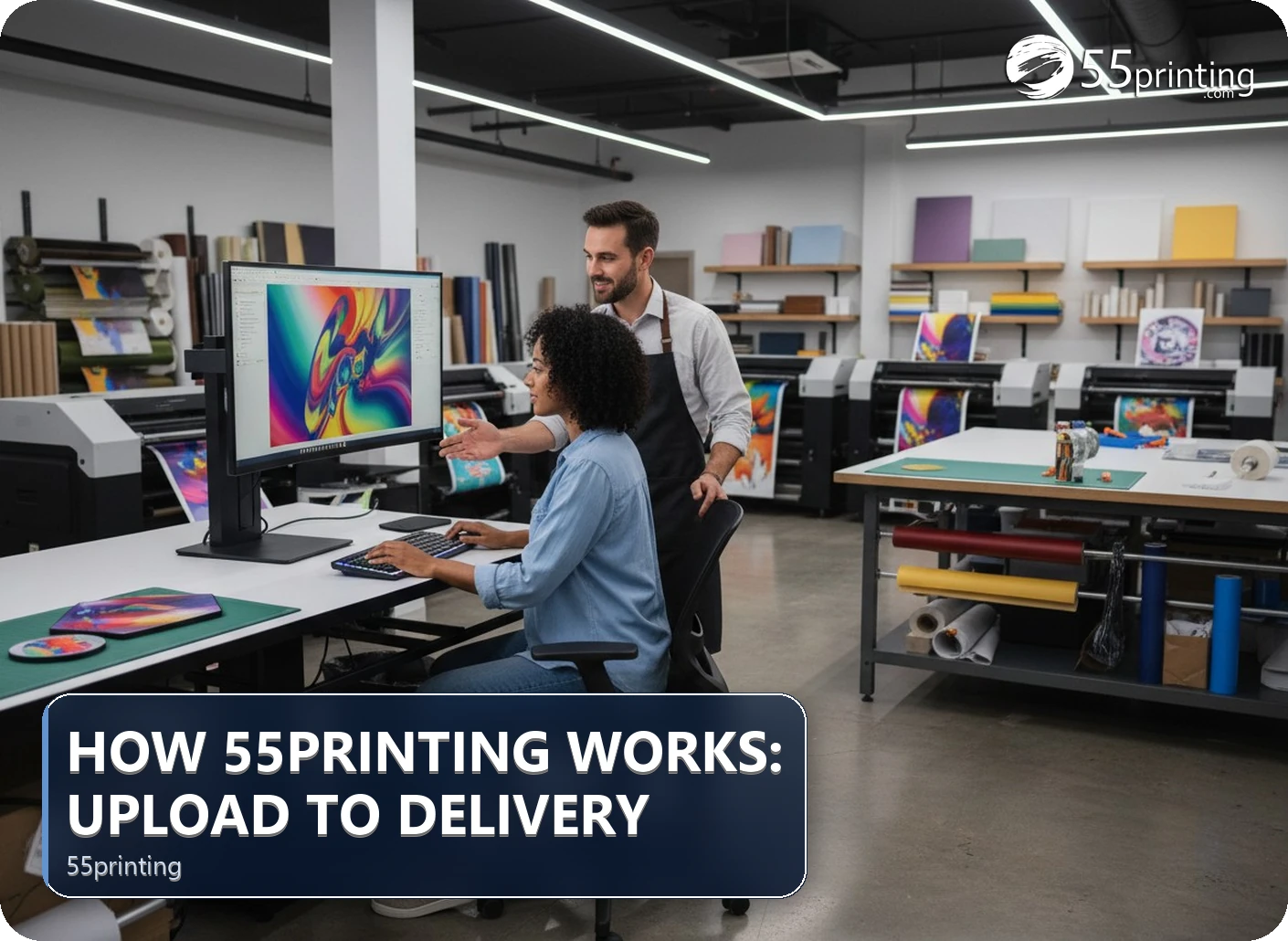
The 55printing path is upload, review, free PDF proof, customer approval, production, and shipping transit. Uploading does not mean production has started. The proof is the checkpoint for size, pages, crop, and content. Plan production and shipping as separate intervals, and use the payment route shown for the order rather than assuming payment closes the proof step.
Online printing feels easier when each status has a clear meaning. Uploading sends a file into the review path. A proof shows the proposed result. Approval tells production which version to use. Shipping begins after production is complete and has its own transit window. This article follows those stages so you can prepare notes, read the proof, and plan a needed date without combining steps that are controlled separately.
What happens after a file reaches 55printing?
Begin with the File Uploader and identify the product, finished size, sides, final filename, and needed date in the notes. The file then enters a review step. The reviewer needs enough information to tell which page is front or back and which version should be considered final.
Before uploading, check that the canvas matches the product, text is readable at its intended size, images are placed correctly, and edge artwork accounts for trim. These checks do not replace review, but they reduce avoidable questions. If the file is still a design draft, use a matching guideline template or an appropriate tool first, then upload the version you want reviewed.
- Use one clear final filename.
- Describe intentional borders, folds, panels, or page order.
- State the product and finished dimensions.
- Keep the original file and the uploaded version traceable.

Where does the free PDF proof fit?
The free PDF proof is the visual checkpoint between review and production. Compare the proof with the source file and the job notes. Check page count, orientation, crop, text, logos, image placement, and details near trim. If you requested a specific panel order or border, confirm that choice in the proof rather than relying on memory.
Approval should be deliberate. If the proof is wrong, reply with the exact correction and wait for the revised version. If the proof is correct, approve the version you reviewed. An editable source file, an upload receipt, or a payment status does not make an unapproved proof ready for production.
When does production actually begin?
Production belongs after the proof and required order conditions are settled. Uploading alone is not a production start signal. If approval is waiting, the job still has a content decision open. If a correction is requested, the corrected proof becomes the version to review.
That boundary matters for deadline planning. A reader who counts from upload may create a false delivery expectation if a proof question remains unanswered. Record the approval point, then keep production time separate from shipping transit. If you need a date, ask about the current route and allow room for proof review rather than treating every interval as automatic.
| Stage | What you do | What it does not mean |
|---|---|---|
| Upload | Send the named file with product notes. | Production has started. |
| Review | Answer file or job-detail questions. | The proof is approved. |
| Proof | Compare the proposed result with the order. | The file is automatically final. |
| Approval | Confirm the version you reviewed. | Shipping transit is complete. |
| Production | Print and finish the approved job. | Carrier delivery time has elapsed. |
How do Pay Later and Online Payment fit the process?
The Tools Hub currently presents Pay Later and Online Payment as separate payment labels. Follow the option shown for your order and keep payment questions separate from the content approval question. If the order presents a payment request or reference, use the exact reference supplied in that path so the payment is associated with the intended balance.
Do not infer a production start from a payment screen alone. A payment action can settle a balance while the proof still needs review, or a proof can be approved while an order condition remains open. Read the current order instructions, keep the proof status visible, and contact support when the two statuses appear inconsistent.

How should you plan production and shipping?
Start with the needed arrival date and work backward. Leave room for file preparation, proof review, production, carrier transit, and a question or correction. Production time covers the print and finishing work. Shipping time covers movement after the completed job leaves production. A faster carrier service does not remove the time needed to approve a proof.
- Set the date the printed pieces need to be available.
- Choose the product and confirm its current production information.
- Upload a prepared file with complete notes.
- Review and approve the proof promptly, or return a precise correction.
- Keep production and shipping as separate calendar blocks.
- Check tracking and contact support if the status does not match the expected stage.
What does the workflow look like in common situations?
A clean PDF with a close event date
Confirm the product, dimensions, pages, and file name. Upload early enough for a proof response, review every page, and ask about the current production and shipping windows. Avoid counting from the instant the file leaves your computer.
A proof shows the wrong back page
Do not approve the proof to keep the order moving. Identify the intended back-page filename or page order, request the correction, and review the replacement. The corrected proof is the decision point.
A payment request appears while a proof is open
Read the request instructions and keep the payment reference. Ask support whether the payment and proof are both required for the next stage. Settling a balance does not give permission to print unapproved content.
Questions customers ask
Does uploading mean production has started?
No. Uploading sends a file into the review path. Production should be treated as a later stage after the relevant file questions, proof review, approval, and order conditions are settled. Check the current order status rather than using the upload timestamp as the production start.
What should I inspect in a free PDF proof?
Compare the proof with the source and job notes. Check product, page count, orientation, crop, text, logos, image placement, panel order, and content close to trim. If any item is wrong, name the exact correction and wait for a replacement proof before approval.
What if the proof has the wrong page order?
Do not approve it. State which page should be front or back, identify the intended file if names are similar, and ask for a corrected proof. Review the replacement from the first page through the last so an order change does not hide a second issue.
Is production time the same as shipping time?
No. Production time covers printing and finishing the approved job. Shipping time is carrier transit after production is complete. A carrier service choice cannot remove proof review or production work, so keep those intervals separate when planning a needed arrival date.
How should I plan around a deadline?
Work backward from the arrival date and reserve time for file preparation, upload review, proof approval, production, and shipping transit. Submit complete notes early, respond to questions quickly, and ask for the current product and carrier information when the date has little room.
How does Pay Later fit the workflow?
Pay Later is one payment label shown by the Tools Hub. Follow the option presented for the order and keep payment status separate from proof status. The payment route does not make unapproved artwork final, so continue to review the proof and current order instructions.
What should I do with an Online Payment reference?
Use the exact payment request or reference supplied in the current order path. Keep a record of what it applies to and ask support if the payment status and proof status appear inconsistent. Do not substitute an old reference just because its number is familiar.
Can I change a file after proof approval?
Ask support before changing or replacing an approved file. A new file can create a new review decision, and the version you intended may no longer match the approved proof. Describe the requested change clearly and wait for the current workflow to show which proof is active.
Prepare the product notes, upload the named file, and treat proof approval as the visual checkpoint before production.