

Online Designer for Banner Stands: Handle Extreme Ratios with a Viewing Plan
Identify the banner-stand product and current template before using the 55printing Online Designer route. The observed guest route presented an account page, so access should be rechecked. For an extreme ratio, keep the message short, protect safe margins, place important content in the primary viewing area, and proof the named design at the product role.
A tall or unusually wide banner has less room for long copy and may be read from a moving path, doorway, or event area. The Online Designer route returned an account page in the observed guest check, while the template route is the product-geometry starting point. Do not promise a ratio, editor, or access state that was not observed.
What should you identify before designing a banner stand?
Record product, finished size, orientation, stand or hardware role, viewing context, safe zone, bleed, and the message hierarchy. Mark logo, headline, phone, URL, QR, image subject, and supporting copy. Confirm which parts are visible and which may be hidden by hardware or finishing.
| Decision | First check | Risk |
|---|---|---|
| Product | Match the current template | Artwork reaches wrong canvas. |
| Ratio | Plan hierarchy for available height/width | Copy becomes too small. |
| Viewing context | Place headline for first read | Message is missed at distance. |
| Hardware area | Check lower/edge restrictions | Important content is covered. |
How should you plan an extreme-ratio banner?
Use fewer words, a clear headline, one primary image or mark, and a direct call to action. Keep exact contact details in a stable safe area and use the template to protect bleed and hardware boundaries. Do not solve an extreme ratio by shrinking every element until it becomes unreadable.
- Record product and template version.
- Choose one primary message.
- Place headline in the first-read area.
- Keep logo, phone, URL, and QR inside safe placement.
- Check hardware and edge restrictions.
- Save a named design version.
What should you review at the intended viewing context?
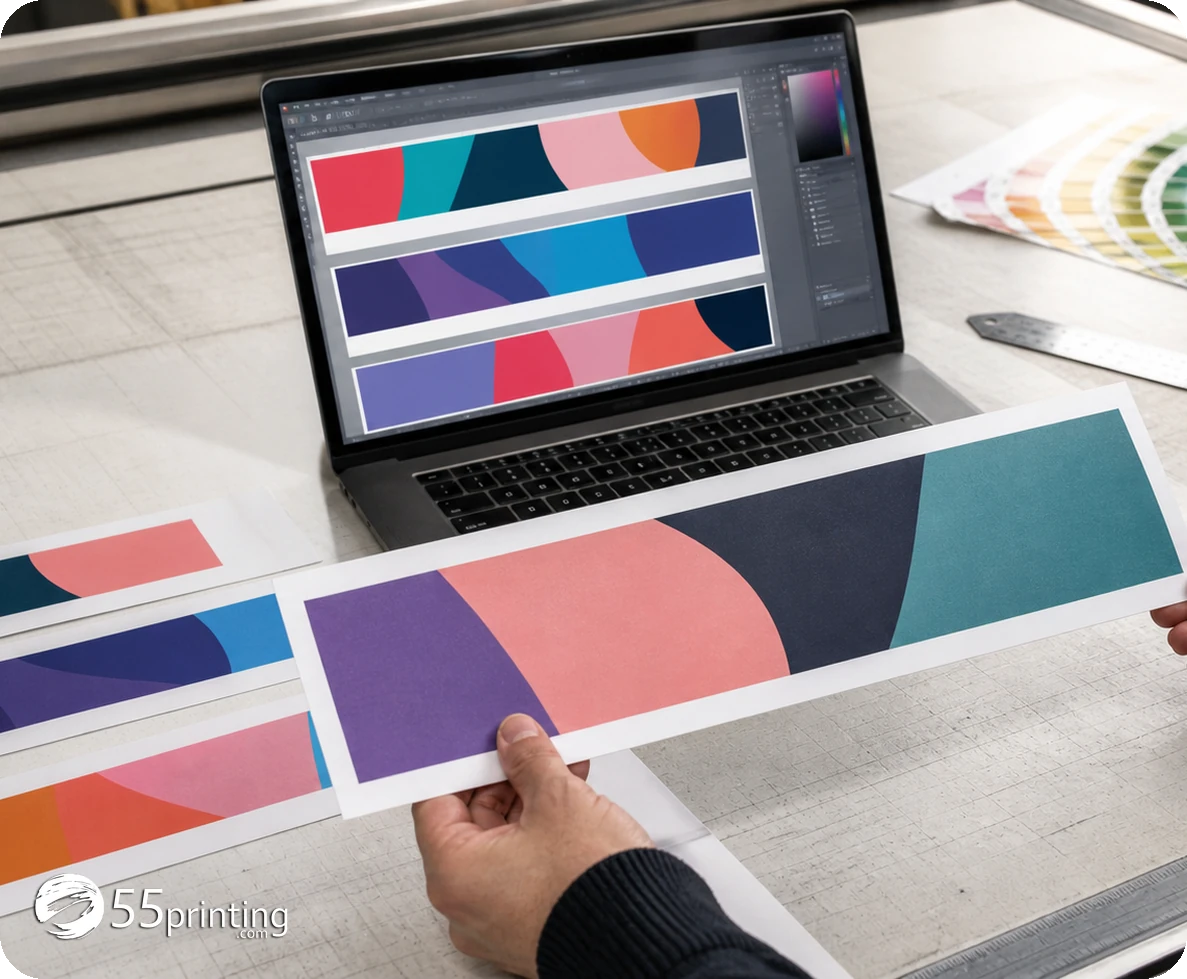
Review the named export at a scale and distance that support the job. Check headline, logo, image subject, phone, URL, QR, contrast, crop, line breaks, and the lower hardware area. Compare the actual product template and do not rely on a thumbnail or editor preview alone.
If the route requires account access, follow current instructions or use the correct assisted path. Do not infer saved-design or order behavior from older content.
How do template and proof complete the banner?
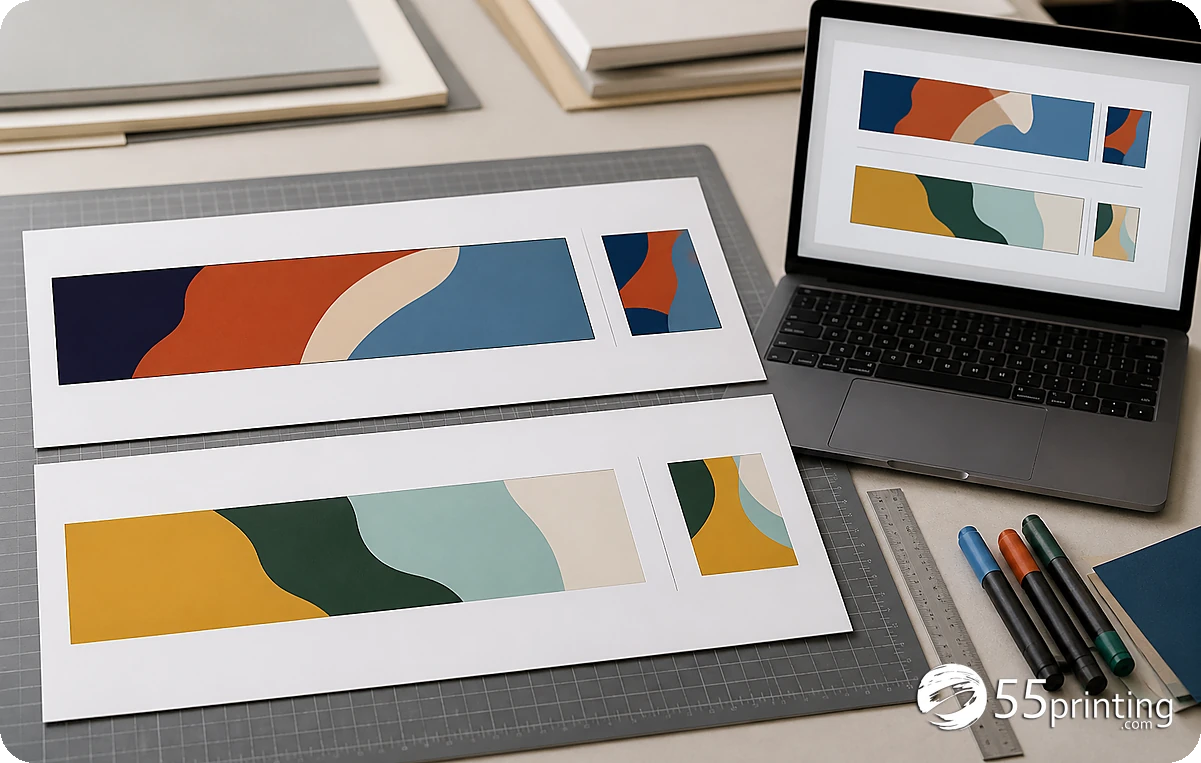
Use the current banner template for geometry, safe zone, bleed, and hardware boundaries. Use the free PDF proof to compare the named design in the product role. Keep the source copy, image assets, access state, template version, and proof notes together.
Which banner jobs need extra care?
Trade-show banner
Prioritize company name, headline, one image, and CTA. Check that the first read works while people pass the stand.
Event banner
Protect event name, date, location, URL, and QR while keeping the hardware area clear. Check contrast and crop.
Extreme narrow ratio
Remove low-priority copy rather than shrinking every line. Use the template and proof to confirm hierarchy and safe placement.
Questions customers ask
How should I design an extreme-ratio banner?
Start with the product template and choose one primary message, clear headline, image or mark, and CTA. Keep exact contact details inside safe placement and remove lower-priority copy instead of shrinking every line. Record the viewing context, template version, and proof question so the design remains reviewable after handoff.
Can a guest use Online Designer?
The observed route returned HTTP 200 but presented “My Account | 55printing.com” in a guest check. Access can change, so read current instructions and do not promise anonymous editor access. Record the viewing context, template version, and proof question so the design remains reviewable after handoff.
What belongs in the first-read area?
Place the product name, headline, or primary message where the intended viewer sees it first. Use the current template and viewing context to choose the area, then check whether the wording remains readable. Record the viewing context, template version, and proof question so the design remains reviewable after handoff.
How do hardware areas affect copy?
Check the current banner template for lower, edge, or mounting restrictions. Keep headline, logo, phone, URL, QR, and important image content outside any covered or risky area before proof. Record the viewing context, template version, and proof question so the design remains reviewable after handoff.
Can proof prove viewing distance?
A proof helps compare the proposed file, crop, contrast, hierarchy, and product geometry. It does not cover every viewing distance or environment, so record the intended context and review the message accordingly. Record the viewing context, template version, and proof question so the design remains reviewable after handoff.
What if the banner has too much text?
Prioritize the first-read message and remove or shorten low-priority copy with approval. Shrinking all text can make the design harder to use. Save a named version and compare the revised hierarchy in proof. Record the viewing context, template version, and proof question so the design remains reviewable after handoff.
Should a QR code go on the banner?
Test the destination separately, protect quiet space and contrast, and keep the code inside the template safe area. Review its size, crop, and placement in the product proof rather than relying on a flat preview. Record the viewing context, template version, and proof question so the design remains reviewable after handoff.
What should the handoff note say?
Name product, ratio, template, viewing context, source/design version, hardware checks, exact copy, QR result, access state, and proof question. Mention any custom-size or hierarchy concern for review. Record the viewing context, template version, and proof question so the design remains reviewable after handoff.
Match the product, simplify the hierarchy, protect the hardware area, and review the named design in proof.