

Flat PDF vs Editable Rebuild: Choose the Right File Path
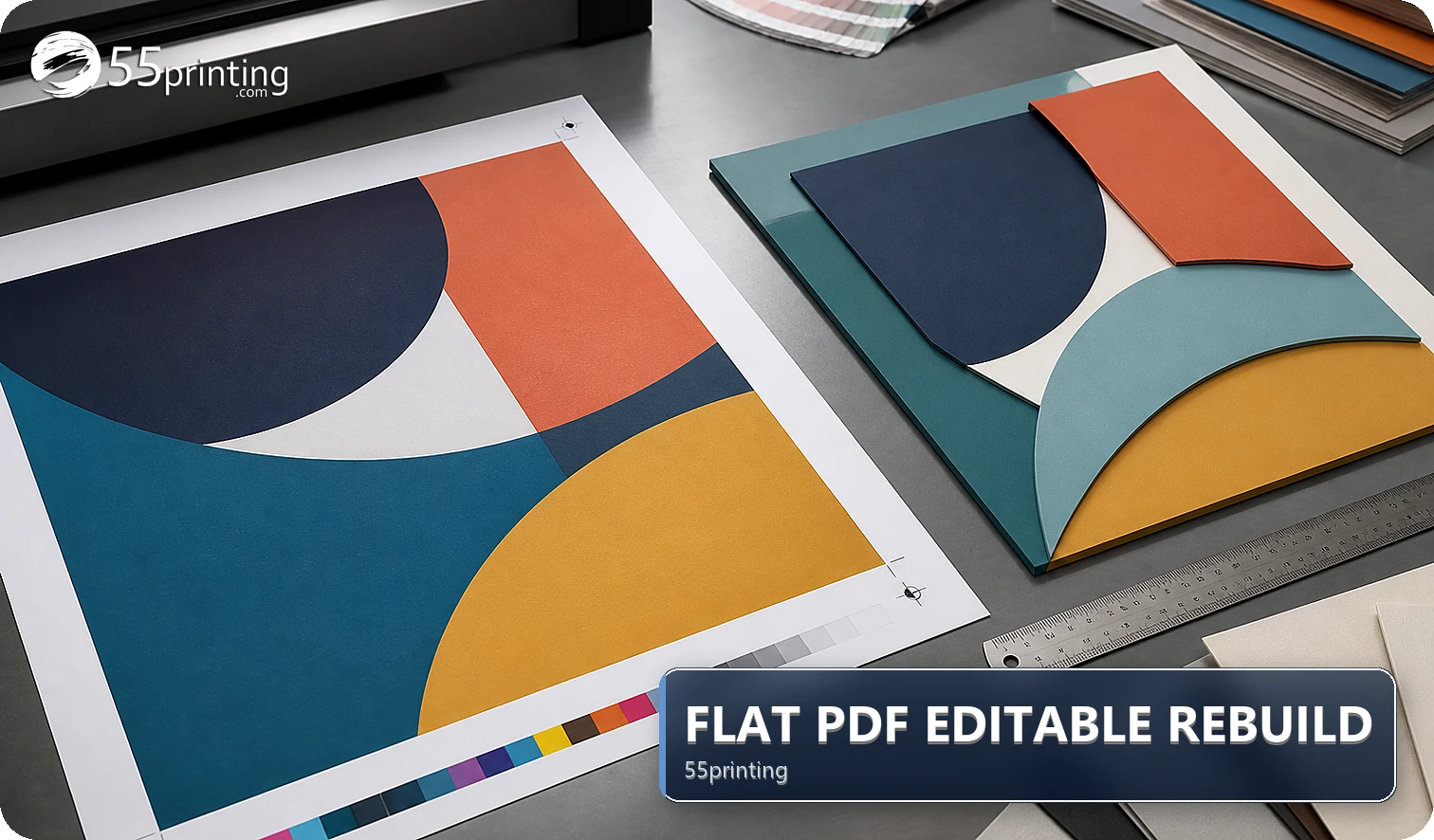
Use a flat PDF as a reference or requested handoff when its content and geometry are already approved. Request an editable source or documented rebuild when the job needs exact text changes, missing layers, a new product size, or a design decision that the PDF cannot support. Check the template and proof before treating any rebuilt file as final.
A PDF can look complete while hiding flattened text, missing layers, unknown fonts, old crop decisions, or the wrong product geometry. Start with the requested change and the current product template. The 55printing File Uploader gives the handoff a place for the source, PDF, and question; it does not turn an uncertain file into an approved design by itself.
What should you inspect before choosing a rebuild?
Identify whether the PDF is editable in the way the job requires, whether its size matches the product, whether bleed and safe zones are known, and whether exact copy or brand assets are authoritative. A visible text layer is useful, but it is not the same as a complete source file with correct product geometry and approved assets.
| File state | First check | Next action | Risk if skipped |
|---|---|---|---|
| Flattened or locked PDF | What must change? | Keep reference and request source or rebuild | Exact copy may be recreated incorrectly. |
| Editable PDF with known geometry | Are layers and assets approved? | Make the limited edit, then proof | Hidden crop or font issues can remain. |
| Wrong size or unknown bleed | Which product template applies? | Map the file to the current template | Rebuild can preserve the wrong canvas. |
| Missing logo, text, or image | Which file is authoritative? | Request the source asset or redraw decision | Sharper output can still contain wrong facts. |
How do you choose between editing, rebuilding, and requesting a source?
Separate the type of change from the appearance of the PDF. Minor approved copy changes may fit an editable workflow. Missing layers, uncertain identity, a new product, or a changed composition needs a source decision before any rebuilding begins. Name the file version and the exact question so the reviewer knows what is allowed to change.
- Record the product, side, and intended size.
- Mark the exact content or geometry that needs change.
- Identify the authoritative copy, logo, and image assets.
- Keep the original PDF as a reference.
- Request the editable source or a rebuild decision.
- Compare the result with the template and proof.
What should the rebuild note include?
Name the product, page or side, source/PDF versions, current size, requested change, exact approved copy, asset authority, and unresolved question. Say whether the PDF is a reference, the requested output, or an old proof. Keep unrelated private data out of the note so the review stays focused on the print decision.
How do template and proof complete the decision?
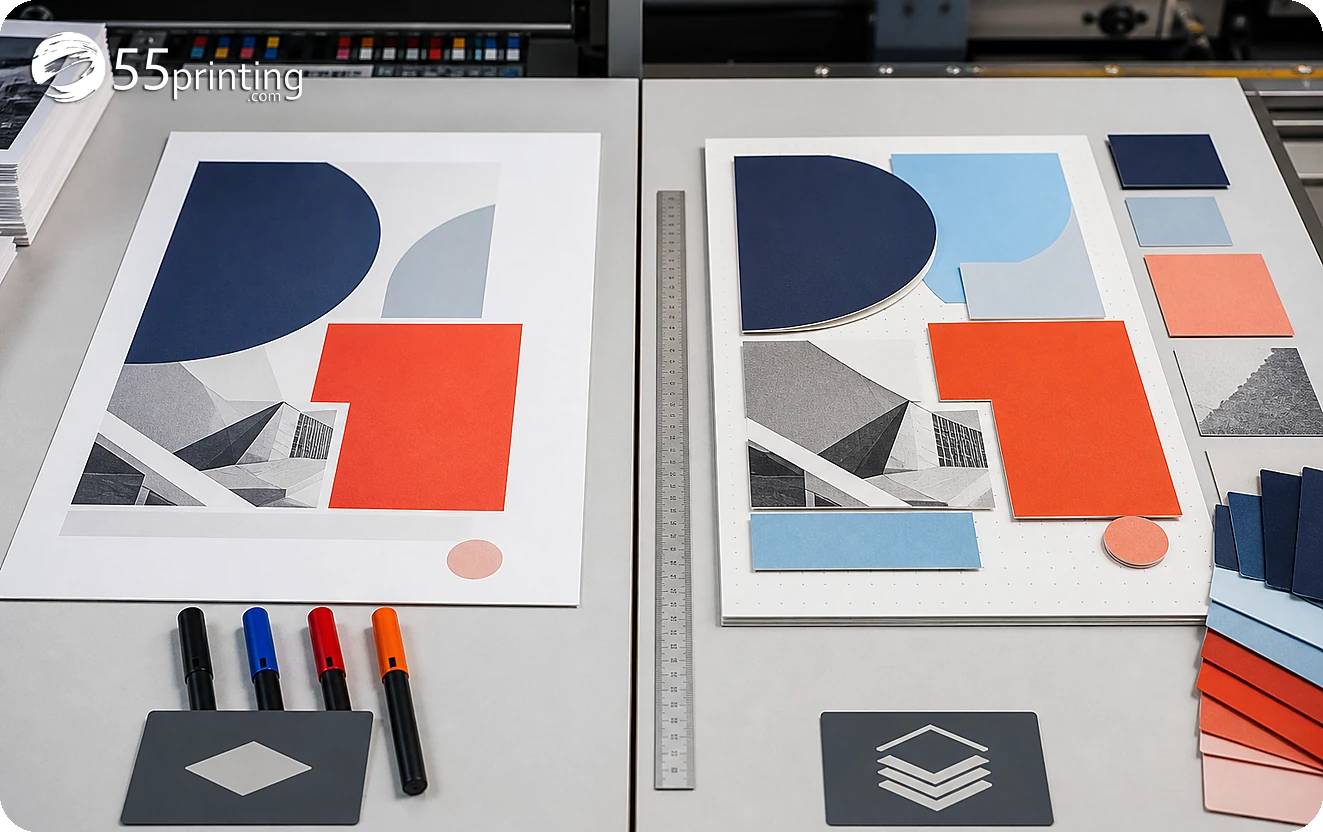
Use the matching template to check product size, bleed, safe zone, orientation, and panel or edge behavior. Put the source, reference PDF, and note into the File Uploader when requested. Use the free PDF proof to compare the approved copy, crop, logo, image detail, and product context before handoff.
Which PDF situations need extra care?
Outdated contact line
Keep the old PDF for comparison, attach approved replacement copy, and request a source or rebuild path. Do not infer a phone number or URL from a blurred export.
Minor approved text change
Confirm that the required layer, font, size, and product geometry are available. If they are, make the limited edit and send the named PDF for proof.
New product or changed canvas
Start with the current product template. A rebuild that preserves an old canvas can produce a clean-looking file that still has the wrong bleed or safe zone.
Questions customers ask
Is a flat PDF ready for printing?
A flat PDF may be a suitable requested handoff when its product, copy, crop, bleed, safe zone, and approval are known. A clean appearance does not prove those facts. Compare the file with the current template and proof, and record any uncertainty before production review.
When is an editable source better?
An editable source is better when the job needs exact copy changes, layer control, asset replacement, or a new product composition. Keep the original PDF as a reference, identify the authoritative source, and name the requested change so the rebuild does not invent missing facts.
Can a converter make a PDF editable?
A converter may expose or approximate content, but it cannot guarantee correct layers, fonts, vectors, crop, or product geometry. Inspect the result against the source and template. Request an editable source or documented rebuild when the exact detail matters to approval.
What should I send with the PDF?
Send the product and side, named PDF version, source file when available, approved copy, logo and image assets, requested change, and open question. State which file is authoritative and which file is reference. That record lets the reviewer compare the output with the proof.
Does a proof fix a wrong PDF?
A proof can reveal crop, placement, size, bleed, safe-zone, copy, and image-detail problems in product context. It does not create missing source information or approve an unknown logo. Use the proof to make a documented correction or source decision before handoff.
When should a PDF be rebuilt?
Request a rebuild when the PDF is locked and the needed change depends on missing layers, exact text, a new canvas, or a changed composition. First identify the product and approved assets. Preserve the original PDF so the reviewer can compare the requested result.
Can I use a similar PDF as a template?
A similar PDF can explain a visual direction, but it may have different size, bleed, panels, crop, or approval history. Use the current product template instead, label the similar file as reference, and confirm exact content and geometry in proof before handoff.
What should I check after a rebuild?
Check the named source and output version, exact copy, logo identity, image crop, product size, bleed, safe zone, orientation, and proof question. Compare the rebuilt file with the current template and reference PDF, then record who approved the remaining changes.
Identify the source, product geometry, requested change, and proof question before asking for an edit or rebuild.