

Free Printing Sample Kit: Compare Paper and Coatings Before Bulk
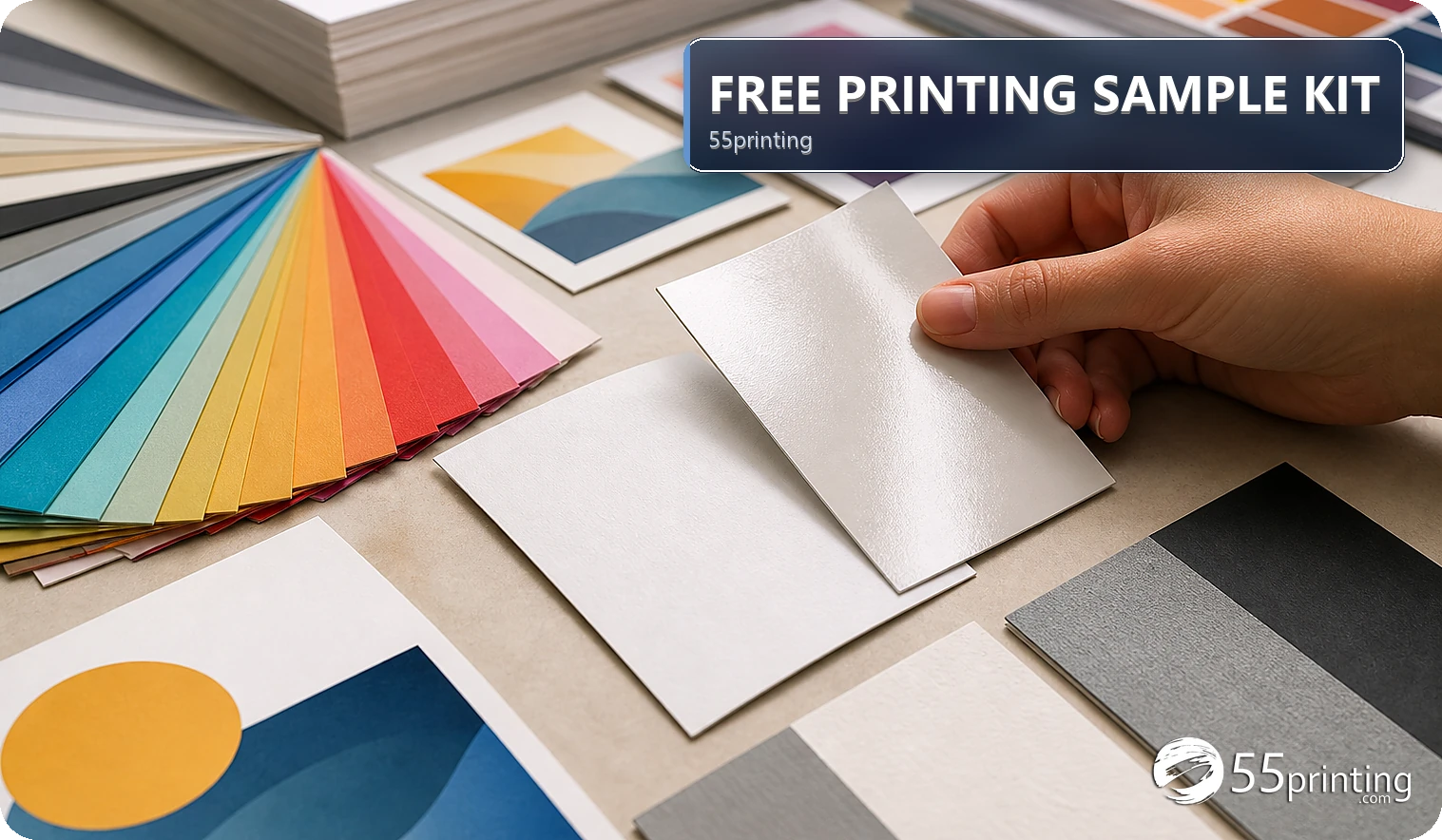
Use the 55printing sample-kit route when paper feel, stock, or coating is still an open decision. Compare the physical samples in the light and use context such as writing, handling, folds, or mailing. A sample kit can show material and finish; it does not prove the final color, crop, artwork, or every available configuration. Use a PDF proof for the design.
The 55printing free printing samples route is useful when the feel, thickness, or surface treatment is still uncertain. A physical sample answers a material question that a browser image cannot. It does not answer every design question, so keep paper choice, product canvas, artwork, color, and PDF proof as separate decisions.
What should you decide before requesting samples?
Write down the product, handling context, and material question. A business card may be held repeatedly, a menu may need writing or wiping, and a mailed piece may need a different balance of feel and flexibility. The current sample route should be checked for available options before promising a particular stock or coating.
- Identify product and intended use.
- List the surface or handling concern.
- Separate material choice from design approval.
- Record which sample changed your decision.
How should you compare paper and coatings?
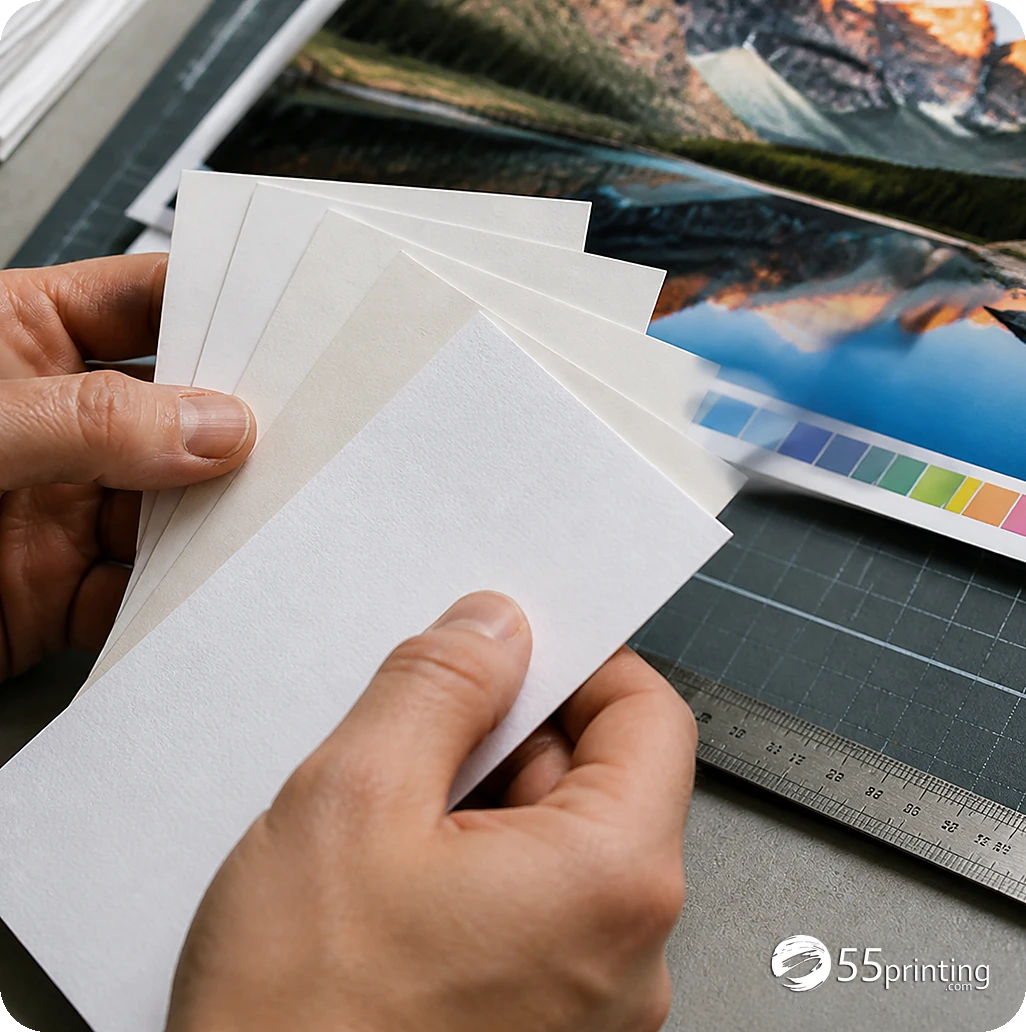
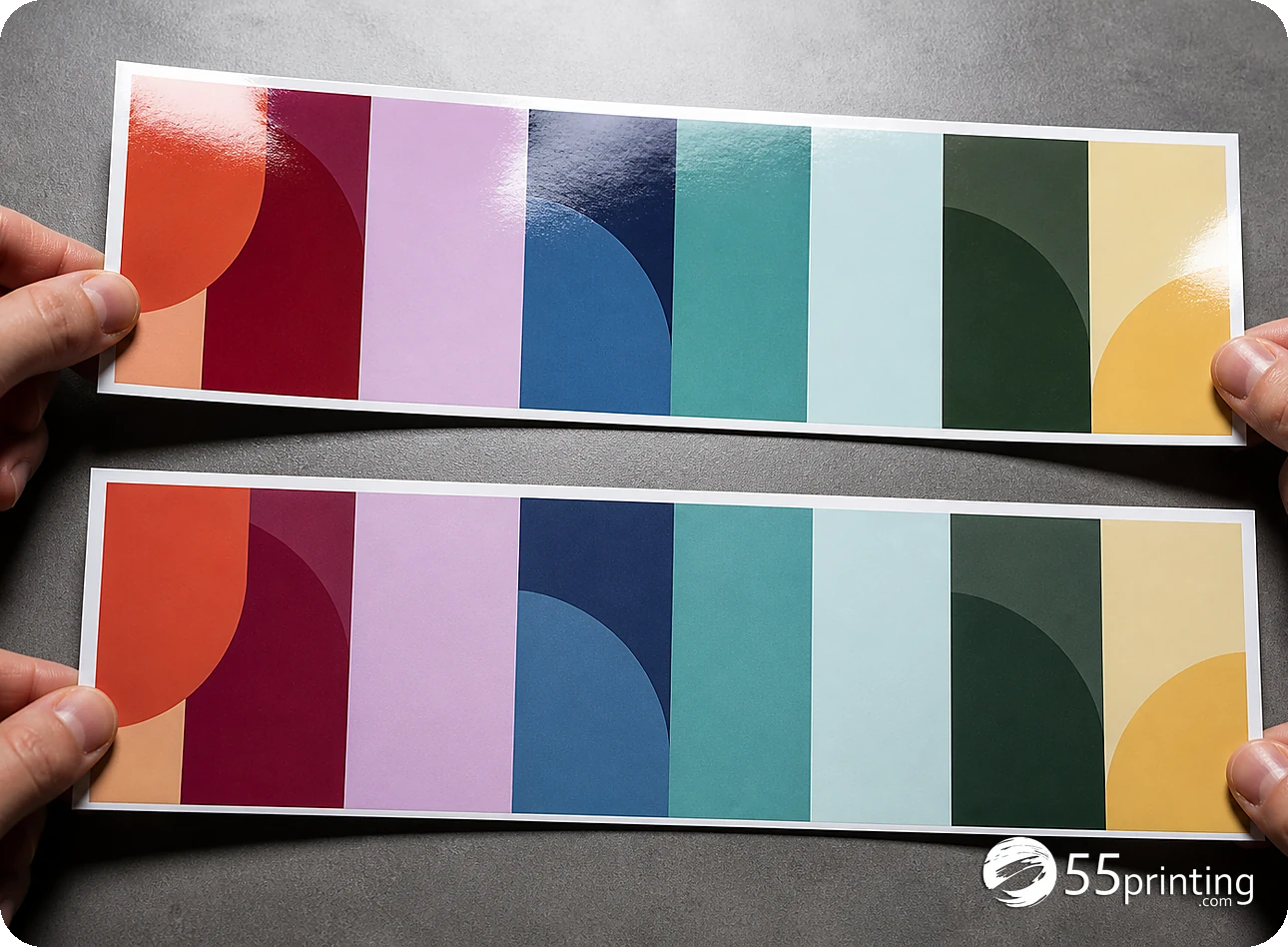
Handle samples in the light and setting where the finished piece will be used. Compare surface feel, glare, writing behavior, fold behavior, stiffness, and how the coating changes the impression of the artwork. Make a short note for each sample instead of relying on memory after several comparisons.
| Question | Compare | Do not infer |
|---|---|---|
| How does it feel? | Surface and handling | Final printed color from touch alone. |
| Will people write on it? | Pen and pencil behavior where relevant | Every ink or use condition. |
| Will glare matter? | Reflection under intended light | Exact screen-to-print color. |
| Will it fold or mail? | Flexibility and handling | Final fold outcome without template review. |
| Does the finish fit the brand? | Feel and visual impression | Approval of the artwork itself. |
How do you choose a stock for the actual job?
Use the sample notes with the product template and the intended handling context. Choose the material that supports the job’s use, message, and practical constraints. If the current route does not show the desired option, treat that as an open question and check the source page rather than filling the gap from memory.
- List the intended use.
- Compare the physical feel and finish.
- Check writing, glare, folding, or mailing needs.
- Confirm the product and available option.
- Record the selected stock and reason.
- Move the artwork through template and proof.
How does a sample kit connect to the PDF proof?
A sample lets you evaluate paper and surface. The matching guideline template sets the product geometry, while the free PDF proof lets you review the proposed artwork and page view. Use the File Uploader with the selected stock and design version in the note so the material decision is not separated from the file.
Which sample situations need extra care?
Wedding or event card
Compare feel, writing surface, and glare in the lighting where guests will hold it. Keep the artwork and color decision in the separate proof step.
Restaurant menu
Consider handling, cleaning, writing, and fold behavior. A coating choice should follow the use rather than a stock label alone.
Bulk mail piece
Check flexibility and handling with the intended size and template. The physical sample does not prove the address panel or final crop.
Where do you look up a stock after the sample is in your hand?
Feeling the sheet is the point of the kit in this article. Naming the product that uses that stock is the next step. Open Paper Types Gallery and find the stock name printed on the sample. The hub on October 9, 2026 says the gallery shows which products use each stock, plus similar-paper picks. Write the product name next to the sample before you build a bulk order.
The gallery does not describe how the sheet feels, and it does not set a weight or a price that is not on the page. If the sample and the product page disagree, stop and ask. The proof still reviews the art on the product you picked.
Questions customers ask
What does a printing sample kit help me decide?
It helps you compare physical paper feel, surface, coating, stiffness, glare, and handling for the options shown on the current route. Use the samples against the intended product and use. Keep design, color, crop, and final approval in the template and proof workflow.
Can a sample prove final print quality?
A material sample can show stock and surface characteristics, but it may not represent the exact artwork, color, page size, ink coverage, or every production setting. Use a free PDF proof to review the design and treat the sample as evidence for the material decision.
Should I compare uncoated and coated paper?
Compare them when surface feel, writing, glare, handling, or brand impression is part of the decision. Judge each in the intended light and use context. Do not select from a label alone, and record why the chosen surface fits the product.
Can I request any specific stock?
Check the current sample route for the visible options and instructions. Do not promise that every stock or coating is represented. If the desired option is absent, record the question and confirm availability from the current source before placing a larger order.
Is the sample kit the same as a PDF proof?
No. A sample addresses physical material and surface questions, while a PDF proof addresses the proposed artwork, copy, crop, page order, and layout. Use both when both decisions are open. A good-feeling paper cannot approve a wrong phone number or logo.
When should I request samples?
Request them while paper, coating, handling, or glare is still an open decision and before committing to a larger run. Write the product and use context first. After choosing the material, continue with the product template, file handoff, and design proof.
What should I record after comparing samples?
Record the product, sample description, surface or coating, handling observation, light or writing observation, selected option, and remaining questions. Connect that note to the design version. This keeps a material decision from being separated from the file and proof that follow.
Can a sample show how my QR code will scan?
A stock sample alone cannot prove the final QR scan because placement, size, contrast, crop, and artwork still matter. Place the actual code in the design, test the destination, and review the proof. Use the sample for surface and handling questions.
Compare the physical stock, record the decision, and continue through template, upload, and proof review.