

FREE Design Setup + FREE ART Review + FREE Manual Proofing
Chat or EMAIL us to get started.
Interactive Business Card Designs – New Build Set 4
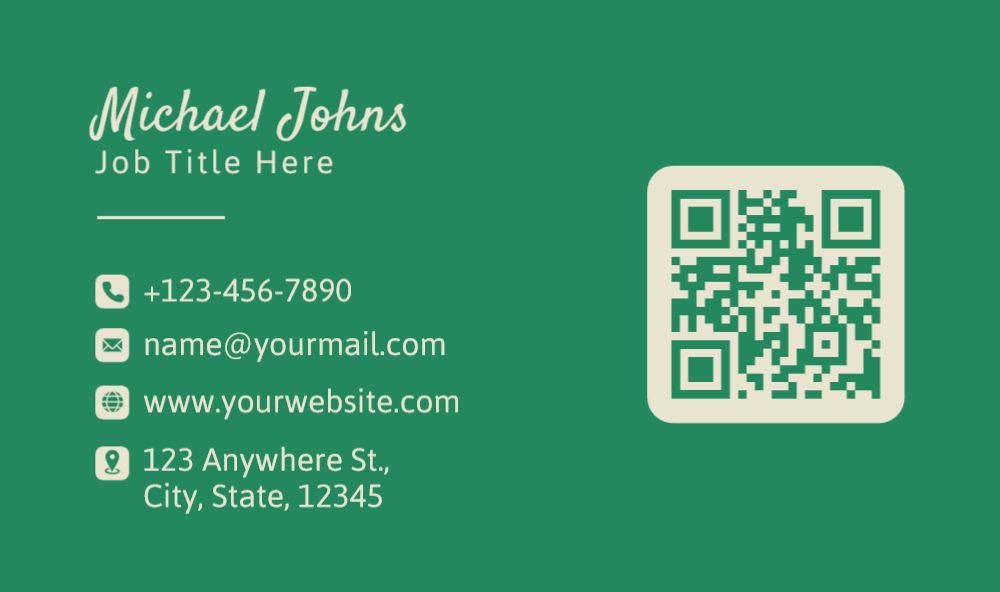
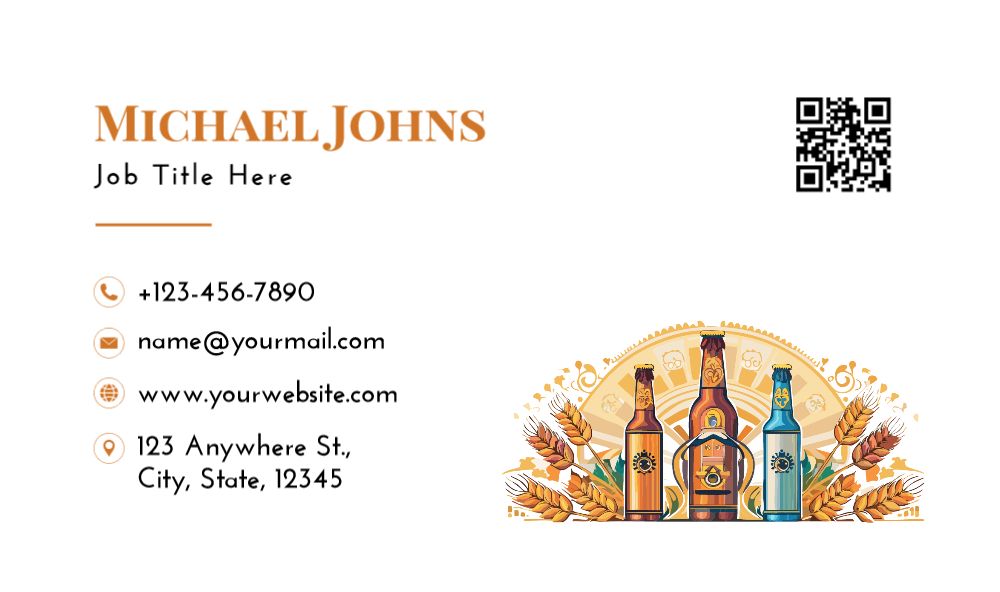

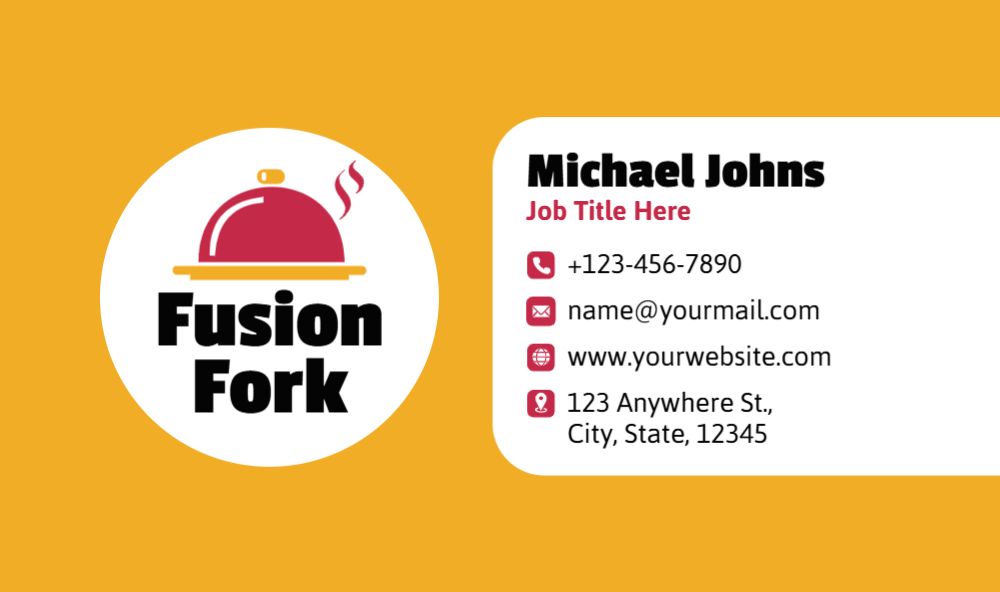
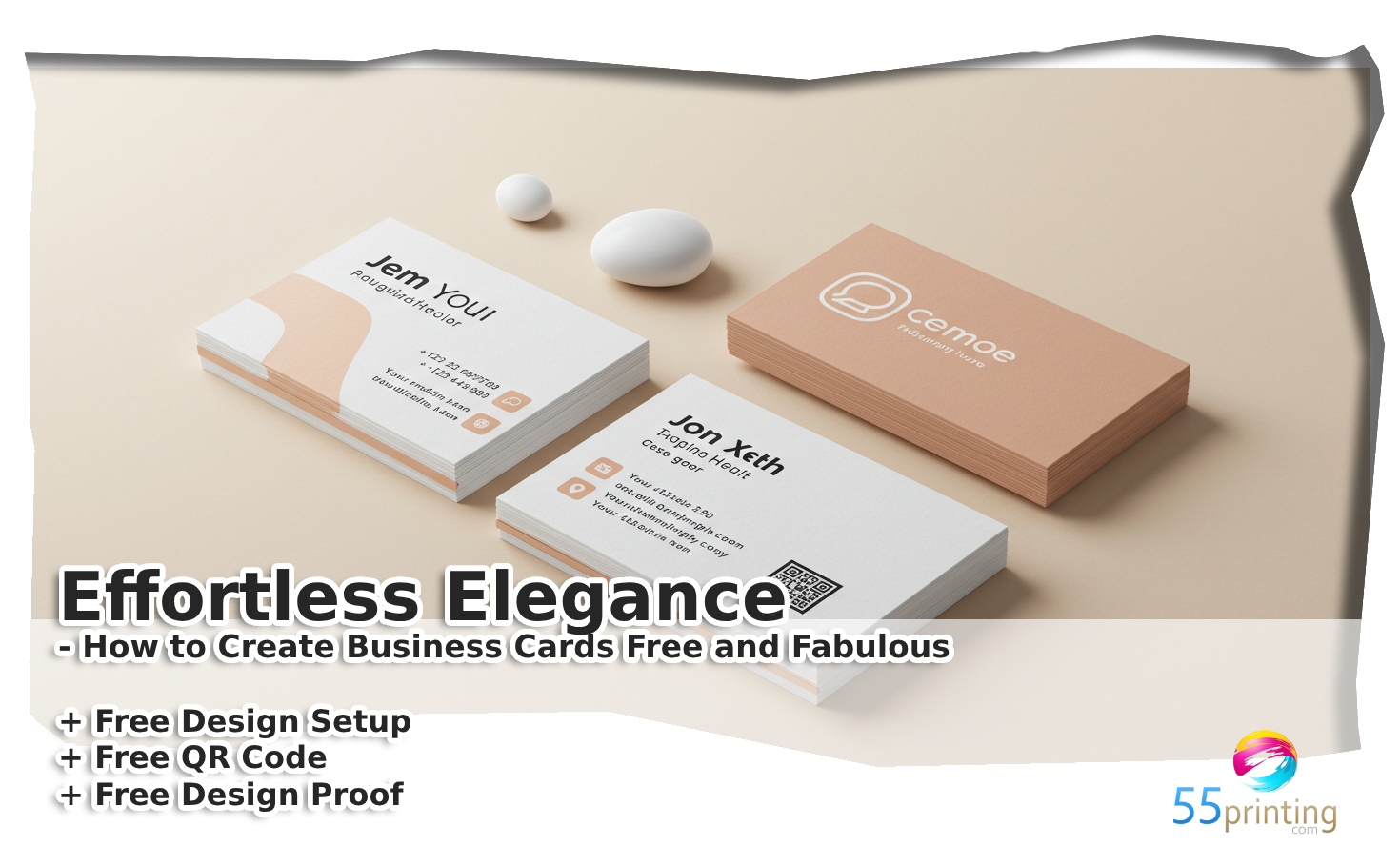
Effortless Elegance – How to Create Business Cards Free and Fabulous
Welcome to your definitive guide on designing stunning business cards without breaking the bank. In today’s fast-paced world, a well-crafted business card is more than just a contact detail-it’s a reflection of your brand’s personality and a key tool in making a memorable first impression. Here, we merge creative innovation with practical strategies to empower you in crafting cards that are both elegant and completely free.
Our approach is inspired by the leading design trends and top-ranking sites in the industry, offering you a blend of professional insight and user-friendly guidance. You’ll discover how to integrate soft, soothing aesthetics with a smooth, modern design that appeals to a wide audience-all while utilizing accessible, cost-free resources.
Whether you’re a budding entrepreneur, a creative freelancer, or a seasoned professional looking to refresh your brand image, this guide provides a step-by-step roadmap to achieve effortless elegance. Get ready to transform your ideas into a tangible, eye-catching design that speaks volumes about your professionalism and style.
Why Choose Free Business Card Creation?
Benefits of Free Tools
Embracing free design tools means tapping into a wealth of resources without the financial commitment. These tools are built with user experience in mind, offering intuitive interfaces and customizable templates that allow you to create professional and unique business cards. Enjoy the flexibility to experiment with different layouts and color schemes, all while staying within your budget.
By choosing free tools, you can focus on creativity rather than cost. This approach democratizes design, empowering both novices and experienced professionals to bring their visions to life effortlessly.
Budget-Friendly Design Options
Budget-friendly design doesn’t mean compromising on quality. In fact, many free platforms provide tools and templates that rival premium alternatives in both aesthetics and functionality. The focus is on providing an economic solution that delivers exceptional results.
- Access to a diverse range of creative templates
- User-friendly interfaces designed for efficiency
- Cost-effective customization without hidden charges
- Opportunities to experiment with innovative design trends
Understanding Design Fundamentals for Business Cards
Layout and Composition
A well-organized layout is the backbone of any successful business card design. Striking a balance between white space and content helps in emphasizing the most important elements, such as your logo and contact information. Focus on creating a clean, uncluttered design that guides the viewer’s eye smoothly across the card. Experiment with grid systems and asymmetrical layouts to add a modern twist without sacrificing clarity.
Typography and Color Schemes
Typography and color are critical in conveying your brand’s identity. Choose fonts that are not only stylish but also legible. Pair your typography with a harmonious color palette that reflects both professionalism and creativity. Consider using soft hues and gradients to create a visually appealing contrast that is easy on the eyes.
- Select 2-3 complementary fonts to maintain consistency.
- Use a primary color for key elements and neutral shades for the background.
- Experiment with gradients and soft textures for added depth.
Top Tools and Platforms for Free Business Card Design
In-depth Look at Leading Platforms
In today’s digital age, several platforms offer exceptional resources for creating business cards free of charge. Tools like Canva, Adobe Express, and Fotor lead the market by providing a blend of aesthetic appeal and functionality. Each platform comes with its own unique set of features designed to cater to varying levels of design expertise.
Explore more about these innovative tools by visiting our main product page at 55printing.com. For additional insights and free design setups, check out our dedicated service at Free Design Setup by Human-AI.
Step-by-Step Guide to Designing Your Business Card
Selecting a Template
Start your design journey by choosing a template that resonates with your brand identity. Whether you prefer a minimalist look or a more creative layout, the right template sets the foundation for a professional and memorable business card.
Look for templates that offer flexible customization options and modern design elements. This ensures you can easily adjust details such as color schemes and typography to suit your personal style.
Customizing Design Elements
Once you have selected your template, personalize it by tweaking the design elements. Adjust the layout, experiment with fonts, and choose colors that not only stand out but also maintain a balance between creativity and readability.
Tip: Utilize rounded corner boxes to highlight key information such as contact details or your unique selling proposition.
Tips for Enhancing Your Card’s Visual Appeal
Using Low-Cost Design Enhancements
Small design tweaks can make a big impact. Incorporate subtle shadows, gradients, and soft textures to elevate the visual appeal without increasing costs. These enhancements can give your business card a polished, professional look.
Economic and Budget-Friendly Tips
Focus on simple yet effective design principles that convey professionalism. Utilize budget-friendly techniques such as leveraging free design software, using stock images, and applying consistent branding elements to ensure your card remains both attractive and affordable.
Keyword Integration Strategies
Variations of “create business cards free”
Naturally incorporate diverse keyword variations such as “free business card design”, “custom business cards free”, “business cards free online”, and “affordable business card maker” throughout your content. This strategy ensures a comprehensive reach and enhances content relevancy.
Use bullet lists, datasheet layouts, and other organizational techniques to emphasize these keywords in a way that feels natural and informative to the reader.
Natural Placement in Content
Place keywords strategically in headings, subheadings, and body text without compromising the quality of your content. Aim for a smooth integration that boosts search relevance while maintaining a conversational tone.
How to Optimize Layout for Readability
Using Data Charts & Tables for Visual Aid
Incorporate visual elements such as data charts and tables to break up text and illustrate key points. These tools help in conveying complex information in a more digestible format, thereby enhancing the overall readability of your content.
A well-organized layout with visual aids not only captures attention but also guides the reader through your creative process seamlessly.
Numbered Lists to Guide the Reader
Use numbered lists to outline step-by-step procedures or key takeaways. This method enhances clarity and allows the reader to follow your design process in a logical, sequential manner.
Analyzing Competitor Approaches
Tone, Style, and Structural Techniques
A close look at top-ranking competitors reveals a blend of modern design and approachable language. Their content is crafted to be both informative and engaging, with a clear emphasis on visual appeal and actionable insights.
Adopting a similar tone and structural approach, while infusing unique elements and a personal touch, positions your content as both credible and distinctive.
What Sets Us Apart
Our strategy goes beyond standard practices by focusing on innovative design techniques that merge aesthetics with functionality. By offering creative insights and personalized design tips, we provide a superior alternative to competitors.
Discover additional insights and free resources at our dedicated business card setup page.
Incorporating User Engagement Elements
Calls to Action and Interactive Features
Engage your audience with clear calls to action that prompt further interaction. Whether it’s encouraging them to download a free template or sign up for design tips, interactive elements create a dynamic user experience that fosters lasting connections.
Visual Data and Infographics
Incorporate visually appealing elements such as infographics and data visualizations to simplify complex concepts. These elements not only enhance the user experience but also make your content more memorable and shareable.
Infographic: Effortless Elegance in Free Business Card Design
Design Tools
Explore a variety of free, intuitive design tools to start your creative journey.
Creative Customization
Personalize templates with soft gradients, rounded elements, and elegant typography.
Smart Strategies
Implement research-backed techniques for layout optimization and keyword integration.
Flow of the Article → Research & Tools → Customization → Optimization → Engagement
This infographic encapsulates the key steps and creative strategies for designing business cards that are not only free but also embody effortless elegance and professional flair.
Frequently Asked Questions: Create Business Cards Free
1. What does it mean to create business cards free?
Creating business cards free refers to designing and producing professional-quality business cards without incurring any costs, using free design tools and templates that enable you to create business cards free online.
2. How can I create business cards free without compromising quality?
You can create business cards free by using high-quality free templates and design tools that offer professional customization options, ensuring that your final product is both attractive and effective.
3. What are the top platforms to create business cards free?
Top platforms include Canva, Adobe Express, and Fotor, which offer intuitive interfaces, extensive template libraries, and advanced customization options for those looking to create business cards free.
4. Is it possible to create business cards free with professional design quality?
Absolutely. With modern free design tools, you can create business cards free that rival those produced by paid services, by focusing on clean layouts, high-quality images, and thoughtful typography.
5. How do free business card design tools help in creating business cards free?
Free design tools simplify the process by providing customizable templates, drag-and-drop interfaces, and creative assets, all designed to help you easily create business cards free without needing extensive design experience.
6. Can I create business cards free that reflect my unique brand identity?
Yes, many free design platforms allow you to customize every element, from colors and fonts to layout and icons, so you can create business cards free that perfectly match your brand’s unique identity.
7. What design elements are essential when you create business cards free?
Essential elements include a balanced layout, legible typography, a harmonious color scheme, and clear contact information. These features help ensure that when you create business cards free, they are both visually appealing and functional.
8. How can I ensure my free business card design stands out?
Focus on innovative design techniques such as using soft gradients, rounded corners, and high-quality icons. These details can help your design shine, even when you create business cards free with limited resources.
9. What are the benefits of choosing to create business cards free?
Creating business cards free helps you save on costs while still achieving a professional look. It allows you to experiment with design ideas, update information easily, and maintain full creative control without financial constraints.
10. How often should I update my free business card design?
It is a good idea to refresh your design periodically to keep up with current trends and any changes in your brand information. This ensures that when you create business cards free, they remain modern and relevant.
11. Are there any hidden costs when you create business cards free?
No, truly free business card design tools offer complete features without hidden fees. This means you can create business cards free that are ready to print or share online without additional charges.
12. What file formats are available when you create business cards free?
Most platforms allow you to download your design in various formats such as PDF, PNG, or JPEG, making it easy to print or share your business cards free in the format that best suits your needs.
13. Can I integrate my own graphics when I create business cards free?
Yes, many free design tools support custom uploads, allowing you to integrate your own graphics and logos. This enables you to create business cards free that are tailored specifically to your brand’s visual identity.
14. How do I ensure the text remains legible when I create business cards free?
Maintain legibility by using clear, sans-serif fonts and adequate spacing between elements. Contrast between text and background colors is key when you create business cards free that are both attractive and easy to read.
15. What steps should I take after I create business cards free?
After you create business cards free, review your design for consistency, proofread all information, and test print a sample to ensure that colors and layout appear as intended. This final check guarantees a professional finish before mass production or digital distribution.