

What business cards actually cost here
Live calculator check, verified September 17, 2026. Build: standard 2 x 3.5 inch rectangle, 14pt gloss cover, full color front with a blank back, standard 3 to 5 day turnaround. Print price only; shipping and coating upgrades are added at checkout.
| Quantity | Print price | Per card |
|---|---|---|
| 100 | $13.95 | 13.9¢ |
| 250 | $16.44 | 6.6¢ |
| 500 | $19.85 | 4.0¢ |
| 1,000 | $26.93 | 2.7¢ |
| 2,500 | $48.97 | 2.0¢ |
Two-sided full color on the same 14pt gloss runs $16.45 for 100 and $33.73 for 1,000. The calculator on the economical business cards form is the final source for your exact size, stock, sides, quantity, and delivery ZIP.
Avery sheets vs commercial cards: pick the right lane
Avery-style perforated sheets solve a same-day emergency of a few cards. Commercial printing solves team consistency, thicker stock, coating options, and cleaner edges. This hub exists so you do not confuse a DIY template size with a press-ready commercial order.
If you need ten cards for a conference tomorrow morning, a retail sheet can be enough. If you need matching cards for a five-person staff for the quarter, commercial economical cards are the better spend. A 30-sheet Avery pack plus ink often lands near the price of 500 professionally printed cards at $19.85, and the printed cards look far sharper in the hand.
Avery / DIY lane
- Tiny same-day counts
- Home or office inkjet
- Visible perforations
Commercial lane
- Team and reprint runs
- Real 14pt card stock
- Free proof before production
Keep Avery templates for emergencies and student projects. Keep commercial cards for client-facing teams. Mixing both in the same sales group creates uneven thickness and color that customers notice. For exact Avery grid sizes, use the sizes guide linked from this page; for finished hand-to-hand cards, configure stock and quantity on the economical business cards form after your layout is locked.
Card template pack
Configure commercial cards with a free proof.
Avery templates hub FAQ
Where do I find Avery business card template sizes?
Use the dedicated Avery sizes guide for 2 x 3.5 grids and sheet notes. This hub page owns the DIY vs commercial decision and next steps.
Is Avery the same as commercial printing?
No. Avery-style sheets are DIY perforated cards for a home printer. Commercial printing cuts thicker 14pt stock with consistent edges and optional coatings.
How much do commercial cards cost vs Avery sheets?
Commercial cards are $13.95 for 100 and $19.85 for 500. A pack of Avery sheets plus ink often costs about the same as 500 printed cards but looks thinner.
Can I upload an Avery sheet PDF to print commercially?
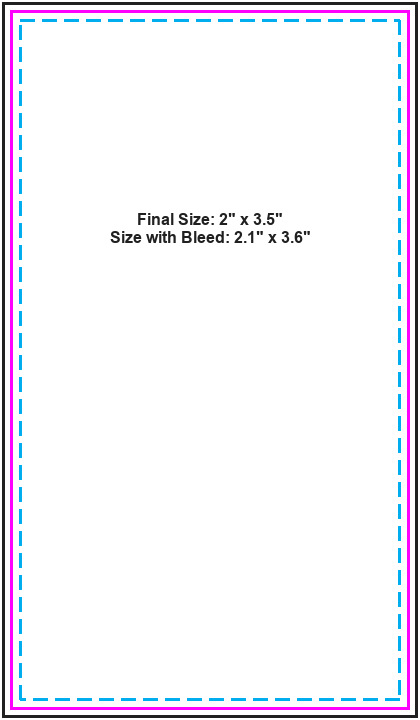
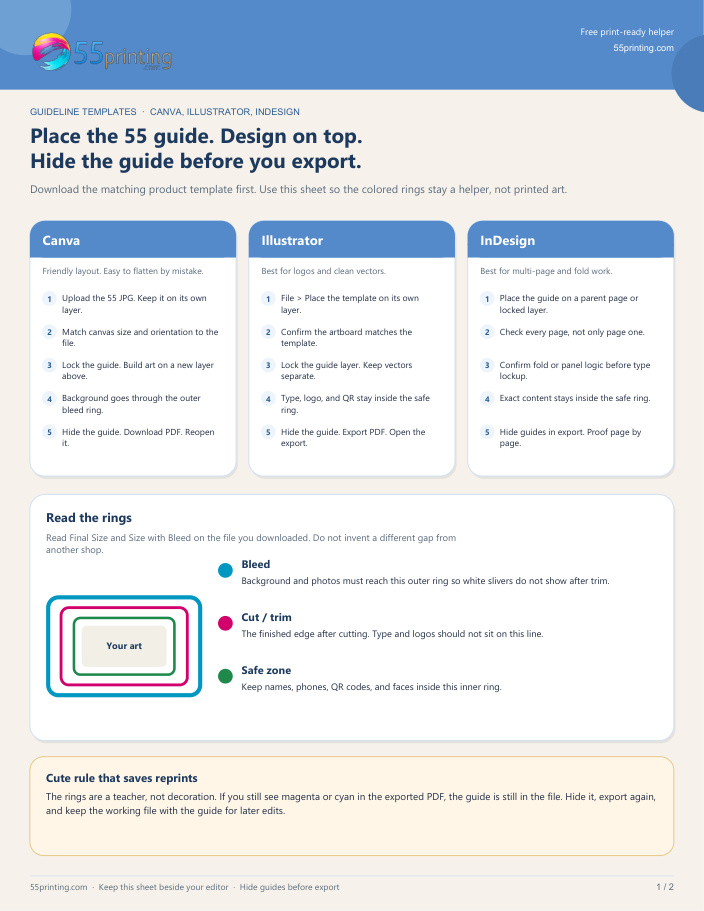
Better to export a single-card PDF at 2 x 3.5 inches with bleed. Multi-up sheets confuse trim, while one card file proofs cleaner.
When is Avery still the right choice?
When you need a handful of cards today and cannot wait for shipping. For launches and staff kits, commercial cards win on quality and cost per card.
Do Avery templates support rounded corners?
Most consumer sheets are square perforations. Rounded corners usually need commercial finishing on real card stock.
Where should I order commercial cards?
Go to the economical business cards form, upload a single-card PDF, and approve the free proof before the run.