

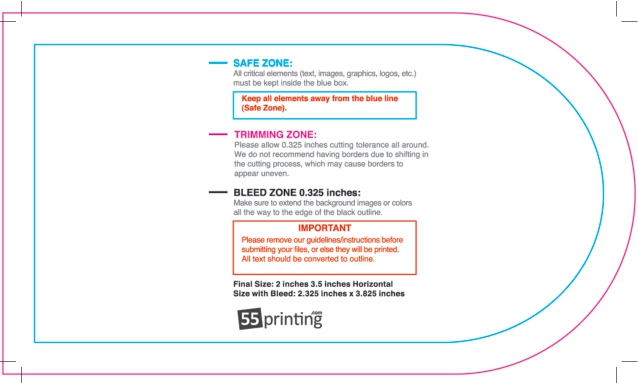
Put your logo on a business card the right way
A logo is the first thing a person sees on your card, so it has to be sharp at a tiny size. The most common mistake is dropping a small website JPG of a logo onto the card. It looks fine on screen and prints fuzzy. The fix is a vector logo, an SVG, EPS, or PDF, which stays crisp at any size because it is drawn with math, not pixels.
The 55printing business card generator lets you upload your logo, scale it without blur, and lock it inside the safe zone so the cut never clips it. If you only have a low-resolution logo, our free design setup team can often clean it up before print.
What business cards actually cost here
Live calculator check, verified September 17, 2026. Build: standard 2 x 3.5 inch rectangle, 14pt gloss cover, full color front with a blank back, standard 3 to 5 day turnaround. Print price only; shipping and coating upgrades are added at checkout.
| Quantity | Print price | Per card |
|---|---|---|
| 100 | $13.95 | 13.9¢ |
| 250 | $16.44 | 6.6¢ |
| 500 | $19.85 | 4.0¢ |
| 1,000 | $26.93 | 2.7¢ |
| 2,500 | $48.97 | 2.0¢ |
Two-sided full color on the same 14pt gloss runs $16.45 for 100 and $33.73 for 1,000. The calculator on the economical business cards form is the final source for your exact size, stock, sides, quantity, and delivery ZIP.
Add your logo in four steps
- Upload a vector. SVG, EPS, or PDF prints sharpest. A 300 dpi PNG at final size is the backup.
- Scale and place. Keep the logo inside the green safe ring, clear of the trim line.
- Match your colors. Pull the exact brand colors so the card matches your site and signage.
- Proof and print. Approve the free digital proof, then order on the economical business cards form.
Vector vs raster logo files
Raster logo (JPG or PNG)
- Pixels, blurs when scaled
- Website copies are too small
- Needs 300 dpi at final size
Vector logo (SVG, EPS, PDF)
- Sharp at any size
- Clean edges on 14pt stock
- Best for small card printing
If you are not sure which file you have, send it with your order. Our team checks the logo at print size and flags anything too soft before the run, so 500 cards at $19.85 come back crisp.
Logo card template pack
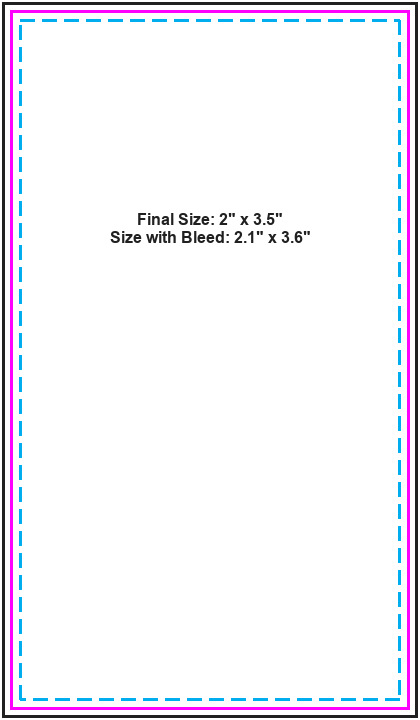
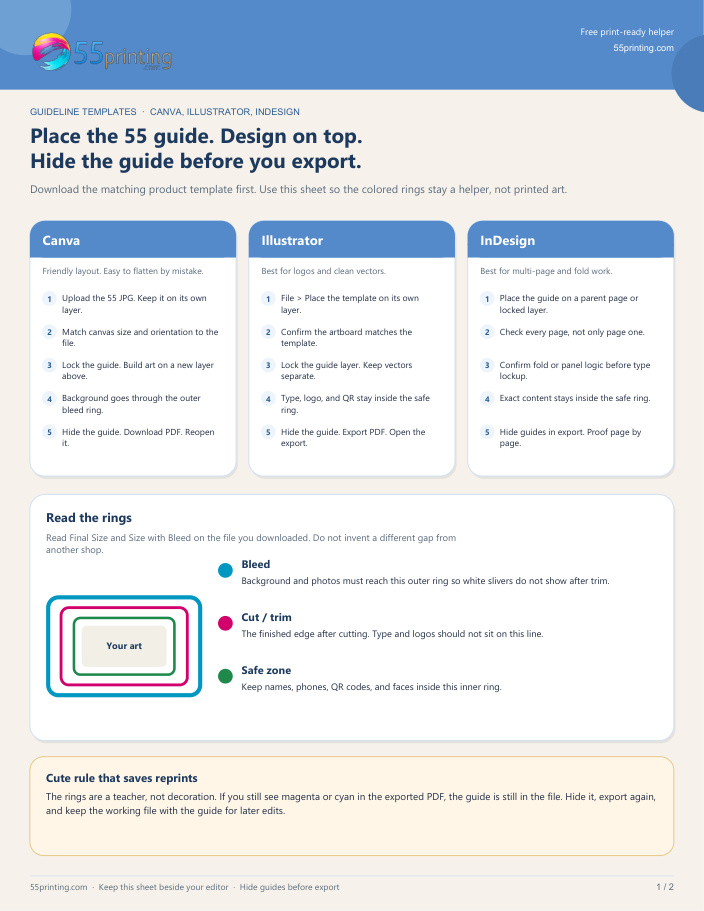
Print 500 logo cards for $19.85.
Logo business card FAQ
What logo file prints best on a business card?
A vector file, SVG, EPS, or PDF, stays sharp at any size. If you only have a JPG or PNG, it should be 300 dpi at the final print size or it may look fuzzy.
My logo is blurry. Can you fix it?
Often, yes. Send it with your order and our free design setup team checks it at print size and cleans up or rebuilds a soft logo before the run.
How big should the logo be on the card?
Big enough to read but inside the safe ring, clear of the trim line. On a 2 x 3.5 card, most logos sit around 0.75 to 1 inch wide.
How much do logo business cards cost?
The logo is part of your artwork, so the price matches a standard card: $13.95 for 100 and $19.85 for 500 on 14pt gloss.
Can I match my exact brand colors?
Yes. Enter your brand color values in the design so the card matches your website and signage. The free proof shows the color before printing.
Can I print the logo on both sides?
Yes. Color both sides on 14pt gloss is $16.45 for 100 and $33.73 for 1,000, handy for a logo back and a contact front.
Do you keep my logo on file for reprints?
Keep your master file and reorder the same layout anytime. A reprint of 500 stays $19.85 at the same spec.