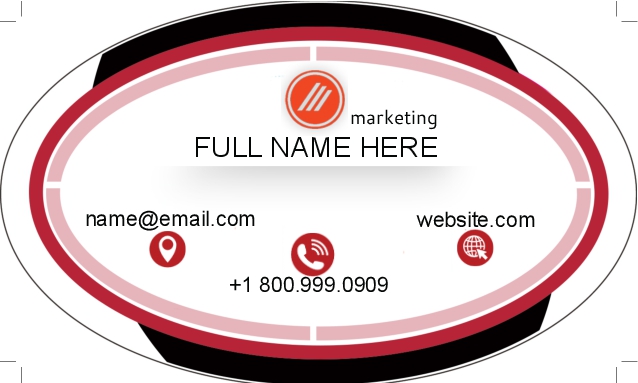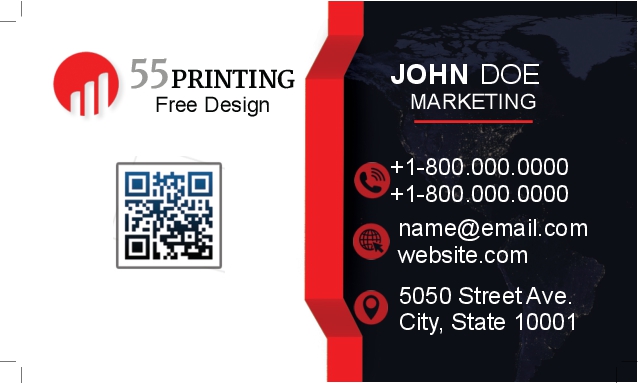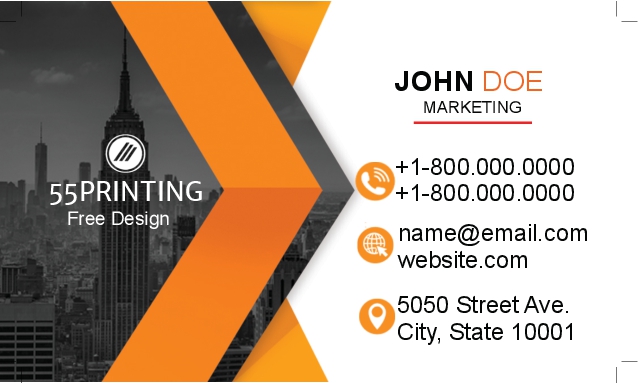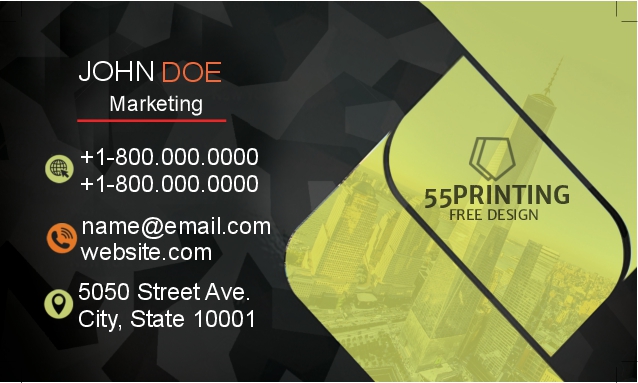
Interactive Business Card Designs

Oval DesignDelicate
ArrowNature


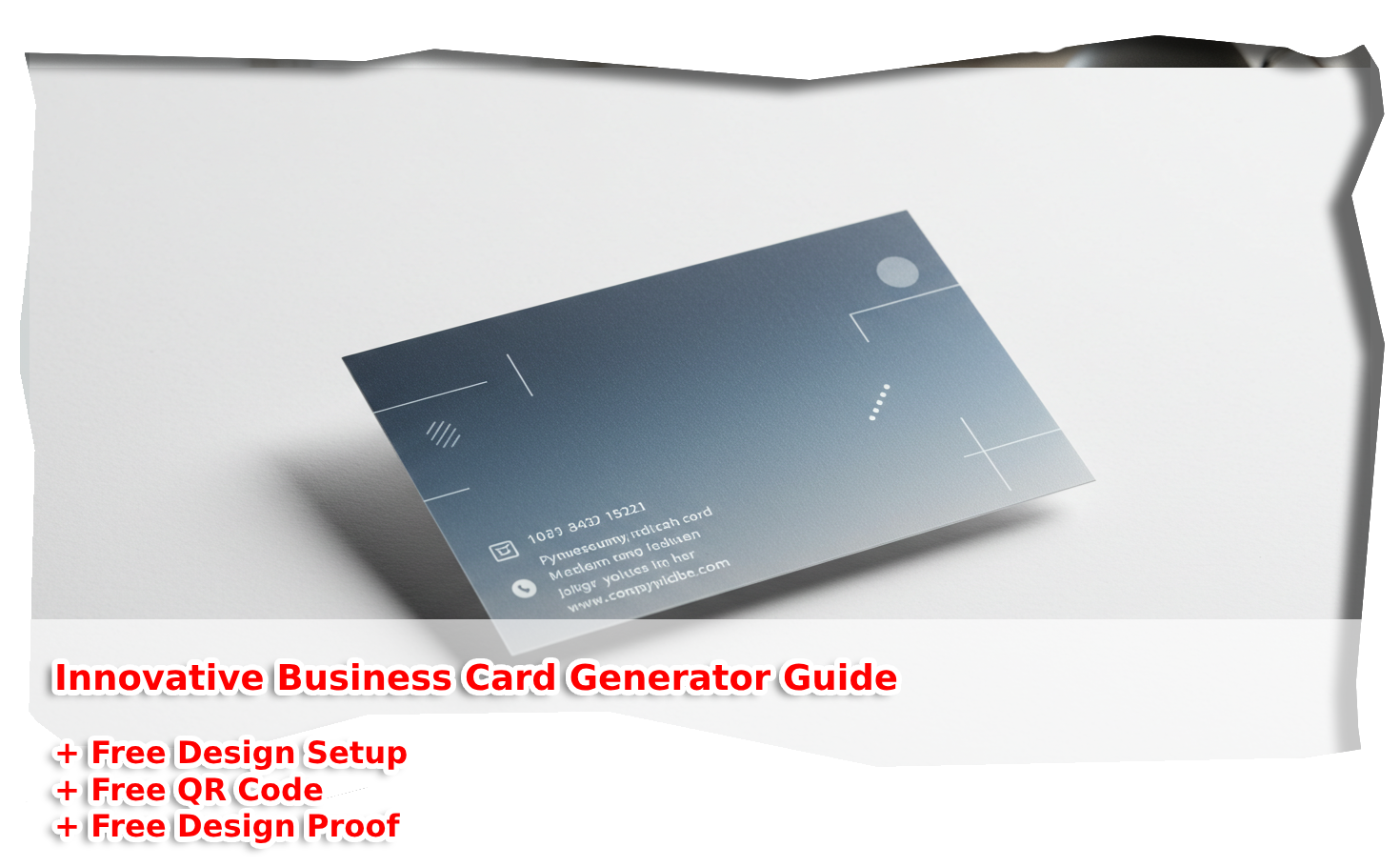
Innovative Impressions: Mastering the Business Card Generator

Imagine handing over a business card that doesn’t just share your contact info but sparks a conversation. That’s the magic of a business card generator—a tool that turns your ideas into affordable, professional designs without breaking the bank or requiring a graphic design degree. Whether you’re a freelancer pitching your next gig, a small business owner building your brand, or a creative soul wanting to stand out, these tools are your ticket to leaving a lasting impression.

In today’s fast-paced world, first impressions matter more than ever. Research shows that 80% of professionals still rely on business cards to network effectively—proof that this tiny piece of paper (or digital screen) holds big potential. With a generator, you’re not just creating a card; you’re crafting a story, a vibe, a connection—all for a fraction of the cost of hiring a designer.

Quick Stat:

80% of professionals still use business cards to make meaningful connections—don’t miss out!

What’s so exciting about these tools? They’re intuitive, budget-friendly, and packed with customizable options. From sleek templates to drag-and-drop editors, a business card generator empowers you to design something unique in minutes. No more settling for generic designs or spending hours tweaking pixels—these platforms do the heavy lifting, so you can focus on what matters: growing your network and your business.

In this guide, we’ll walk you through everything you need to know to master these tools. From picking the perfect template to printing your cards on a dime, you’ll discover how to create innovative impressions that stick with people long after the handshake. Ready to dive in? Let’s make your next business card your best one yet.


Why Use a Business Card Generator?

Save Time and Money

Let’s face it—hiring a designer can cost hundreds, and learning complex software takes time you don’t have. An affordable business card maker changes the game. With just a few clicks, you can whip up a polished design that rivals custom work, all without draining your wallet. Platforms like these are built for busy folks—small business owners, freelancers, or anyone who needs a quick, economic solution that doesn’t skimp on quality.

Professional Results on a Budget

Think cheap means low quality? Think again. A cheap business card design from a generator can look just as sharp as one from a pro studio. These tools offer sleek templates and intuitive features that let you create something professional—fast. Imagine the confidence of handing out a card that screams “I’ve got this” without spending more than your coffee budget for the week.

  • No design skills? No problem—these tools guide you.
  • Low-cost options mean more cash for your business.
  • Fast turnarounds keep your networking on track.

Top Features of a Business Card Maker

Customizable Templates

The heart of any custom business card creator is its templates. Whether you’re into minimalist vibes or bold, colorful layouts, there’s something for everyone. These pre-designed starting points save you from staring at a blank screen, and you can tweak them to match your style—swap colors, add your logo, or adjust fonts until it’s uniquely you.

Easy Editing Tools

Ever tried designing something only to get lost in menus? With a top-notch business card templates tool, editing is a breeze. Drag-and-drop interfaces, real-time previews, and simple controls mean you can experiment without frustration. Add a photo, resize text, or play with layouts—all in minutes, not hours.

FeatureBenefit
Drag-and-Drop EditorRearrange elements effortlessly.
Template VarietyFind the perfect style fast.
Font CustomizationMake it personal and professional.

How to Design with an Online Business Card Design Tool

Step-by-Step Guide

Ready to create your masterpiece with an online business card design tool? Here’s how to do it, step by step. Whether you’re a newbie or a seasoned pro, this process is so simple you’ll wonder why you didn’t start sooner.

  1. Pick a Platform: Choose a reliable tool like Canva or Adobe Express.
  2. Select a Template: Browse and pick one that fits your vibe.
  3. Customize It: Add your name, logo, and contact info.
  4. Download or Print: Save it digitally or order prints.

Tips for a Standout Design

A professional business card tool gives you the power to shine—here’s how to make it unforgettable. Keep it clean but bold, use your brand colors, and don’t overcrowd the space. A little creativity goes a long way—think a QR code for your website or a subtle pattern that ties it all together. Your card should feel like an extension of you, not just a piece of paper.


Free vs. Paid Business Card Generators

What You Get for Free

A free business card generator is a game-changer for anyone watching their pennies. Tools like Canva or Adobe Express offer stunning templates, basic editing, and downloadable designs at zero cost. You’re not just saving money—you’re getting a head start with layouts that look polished right out of the gate. Perfect for startups or side hustlers who need something quick and sharp without the price tag.

When to Upgrade

Free tools are fantastic, but a paid budget business card creator unlocks next-level perks. Think premium templates, high-res downloads, or even printing services bundled in. If you’re ready to scale up—say, for a big event or a rebrand—it’s worth the small investment. Your card becomes more than a handout; it’s a statement.

Free vs. Paid: At a Glance

Free: Basic templates, standard downloads
Paid: Premium designs, advanced features

Creating Digital Business Cards on a Budget

Why Go Digital?

Paper cards are classics, but a digital business card generator is the future. Shareable via email, QR codes, or social media, they’re eco-friendly and endlessly editable. Picture this: you meet someone at a conference, scan a code, and boom—they’ve got your info instantly. It’s modern, it’s slick, and it’s oh-so-cheap to pull off.

Tools for Digital Designs

No need to splurge—cheap business card design tools have you covered. Many free platforms let you create digital versions with clickable links and animations. It’s as simple as tweaking a template, adding your details, and exporting a file that works anywhere. You’ll look cutting-edge without spending a dime extra.

  • Instant sharing saves time.
  • Updates are a breeze—no reprinting needed.
  • Eco-friendly vibes win bonus points.

Best Practices for Professional Business Card Tools

Branding Consistency

A professional business card tool isn’t just about design—it’s about identity. Stick to your brand’s colors, fonts, and logo to make your card an extension of you. Consistency builds trust, and trust turns contacts into clients. Don’t let a mismatched card undo all your hard work.

Contact Info Essentials

Keep it simple but smart with your business card maker. Name, title, phone, email, website—maybe a social handle or QR code. Clutter confuses; clarity connects. Make sure every detail is legible and up-to-date, so people can reach you without a hassle.

Checklist for Your Card

☑ Logo ☑ Name ☑ Contact ☑ Brand Colors

Affordable Printing Options for Your Designs

In-House Printing

Got a printer and some cardstock? An affordable business card maker pairs perfectly with DIY printing. It’s low-cost, fast, and lets you test designs on the fly. Sure, it’s not as fancy as pro services, but for small batches, it’s a budget winner.

Online Printing Services

For a pro finish, budget business card creator tools often link to online printers. Services like Vistaprint offer economic deals—think 500 cards for under $20. Quality paper, fast shipping, and no mess at home—it’s the sweet spot for scaling up without breaking the bank.

OptionCost
In-House$5-$10 (supplies)
Online$15-$25 (500 cards)

Success Stories Using Business Card Templates

Small Business Wins

Take Sarah, a bakery owner who used a business card templates tool to design her cards. With a cute cupcake icon and her shop’s colors, she printed 200 for a local fair. Result? She landed three catering gigs from new customers who loved her vibe. Affordable tools, big wins.

Freelancer Impact

Then there’s Mike, a graphic designer who crafted a sleek digital card with a custom business card creator. He added a QR code to his portfolio and shared it at a networking event. Two clients reached out within a week. Small investment, huge payoff.

  1. Sarah’s Bakery Boost
  2. Mike’s Freelance Leap

Get Started with Your Business Card Generator Today

Choosing the Right Tool

Picking a business card generator is the fun part! Need free and easy? Try Canva. Want pro printing? Vistaprint’s your pick. Love creative control? Adobe Express has you covered. Match the tool to your needs, and you’re halfway there.

Next Steps

Ready to roll with online business card design? Jump in—pick a template, tweak it, and download or print. It’s that simple. Your next connection is waiting, and your card’s about to steal the show.

Infographic: Your Path to a Perfect Card

Big icons (pencil, card, printer), blueish arrows flowing: Pick a Tool → Customize → Print/Share. Black and gray tones, rounded boxes, bold and beautiful.


Infographic: Your Journey to a Perfect Business Card

Master Your Business Card in 4 Simple Steps

🛠️

1. Pick a Tool

Choose a budget-friendly generator like Canva or Vistaprint.

➡️
✏️

2. Customize

Add your logo, tweak colors, and make it yours—fast.

➡️
📱

3. Design Digital or Print

Go digital with QR codes or print affordably at home.

➡️
🤝

4. Share

Hand it out or share online—make connections that stick.

A beautiful card starts with a smart, low-cost tool!


FAQ: Your Business Card Generator Questions Answered

What is a business card generator?

A business card generator is an online tool that helps you create custom cards fast. It’s perfect for anyone needing a professional design without the fuss.

Are business card generators free to use?

Many are! Platforms like Canva offer free versions, though some features might need a small upgrade fee.

Can I print cards from a business card generator?

Absolutely! Most let you download files for home printing or connect to affordable services like Vistaprint.

How fast can I make a card with a business card generator?

In minutes! Pick a template, tweak it, and you’re done—faster than brewing your morning coffee.

Do business card generators offer templates?

Yes, tons of them! From sleek to bold, there’s a style for every vibe.

Can I make digital cards with a business card generator?

You bet! Add a QR code or export as a shareable file—modern and easy.

Are business card generators good for beginners?

Perfect for them! No design skills needed—just drag, drop, and go.

What’s the best business card generator for pros?

Tools like Adobe Express shine with advanced customization for a pro edge.

Can I add my logo to a business card generator?

Of course! Upload it, resize, and place it wherever you like.

Do business card generators save my work?

Most do! Sign up, and your designs are ready to edit anytime.

How do I choose a business card generator?

Look for ease, cost, and features—free ones work great for starters!

Are business card generators worth it?

Totally! They’re cheap, fast, and deliver pro results every time.

Can I use a business card generator for branding?

Yes! Match colors and fonts to your brand for a cohesive look.

What file types do business card generators offer?

Common ones are PDF, PNG, or JPG—great for printing or sharing.

Why trust a business card generator?

They’re reliable, user-friendly, and backed by millions of happy users!