

When Is AI Uncrop Worth It for Print?
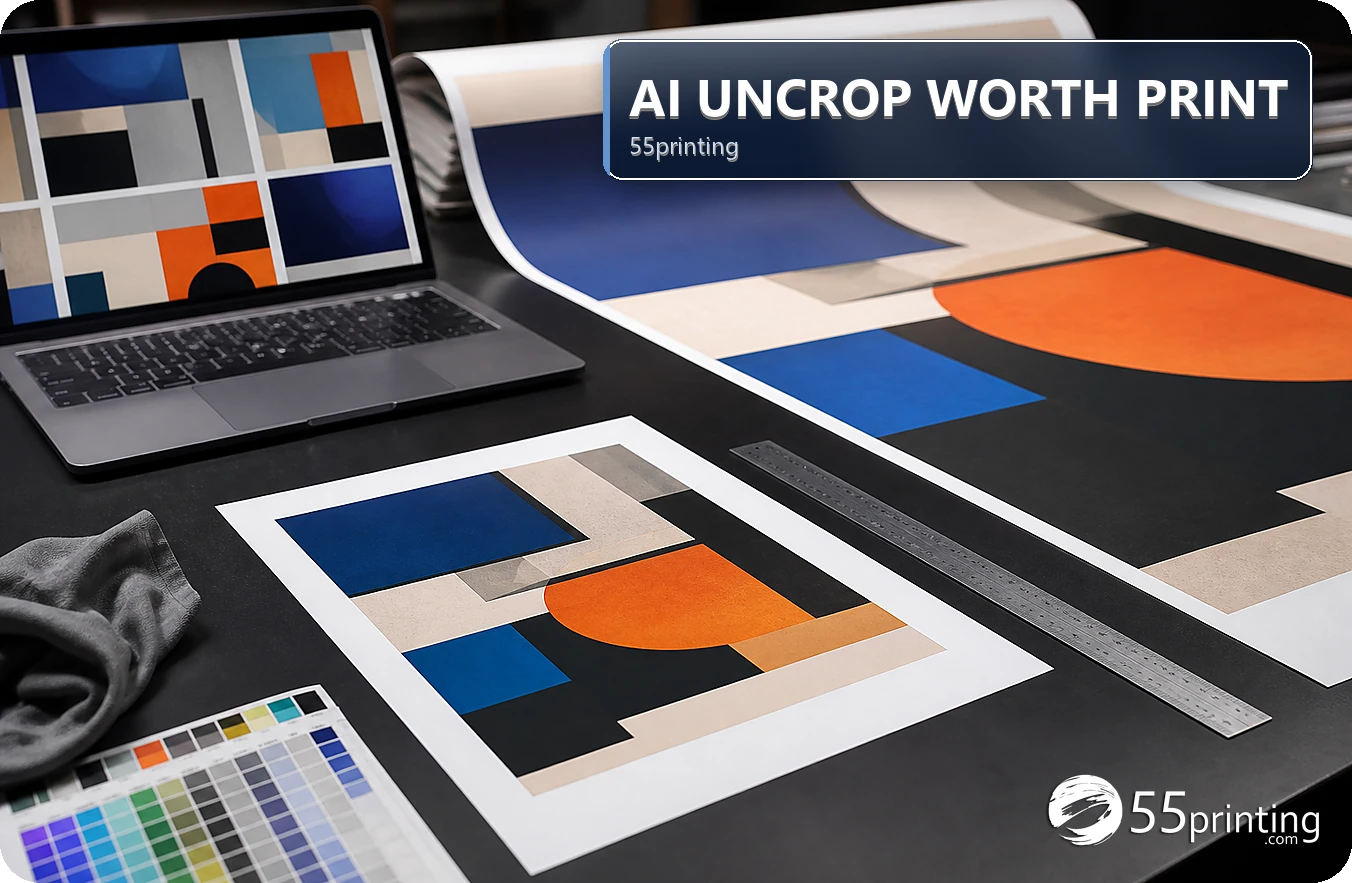
AI Uncrop is worth testing when the missing edge is simple background and the review cost is low. Manual editing or a better source is safer when the edge carries a face, product, logo, QR code, or wording. Confirm the canvas first, preserve the original, inspect the generated strip, and use a proof. A smooth edge alone is not a success measure.
The 55printing AI Uncrop route is useful when a background needs extra room beyond trim, but “worth it” depends on what the edge means. A plain sky is different from a face, package, logo, QR code, or line of text. Measure the risk before opening the tool and keep manual editing or source replacement available.
How should you measure whether AI edge extension is worth testing?
Ask four questions: Is the edge simple? Does the product canvas already match? Can the result be checked quickly against an unchanged source? What happens if the output invents a detail? If the answers are favorable, a small test may save layout time. If an exact subject is near trim, the cost of a wrong result is higher than the convenience.
- Classify background and exact subjects.
- Confirm product size and safe zone.
- Keep source and output separate.
- Define the rejection condition first.
Which path fits each edge condition?
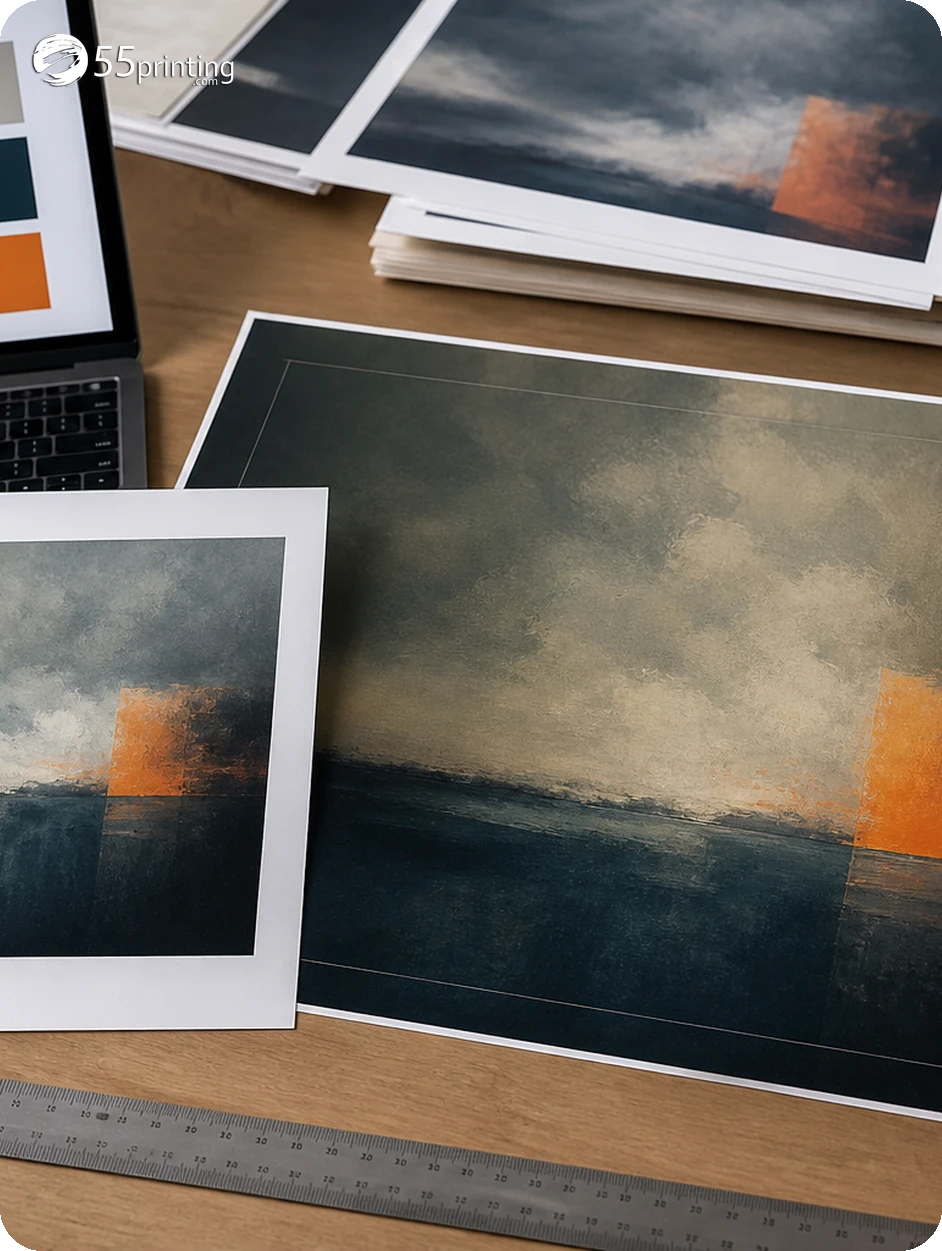
Use the matching guideline template before deciding. A layout correction may remove the need for edge extension. If the only remaining defect is a simple background gap, AI Uncrop is a candidate. If the edge carries exact meaning, use a better source or manual edit.
| Edge condition | Preferred first path | Why |
|---|---|---|
| Flat color or sky | Controlled AI test | Generated area is easier to compare. |
| Repeating texture | AI test with close review | Seams and repeats need inspection. |
| Face or hand | Manual crop or source photo | Anatomy carries exact meaning. |
| Product or package | Protect source edge | Labels and contours can change. |
| Logo, QR, or text | Rebuild with safe margin | Exact marks should not be invented. |
How do you run a controlled AI Uncrop test?
Use a versioned copy, one edge, and a clear product context. Save the output with the edge named. Compare the result at normal reading size and close zoom. Look for repeated objects, bent lines, invented lettering, changed faces, and crop problems. Do not measure success by whether the white sliver disappeared.
- Save the original.
- Confirm canvas and trim.
- Choose one edge.
- Run the visible tool step.
- Inspect generated pixels.
- Place in layout and proof.
What is the stop rule?
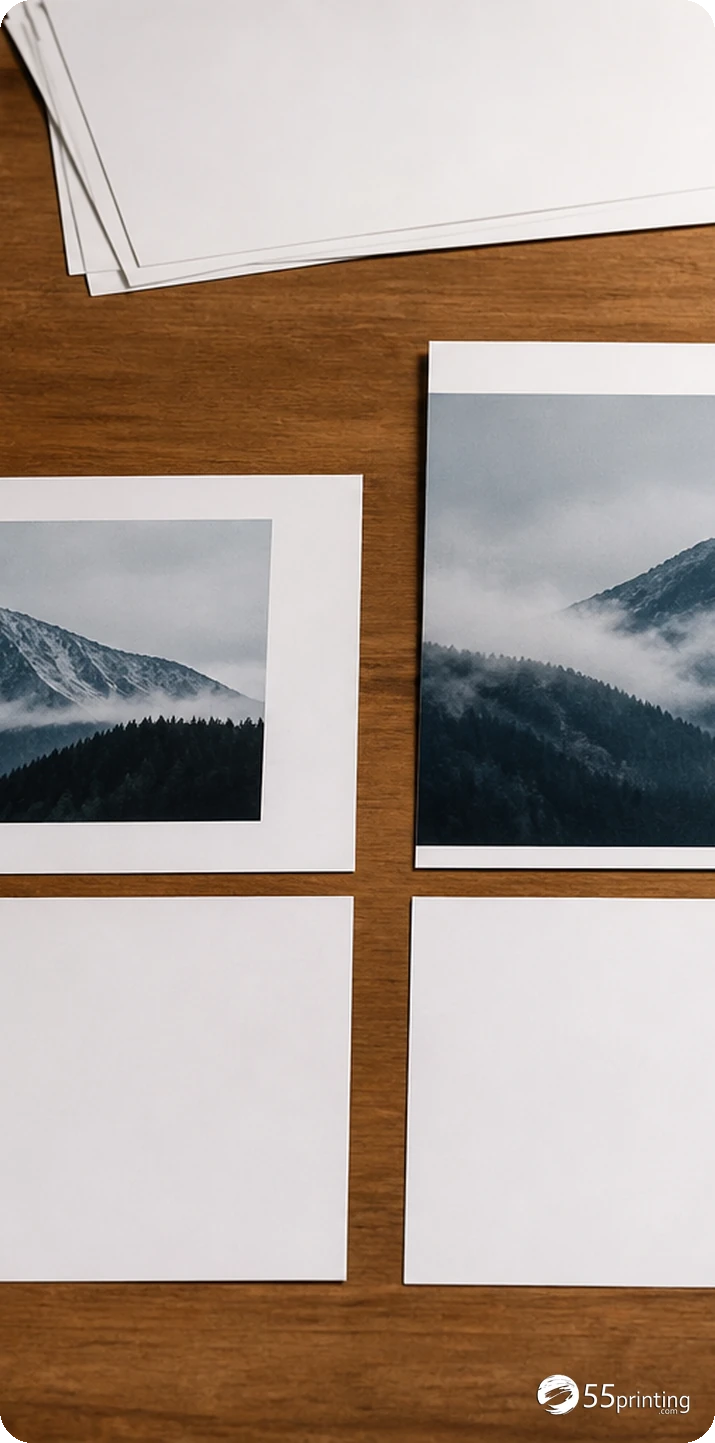
Stop and switch paths when the output changes a face, product, logo, QR code, wording, or recognizable object; when the edge remains visibly artificial; or when the product canvas is wrong. Keep the original, explain the issue in the File Uploader note, and use the free PDF proof after a safer version is prepared.
Which situations make AI Uncrop a poor value?
Portrait cut by trim
The subject risk is high. A manual crop or better source gives a clearer decision than an invented face edge.
Product package at the edge
Protect labels, contours, and claims. A smooth extension can still change what the package communicates.
Simple sky on a postcard
A controlled test may be worthwhile when the canvas is correct and the generated texture is inspected in proof.
When does a PPI reading tell you to skip the extension?
The stop rule in this article is about value, not about how to paint a border. Before you spend the test, open Print Clear on the untouched source and read effective PPI at the print size. That is the reading the hub listed on October 9, 2026, together with a size-fit signal. If the source is already thin at the finished size, extending the edge adds pixels without adding detail.
Do not treat the PPI number as a guarantee, and do not expect Print Clear to sharpen the file. A weak reading means you ask for a better source instead of an AI edge. A usable reading means the controlled test later in this article is still worth running, and the proof remains the acceptance step.
Questions customers ask
When is AI Uncrop worth trying?
It is worth a controlled test when the edge is simple background, the product canvas is correct, the source is preserved, and the generated strip can be reviewed without changing exact meaning. Stop when faces, products, logos, QR codes, or words are affected.
When is manual editing safer?
Use manual editing or a better source when the edge contains a face, hand, product package, logo, QR code, lettering, or a recognizable object. Those subjects carry exact meaning, and a smooth generated extension can still be visually or factually wrong.
Does removing a white sliver prove success?
No. It proves only that the visible gap changed. Inspect the generated texture, crop, subject, text, logo, safe zone, and product canvas. A successful edge fix must preserve the intended design and survive comparison in the final proof. Judge the full layout, not one gap.
Should I check the template first?
Yes. Confirm product size, orientation, bleed, and safe zone before deciding whether edge extension is needed. A wrong canvas can create a false edge problem, and AI Uncrop cannot turn a generic document into the correct product layout. This check prevents a tool test from masking setup errors.
How do I compare an AI edge?
Keep the original and output together, inspect the generated strip at close zoom, and review the complete layout at normal size. Look for seams, repeats, bent lines, changed faces, invented letters, product changes, crop issues, and contrast problems before proof. Record the edge and version reviewed.
Can AI Uncrop protect text near trim?
No. Move important text inside the safe zone first. Background extension may cover a cut risk, but it does not protect a word or phone number that is already too close to the trim. Check copy and geometry separately in the proof.
What if the edge result looks artificial?
Reject it or rebuild the edge manually. Keep the source and note the visible issue, such as a seam, repeated object, bent line, or invented texture. Do not hide a weak result with a small thumbnail or assume production will make it disappear.
What should I write in the proof note?
Identify the product, edge, version, source, generated change, and the region that needs comparison. State whether the result was accepted or rejected and why. Clear notes help review focus on the edge while still checking the complete file. Include the stop reason when the test was rejected.
Test simple backgrounds, protect exact subjects, and keep manual editing and proof review available.