

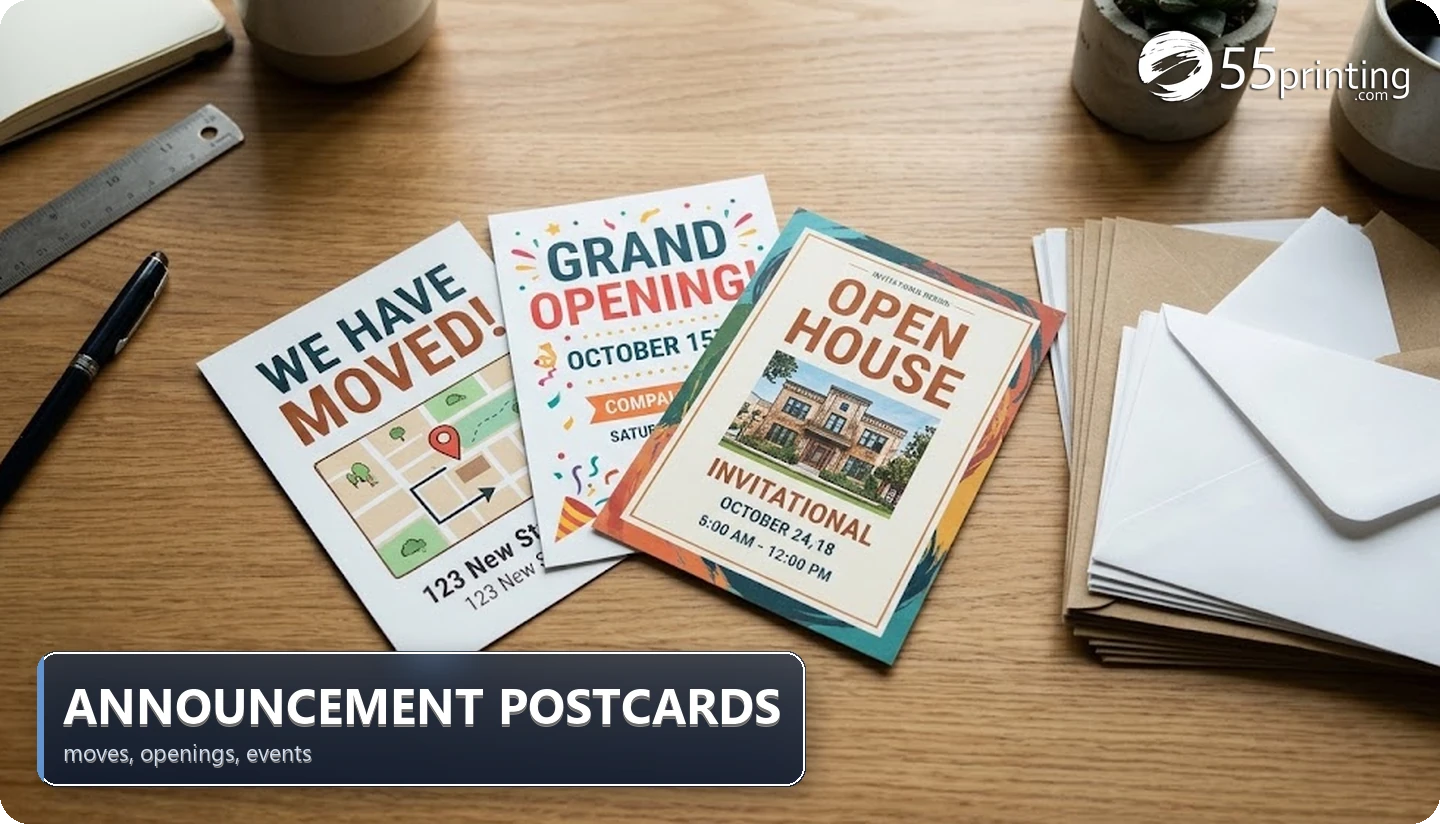
Announcement postcards fail when the date, address, or hours are almost right. A move, grand opening, or event card has one job: tell people what changed and how to respond. This page owns the occasion checklist for 55printing postcard announcements and keeps response-rate claims blocked.
Must-print fields by occasion
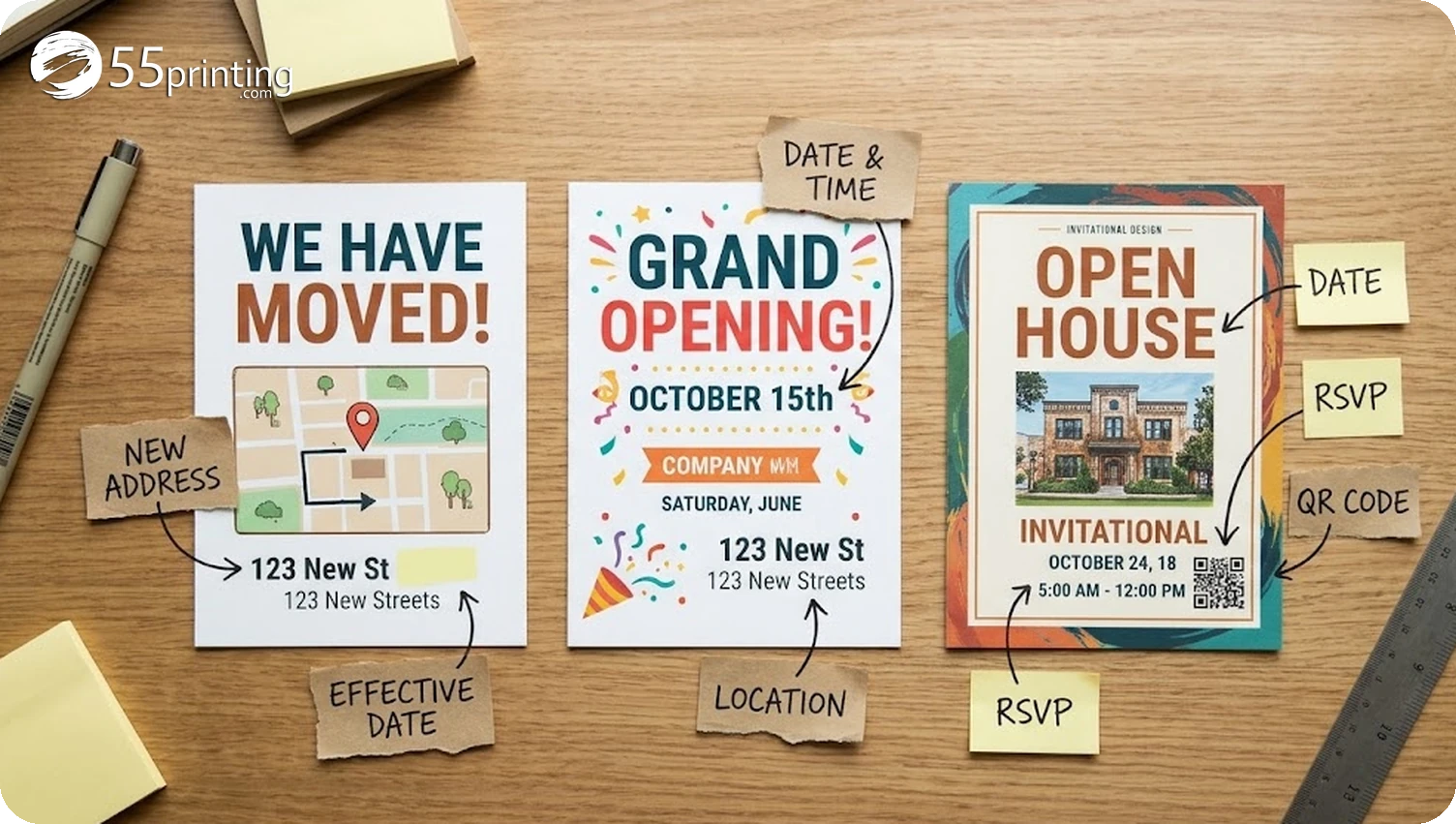
| Occasion | Required fields | Optional helpers | Common proof miss |
|---|---|---|---|
| Move | Business name, new address, effective date | Map, hours, parking note | Old address left on back |
| Grand opening | Name, date, time, location, offer if any | QR to map, parking, RSVP | Weekday vs calendar mismatch |
| Event | Event name, date, time, venue, response path | Agenda snippet, age rules | Wrong room or gate |
If the card needs a long story, move narrative to a landing page and keep the postcard as the announce-and-act piece. Order on postcard printing after fields are locked.
Size fit: 4×6 vs 5×7
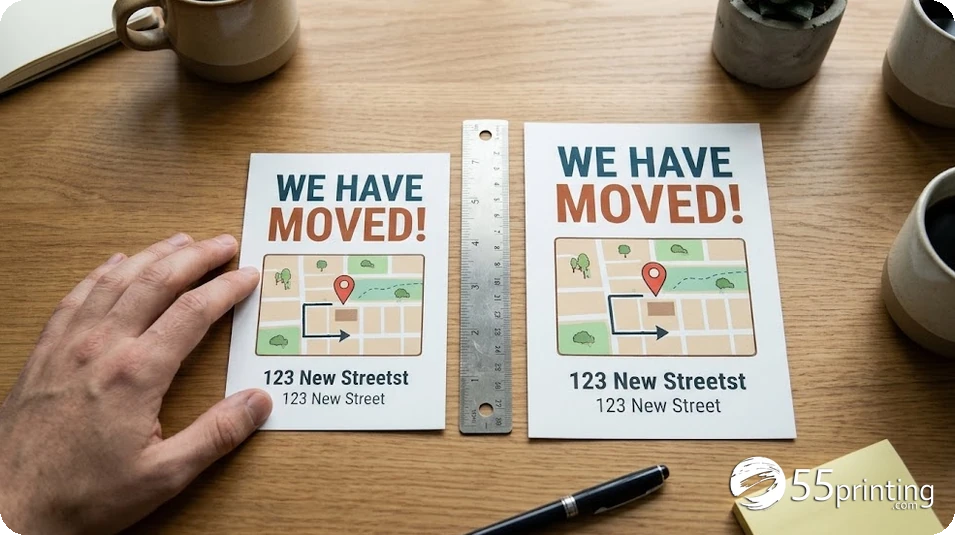
| Size | Qty | Archived print cell | Copy fit cue |
|---|---|---|---|
| 4×6 | 100 | $29.2824 | Short announce + one action |
| 5×7 | 100 | $36.5246 | More lines for hours or map notes |
| 4×6 | 250 | $43.0416 | Larger recipient list same short copy |
Choose 5×7 when hours, directions, and a QR need breathing room. Choose 4×6 when the announce is short and hierarchy stays readable at arm length. Confirm live size selectors before designing.
Quantity without invented extra percentages
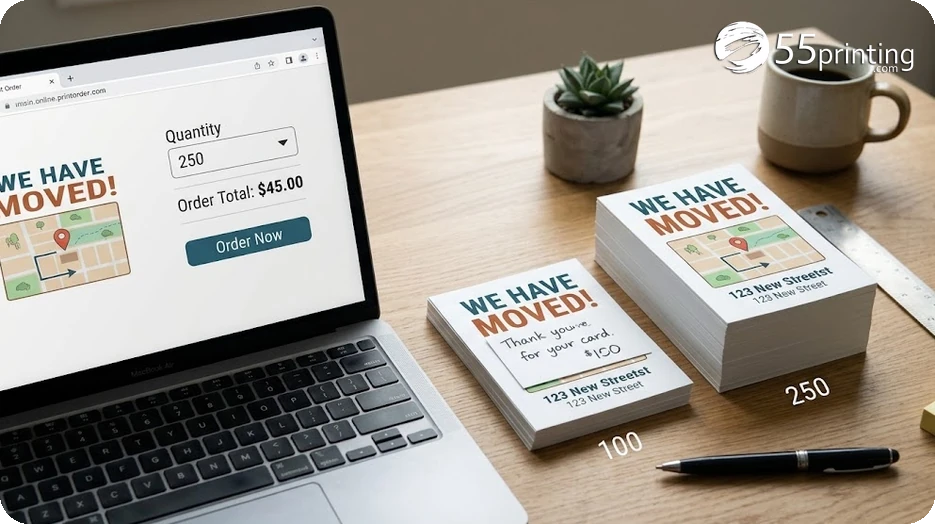
- Count named recipients or households on the list.
- Add named extras: lobby stack, partners, keepsakes, replacements with a purpose.
- Do not apply a generic spoilage percent with no source.
- If the opening needs neighborhood saturation without a list, fork to EDDM postcards and verify eligibility separately.
Map, QR, and envelope decisions
- Place a map or QR on the message side when directions matter; keep mail-panel zones clear.
- Envelopes are usually unnecessary for postcards; verify only if the use case requires a sealed package instead.
- Invitations and event tickets are different products when RSVP suites or door checks are the real job.
Timing for EDDM openings still needs current route and postal planning. This occasion page does not invent drop calendars or response rates for openings and moves.
Honest limitation: live stocks, EDDM eligibility, and conversion claims are not established here. Rebuild specs on the live form before payment.
After fields lock, print a 100 percent paper mock, mark the mail panel with a blank rectangle, and confirm the announce hierarchy still reads when held at arm length. If the date string wraps into the action line, move to 5×7 or cut secondary copy before upload to 55printing.
Occasion timing without invented response rates
Moves need the effective date to land before customers travel to the old address. Openings need enough lead for production plus postal travel without inventing a standard drop calendar. Events need weekday and door notes locked early enough that reprints are possible if the venue changes rooms.
Build a simple timeline with four dated lines: artwork lock, proof approval, print completion, and mail or handout start. None of those dates comes from an archive print cell. If the handout is in-person rather than mailed, remove postage from the plan entirely and count only the cards staff will actually distribute.
For neighborhood openings that lack a clean household list, evaluate EDDM as a separate path with current eligibility checks. For named client or patient lists, stay on list-based postcard printing. Do not blend the two quantity methods in one receipt. Keep announcement postcards focused on accurate fields, readable size, and a proof stop that catches irreversible errors before ink hits paper.
When multiple stakeholders edit the card, assign one owner for the source calendar and one owner for the address block. Conflicting edits are a common cause of weekday mismatches. Save the final approved PDF with a version label so reprints match the same locked text. A short announcement postcard that is accurate beats a crowded card that forces guests to the wrong door.
Confirm size, stock, quantity, and artwork after the proof stop clears.
Announcement postcards FAQ
Which details must appear on a move or opening postcard?
Include the business or event name, the change being announced, the date and time when relevant, the full location, and one clear response path such as a phone, URL, or QR. Moves need the effective date and new address. Openings need hours and any offer terms that expire. Leave long biography copy off the card.
When is 5×7 better than 4×6 for announcements?
Use 5×7 when hours, directions, parking, and a QR need space without tiny type. Use 4×6 when the announce is short and the action is one line. Archived 100-piece cells were $29.2824 for 4×6 and $36.5246 for 5×7 on July 30, 2026 history. Recheck live before choosing.
What did archived 4×6 and 5×7 100-piece cells show?
Archive values were $29.2824 for 4×6 at 100 and $36.5246 for 5×7 at 100, plus $43.0416 for 4×6 at 250, checked July 30, 2026. They are print-only history on one archived configuration. Confirm matching live options on 55printing before treating any cell as a current order total.
How many extra cards should be ordered?
Add only named uses: front-desk stacks, partner handouts, keepsakes, and replacements with a purpose. Start from the recipient count, then add those groups. Do not invent a flat percentage. If the list is still changing, delay final quantity until the list owner confirms the delivery units.
When should an opening use EDDM instead of a list?
EDDM can fit neighborhood saturation when you do not have a household list and routes cover the trade area. Confirm current eligibility, dimensions, and postage separately. Use the EDDM product root for that path. Keep list-based announcement cards on the standard postcard root.
Where should a map or QR be placed?
Put maps and QR codes with the message hierarchy, not in address or postage clear zones. Test QR scans on a trimmed proof. If directions are long, prefer a QR to a map page over crowding the face. Confirm panel rules against the current template before upload.
What proof checks catch date and address errors?
Compare weekday against the calendar date, read the full street address aloud, confirm suite and entrance, and test phone and URL. A second reviewer should check against the source event record. Production proofs show the file you uploaded; they cannot know the source date was wrong.
Which URL should be used to order announcement postcards?
Use /postcard-printing/ for list-based announcement cards. Use /eddm-postcards-printing/ when the opening is a route saturation campaign. Recheck size, stock, quantity, and destination live on 55printing before payment, and keep archive cells labeled as history rather than a current delivered total.